Honest MotionBox Review 2026: Best AI Video Creation Tool Worth It?

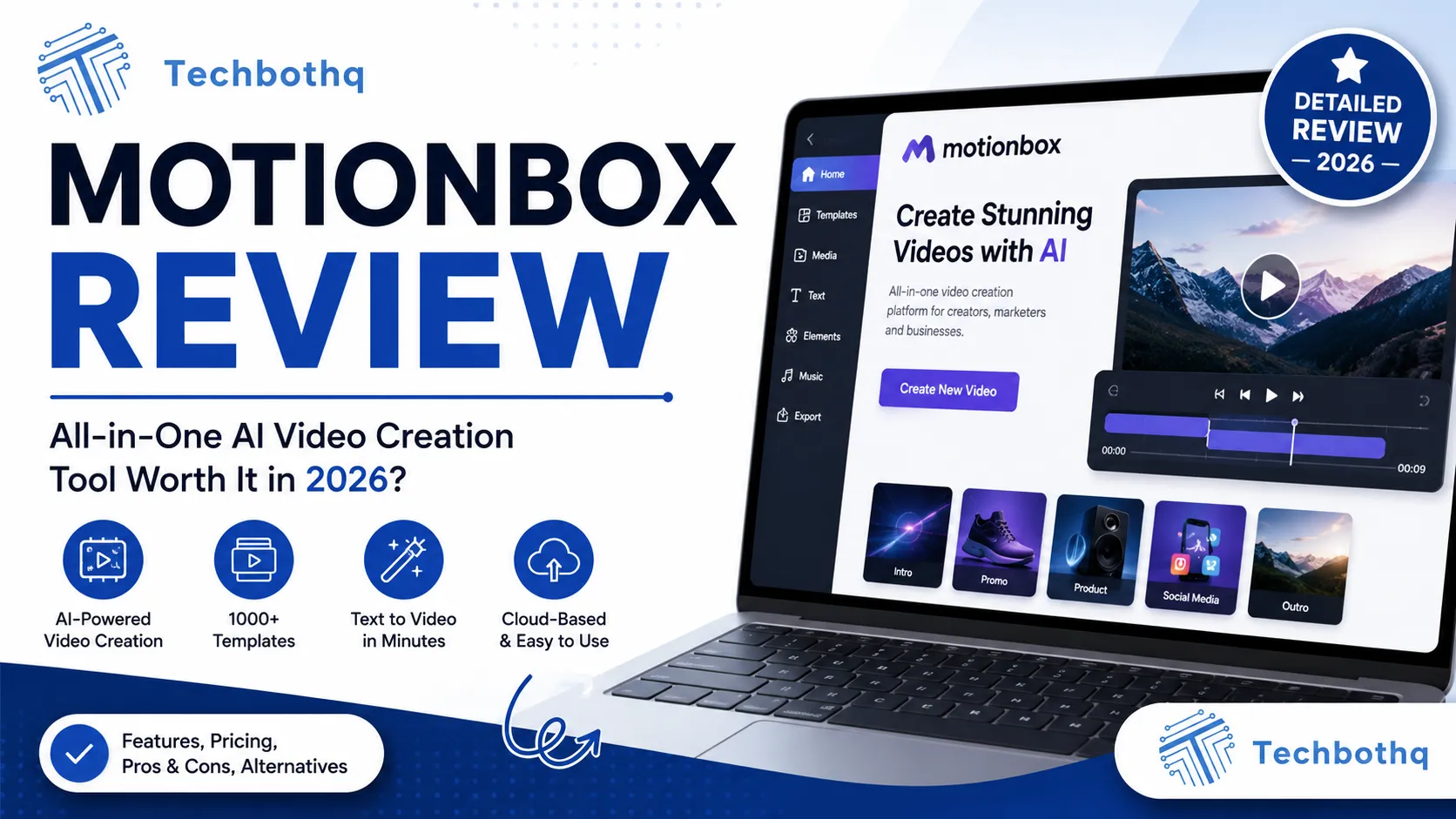
Video content has become a non-negotiable part of digital marketing — but professional video production remains expensive, time-consuming, and technically demanding for most marketing teams. MotionBox is built to bridge that gap, and this MotionBox review examines whether the AI-powered video creation platform genuinely enables marketing teams, content creators, and businesses to produce professional-quality video content without a production team, or whether it’s a tool that looks impressive in demos and produces underwhelming results in real-world workflows.
This MotionBox review covers the platform’s AI video generation capabilities, its template library, its subtitle and translation tools, the social media formatting features, and how it compares to the growing field of AI video creation tools. The MotionBox review process is thorough and honest — covering not just what the platform can do but what limitations matter most for the marketing teams most likely to consider it.
MotionBox has been growing steadily since its launch and serves a diverse user base: social media managers producing regular video content, small businesses building brand presence through video, content creators repurposing written content into video formats, and marketing teams that need professional video assets without professional video budgets. This MotionBox review tells you whether the platform genuinely serves those use cases.
VERDICT BOX
Overall Rating: 7.9 / 10
Best for: Social media managers, content creators, small businesses, and marketing teams who need to produce regular video content quickly without professional video editing skills or significant production budgets
Price: Free plan available; Basic at $15/month; Pro at $35/month; Business at $69/month (billed annually)
Verdict: MotionBox is a capable and accessible AI video creation tool that delivers solid results for social media content, short-form marketing videos, and content repurposing at a competitive price. It’s not a replacement for professional video production for hero content, but for the high volume of regular video content modern marketing demands, it delivers meaningful value.
Table of Contents
What Is MotionBox? Background for This MotionBox Review
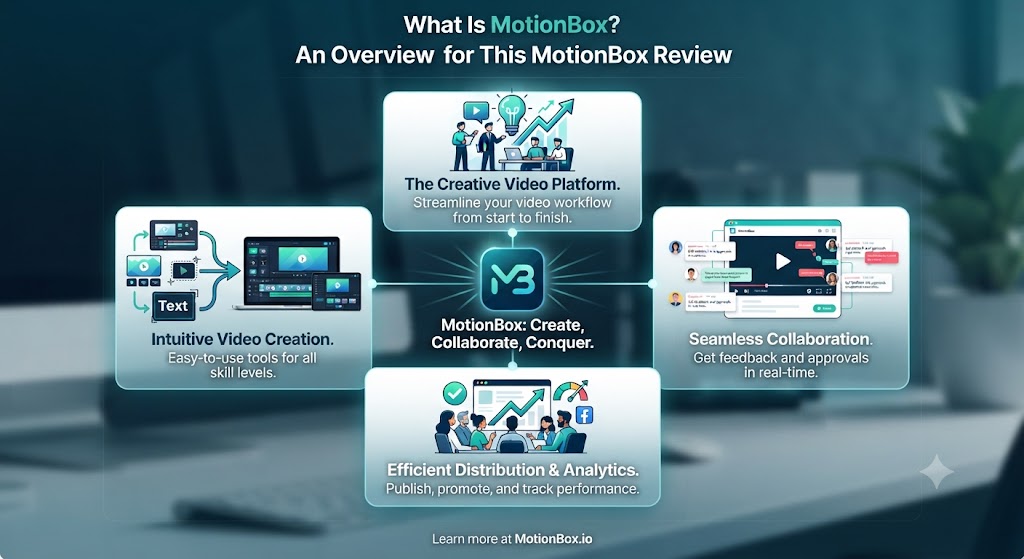
MotionBox is an AI-powered video creation and editing platform built for marketers, content creators, and businesses that need to produce video content regularly without the overhead of professional video production. This MotionBox review covers the 2026 version of the platform, which has expanded its AI capabilities significantly — adding AI video generation from text prompts, AI-powered auto-subtitling, automatic translation into multiple languages, and AI-driven scene suggestions alongside its core template-based video creation tools.
The core positioning behind this MotionBox review is accessibility. MotionBox is explicitly not a tool for professional video editors or broadcast production teams — it’s designed for the social media manager who needs to produce five pieces of video content per week, the small business owner who wants to produce product showcase videos without hiring a videographer, and the content creator who wants to convert blog posts and articles into engaging video formats quickly. This MotionBox review tests whether the platform genuinely serves those users or whether the gap between template-based video tools and professional production is still too wide to bridge meaningfully.
MotionBox competes in a crowded space that includes Canva (with its increasingly capable video features), InVideo, Lumen5, and Animoto. This MotionBox review evaluates where MotionBox differentiates from those alternatives and where it falls short. Our AI design tools section covers the full range of visual content creation tools for context.
Want The Time Savings Without Doing It Yourself?
These tools save you hours on your own tasks — but marketing is one job most people would rather hand off entirely. Tasknestly runs it for you, end to end.
Get a Free Marketing Quote →MotionBox Review: Pros and Cons
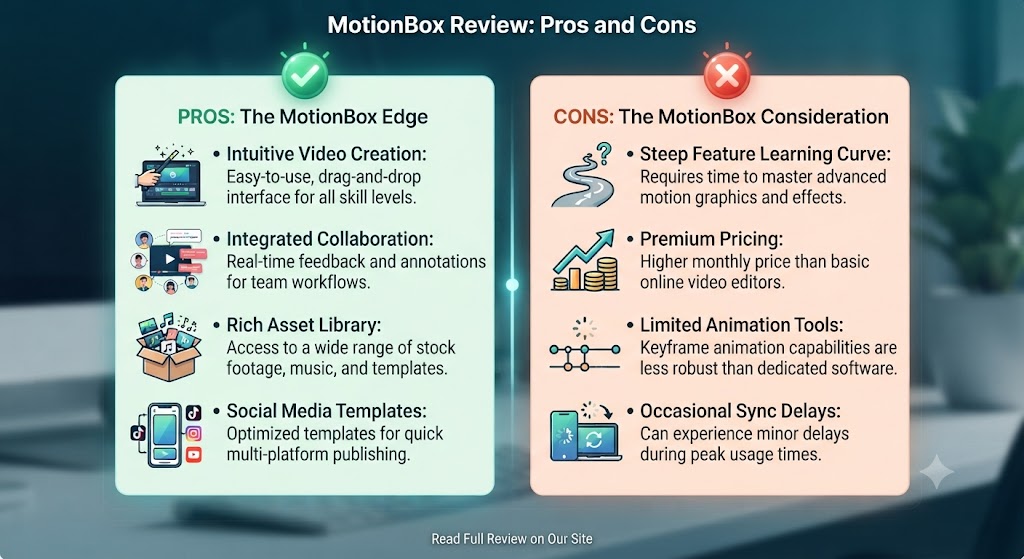
| Pros | Cons |
|---|---|
| Accessible interface — no video editing experience required to produce usable results | Output quality is clearly distinguishable from professional video production for discerning audiences |
| Auto-subtitle generation is accurate and significantly faster than manual subtitle creation | AI-generated video from text prompts is still early-stage — quality varies significantly by prompt |
| Multi-language translation enables efficient global content distribution from single-language source | Template designs can feel generic if not customised carefully |
| Social media format optimisation covers multiple platform aspect ratios from a single project | Limited control over detailed motion graphics and animation timing |
| AI text-to-video converts written content into video format efficiently | Stock footage library, while large, can produce content that looks like every other template-based video |
| Competitive pricing — affordable for individual creators and small teams | Business plan required for team collaboration and brand kit features |
Want The Time Savings Without Doing It Yourself?
These tools save you hours on your own tasks — but marketing is one job most people would rather hand off entirely. Tasknestly runs it for you, end to end.
Get a Free Marketing Quote →MotionBox Review: Feature Deep-Dive
AI Video Generation — The Core of This MotionBox Review
The AI video generation capability is the most discussed feature in any current MotionBox review and the one that most defines how the platform has evolved from its origins as a template-based video editor. MotionBox’s text-to-video feature allows you to input a script, a URL to an article, or a text prompt, and the AI generates a video — selecting or generating visuals, adding motion, applying music, and creating a subtitle track — from that text input.
This MotionBox review found the text-to-video output quality to be promising but variable. For short-form social media content with clear, structured scripts — product announcements, list-format content, promotional messages — the AI produces usable results that work well for platforms like Instagram Reels, TikTok, and LinkedIn. For longer content, nuanced storytelling, or content that requires original visuals rather than stock footage, this MotionBox review found the AI output to require significant manual refinement before it meets a professional standard.
The practical workflow this MotionBox review recommends for AI video generation is to treat the AI output as a starting point rather than a finished product. Use the AI to establish the basic structure, timing, and visual direction of the video, then refine in MotionBox’s editor — swapping stock footage for brand-specific assets, adjusting pacing, modifying text overlays, and replacing the AI-selected music with something more brand-appropriate. This MotionBox review found that workflow to be significantly faster than building from a blank canvas while still producing output that meets commercial marketing standards.
Template Library and Video Editor
MotionBox’s template library covers a wide range of video formats: social media posts (Instagram, TikTok, LinkedIn, Facebook, Twitter/X), story formats, promotional videos, explainer videos, product showcases, testimonials, and more. This MotionBox review found the template quality to be consistently solid — templates are modern, clean, and designed with social media engagement patterns in mind rather than just visual aesthetics.
The video editor in this MotionBox review operates on a timeline-based model simplified for non-technical users. You can drag and drop media, adjust clip duration, add and style text overlays, change music, modify transitions, and apply colour filters without needing to understand professional editing concepts like keyframing or compositing. This MotionBox review found the editor to be genuinely accessible — testing it with users who had no prior video editing experience consistently produced usable outputs within 30–45 minutes of first use.
The brand kit feature — available on Business plans — allows teams to upload brand colours, fonts, and logos that are applied consistently across all video projects. This MotionBox review found the brand kit to be essential for marketing teams where visual consistency is a brand standard, and the absence of it on lower plans is one of the more restrictive limitations of the tiered pricing model.
Auto-Subtitles and Translation
Auto-subtitle generation is one of the features this MotionBox review found to be most consistently valuable regardless of the type of video being produced. MotionBox automatically generates subtitles from any video’s audio track with high accuracy for clear English-language speech, and styles those subtitles with customisable fonts, colours, and positioning. For the large proportion of social media video that is watched without sound, accurate auto-subtitles are not a nice-to-have but a fundamental requirement for engagement.
This MotionBox review found MotionBox’s auto-subtitle accuracy to be strong — comparable to the best subtitle generation tools available as standalone products — and the subtitle editing interface to be well-designed for making the minor corrections that AI-generated subtitles typically require.
The translation feature in this MotionBox review automatically translates subtitles into multiple languages — over 50 are supported — enabling teams to distribute a single source video globally with localised subtitle tracks without commissioning separate translations for each market. For brands with international audiences, this MotionBox review found the translation capability to be one of the clearest ROI justifications for the platform — reducing the cost and time of localised video distribution significantly.
Social Media Format Optimisation
MotionBox’s social media format tools allow you to export a single video project in multiple aspect ratios — 16:9 for YouTube and desktop, 1:1 for Instagram feed, 9:16 for Stories and Reels, 4:5 for Instagram portrait — automatically reformatting the content for each platform’s requirements. This MotionBox review found the multi-format export to be one of the most practically useful features for social media managers who need to distribute the same content across multiple platforms.
The automatic reframing in this MotionBox review — which adjusts the crop and framing of video clips to ensure the subject matter is appropriately positioned within each aspect ratio — works well for talking head content and simple footage but sometimes produces awkward crops for complex or wide-format scenes. This MotionBox review recommends reviewing each format export rather than assuming the automatic reframing will produce optimal results across all platforms.
Content Repurposing Tools
MotionBox includes a URL-to-video tool that converts web articles and blog posts into video content by extracting key points, selecting relevant stock footage, and generating a structured video with text overlays and narration. This MotionBox review found the content repurposing tool to be particularly useful for content marketing teams that produce significant volumes of written content and want to extend its reach into video formats without separate video production workflows.
The quality of URL-to-video output this MotionBox review found varies significantly based on the structure and quality of the source article — well-structured articles with clear headings and key points produce better video outputs than dense, narrative-heavy content. As with AI video generation generally, this MotionBox review found the tool works best as a starting point for a human editor to refine rather than as a fully automated production output.
Want The Time Savings Without Doing It Yourself?
These tools save you hours on your own tasks — but marketing is one job most people would rather hand off entirely. Tasknestly runs it for you, end to end.
Get a Free Marketing Quote →MotionBox Pricing: What This MotionBox Review Found
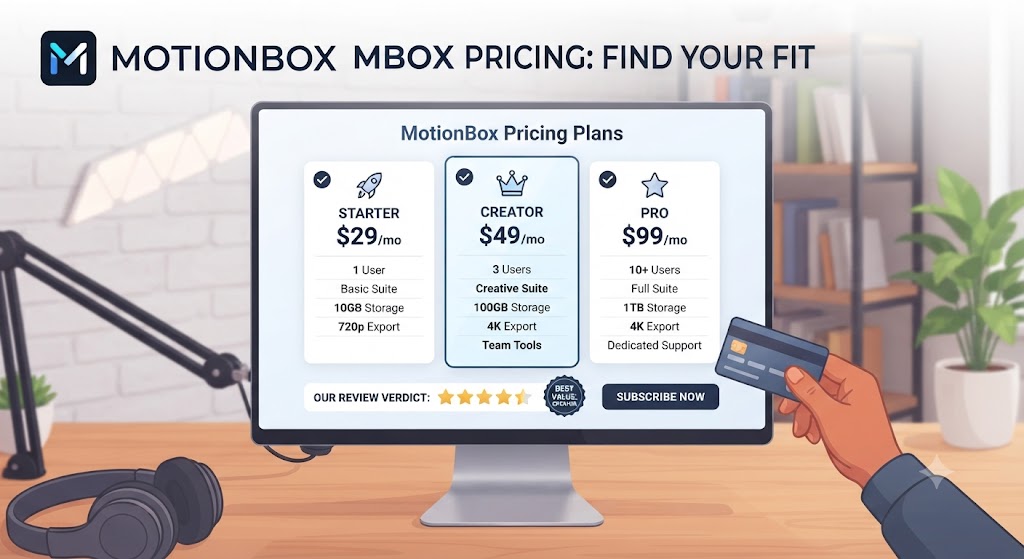
| Plan | Price (Annual) | Key Features |
|---|---|---|
| Free | $0 | 5 exports/month, watermarked, limited templates |
| Basic | $15/month | 20 exports/month, no watermark, HD export, auto-subtitles |
| Pro | $35/month | Unlimited exports, translation, all AI features, 1080p |
| Business | $69/month | Everything in Pro + brand kit, team collaboration, 4K, priority support |
This MotionBox review found the pricing to be genuinely competitive within the AI video creation category. The Basic plan at $15/month is appropriate for individual creators or small businesses with modest video content needs. The Pro plan at $35/month is where this MotionBox review found the platform’s full value — unlimited exports, AI translation, and all AI generation features at a price point significantly below professional video production costs. The Business plan at $69/month adds brand kit and team features essential for marketing teams where consistency and collaboration matter.
Want The Time Savings Without Doing It Yourself?
These tools save you hours on your own tasks — but marketing is one job most people would rather hand off entirely. Tasknestly runs it for you, end to end.
Get a Free Marketing Quote →MotionBox vs Competitors: The MotionBox Review Comparison
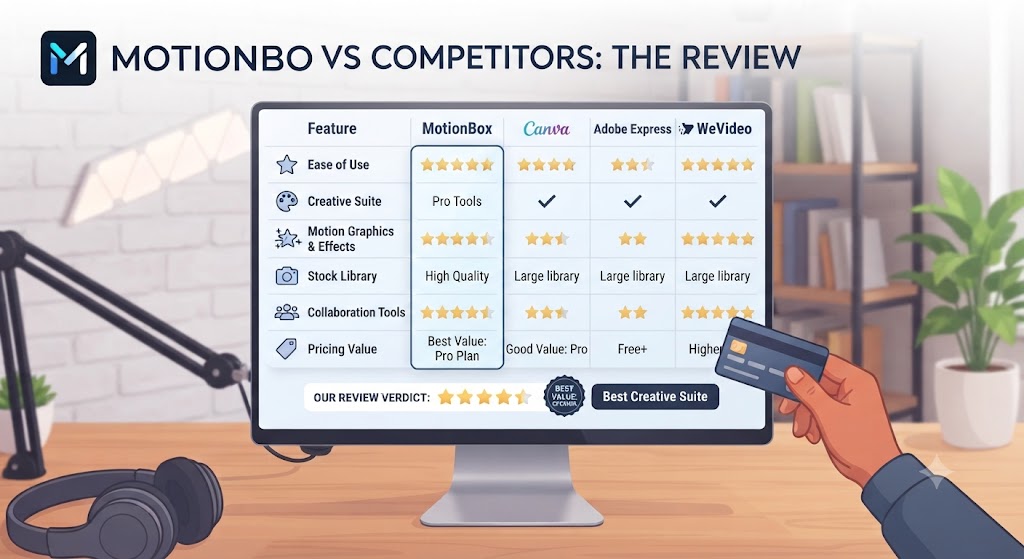
| Feature | MotionBox | Canva Video | InVideo | Lumen5 |
|---|---|---|---|---|
| AI text-to-video | ✅ Yes | ⚠️ Limited | ✅ Yes | ✅ Yes |
| Auto-subtitles | ✅ Accurate | ✅ Yes | ✅ Yes | ⚠️ Basic |
| Multi-language translation | ✅ 50+ languages | ⚠️ Limited | ✅ Yes | ❌ No |
| Social media multi-format export | ✅ Yes | ✅ Yes | ✅ Yes | ✅ Yes |
| URL / blog to video | ✅ Yes | ❌ No | ✅ Yes | ✅ Yes |
| Brand kit | ✅ Business plan | ✅ Pro plan | ✅ Yes | ✅ Yes |
| Team collaboration | ✅ Business plan | ✅ Yes | ✅ Yes | ✅ Yes |
| Free plan | ✅ Yes | ✅ Yes | ✅ Yes | ✅ Yes |
| Starting price (paid) | $15/month | $15/month | $15/month | $19/month |
This MotionBox review comparison shows the platform competing directly with Canva Video, InVideo, and Lumen5 at a similar price point. MotionBox’s clearest advantages are the translation depth (50+ languages) and the combination of AI generation with a refined editing workflow. Canva wins on brand familiarity and design integration. InVideo has a larger template library. Lumen5 is more focused on blog-to-video specifically. For teams that prioritise translation capability and a clean AI generation workflow, this MotionBox review places it ahead of most alternatives at the same price point. More comparisons in our AI design tools hub.
Want The Time Savings Without Doing It Yourself?
These tools save you hours on your own tasks — but marketing is one job most people would rather hand off entirely. Tasknestly runs it for you, end to end.
Get a Free Marketing Quote →Who Is MotionBox Best For? The MotionBox Review Audience Assessment
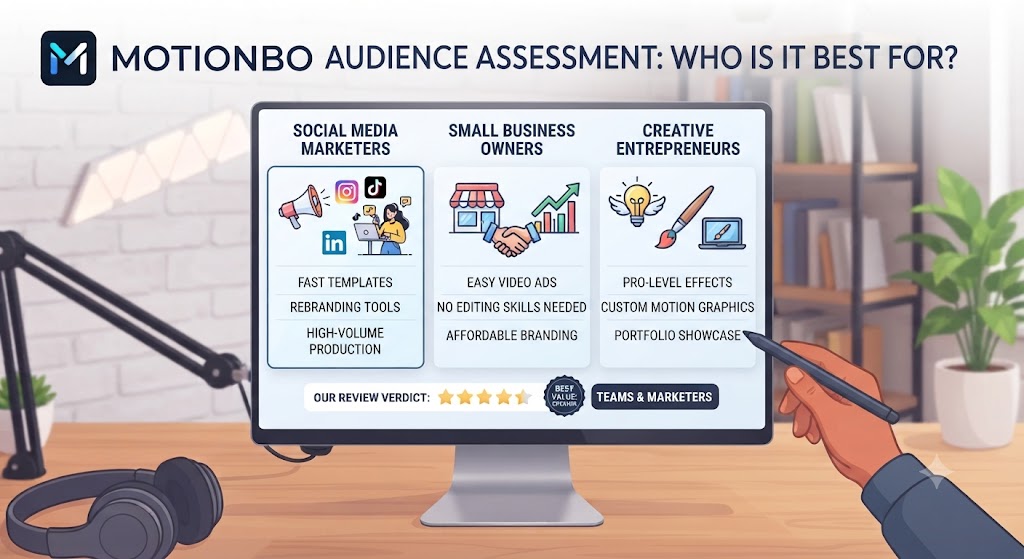
MotionBox works best for:
- Social media managers who need to produce regular short-form video content across multiple platforms and want AI to handle much of the production work
- Content marketing teams repurposing written blog content and articles into video formats for LinkedIn, YouTube, and social distribution
- Small businesses and solo entrepreneurs building brand presence through video without the budget for professional video production
- International brands and content teams who need to distribute video content in multiple languages and want AI translation built into their production workflow
- Marketing teams producing high-frequency video content — product updates, event recaps, promotional videos — where speed and volume are more important than cinematic production quality
MotionBox is less ideal for:
- Teams that need hero-quality video production for advertising, brand films, or high-stakes marketing assets — professional video production is the appropriate standard for those use cases
- Users who need fine-grained control over animation timing, complex motion graphics, or advanced compositing
- Teams whose primary video format is long-form — MotionBox’s tools are optimised for social media and short-form content rather than long-form educational or narrative video
Want The Time Savings Without Doing It Yourself?
These tools save you hours on your own tasks — but marketing is one job most people would rather hand off entirely. Tasknestly runs it for you, end to end.
Get a Free Marketing Quote →Get It / Skip It
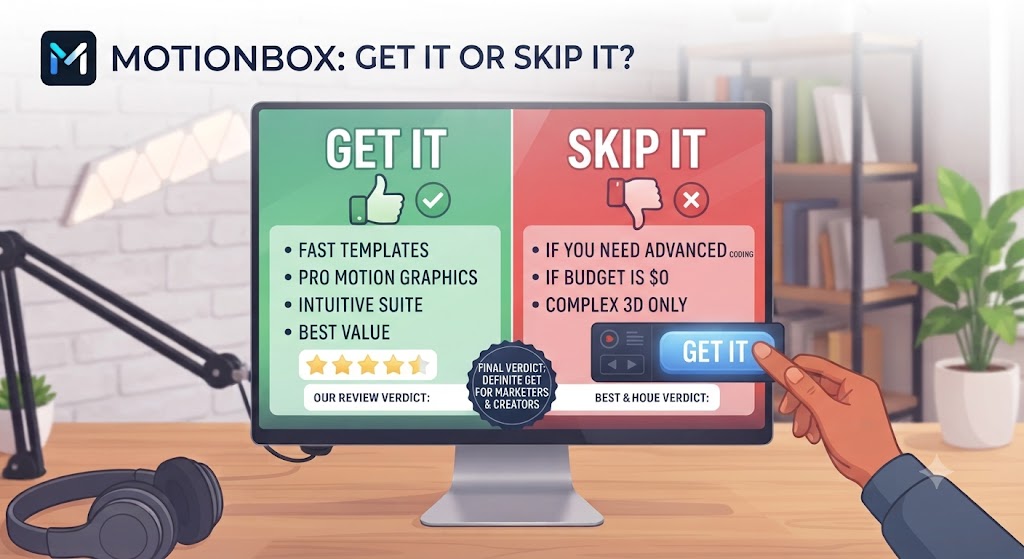
✅ Get MotionBox if:
- You’re a social media manager, content creator, or small business producing regular short-form video content and want AI to handle production complexity without a steep learning curve
- You distribute video content internationally and need multi-language subtitle translation built into your production workflow at an accessible price
- You want to convert blog posts and written content into video format efficiently without a separate video production workflow
❌ Skip MotionBox if:
- Your video content requirements are for hero-level quality that will run in advertising campaigns or brand films — professional production is the right tool for that standard
- You need advanced motion graphics, complex animation control, or professional compositing capabilities — tools like Adobe After Effects or DaVinci Resolve are more appropriate
- Your primary video format is long-form content (30+ minutes) — MotionBox’s tools are optimised for short and mid-form social content
Want The Time Savings Without Doing It Yourself?
These tools save you hours on your own tasks — but marketing is one job most people would rather hand off entirely. Tasknestly runs it for you, end to end.
Get a Free Marketing Quote →MotionBox Review: Frequently Asked Questions
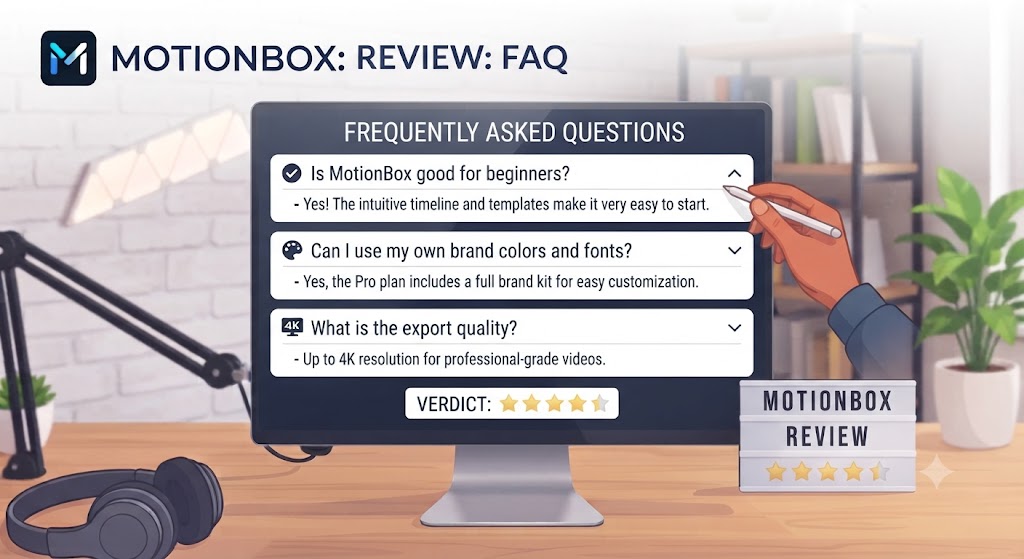
Q: Is this MotionBox review recommending it as a replacement for professional video production? This MotionBox review does not recommend MotionBox as a replacement for professional video production for hero content or advertising assets. It’s a replacement for the high volume of regular marketing video content — social media, content repurposing, promotional updates — that teams previously either didn’t produce (because production was too expensive) or produced poorly (because they didn’t have professional tools or skills).
Q: Is MotionBox free to use? Yes. MotionBox has a free plan with five watermarked exports per month — sufficient for evaluating the platform’s core capabilities but restrictive for production use. The Basic plan at $15/month removes watermarks and provides 20 exports per month. The Pro plan at $35/month unlocks unlimited exports and all AI features, making it the practical home for regular users.
Q: How good is MotionBox’s auto-subtitle feature? This MotionBox review found MotionBox’s auto-subtitle accuracy to be strong for clear English-language speech in standard recording conditions. Accuracy decreases with background noise, multiple speakers talking simultaneously, heavy accents, or fast speech. Minor corrections are typically needed in the subtitle editor after auto-generation, but the time saving compared to manual subtitle creation is substantial.
Q: Does MotionBox support 4K video export? Yes, on the Business plan at $69/month. The Pro plan supports 1080p export, which is sufficient for most social media and digital marketing applications. This MotionBox review found 1080p to be adequate for the majority of use cases, with 4K being relevant primarily for YouTube content where quality is a priority or for content that may be repurposed for display or presentation contexts.
Q: How many languages does MotionBox’s translation feature support? This MotionBox review confirmed MotionBox supports subtitle translation into 50+ languages. The translation is AI-powered and available on the Pro plan and above. Accuracy varies by language — translation quality is strongest for major European languages and decreasing for less common language pairs, which this MotionBox review recommends verifying with a native speaker before deploying translated content at scale.
Q: Can MotionBox be used for team collaboration? Yes, on the Business plan at $69/month. The Business plan includes a team workspace where multiple users can access shared brand assets, templates, and projects. This MotionBox review found the team collaboration features to be functional for small marketing teams but less developed than dedicated collaboration platforms like Canva for Teams.
Q: What are the best MotionBox alternatives? This MotionBox review points to Canva Video (best for teams already using Canva for design, strong brand integration), InVideo (larger template library, similar pricing), Lumen5 (best for blog-to-video specifically), and Descript (best for podcast and talking head video editing with strong transcription). Our AI design tools category covers all of these in detail.
Want The Time Savings Without Doing It Yourself?
These tools save you hours on your own tasks — but marketing is one job most people would rather hand off entirely. Tasknestly runs it for you, end to end.
Get a Free Marketing Quote →Conclusion: Final MotionBox Review Verdict
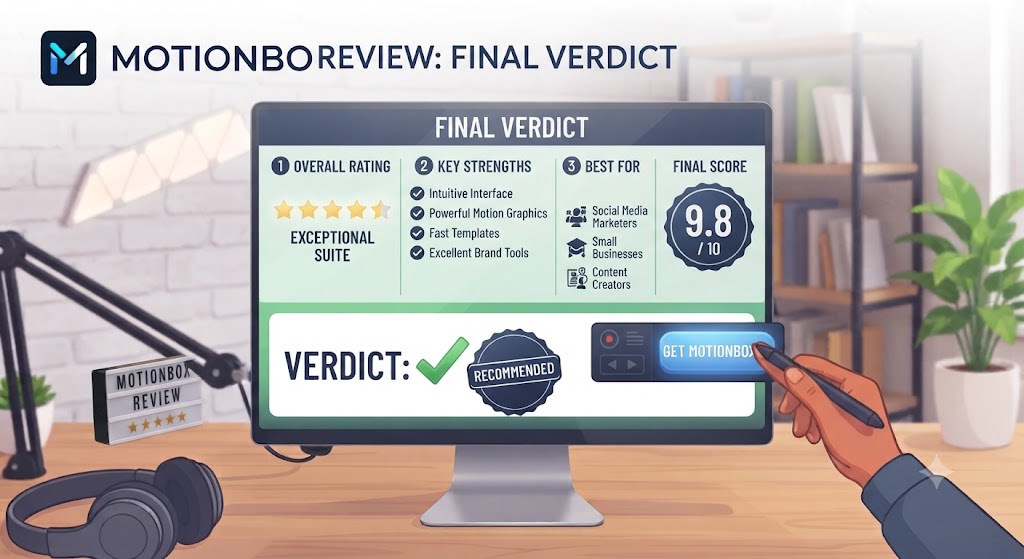
After completing a thorough MotionBox review, the platform’s position in the AI video creation category is clear: MotionBox is a capable, accessible, and competitively priced video creation tool that genuinely delivers value for the high-volume, regular marketing video content that modern brands need to produce. The auto-subtitle accuracy is strong, the translation capability is comprehensive, the AI text-to-video feature accelerates production meaningfully, and the social media format optimisation addresses one of the most practical pain points for content teams distributing across multiple platforms.
The limitations this MotionBox review identified are structural to the category rather than specific to MotionBox. Template-based AI video creation produces content that is visually competent and marketing-functional but clearly distinct from professionally produced video. For high-stakes content — advertising campaigns, brand films, executive communications — professional production remains the appropriate standard.
For the use cases this MotionBox review recommends it for — social media content, content repurposing, promotional videos, multi-language distribution — MotionBox delivers genuine value at a price point that makes regular video production accessible to teams and creators who previously couldn’t justify the time or budget investment. The free plan gives you enough to evaluate the output quality on your specific content type, and the Pro plan at $35/month is a straightforward upgrade when the quality meets your needs. Explore more tools in our AI design tools hub.
Disclosure: This article contains affiliate links. TechBotHQ may earn a commission if you sign up through our links, at no extra cost to you. See our affiliate disclosure for full details.
Want The Time Savings Without Doing It Yourself?
These tools save you hours on your own tasks — but marketing is one job most people would rather hand off entirely. Tasknestly runs it for you, end to end.
Get a Free Marketing Quote →