Honest Adobe Express AI Review 2026: Is It Worth Using?

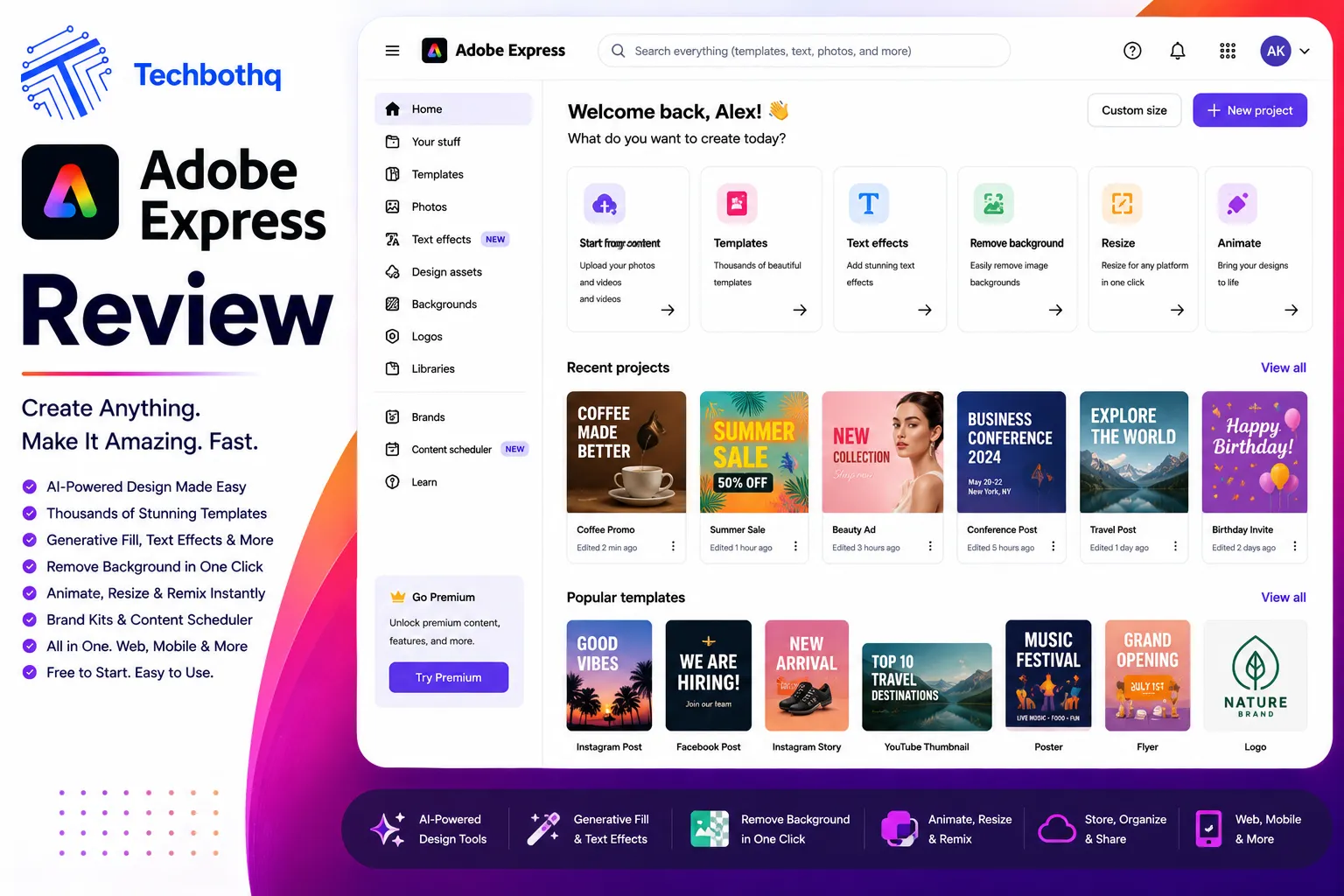
Adobe has one of the most recognised names in design software — and Adobe Express is the company’s answer to Canva. This Adobe Express AI review examines whether the tool genuinely competes with the market leader or whether it’s a second-tier offering that benefits primarily from the Adobe brand rather than from superior product execution. The Adobe Express AI review process covers the AI-powered design tools, the template library, the Firefly integration, the video features, and the pricing — giving you a complete, honest picture before you decide whether to make it your primary design tool.
Adobe Express has been repositioned and significantly upgraded over the past two years, with Adobe Firefly’s AI capabilities now deeply embedded throughout the product. This Adobe Express AI review covers the 2026 version of the platform — which includes AI image generation, AI background removal, AI text effects, generative fill within designs, AI-powered video creation, and AI-driven content scheduling suggestions. The transformation from the older Adobe Spark into Adobe Express AI has been significant, and this Adobe Express AI review evaluates whether those AI additions elevate it above the competition or simply bring it to parity with tools that were already there.
This Adobe Express AI review is relevant for marketing professionals, social media managers, small business owners, educators, and creative teams who need to produce branded content at scale without professional design skills. Whether you’re deciding between Adobe Express AI and Canva, Figma, or standalone Adobe Creative Cloud applications, this Adobe Express AI review gives you the complete, evidence-based assessment you need. It covers every major feature and the Firefly integration that defines the platform’s 2026 form.
VERDICT BOX
Overall Rating: 8.4 / 10
Best for: Marketing teams, social media managers, and small businesses already in the Adobe ecosystem who want AI-powered design tools for social content, presentations, PDFs, and short-form video without the complexity of Photoshop or Illustrator
Price: Free plan available; Premium at $9.99/month; Creative Cloud All Apps includes Express
Verdict: Adobe Express AI has evolved into a genuinely strong all-in-one content creation platform — the Firefly AI integration is the most commercially safe AI image generation available, the template quality is excellent, and the Creative Cloud ecosystem advantages are real. It’s now a credible challenger to Canva for teams already invested in Adobe’s ecosystem.
Table of Contents
What Is Adobe Express AI? Background for This Adobe Express AI Review
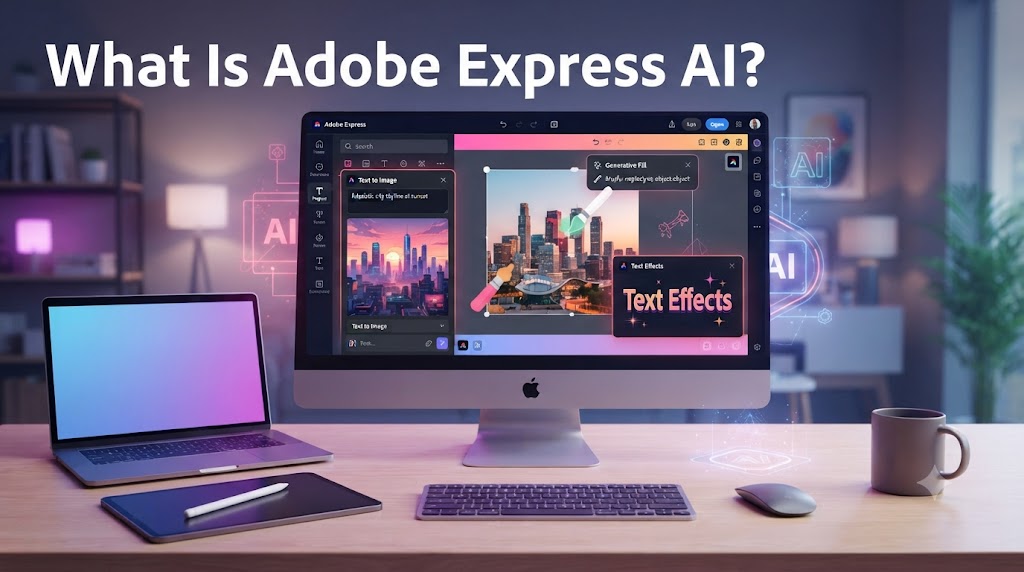
Adobe Express is Adobe’s consumer and SMB-focused design platform — the accessible, no-code tier of Adobe’s creative suite. Originally launched as Adobe Spark in 2016 and rebranded as Adobe Express in 2021, the platform has undergone its most significant upgrade cycle in 2023–2026 with the integration of Adobe Firefly AI throughout the product. This Adobe Express AI review covers the fully AI-integrated 2026 version, which represents a substantially different product from earlier iterations.
The core concept behind this Adobe Express AI review is accessibility with creative power. Adobe’s professional tools — Photoshop, Illustrator, Premiere Pro — are industry standards for professional creatives but require significant skill investment and have steep learning curves. Adobe Express AI is designed for the large population of people who need to produce professional-looking content regularly but are not professional designers: social media managers, small business owners, marketing coordinators, educators, and content creators. This Adobe Express AI review evaluates whether the platform genuinely bridges the gap between professional quality and accessible workflow.
The Firefly integration is the most significant feature this Adobe Express AI review examines. Unlike AI image tools built on datasets of scraped internet content, Firefly was trained exclusively on Adobe Stock images and public domain content — making it the most commercially safe AI image generator available and giving it a unique regulatory advantage for businesses producing content for commercial use. This Adobe Express AI review assesses whether that commercial safety advantage translates into practical daily use value alongside the creative capabilities of the tool. Our AI design tools category covers the full range of alternatives in the creative AI space.
Love What These AI Design Tools Can Do?
Great AI-generated visuals still need a cohesive brand identity holding them together. Let Tasknestly build your full branding — logo, guidelines, and visual system.
Explore Branding Services →Adobe Express AI Review: Pros and Cons
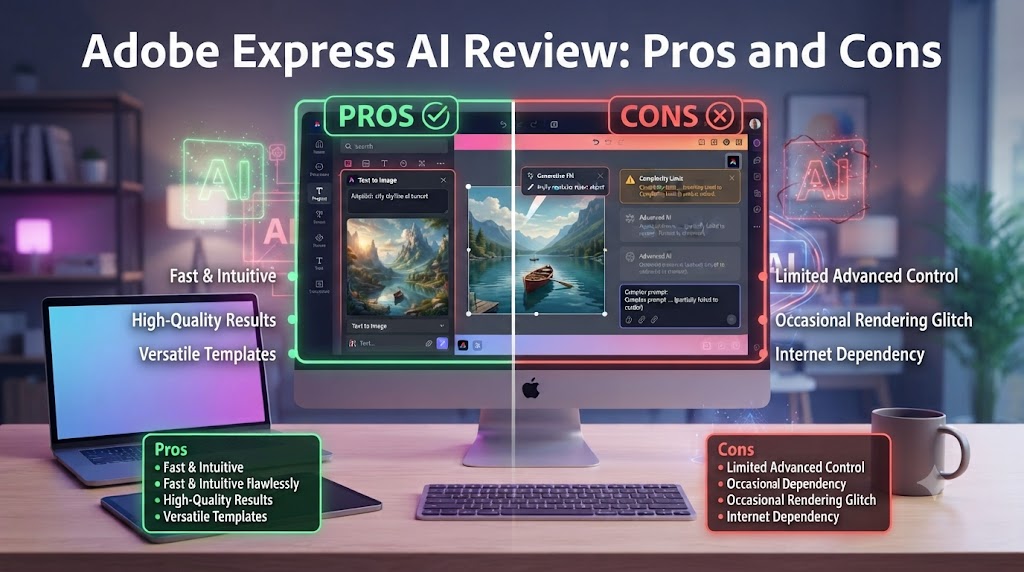
| Pros | Cons |
|---|---|
| Firefly AI image generation is the most commercially safe option available — trained on licensed content | Interface and UX is less polished than Canva in several areas, particularly the mobile experience |
| Deep Creative Cloud integration — assets sync with Photoshop, Illustrator, and Adobe Stock seamlessly | Free plan limitations are meaningful — Firefly AI features require the Premium plan |
| Template library is extensive, high quality, and significantly better than earlier Adobe Spark iterations | The breadth of features can feel overwhelming for new users without design direction |
| AI text effects, generative fill, and background removal are all best-in-class implementations | Video editing tools are less developed than dedicated video creation platforms |
| Commercial licensing confidence — Firefly outputs are cleared for commercial use | Premium plan at $9.99/month is competitive but Creative Cloud subscribers already have access |
| Brand kit, scheduling, and PDF creation tools make it a genuine all-in-one content platform | Some advanced features require switching to full Creative Cloud apps rather than being available in Express |
Love What These AI Design Tools Can Do?
Great AI-generated visuals still need a cohesive brand identity holding them together. Let Tasknestly build your full branding — logo, guidelines, and visual system.
Explore Branding Services →Adobe Express AI Review: Feature Deep-Dive
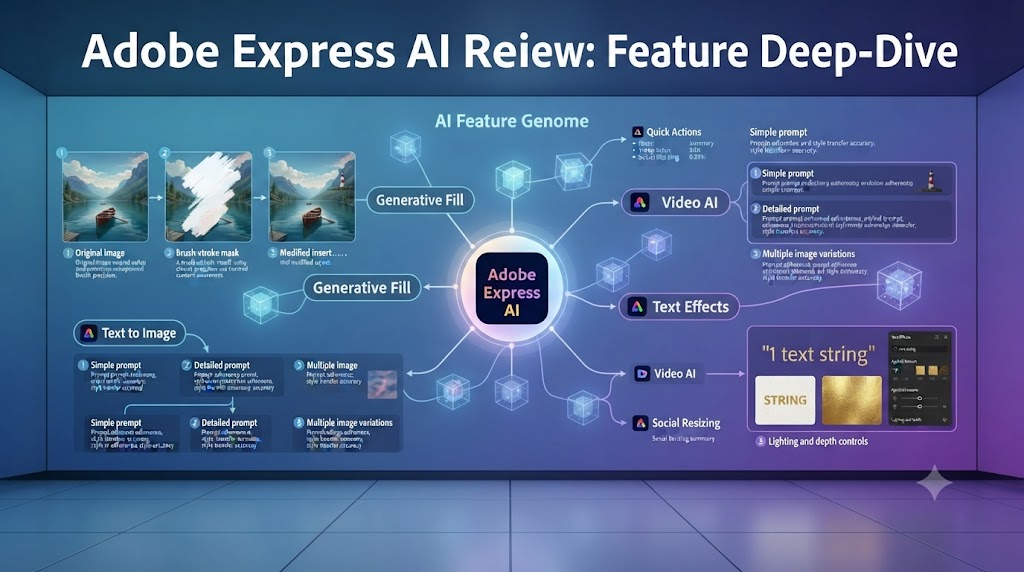
Adobe Firefly Integration — The Core of This Adobe Express AI Review
The Adobe Firefly integration is the feature this Adobe Express AI review found to be most transformative and most commercially important. Firefly’s text-to-image generation is accessible directly within the Adobe Express design canvas — you can generate images from text prompts, use generative fill to modify specific areas of your design, expand backgrounds, and replace elements without leaving the design workflow or exporting to a separate tool.
This Adobe Express AI review found the Firefly image quality to be genuinely strong for commercial content use cases — lifestyle imagery, product backgrounds, abstract textures, and conceptual illustrations all generate well. The commercial safety of the outputs is the feature this Adobe Express AI review found to be most valued by the enterprise and agency users who evaluate the tool: every image generated by Firefly carries Adobe’s commercial indemnification, meaning businesses can use the outputs in advertising, marketing materials, and published content without copyright concerns. No other AI image generator at any comparable price point provides this level of commercial protection.
The generative fill feature in this Adobe Express AI review — which allows you to select any area of an existing image or design element and describe what you want to appear there — is one of the most practically useful AI design features available in any accessible design tool. Removing a distracting background element, extending a photo beyond its original borders, swapping a product’s background for a scene more appropriate for your campaign, or adding brand-consistent environmental elements to existing photography are all achievable in minutes without exporting to Photoshop. This Adobe Express AI review found this capability alone to represent significant time savings for social media teams who would previously have needed a Photoshop-skilled designer for those tasks.
Template Library and Design Tools
Adobe Express AI’s template library is one of the most extensive available in the accessible design category, and this Adobe Express AI review found the quality to be consistently higher than it was in the Adobe Spark era. Templates are available across social media formats (Instagram, TikTok, Facebook, LinkedIn, Pinterest, YouTube), presentation formats, flyer and poster designs, email headers, PDF documents, invitations, and more — with new templates added regularly through Adobe’s design team.
The design editing experience in this Adobe Express AI review is more capable than Canva’s in several specific areas — typography control, colour management, and the integration with Adobe Stock are all stronger — while feeling less immediately intuitive than Canva’s drag-and-drop interface in others. This Adobe Express AI review found that users with any Adobe product experience adapt quickly, while complete design newcomers may find the 10–15 minute learning investment slightly higher than with Canva.
The text effects in this Adobe Express AI review are particularly impressive — Adobe’s typography heritage shows clearly in the quality and range of text styling options available. AI-powered text effects can apply complex gradient fills, outline treatments, shadow systems, and texture overlays to headline text that would require significant Illustrator skill to achieve manually. For social media content where bold, eye-catching text treatment is a key creative element, this Adobe Express AI review found the text effects to be a genuine differentiator.
AI Background Removal and Image Enhancement
Adobe Express AI’s background removal is powered by the same AI technology as Photoshop’s Select Subject feature — and this Adobe Express AI review found it to be the most accurate background removal available in any accessible design tool. Complex subjects with fine hair, transparent elements, and detailed edges are all handled accurately, producing clean cutouts that don’t require manual edge refinement in most cases.
The AI image enhancement tools in this Adobe Express AI review — including one-click colour correction, brightness adjustment, and scene-specific photo filter application — are well-implemented without being revolutionary. They function as useful batch processing tools for teams that need to standardise the look of a large set of photos but don’t replace the nuanced editing available in Lightroom or Camera Raw for professional photography work.
Video Creation and Animation
Adobe Express AI includes short-form video creation tools — the ability to combine images, video clips, text overlays, and music into finished social media videos. This Adobe Express AI review found the video tools to be functional and accessible but notably less developed than the still-image design capabilities that represent the platform’s core strength.
For basic social media video content — slideshow-style videos, product showcase reels, and event recap clips — this Adobe Express AI review found Adobe Express AI to produce usable outputs with modest effort. For more sophisticated video content requiring precise timing control, complex transitions, or advanced motion graphics, the platform’s limitations become apparent and Premiere Pro or dedicated video creation tools are more appropriate.
The animation features in this Adobe Express AI review — which apply motion effects to static design elements for Instagram Stories and animated social posts — are well-designed and easy to use. Applying entrance animations, continuous motion effects, and exit transitions to design elements creates engaging animated content without requiring After Effects knowledge.
Brand Kit and Scheduling
Adobe Express AI’s brand kit allows teams to store and apply brand colours, fonts, and logos consistently across all designs. This Adobe Express AI review found the brand kit to be well-implemented — brand assets are easily accessible from within any design project, and the AI can apply brand colour palettes to template designs automatically rather than requiring manual colour replacement.
The scheduling feature in this Adobe Express AI review allows you to publish or schedule social media content directly from Adobe Express AI to connected social media accounts — covering Instagram, Facebook, Twitter/X, Pinterest, and LinkedIn. For content teams that want a single tool for creation and distribution, this Adobe Express AI review found the scheduling integration to reduce the number of tools in the social media workflow meaningfully, though the scheduling features are less sophisticated than dedicated scheduling tools like Buffer or Hootsuite.
Creative Cloud Integration
The Creative Cloud integration is one of the clearest advantages this Adobe Express AI review found for teams already in the Adobe ecosystem. Assets created or opened in Adobe Express AI can be sent directly to Photoshop or Illustrator for advanced editing — and assets from those applications, including Photoshop files with layers intact, can be brought into Express for accessible editing. Adobe Stock imagery is accessible directly within the Express design canvas on paid plans, eliminating the need to download and re-upload stock images separately.
For organisations that have Creative Cloud as their primary creative tool stack, this Adobe Express AI review found Adobe Express AI to function as the accessible production layer where marketing coordinators and social media managers work, with a seamless handoff path to professional designers in Photoshop or Illustrator when work requires more sophisticated treatment. This Adobe Express AI review found that workflow model to be one of the clearest practical arguments for choosing Adobe Express AI over Canva for Creative Cloud organisations.
Love What These AI Design Tools Can Do?
Great AI-generated visuals still need a cohesive brand identity holding them together. Let Tasknestly build your full branding — logo, guidelines, and visual system.
Explore Branding Services →Adobe Express AI Pricing: What This Adobe Express AI Review Found
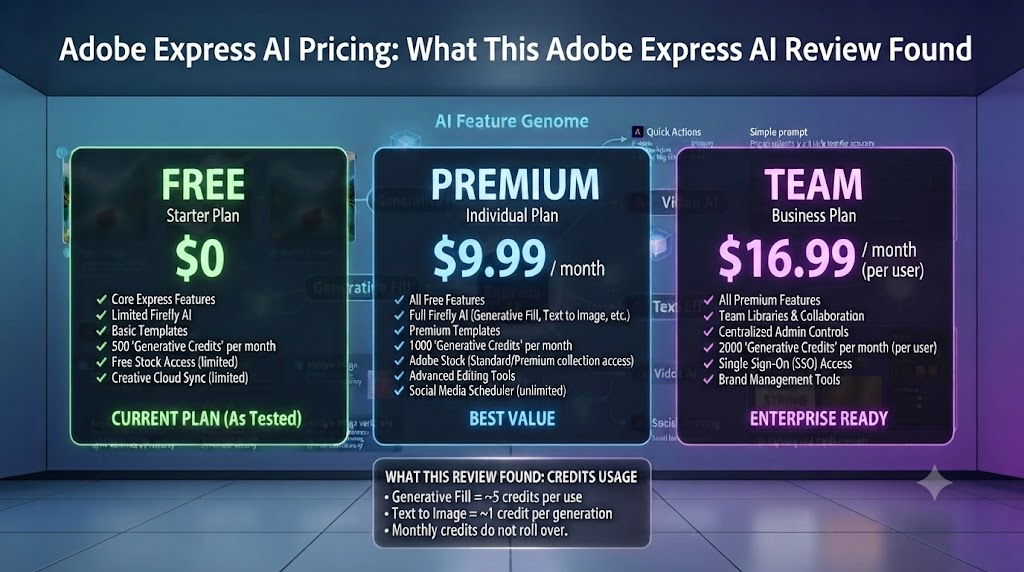
| Plan | Price | Key Features |
|---|---|---|
| Free | $0 | Limited templates, basic AI features, Adobe branding on some outputs |
| Premium | $9.99/month | Full template library, all AI features, brand kit, scheduling, Adobe Stock |
| Creative Cloud (All Apps) | $54.99/month | Everything in Premium + all Adobe applications |
| Creative Cloud (Teams) | $89.99/user/month | All Apps + team admin, centralised licensing, enhanced support |
This Adobe Express AI review found the pricing to be one of the most compelling aspects of the platform for existing Creative Cloud subscribers. If you’re already paying for Creative Cloud All Apps — which most professional Adobe users are — Adobe Express AI Premium is included at no additional cost. That makes the feature comparison against Canva Pro at $15/month ($180/year) particularly interesting: for teams already on Creative Cloud, Adobe Express AI is effectively free relative to their existing subscription.
For teams not on Creative Cloud, the Premium plan at $9.99/month is competitive against Canva Pro’s $15/month and delivers comparable core features with the advantage of Firefly’s commercial safety. This Adobe Express AI review found the free plan to be genuinely useful for evaluation but restrictive for production use — the full AI feature set and brand kit require the Premium plan.
Love What These AI Design Tools Can Do?
Great AI-generated visuals still need a cohesive brand identity holding them together. Let Tasknestly build your full branding — logo, guidelines, and visual system.
Explore Branding Services →Adobe Express AI vs Competitors: The Adobe Express AI Review Comparison

| Feature | Adobe Express AI | Canva | Figma | VistaCreate |
|---|---|---|---|---|
| AI image generation | ✅ Firefly (commercially safe) | ✅ Magic Media | ❌ Limited | ⚠️ Basic |
| Commercial AI licensing safety | ✅ Best-in-class | ⚠️ Standard terms | ❌ N/A | ⚠️ Limited |
| Generative fill in designs | ✅ Yes | ✅ Yes | ❌ No | ❌ No |
| Template library | ✅ Extensive | ✅ Largest available | ❌ No | ✅ Good |
| Brand kit | ✅ Yes | ✅ Yes | ⚠️ Manual | ✅ Yes |
| Video creation | ✅ Basic | ✅ Good | ❌ No | ✅ Basic |
| Social scheduling | ✅ Yes | ✅ Yes | ❌ No | ✅ Yes |
| Creative Cloud integration | ✅ Native | ❌ No | ⚠️ Limited | ❌ No |
| Adobe Stock access | ✅ Premium plan | ❌ No | ❌ No | ❌ No |
| Starting price (paid) | $9.99/month | $15/month | $12/month | $10/month |
This Adobe Express AI review comparison shows the platform winning most decisively on commercial AI licensing safety — no competitor offers Firefly’s level of commercial indemnification for AI-generated content. Creative Cloud integration is also uniquely strong and unmatched by any alternative. On template breadth and UX polish, Canva maintains an edge that this Adobe Express AI review found to be real but narrowing. For teams outside the Adobe ecosystem evaluating on product merits alone, the choice between Canva and Adobe Express AI is genuinely competitive. More context in our AI design tools hub.
Love What These AI Design Tools Can Do?
Great AI-generated visuals still need a cohesive brand identity holding them together. Let Tasknestly build your full branding — logo, guidelines, and visual system.
Explore Branding Services →Who Is Adobe Express AI Best For? The Adobe Express AI Review Audience Assessment
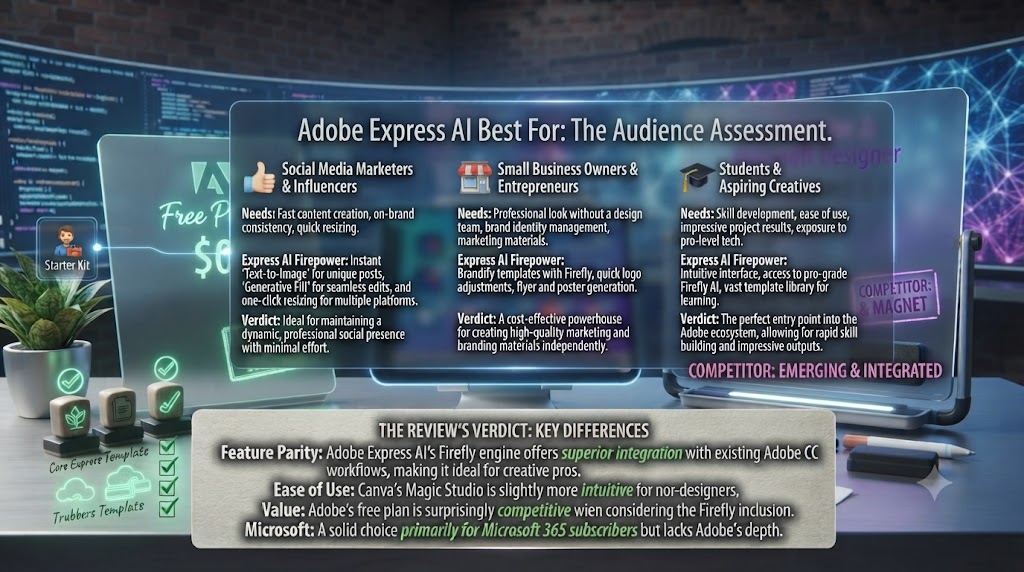
Adobe Express AI works best for:
- Creative Cloud subscribers who want an accessible design tool for marketing content production that integrates natively with their existing Adobe applications
- Marketing teams producing commercial content where the commercial licensing safety of AI-generated imagery is a regulatory or brand risk consideration
- Social media managers who want a single platform for designing, scheduling, and distributing social content with AI-assisted design throughout
- Small businesses and entrepreneurs who want professional-quality design tools at an accessible price, particularly those who may eventually grow into the broader Creative Cloud suite
- Educators and non-profits who benefit from Adobe’s discounted pricing for those sectors and want AI design tools within a familiar Adobe interface
Adobe Express AI is less ideal for:
- Teams with no existing Adobe relationship who are evaluating purely on product merit — Canva’s UX polish and template breadth give it a meaningful advantage in that context
- Professional designers who need the full capability of Photoshop, Illustrator, or After Effects — Adobe Express AI’s accessibility comes at a cost in feature depth
- Teams whose primary video content requirement is sophisticated editing — dedicated video tools are more appropriate for complex video production
Love What These AI Design Tools Can Do?
Great AI-generated visuals still need a cohesive brand identity holding them together. Let Tasknestly build your full branding — logo, guidelines, and visual system.
Explore Branding Services →Get It / Skip It
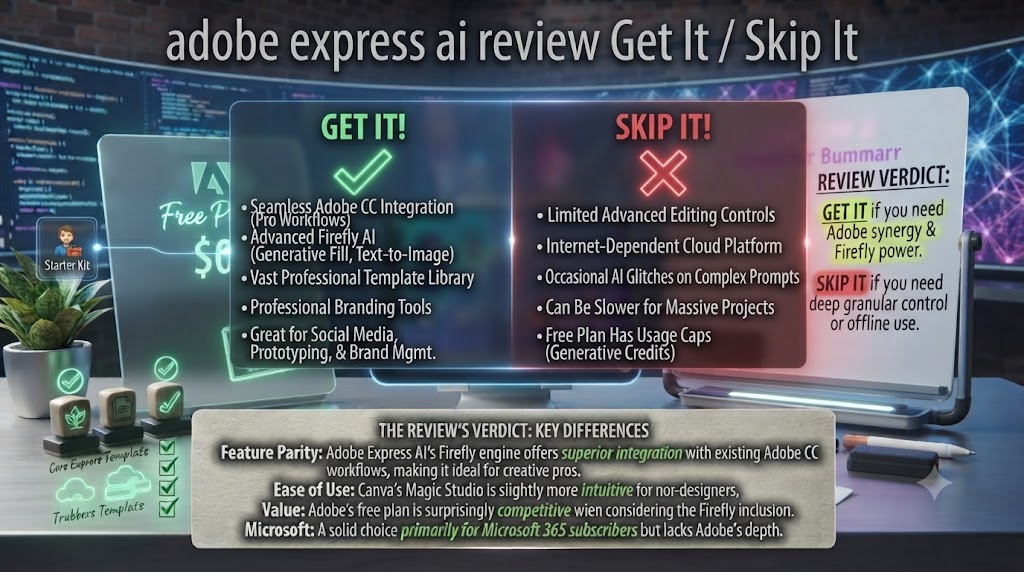
✅ Get Adobe Express AI if:
- You’re already a Creative Cloud subscriber — Adobe Express AI Premium is included in your subscription at no additional cost, making it a near-automatic addition
- Commercial licensing safety for AI-generated imagery is important for your business — Firefly’s indemnification is unmatched in any comparable design tool
- You want a single platform for design, social scheduling, PDF creation, and short-form video with AI assistance throughout each workflow
❌ Skip Adobe Express AI if:
- You’re not in the Adobe ecosystem and evaluating purely on accessible design tool quality — Canva’s UX polish and template breadth still give it an edge for pure-product evaluations
- Your primary design need is sophisticated, nuanced work that requires full Photoshop or Illustrator capability — Adobe Express AI’s accessibility comes at a cost in professional feature depth
- You need a dedicated video creation tool — the video features in Adobe Express AI are basic compared to specialised alternatives
Love What These AI Design Tools Can Do?
Great AI-generated visuals still need a cohesive brand identity holding them together. Let Tasknestly build your full branding — logo, guidelines, and visual system.
Explore Branding Services →Adobe Express AI Review: Frequently Asked Questions
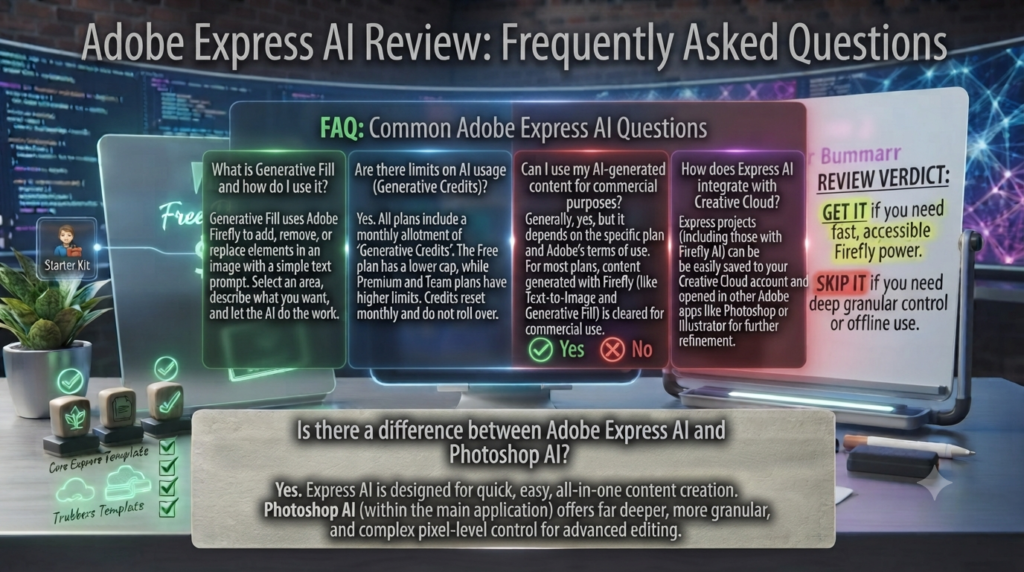
Q: Is this Adobe Express AI review recommending it over Canva? This Adobe Express AI review recommends Adobe Express AI over Canva specifically for Creative Cloud subscribers (where it’s included free) and for teams where commercial AI licensing safety is a priority. For teams outside the Adobe ecosystem evaluating on pure product merits, Canva’s UX polish and template breadth give it a genuine advantage in several areas, and the choice is competitive rather than clear-cut.
Q: Is Adobe Express AI free to use? Yes. Adobe Express AI has a free plan with access to basic templates and limited AI features. This Adobe Express AI review found the free plan to be useful for evaluation but restrictive for professional production — brand kits, full AI features, Adobe Stock access, and scheduling require the Premium plan at $9.99/month. Creative Cloud All Apps subscribers have Premium included.
Q: What makes Adobe Firefly different from other AI image generators? Adobe Firefly was trained exclusively on Adobe Stock images and public domain content — not on scraped internet content. Adobe provides commercial indemnification for outputs generated by Firefly, meaning businesses can use Firefly-generated images in commercial marketing materials without copyright risk. This Adobe Express AI review found this to be the clearest differentiator from every other AI image generator at a comparable price point.
Q: Does Adobe Express AI work on mobile? Yes. Adobe Express AI has iOS and Android apps. This Adobe Express AI review found the mobile app to be functional for capturing content, applying quick edits, and publishing scheduled content but less capable than the web experience for design creation and AI feature access. The web interface is the recommended primary working environment.
Q: Can I use Adobe Express AI with my existing Creative Cloud subscription? Yes. Adobe Express AI Premium is included with Creative Cloud All Apps subscriptions. This Adobe Express AI review confirmed that existing Creative Cloud subscribers can activate Adobe Express AI Premium at no additional cost through the Creative Cloud desktop application or by signing into adobe.com/express with their Adobe ID.
Q: How does Adobe Express AI compare to Adobe Photoshop for design work? Adobe Express AI and Photoshop serve fundamentally different use cases. Express AI is designed for accessible, template-driven content creation for non-designers. Photoshop is a professional image editing application requiring significant skill investment that enables far deeper creative control. This Adobe Express AI review recommends thinking of them as complementary: Express AI for rapid marketing content production, Photoshop for technically sophisticated creative work requiring a skilled designer.
Q: What are the best Adobe Express AI alternatives? This Adobe Express AI review points to Canva Pro (best UX and template breadth, strongest competitor), VistaCreate (strong mid-market alternative with similar positioning), Visme (stronger for presentations and infographics), and for advanced users: the full Adobe Creative Cloud suite. Our AI design tools category covers all of these in detail.
Love What These AI Design Tools Can Do?
Great AI-generated visuals still need a cohesive brand identity holding them together. Let Tasknestly build your full branding — logo, guidelines, and visual system.
Explore Branding Services →Conclusion: Final Adobe Express AI Review Verdict
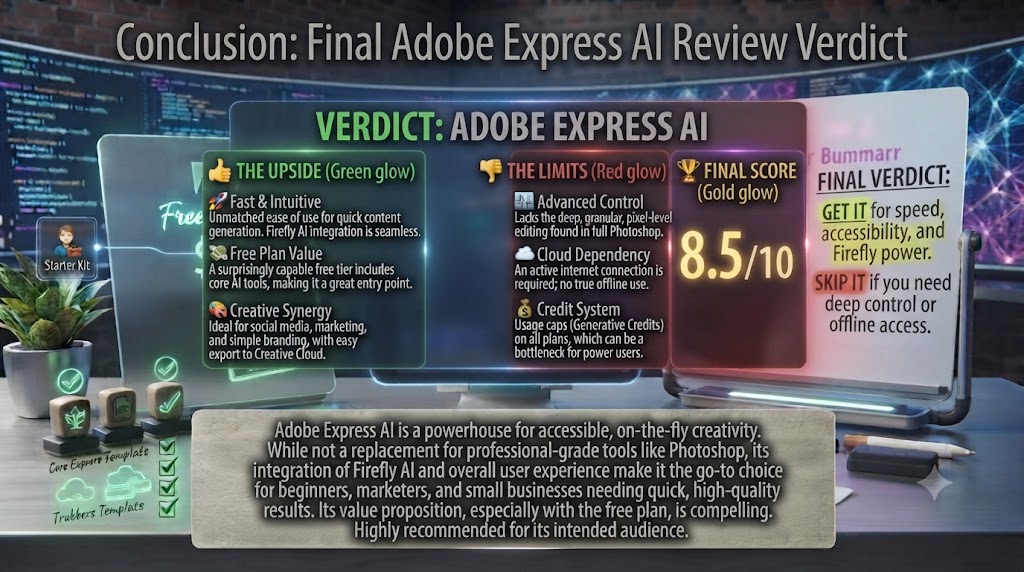
After completing a thorough Adobe Express AI review, the platform’s 2026 form is genuinely impressive relative to where it started. The Firefly AI integration has transformed Adobe Express from a capable but unspectacular template tool into a legitimately powerful AI-assisted content creation platform. The commercial licensing safety of Firefly-generated content is a genuine and meaningful differentiator that no competitor currently matches. The Creative Cloud integration creates workflow advantages for Adobe ecosystem users that cannot be replicated outside the Adobe ecosystem. And the template quality, text effects, and AI features are all now competitive with or superior to alternatives in specific areas.
The limitations this Adobe Express AI review identified are real but specific. The UX polish gap versus Canva has narrowed but not closed — particularly on mobile. The video creation tools are basic compared to dedicated platforms. And the breadth of features can be overwhelming for completely new users who just want to make a quick social post.
For Creative Cloud subscribers, this Adobe Express AI review’s recommendation is clear: activate Express AI Premium today, it costs nothing extra, and the AI features alone justify integrating it into your content creation workflow. For teams outside the Adobe ecosystem, this Adobe Express AI review recommends evaluating it alongside Canva, using the free plans of both tools for two weeks, and choosing based on which UX and template ecosystem better fits your team’s specific content types and working style. Explore more tools in our AI design tools hub.
Disclosure: This article contains affiliate links. TechBotHQ may earn a commission if you sign up through our links, at no extra cost to you. See our affiliate disclosure for full details.
Love What These AI Design Tools Can Do?
Great AI-generated visuals still need a cohesive brand identity holding them together. Let Tasknestly build your full branding — logo, guidelines, and visual system.
Explore Branding Services →