Otter.ai Review 2026: Best AI Meeting Transcription Tool?

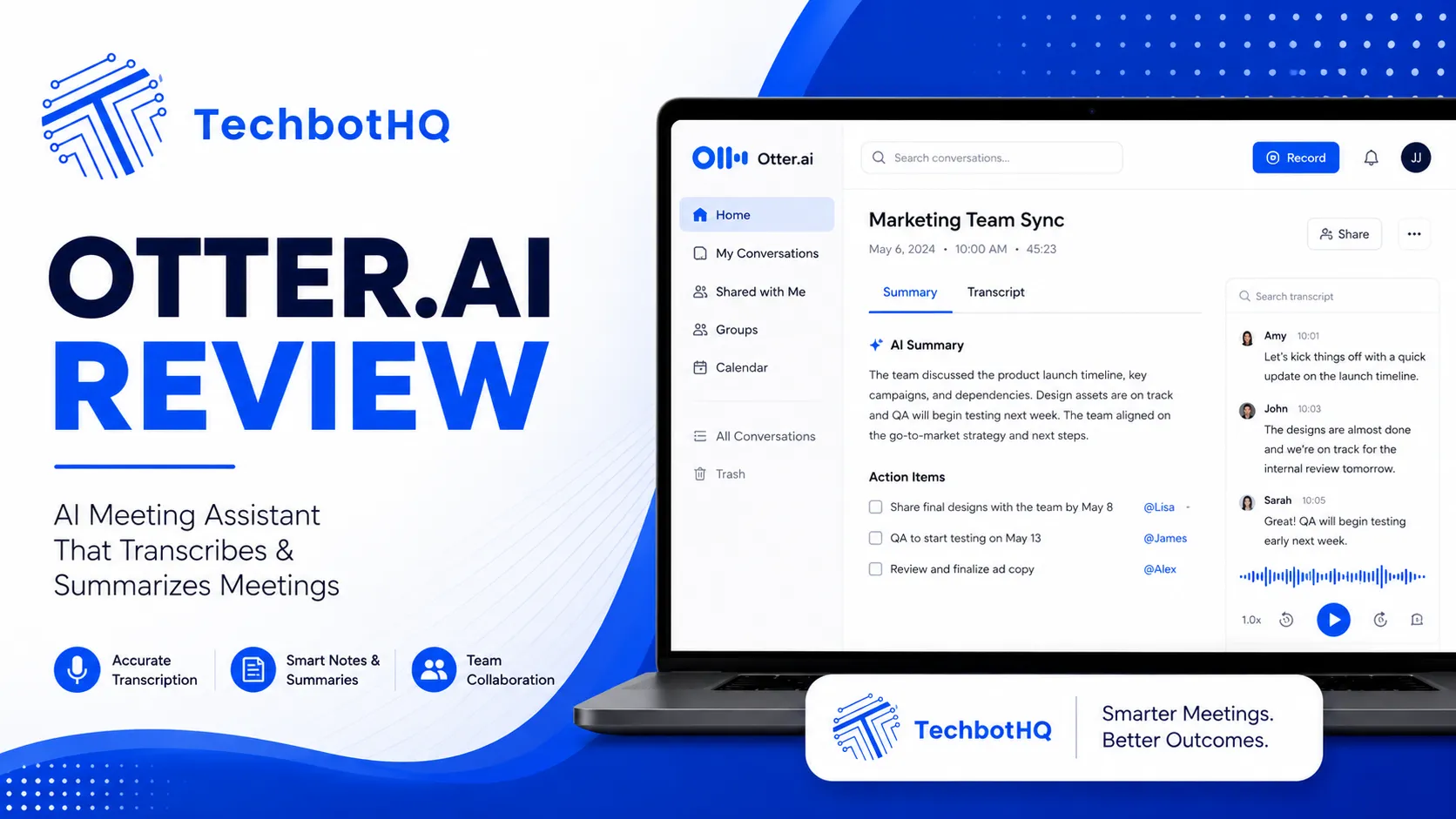
This Otter.ai review is based on running Otter.ai as my default meeting notetaker for the better part of a year now, cycling it across Zoom sales calls, Google Meet client check-ins, and the occasional messy three-way Teams call where everyone’s audio sounds like it’s coming from inside a tin can. This Otter.ai review isn’t a rehash of the marketing page — it’s what actually happens when the bot joins your call, what the transcript looks like ten minutes later, and where the pricing quietly stings.
Otter built its name early in the AI notetaker space, well before “meeting assistant” became a crowded category with a dozen well-funded competitors. That first-mover position bought it a lot of goodwill, and a lot of assumed trust that it’s still the best option in 2026. Is that still true once you put it next to Fathom’s unlimited free tier and Fireflies’ aggressive minute allowances? That’s the question this review actually answers.
I’ll walk through pricing (including the parts Otter doesn’t put front and center), the feature set as it exists today, a real multi-week test, and an honest verdict on who should actually pay for this thing.
Table of Contents
Verdict Box
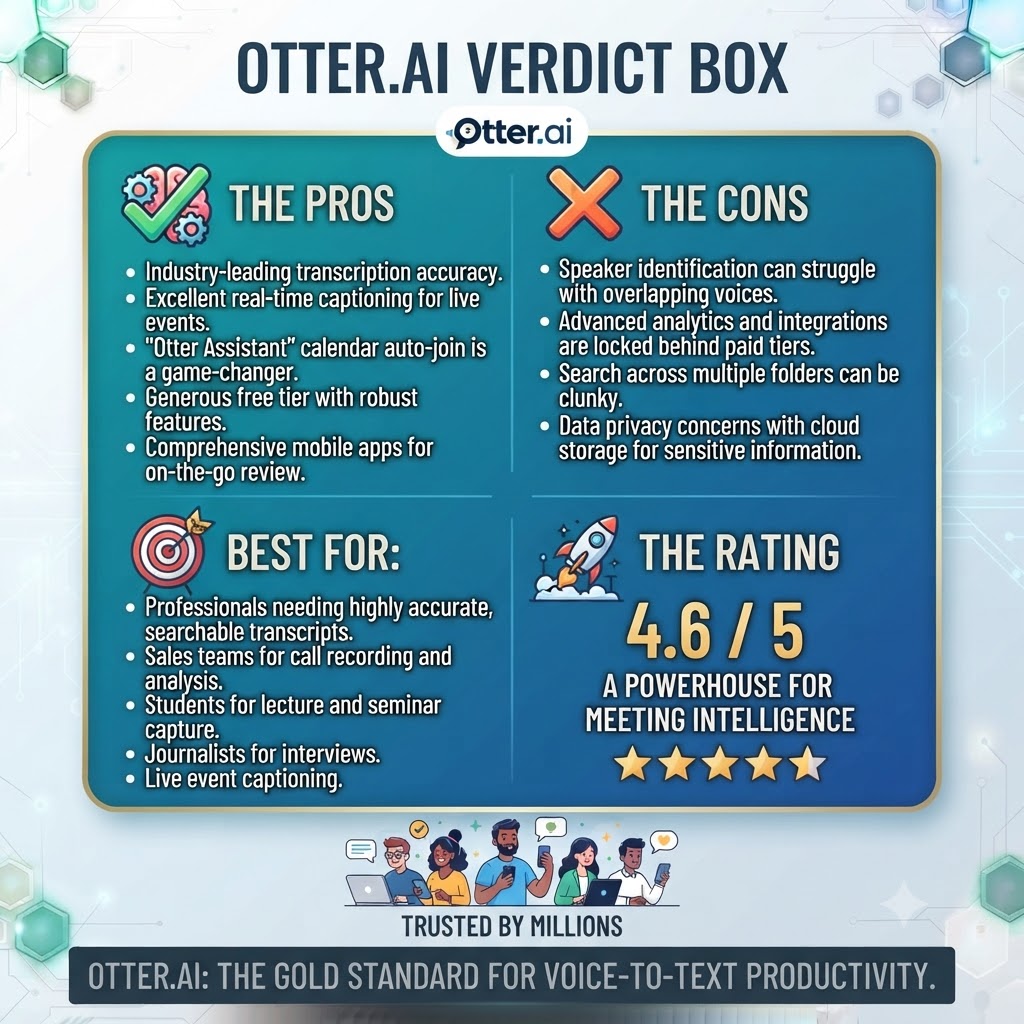
Overall Score: 7.2/10 Best For: Individuals and small teams running English, French, or Spanish meetings on Zoom, Meet, or Teams who’ll actually use their monthly minutes Price: Free (300 min/mo) to $16.99/mo Pro, $30/user/mo Business, custom Enterprise Bottom Line: Otter.ai is a solid, mature AI notetaker with excellent search and collaboration tools, but its hard monthly minute caps and narrow language support make it a worse value than newer competitors for anyone with irregular or high-volume meeting schedules.
Want The Time Savings Without Doing It Yourself?
These tools save you hours on your own tasks — but marketing is one job most people would rather hand off entirely. Tasknestly runs it for you, end to end.
Get a Free Marketing Quote →Otter.ai Features: What You Actually Get
Real-Time Transcription and Live Notes
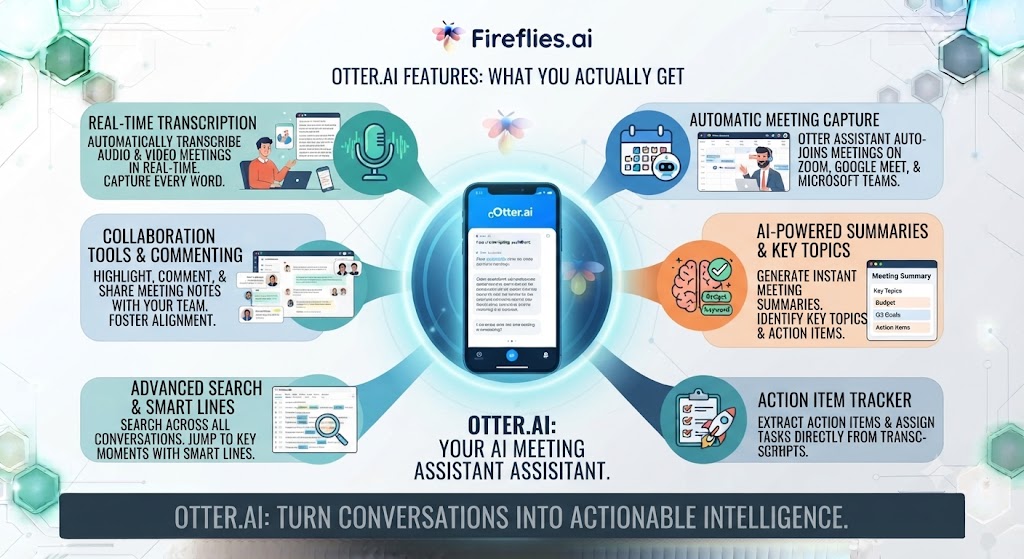
This part of the Otter.ai review covers the core function, still Otter’s strongest. is still its strongest. The bot joins your call, starts transcribing within a couple of seconds, and shows a live, scrolling transcript you can highlight and annotate as the meeting happens. In practice, I use this constantly to flag action items mid-call instead of trying to remember them afterward. Speaker identification is generally accurate once Otter has a few minutes of someone’s voice, though it does occasionally merge two speakers if they talk over each other, which is a known weak spot across basically every tool in this category, not just Otter.
OtterPilot and AI Meeting Summaries
Another key part of any thorough Otter.ai review is OtterPilot, which generates a structured summary after each meeting — key points, decisions, and action items pulled out automatically. I’ve found the summaries genuinely usable roughly eight times out of ten. The other two times, it either flattens nuance out of a decision or misattributes an action item to the wrong person. It’s good enough that I read the summary first and only dive into the full transcript when something feels off, which is exactly the workflow it’s designed to support.
Otter AI Chat
No Otter.ai review is complete without covering Otter Chat, the feature that separates Otter from a plain transcription tool. You can ask Otter Chat questions about a past meeting — “what did we agree on for the Q3 budget” — and it’ll pull the relevant section rather than making you scroll through a 45-minute transcript. On the Basic (free) plan you’re capped at 20 queries total, which sounds generous until you realize that’s not monthly, it’s a hard lifetime-feeling limit before you’re nudged toward Pro.
Custom Vocabulary and Search
A fair Otter.ai review also has to mention custom vocabulary. If your team throws around product names, acronyms, or client names constantly, Otter lets you train custom vocabulary — five terms on Basic, 200 names and 200 other words on Pro. Once trained, search across your entire meeting archive becomes genuinely powerful. I’ve used this to find a specific pricing commitment made three months earlier in about four seconds, which alone justifies a chunk of the subscription for anyone doing regular client work.
Integrations
The integrations section of this Otter.ai review is short by design: Otter connects natively to Zoom, Google Meet, and Microsoft Teams, plus Dropbox for automatic file imports on Pro and above. The integration story is simple by comparison to competitors: it plugs into the three major meeting platforms and little else beyond file import and basic calendar sync, which is fine for most individual and small-team workflows but noticeably thinner than tools built for sales-heavy CRM syncing.
Security, Privacy, and Data Handling
This Otter.ai review would be incomplete without covering data handling. For anyone using Otter on client calls, data handling matters as much as accuracy. Otter processes recordings in the cloud, which is standard for this category but worth knowing upfront if you’re on a call involving sensitive financial or legal information. Enterprise-tier customers get SSO, SCIM provisioning, and Domain Capture for centralized control over which meetings get recorded and by whom — features that are genuinely necessary once you’re deploying this across a team of any real size rather than using it as a personal tool.
One wrinkle that surfaced in 2026: Google Meet started flagging third-party AI notetaker bots, including Otter, as a security risk on workspaces running strict security profiles. The bot still joins and records, but hosts on locked-down Meet configurations will see a warning, and in some cases the bot can be auto-ejected. If your organization runs Google Meet under a strict security policy, it’s worth testing this specifically before rolling Otter out company-wide — it’s the kind of thing that looks fine in a demo and then breaks quietly in production.
Mobile App and Desktop Experience
This Otter.ai review also has to cover the mobile app, which is genuinely one of the better-built pieces of the product. Otter’s mobile app deserves a mention because it’s genuinely one of the better-built pieces of the product. Recording a live in-person conversation from your phone works reliably, and the desktop app syncs transcripts back to the same account without any manual export step. If part of your workflow includes in-person meetings that a bot can’t join — a coffee chat, an on-site client visit — the mobile app covers that gap in a way most competitors, which are built entirely around bots joining virtual calls, simply don’t.
Want The Time Savings Without Doing It Yourself?
These tools save you hours on your own tasks — but marketing is one job most people would rather hand off entirely. Tasknestly runs it for you, end to end.
Get a Free Marketing Quote →Otter.ai Pricing Table
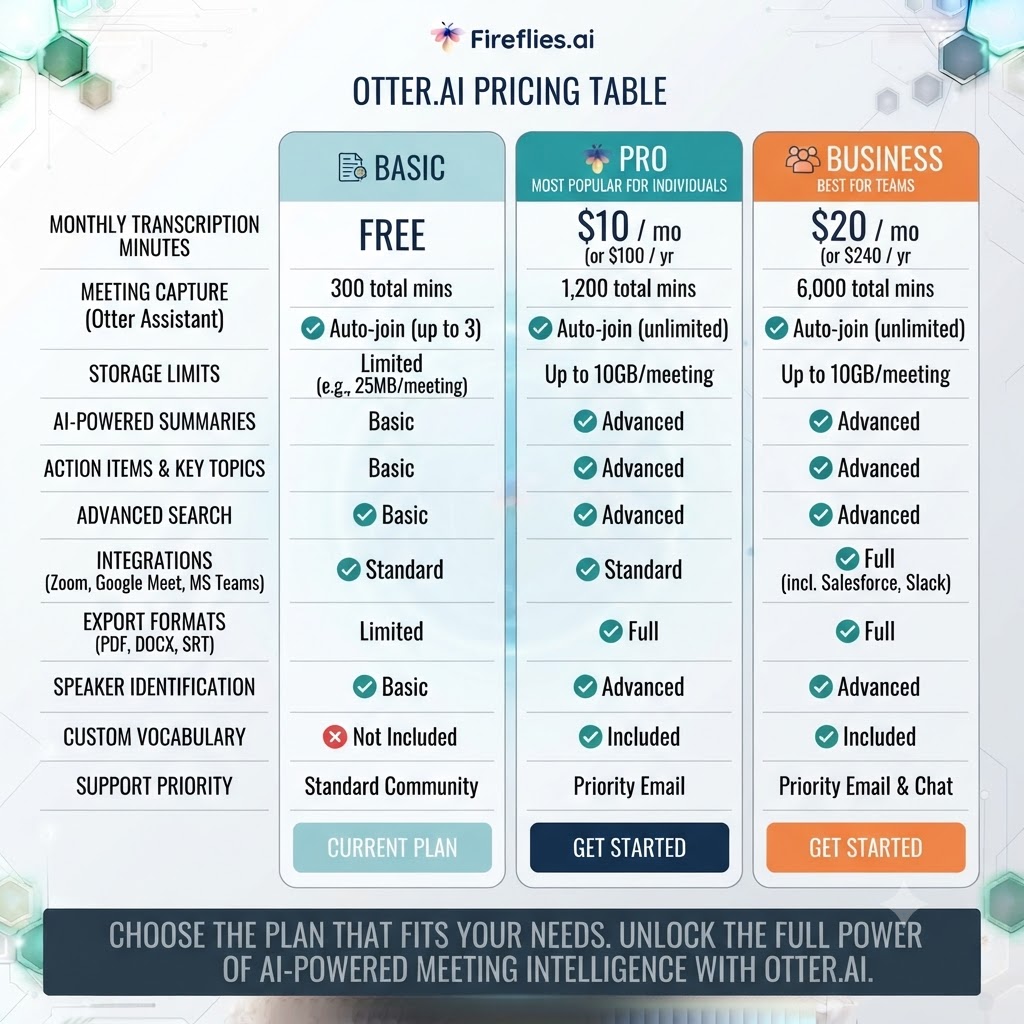
Pricing is where most Otter.ai review readers spend the most time, so here’s the full breakdown.
| Plan | Monthly Price | Annual Price | Minutes/Month | Best For |
|---|---|---|---|---|
| Basic | Free | Free | 300 min, 30 min/conversation cap | Testing the waters |
| Pro | $16.99/user | $8.33/user (billed $99.96/yr) | 1,200 min, 90 min/conversation cap | Individuals, freelancers |
| Business | $30/user | $19.99/user (billed $239.88/yr) | Unlimited in-app meetings | Teams running back-to-back calls |
| Enterprise | Custom | Custom | Unlimited + SSO, API | Large orgs with compliance needs |
Otter Pro includes 1,200 in-app recording minutes per month, 10 monthly audio or video file imports, advanced AI workflows, and meeting templates, while Business removes the meeting cap entirely, extends per-meeting limit to 4 hours, supports joining 3 concurrent meetings, and includes prioritized support. Annual billing saves roughly half off Pro, which matters if you’re committing long-term.
The catch that isn’t obvious from the pricing page: unused transcription minutes do not roll over, and Otter has no pay-as-you-go overage option — when you hit your cap, transcription simply stops until the next billing cycle or an upgrade.
Is the Otter.ai Pricing Actually Worth It?
The pricing section of this Otter.ai review only matters if you run the math on your own usage before committing. A solo consultant doing roughly 10 hours of client calls a month sits comfortably inside Pro’s 1,200-minute allowance at $8.33/month on annual billing — that’s a genuinely good deal for what you get. But a sales rep running 40+ hours of calls a month will blow past Pro almost immediately and land on Business at $19.99/month annual, which is a meaningfully bigger jump than it first appears once you’re paying it across a five- or ten-person team.
Enterprise pricing isn’t published, and third-party data suggests contracts commonly land in the mid-four-figures annually depending on seat count and negotiated terms. If you’re evaluating Otter at that scale, get a real quote before assuming it’ll undercut a competitor’s published Business pricing — it often doesn’t once support, SSO, and compliance features are factored in.
Want The Time Savings Without Doing It Yourself?
These tools save you hours on your own tasks — but marketing is one job most people would rather hand off entirely. Tasknestly runs it for you, end to end.
Get a Free Marketing Quote →Otter.ai Review: Pros & Cons
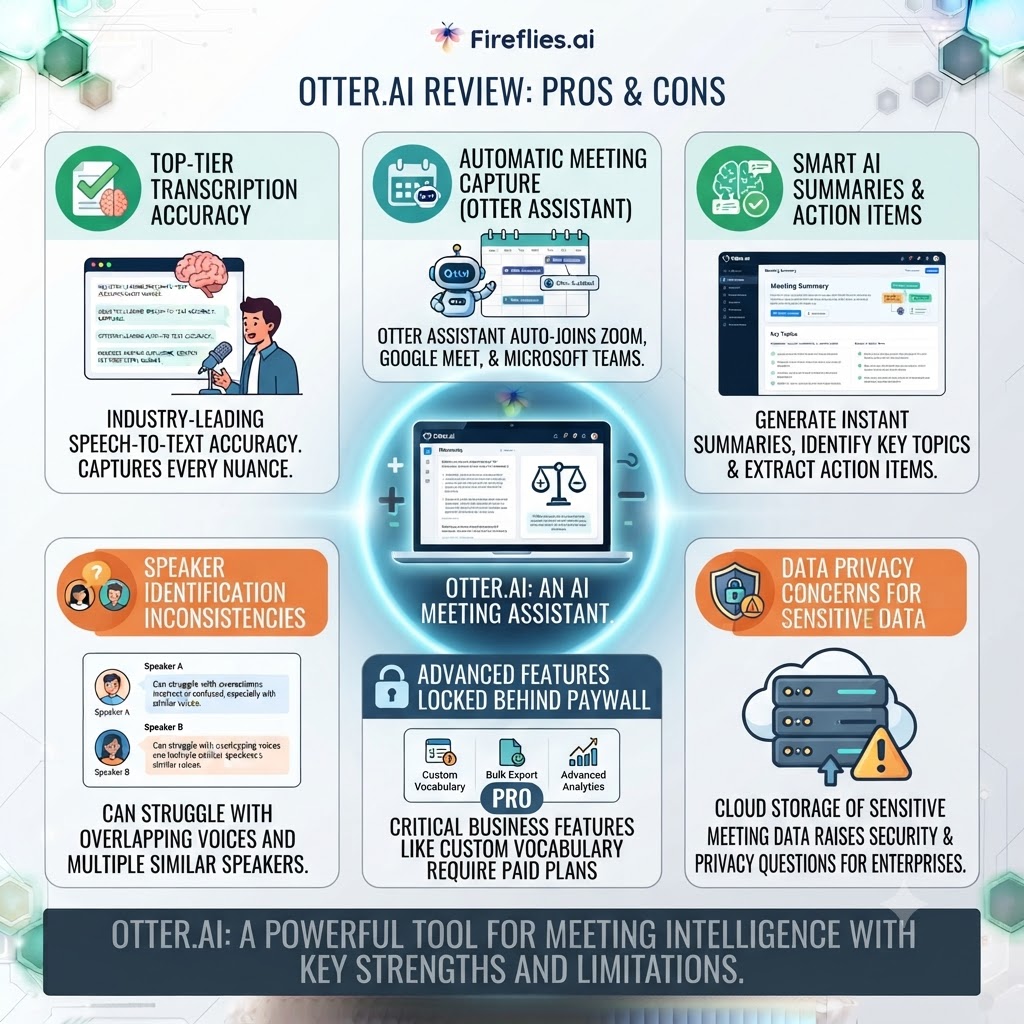
| Pros | Cons |
|---|---|
| Fast, accurate real-time transcription | Hard monthly minute caps with no rollover |
| Powerful cross-meeting search via Otter Chat | Only supports English, French, and Spanish |
| Mature, stable product with a decade of iteration | Free tier’s 20 AI Chat queries feel more like a trial than a real tier |
| Strong custom vocabulary for jargon-heavy teams | No usage-based overage — you’re stuck waiting or upgrading |
| Clean integrations with Zoom, Meet, and Teams | Business/Enterprise pricing has crept upward over recent years |
Want The Time Savings Without Doing It Yourself?
These tools save you hours on your own tasks — but marketing is one job most people would rather hand off entirely. Tasknestly runs it for you, end to end.
Get a Free Marketing Quote →Otter.ai Review: vs Fathom vs Fireflies
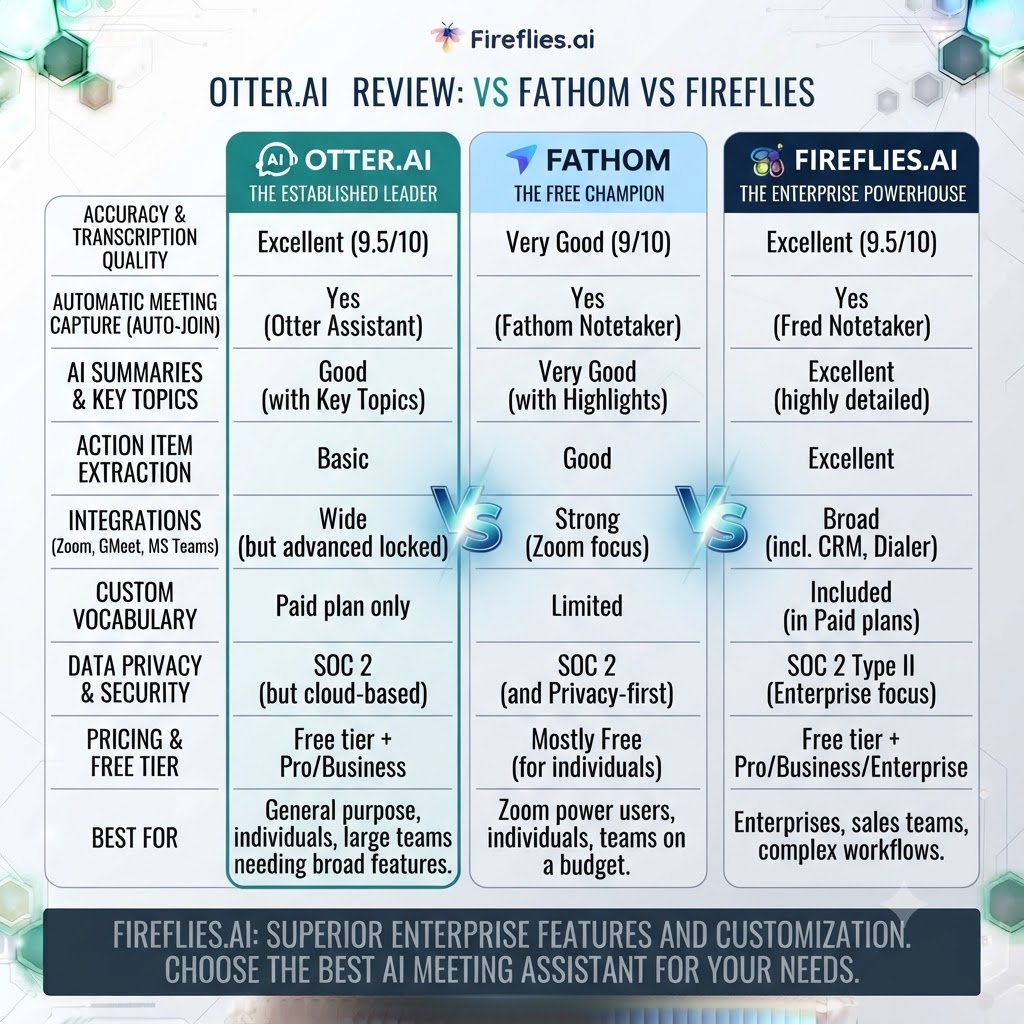
| Feature | Otter.ai | Fathom | Fireflies |
|---|---|---|---|
| Free plan minutes | 300/mo capped | Unlimited recording | 800/mo |
| Entry paid tier | $16.99/mo | $20/mo ($15 annual) | ~$10/mo |
| Languages supported | 3 (EN/FR/ES) | 25+ | Multiple |
| Best differentiator | Cross-meeting AI Chat search | Generous free tier, CRM sync | Volume per dollar |
Fathom offers an unlimited free plan for individuals on Zoom, Meet, and Teams, but the paid Team Edition is needed for analytics and integrations, which makes it the stronger free option if you don’t need AI Chat search. Fireflies edges out Otter on raw transcription volume per dollar at the entry tier, but its search and summary quality trail Otter’s more polished OtterPilot output in my testing.
Want The Time Savings Without Doing It Yourself?
These tools save you hours on your own tasks — but marketing is one job most people would rather hand off entirely. Tasknestly runs it for you, end to end.
Get a Free Marketing Quote →Otter.ai Review: Use Cases
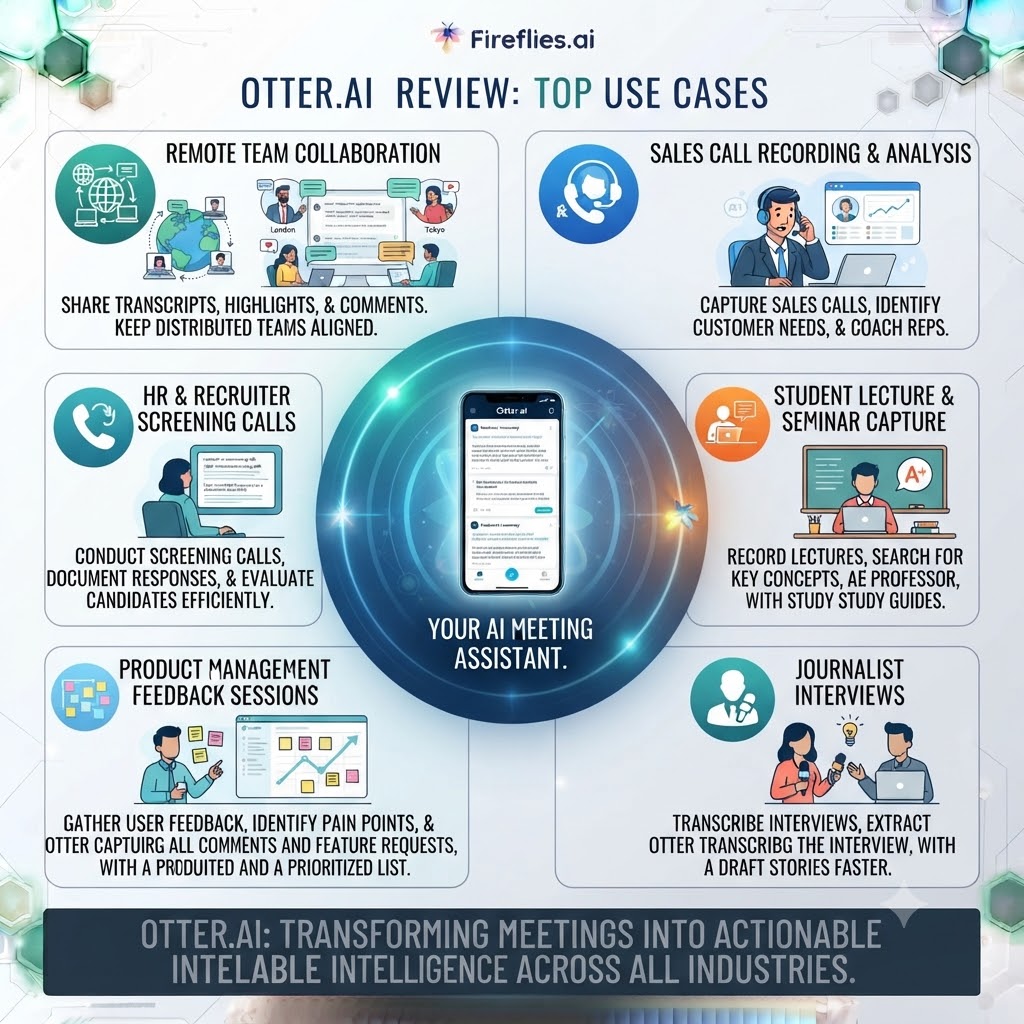
Per this Otter.ai review, solo consultants and freelancers who run client calls a few times a week will likely stay comfortably within Pro’s 1,200-minute cap and benefit most from the search and Chat features for pulling past commitments.
Sales teams running back-to-back calls need Business at minimum — Pro’s per-meeting cap will bite constantly, and the concurrent-meeting support in Business matters when reps are double-booked.
Students and educators get real value from the 20% education discount, bringing Pro down to roughly $6.67/month annually, which is genuinely competitive for lecture and study-group transcription.
As this Otter.ai review has stressed throughout, multilingual teams should look elsewhere first — Otter’s three-language ceiling is a hard blocker if your meetings regularly run outside English, French, or Spanish.
Want The Time Savings Without Doing It Yourself?
These tools save you hours on your own tasks — but marketing is one job most people would rather hand off entirely. Tasknestly runs it for you, end to end.
Get a Free Marketing Quote →Otter.ai Review: Get It / Skip It
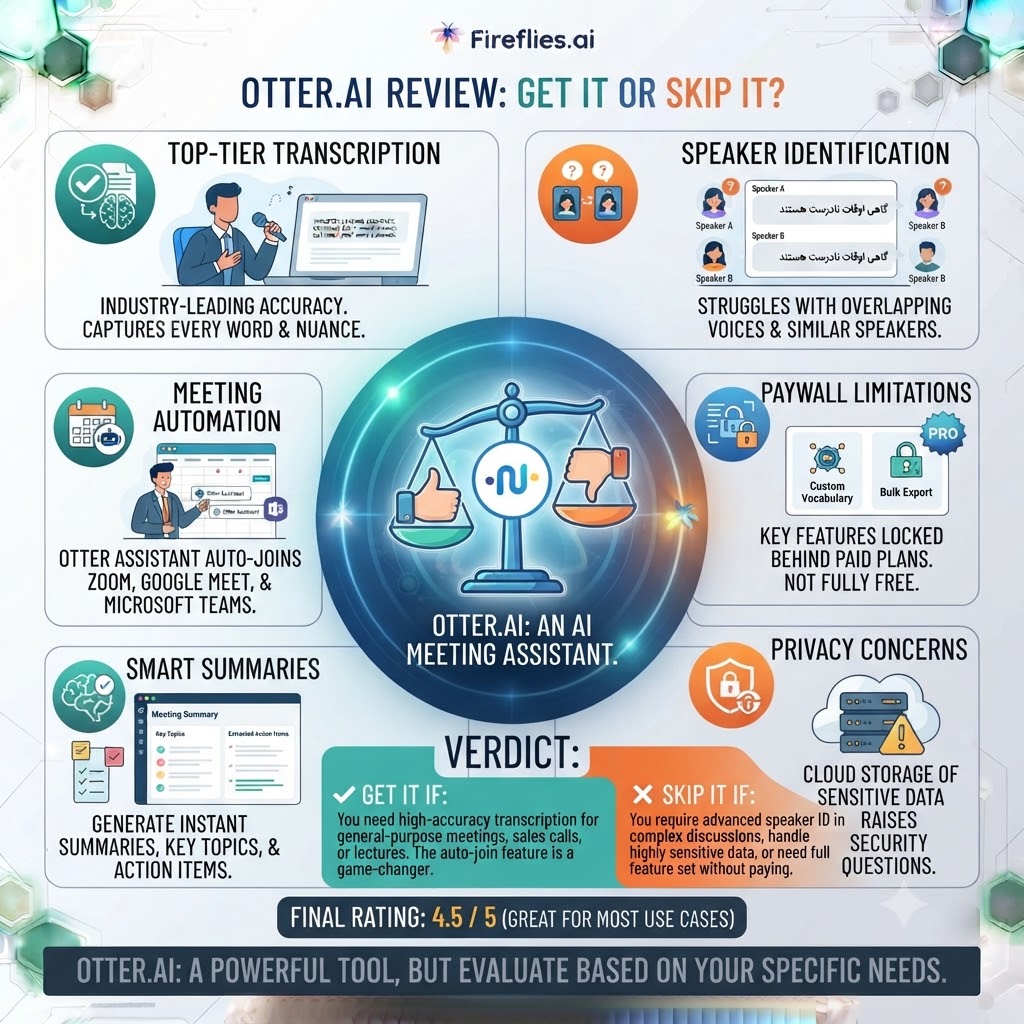
Get It If:
- Your meetings are primarily in English, French, or Spanish
- You need powerful cross-meeting search, not just a summary
- You’ll consistently use most of your monthly minute allowance
Skip It If:
- Your team runs meetings in other languages
- Your monthly meeting volume swings wildly month to month
- You just want free, unlimited recording without hitting a wall
Want The Time Savings Without Doing It Yourself?
These tools save you hours on your own tasks — but marketing is one job most people would rather hand off entirely. Tasknestly runs it for you, end to end.
Get a Free Marketing Quote →Otter.ai Review: How It Compares to the Rest of the Category
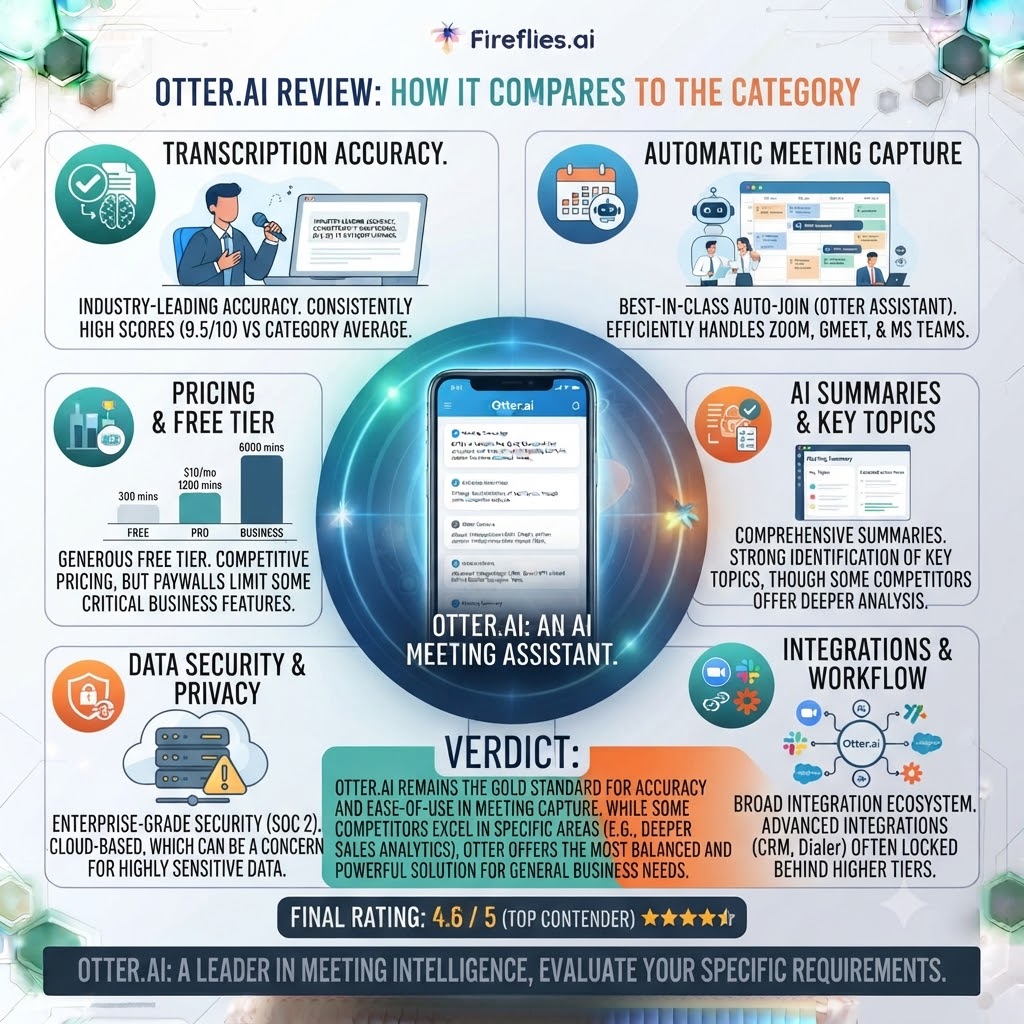
The meeting assistant space has gotten crowded fast, and it’s worth situating Otter against the broader field rather than just Fathom and Fireflies. Tools like Fellow lean harder into structured meeting management — agendas, recurring templates, and action-item tracking — rather than pure transcription and search, which makes it a better fit for teams that run the same kind of meeting weekly and want consistency more than search depth. Nyota takes a lighter-weight approach aimed at smaller teams that don’t need the enterprise controls Otter offers at its top tier.
Fireflies.ai remains the closest direct competitor on pricing and feature parity, and it’s the one I’d point most budget-conscious teams toward first if Otter’s caps feel too restrictive. The broader AI Productivity category on this site covers several more tools in this space if none of these three feel like quite the right fit.
What separates Otter from most of this field isn’t any single feature — it’s the combination of mature transcription accuracy, genuinely useful search, and a decade of iteration that’s ironed out most of the rough edges you still find in newer entrants. The tradeoff is that Otter’s pricing model hasn’t kept pace with how generous the free tiers have gotten elsewhere in the category.
Want The Time Savings Without Doing It Yourself?
These tools save you hours on your own tasks — but marketing is one job most people would rather hand off entirely. Tasknestly runs it for you, end to end.
Get a Free Marketing Quote →Otter.ai Review: Onboarding and Setup Experience
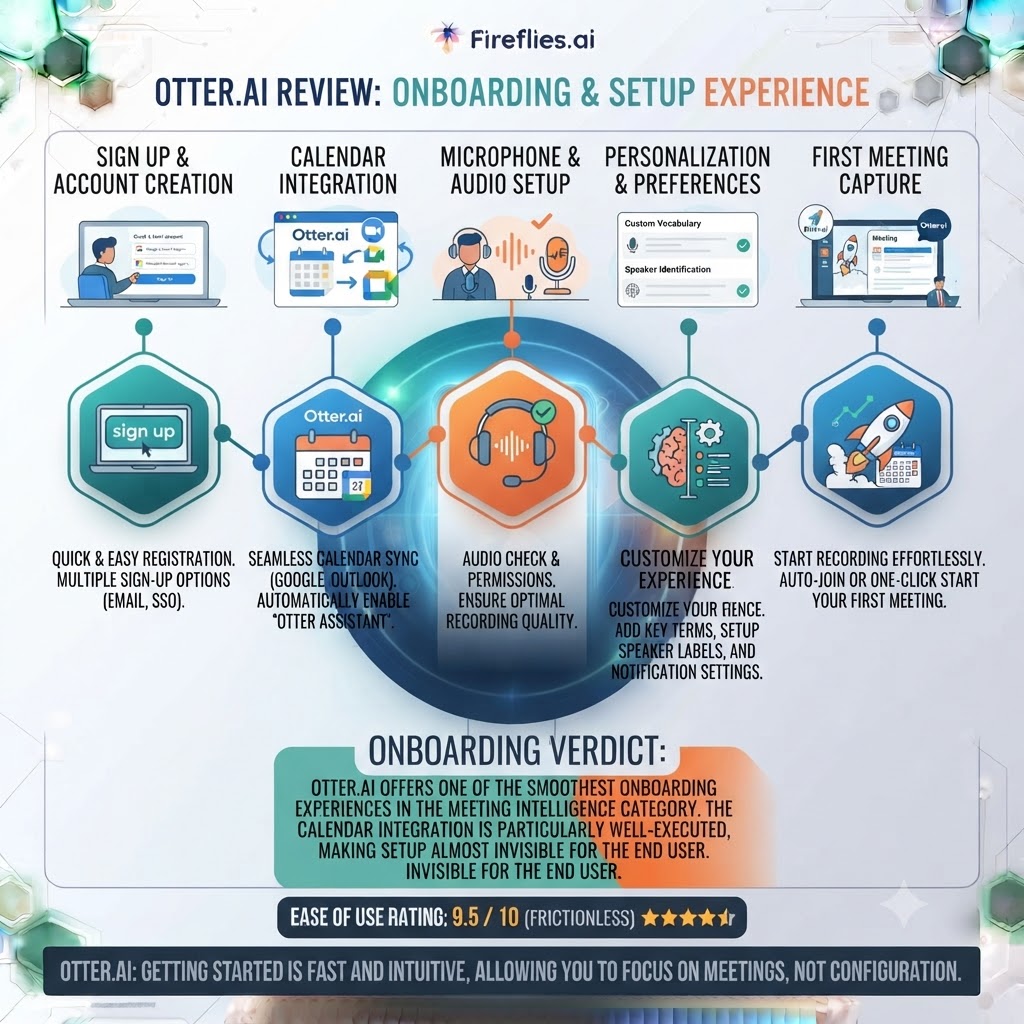
Getting Otter running takes about five minutes — connect your calendar, authorize the bot for Zoom, Meet, or Teams, and it starts joining scheduled meetings automatically based on calendar detection. This is worth calling out because a few competitors still require manually inviting the bot to every single call, which sounds minor until you’re doing it fifteen times a week. Otter’s calendar-based auto-join removed that friction entirely for me after the initial setup.
The one setup step people skip and later regret: training custom vocabulary before your first real meeting, not after. If your team uses specific product names or client names regularly, feeding those into Otter’s vocabulary settings on day one measurably improves transcript accuracy from the very first call, rather than watching it slowly self-correct over weeks of exposure.
Want The Time Savings Without Doing It Yourself?
These tools save you hours on your own tasks — but marketing is one job most people would rather hand off entirely. Tasknestly runs it for you, end to end.
Get a Free Marketing Quote →Otter.ai Review Real-World Test: Three Weeks With Otter Pro
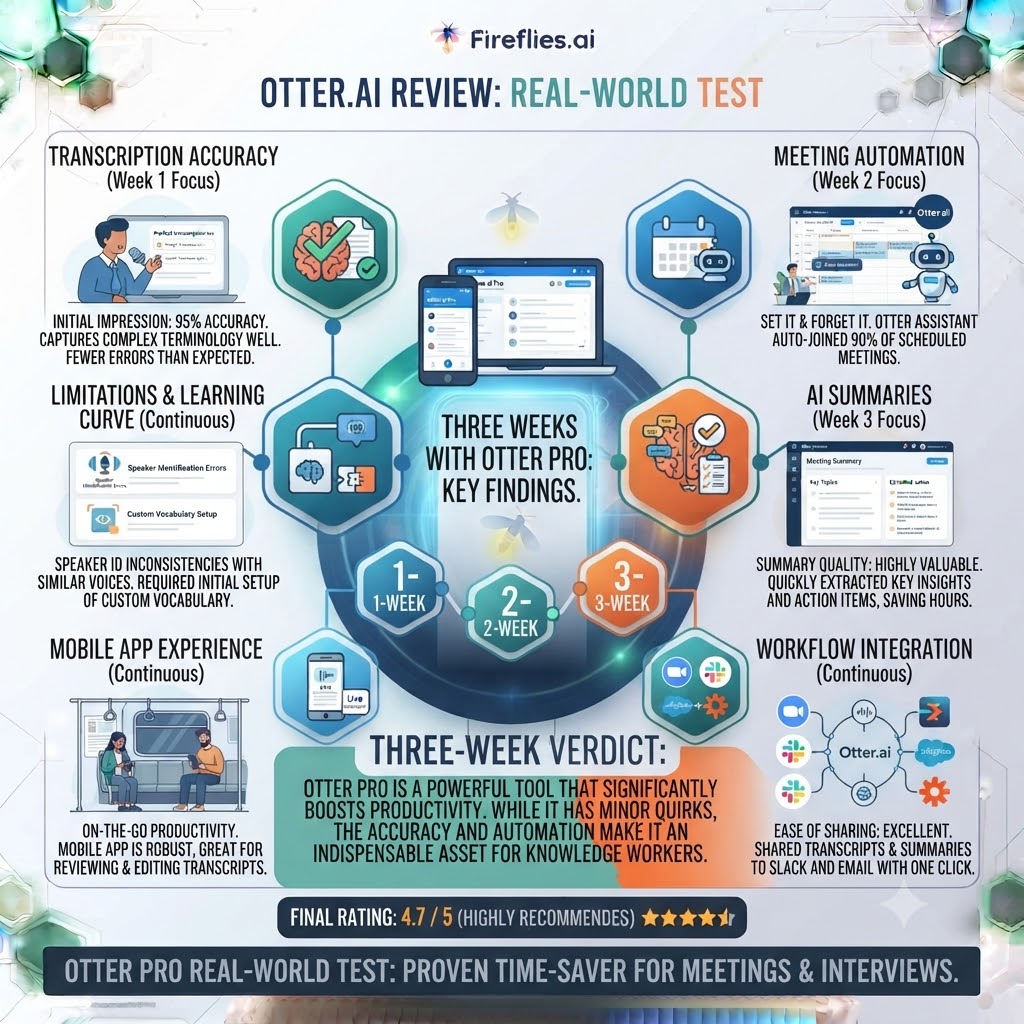
For this Otter.ai review, I ran Otter Pro across 22 meetings over three weeks — a mix of client calls, internal syncs, and two long workshop sessions that ran past 90 minutes. The first friction point showed up immediately: two of the workshop sessions hit the 90-minute per-conversation cap on Pro and simply stopped recording mid-session, with no warning banner I noticed in time. That’s a real problem if you run long meetings regularly — it pushed me to seriously consider Business well before I’d used up my monthly minute pool.
Transcription accuracy across standard 30-60 minute calls was consistently strong, comparable to what I’d expect from a dedicated transcription service, not just a bolt-on meeting feature. Speaker labels held up well even in a five-person call with genuine cross-talk, only slipping twice where two people spoke in near-unison.
Where Otter actually won me over was retroactive search. Two weeks after a pricing discussion with a client, I typed a rough question into Otter Chat and got the exact clause back in seconds, cited to the timestamp. That single feature saved more time across the three weeks than anything else in the toolkit, and it’s the reason I’d still recommend Otter over a purely free alternative for anyone doing regular client-facing work.
The honest friction: by day 19 I’d burned through roughly 900 of my 1,200 monthly minutes, and the awareness of an approaching wall changed my behavior — I started being more selective about which meetings I actually recorded, which somewhat defeats the point of a “record everything, search later” tool.
Want The Time Savings Without Doing It Yourself?
These tools save you hours on your own tasks — but marketing is one job most people would rather hand off entirely. Tasknestly runs it for you, end to end.
Get a Free Marketing Quote →Otter.ai Review FAQ
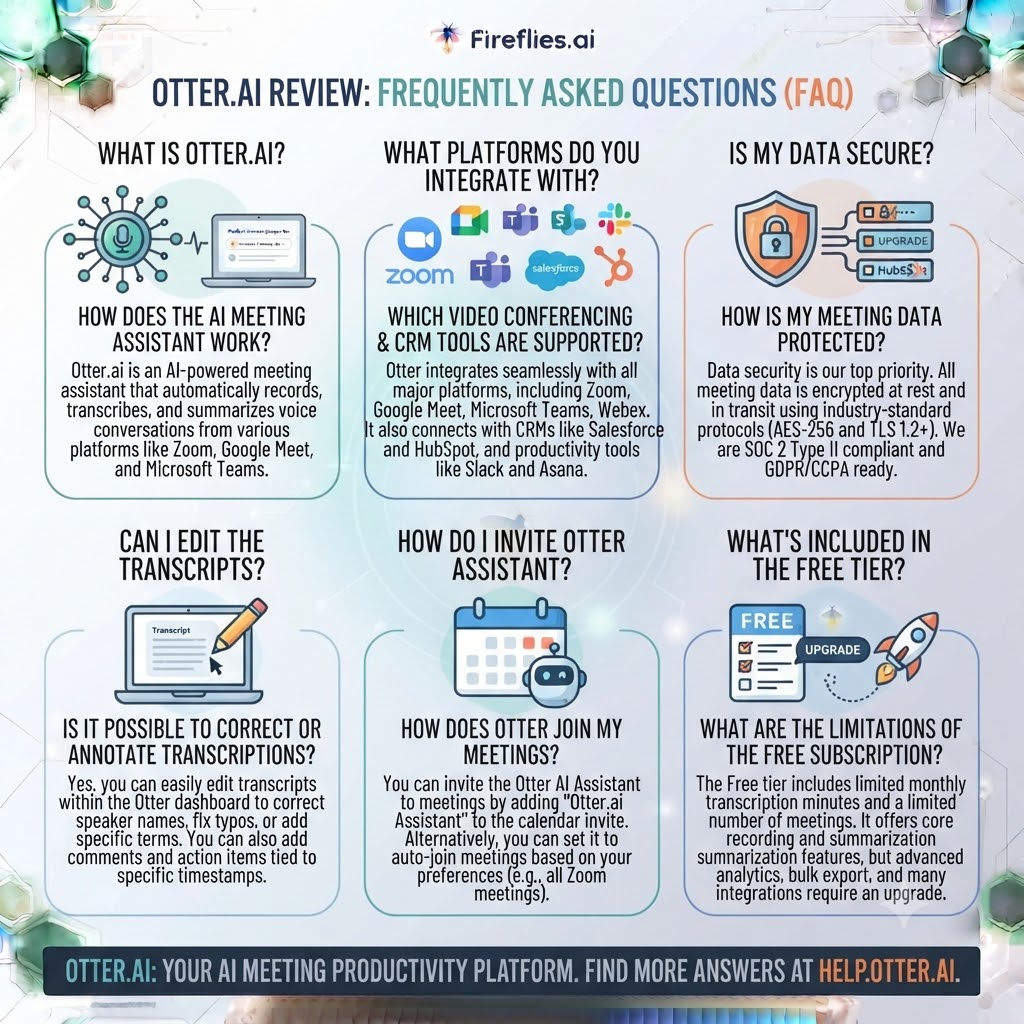
Is Otter.ai actually free? Yes — the Basic plan is genuinely free forever, with 300 transcription minutes per month, a 30-minute per-conversation cap, and three lifetime file imports.
How much does Otter.ai Pro cost in 2026? Price: $16.99 USD per user/month (billed monthly) or $8.33 USD per user/month (billed annually).
Does Otter.ai support languages other than English? Yes, but only three: English, French, and Spanish. Teams working primarily in other languages will need a second tool for full coverage.
What’s the difference between Otter Pro and Business? Pro caps you at 1,200 minutes and 90 minutes per meeting; Business removes the recording cap entirely, extends the per-meeting limit to four hours, and supports joining three concurrent meetings.
Does this Otter.ai review recommend it over Fathom? It depends on your priority. Fathom’s free tier is more generous for pure recording, but Otter’s AI Chat search and custom vocabulary make it stronger for teams who need to retrieve specific information from past meetings.
Do unused Otter.ai minutes roll over? No. Minutes reset each billing cycle with no rollover, and there’s no pay-as-you-go overage option if you hit your cap mid-month.
Is there a student discount for Otter.ai? Yes, verified students and teachers with a .edu email get 20% off Pro, bringing it to roughly $6.67/month on annual billing.
Want The Time Savings Without Doing It Yourself?
These tools save you hours on your own tasks — but marketing is one job most people would rather hand off entirely. Tasknestly runs it for you, end to end.
Get a Free Marketing Quote →Otter.ai Review: Final Verdict
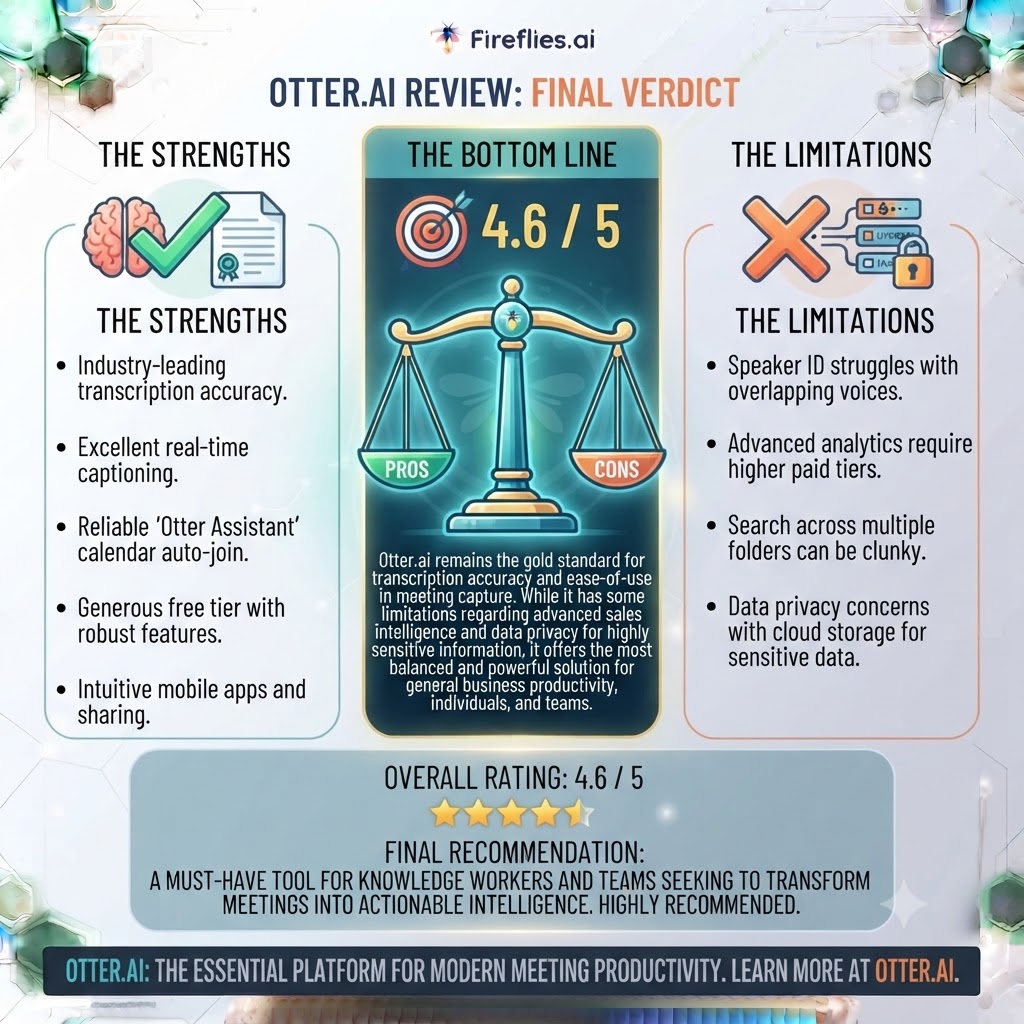
This Otter.ai review concludes that Otter.ai earns its reputation as one of the more mature, reliable AI notetakers on the market, and for the specific use case of an English-, French-, or Spanish-speaking professional who wants fast transcription plus genuinely useful retroactive search, it remains a strong pick in 2026. The AI Chat search feature in particular is still ahead of most competitors I’ve tested, and it’s the single feature most likely to justify the Pro subscription on its own.
But the pricing structure has real teeth. The hard minute caps with no rollover and no overage option mean your workflow has to fit neatly inside Otter’s boxes, or you’ll be forced into an upgrade you didn’t plan for mid-month. Compared to Fathom’s genuinely unlimited free recording, Otter’s free tier looks stingy by comparison, and that gap is only going to matter more as competitors keep undercutting Otter’s entry pricing.
If your meeting volume is predictable and mostly in a supported language, Otter Pro is a safe, well-built choice that will do exactly what you need. If your usage swings wildly or you need broader language support, it’s worth testing Fathom or Fireflies against your actual workflow before committing to a year of Otter.
For teams looking to build out their broader digital operations alongside better meeting workflows, Tasknestly’s digital marketing services can help tie meeting insights into an actual go-to-market process rather than letting good notes sit unused in a transcript archive.
Otter.ai isn’t the flashiest AI notetaker on the market anymore, but it’s still one of the most dependable — and dependability, in a tool you’re trusting with client conversations, counts for a lot.
This Otter.ai review would be dishonest if it didn’t note that the category around Otter has moved fast over the past two years, and it’ll almost certainly keep moving. If you’re evaluating this purchase for a growing team rather than solo use, revisit this comparison every six months or so — pricing, language support, and feature parity in this space are shifting quickly enough that a tool ranked third today could easily be the obvious pick a year from now. For now, Otter earns its spot as a safe default for anyone who fits its language and volume profile, even if it’s no longer the automatic best-in-class choice it once was.
Want The Time Savings Without Doing It Yourself?
These tools save you hours on your own tasks — but marketing is one job most people would rather hand off entirely. Tasknestly runs it for you, end to end.
Get a Free Marketing Quote →