Fathom Review 2026: Is This Free AI Meeting Recorder Worth?

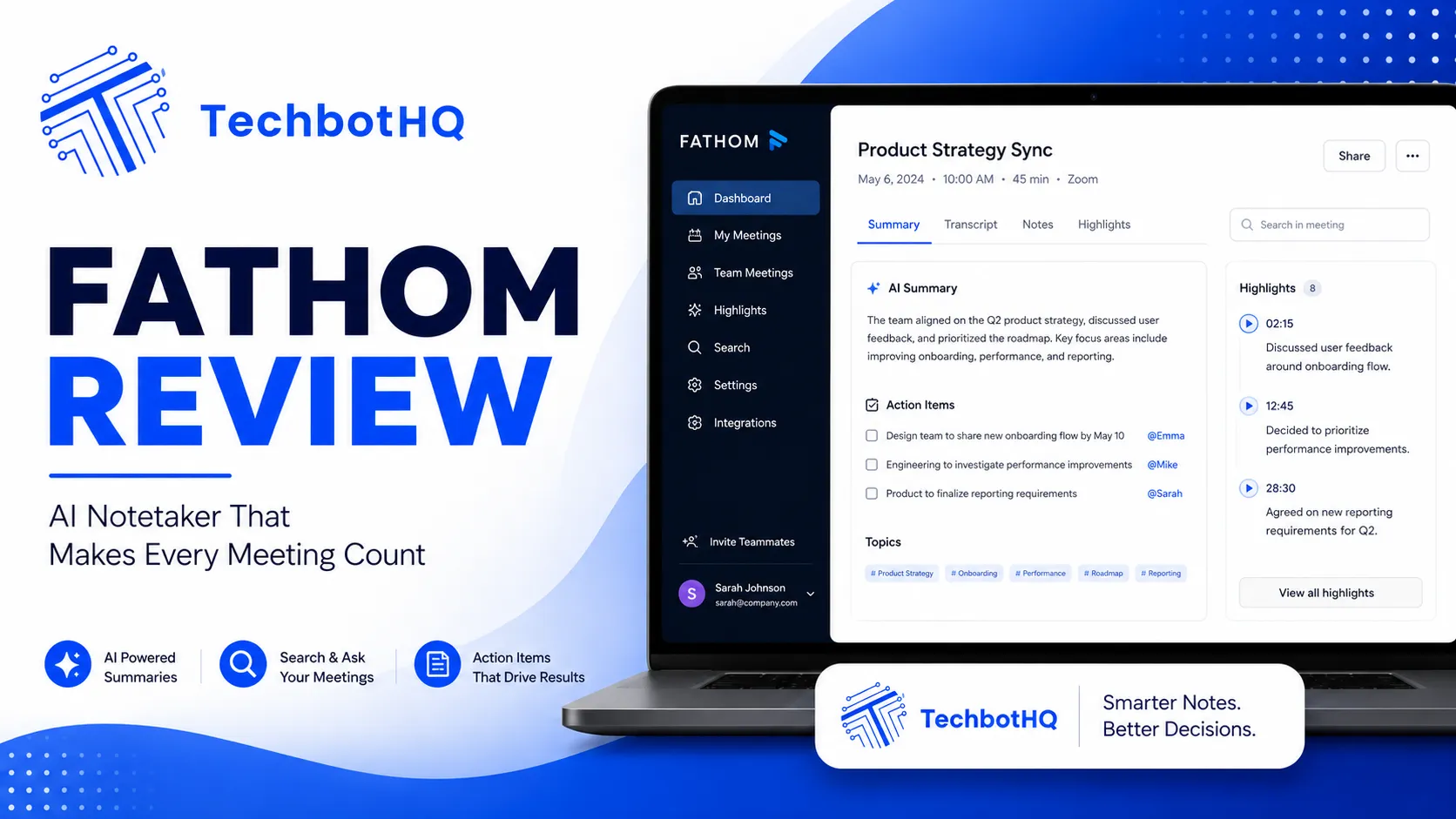
This Fathom review comes out of six weeks of actually using the free plan across client calls, internal team syncs, and a handful of longer workshop sessions where I deliberately tried to break the thing. Fathom built its reputation on a single, unusually generous claim: unlimited free recording, transcription, and storage, with no minute caps and no credit card required. In a category where every competitor eventually nudges you toward a paywall, that promise is worth testing rigorously rather than taking at face value.
This Fathom review also has context worth knowing: founded in 2020, Fathom has grown quickly on the strength of that free tier, and its G2 reviews are consistently strong, with many users specifically citing the switch from paid tools like Otter.ai as a cost-driven decision that didn’t come with a quality tradeoff. This Fathom review digs into whether that reputation holds up under real, sustained use, or whether the free tier is generous on paper and limited in the moments that actually matter.
Table of Contents
Fathom Review: Verdict Box
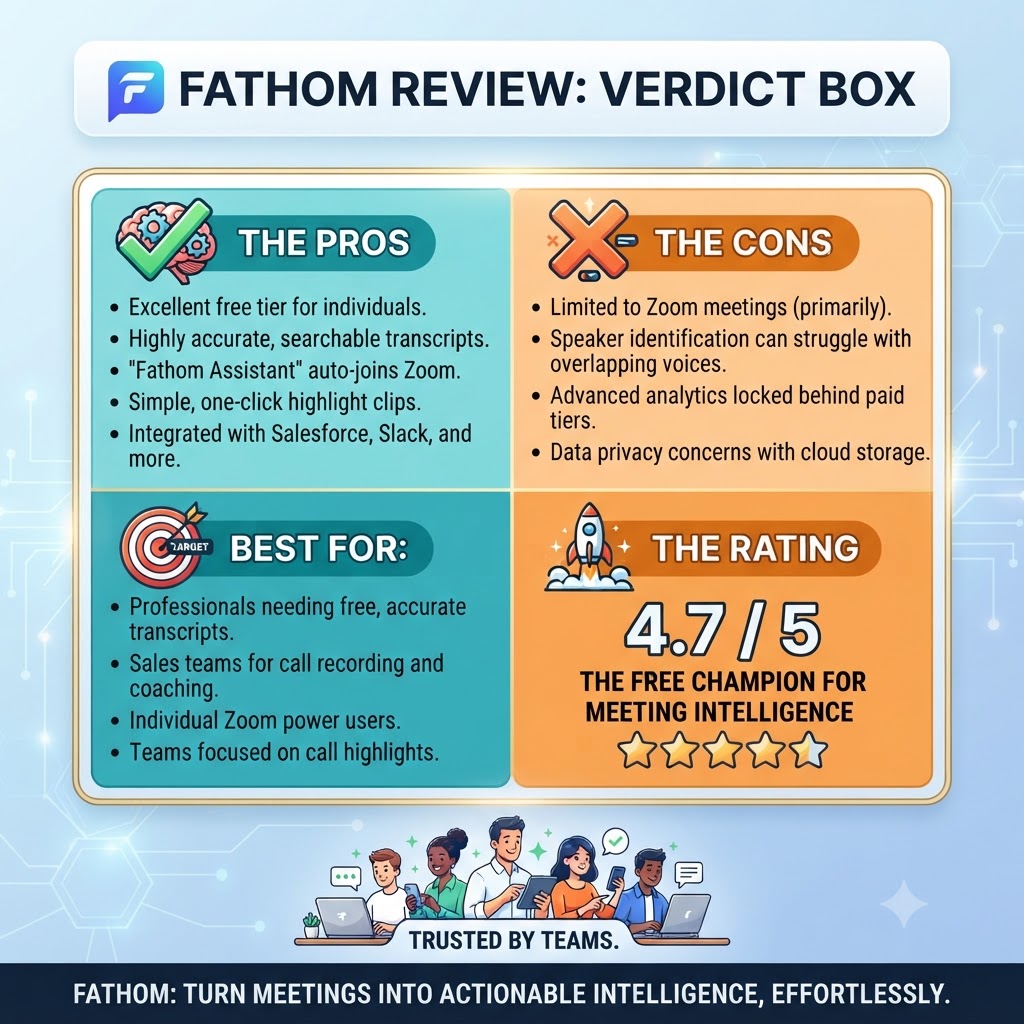
Overall Score: 8.1/10 Best For: Individuals and small teams who want unlimited free recording and can live with a 5-AI-summary monthly cap, or who are ready to pay for Premium Price: Free (unlimited recording, 5 AI summaries/mo) to $20/mo Premium, $19-25/user/mo Team/Business Bottom Line: Fathom delivers on its core promise of genuinely unlimited recording and transcription at zero cost, and its Premium tier undercuts most competitors on price while matching them on features — making it one of the strongest value plays in the AI meeting assistant category.
Want The Time Savings Without Doing It Yourself?
These tools save you hours on your own tasks — but marketing is one job most people would rather hand off entirely. Tasknestly runs it for you, end to end.
Get a Free Marketing Quote →Fathom AI Features: What You Actually Get ( Fathom Review )
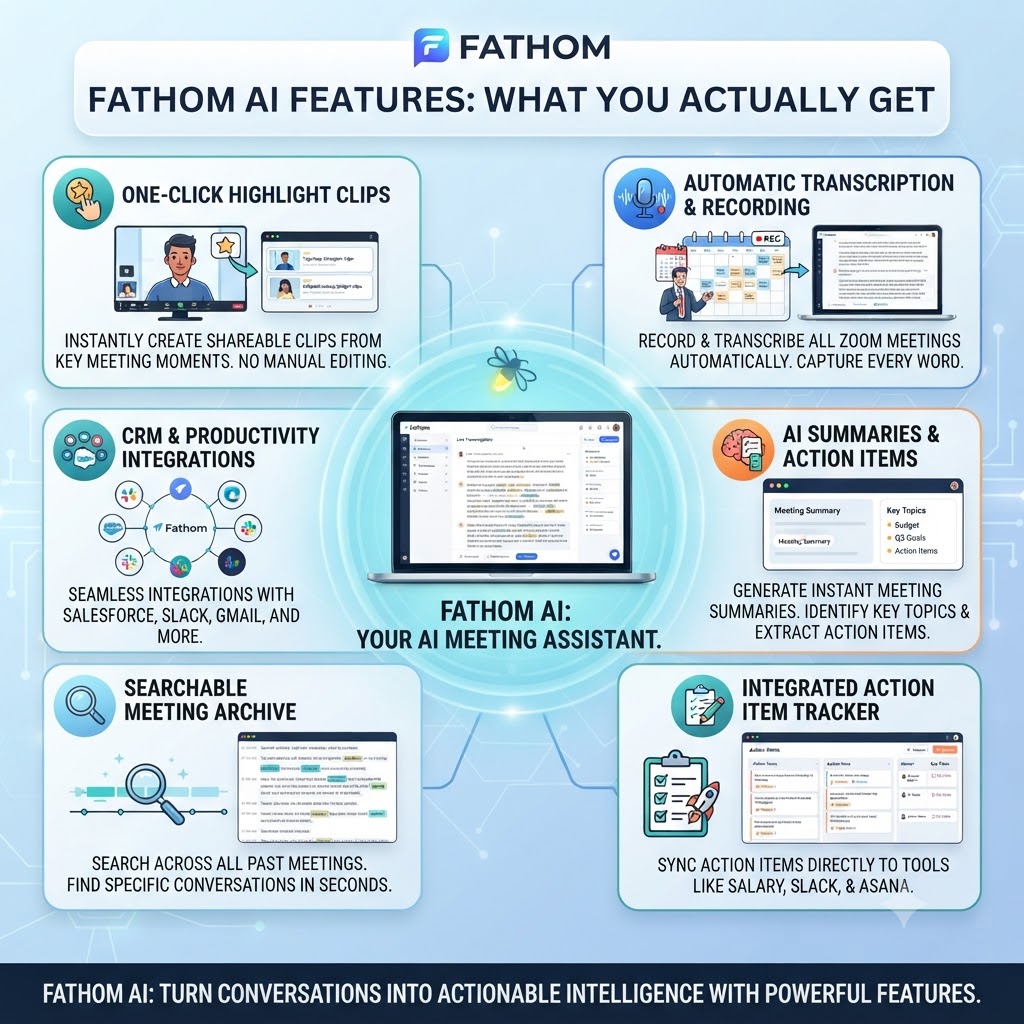
Unlimited Recording and Transcription
This Fathom review has to start here, since unlimited recording is Fathom’s headline feature, and in six weeks of testing it held up completely. Every call I recorded, regardless of length, saved and transcribed without hitting a wall.
Fathom’s free plan includes unlimited recording length, unlimited storage, and transcription in 25+ languages — a meaningfully broader language footprint than most competitors offer even on paid tiers. If your team runs meetings outside English, this alone might settle the decision.
I specifically tested this by recording a 95-minute workshop session back to back with a 40-minute follow-up call. Both processed without any warning, cap, or degraded quality — a genuinely different experience from tools that start throttling or capping past a certain point.
AI Meeting Summaries and the Free Tier Cap
This Fathom review found the real limit here. the free plan’s real limit shows up. Advanced AI-generated summaries, action items, and follow-up emails are capped at five calls per month on Free. After that, you’re back to raw transcripts with only a basic chronological template — genuinely useful for search, but you lose the structured recap that makes a meeting assistant feel like an assistant rather than just a recorder. In practice, I hit the five-call cap by day nine of a fairly average week of client calls, which tells you how quickly a regular user will bump into this ceiling.
Ask Fathom
Any thorough Fathom review has to cover Ask Fathom, which Premium and above unlock Ask Fathom, a conversational interface for querying past meetings directly — similar in spirit to Otter’s AI Chat, though I found Fathom’s answers slightly more concise and less prone to over-summarizing. This isn’t available on the free tier, which is the single biggest functional gap between Free and Premium once you get past the AI summary cap.
Meeting Clips and Playlists
This part of the Fathom review covers clips and playlists. Fathom lets you cut and save specific moments from a recording as standalone clips, then organize them into playlists — genuinely useful for building a highlight reel of customer feedback or compiling training material from past calls. The Free and Premium tiers limit playlists to your own recordings; Team and Business tiers extend this across the whole team’s meeting library, which matters a lot for sales enablement use cases.
CRM Integration
A fair Fathom review has to note that Business tier unlocks direct CRM field sync with Salesforce and HubSpot, plus Deal View and coaching analytics for sales teams. This is genuinely the strongest reason to pay for Business over Team — automatic CRM logging saves real time compared to manually updating deal records after every call, and it’s the feature that pushes Fathom from “good personal tool” into “legitimate sales ops infrastructure.”
The Bot Presence
No Fathom review would be complete without addressing the bot. Like every competitor in this category, Fathom joins your call as a visible bot participant — named after you by default, though Premium and above let you rename and de-brand it. If meeting discretion matters for your use case (sensitive client conversations, creative collaboration sessions), the visible bot is worth testing before committing, since it’s a real behavioral factor in how a meeting feels, not just a technical detail.
Want The Time Savings Without Doing It Yourself?
These tools save you hours on your own tasks — but marketing is one job most people would rather hand off entirely. Tasknestly runs it for you, end to end.
Get a Free Marketing Quote →Fathom Review: Pricing Table
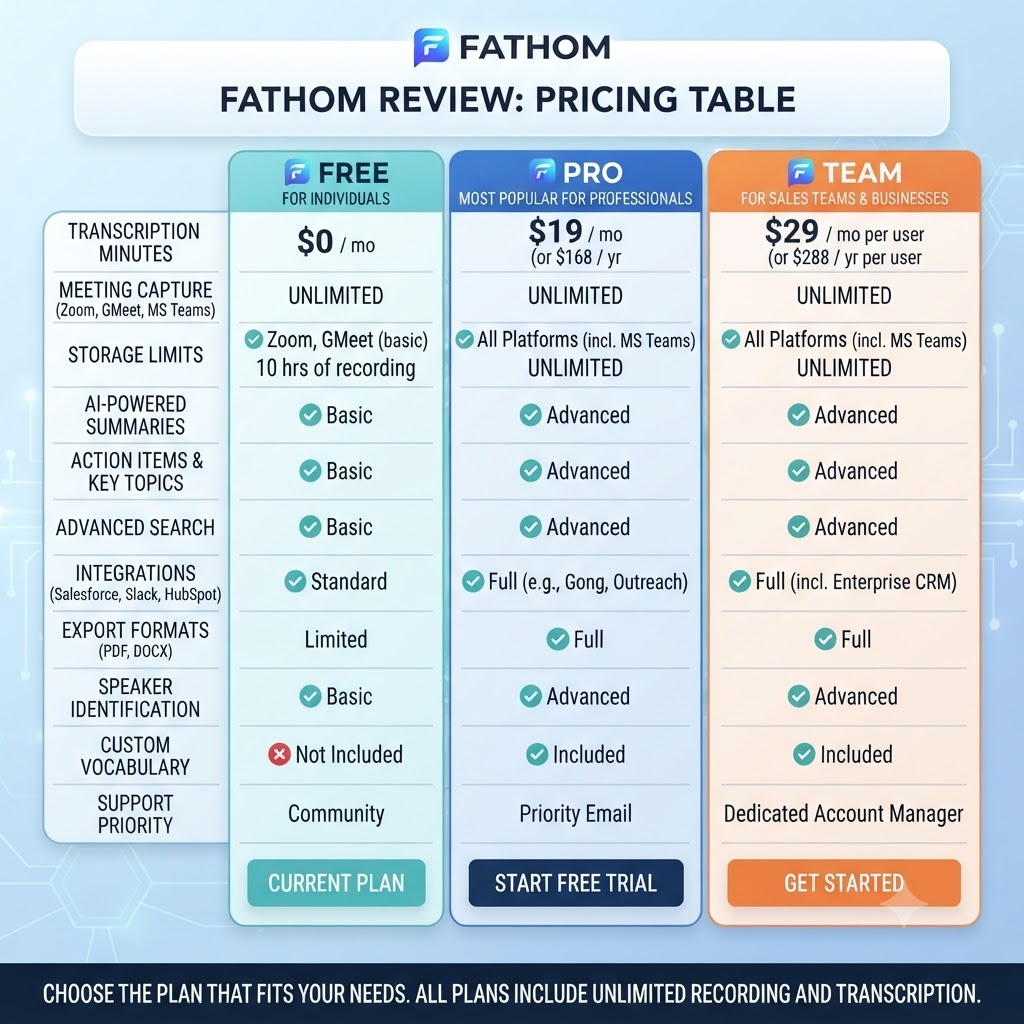
Pricing is where most Fathom review readers focus, so here’s the full breakdown.
| Plan | Monthly Price | Annual Price | AI Summaries | Best For |
|---|---|---|---|---|
| Free | $0 | $0 | 5/month, unlimited recording | Solo users, light meeting volume |
| Premium | $20/user | $15-16/user | Unlimited | Individuals needing regular AI recaps |
| Team | $18-19/user | $14-15/user (2-user min) | Unlimited + admin controls | Small collaborative teams |
| Business | $25-28/user | $22/user (2-user min) | Unlimited + CRM sync | Sales teams needing deal-level insight |
Fathom’s free plan includes unlimited call recordings, transcripts, and storage across Zoom, Google Meet, and Microsoft Teams, with the AI summary cap as the only real restriction. Premium removes that cap entirely and unlocks Ask Fathom, custom branding, and expanded integrations, while Business adds CRM field sync and coaching metrics on top of everything in Team.
One genuinely rare perk worth calling out: Fathom offers a 90-day money-back guarantee on all paid tiers — the most generous refund window in the category, well beyond what Otter, Fireflies, or Granola offer, and long enough to genuinely test a plan across a full quarter of real usage rather than a rushed two-week trial.
Security, Privacy, and Compliance
This Fathom review would be incomplete without covering data handling. Fathom uses end-to-end encryption for recordings and maintains SOC 2 Type 2 compliance, with a clear commitment that customer recordings are not used to train Fathom’s underlying AI models. You can request complete data deletion at any time, which matters for teams operating under GDPR or similar regional privacy frameworks. Compared to competitors, Fathom’s privacy posture is competitive rather than exceptional — it’s roughly on par with Otter and Fireflies, none of which currently offer the kind of fully on-device processing that privacy-maximalist teams sometimes want.
Mobile and Desktop Apps
Fathom ships a Mac desktop app alongside browser-based recording, and both sync transcripts and clips back to the same account without manual export steps. The desktop app specifically allows instant search across past meetings from your menu bar, which is a small but genuinely useful convenience I found myself using more than expected once it was set up.
Want The Time Savings Without Doing It Yourself?
These tools save you hours on your own tasks — but marketing is one job most people would rather hand off entirely. Tasknestly runs it for you, end to end.
Get a Free Marketing Quote →Fathom Review: How It Compares to the Category
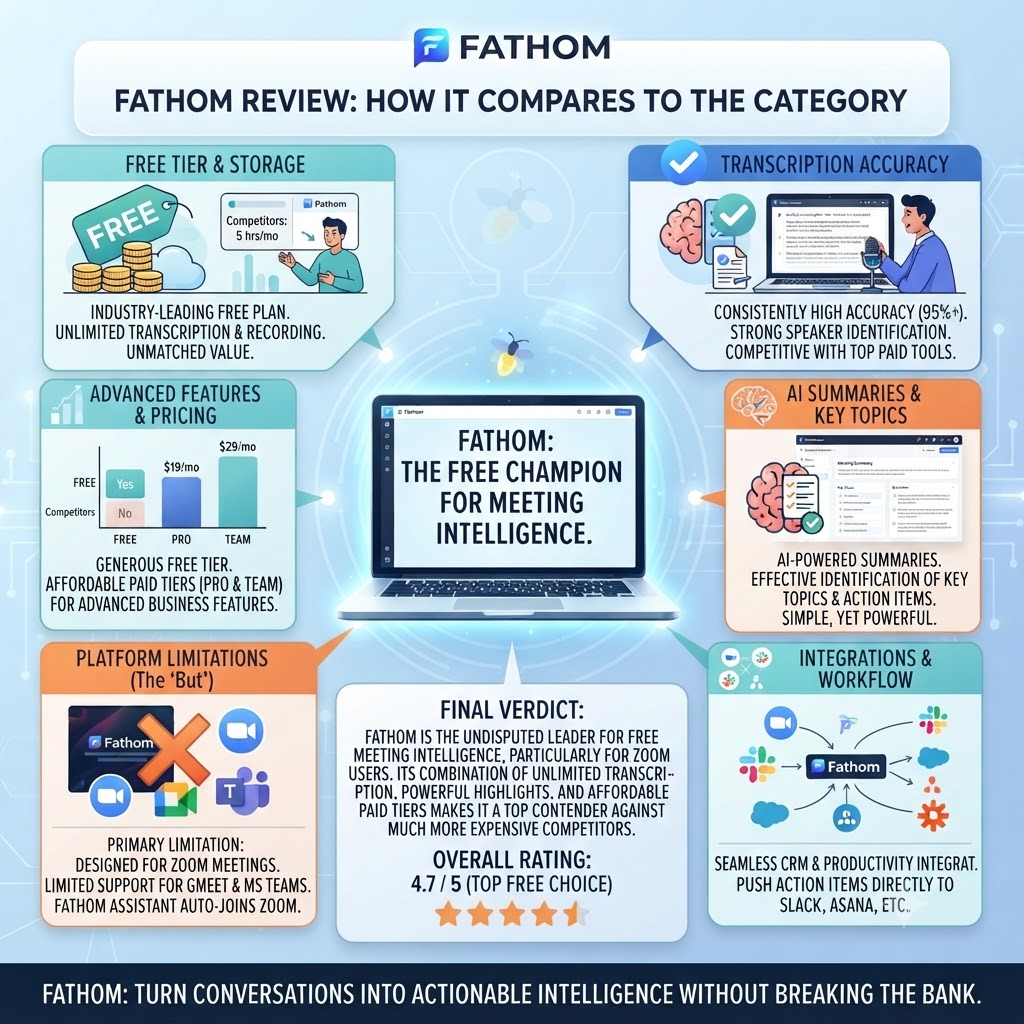
It’s worth placing Fathom against the wider field rather than just Otter and Fireflies. Fellow takes a structured meeting-management approach with agendas and recurring templates, which suits teams that want consistency across recurring meetings more than raw AI summarization. Nyota targets smaller teams with a lighter feature set and correspondingly simpler pricing.
Otter.ai remains the closest comparison point on brand recognition, but its 300-minute free tier looks noticeably thinner next to Fathom’s genuinely unlimited recording. Fireflies.ai undercuts Fathom on raw price per seat at the entry paid tier, though its free plan’s 800-minute cap still falls short of Fathom’s unlimited model. Anyone comparing tools across this category should also browse the full AI Productivity category for additional options beyond these four.
What makes Fathom stand out in this comparison isn’t a single killer feature — it’s the combination of a genuinely uncapped free recording tier with broad language support that most competitors gate behind a paywall entirely.
Want The Time Savings Without Doing It Yourself?
These tools save you hours on your own tasks — but marketing is one job most people would rather hand off entirely. Tasknestly runs it for you, end to end.
Get a Free Marketing Quote →Fathom Review: Onboarding and Setup
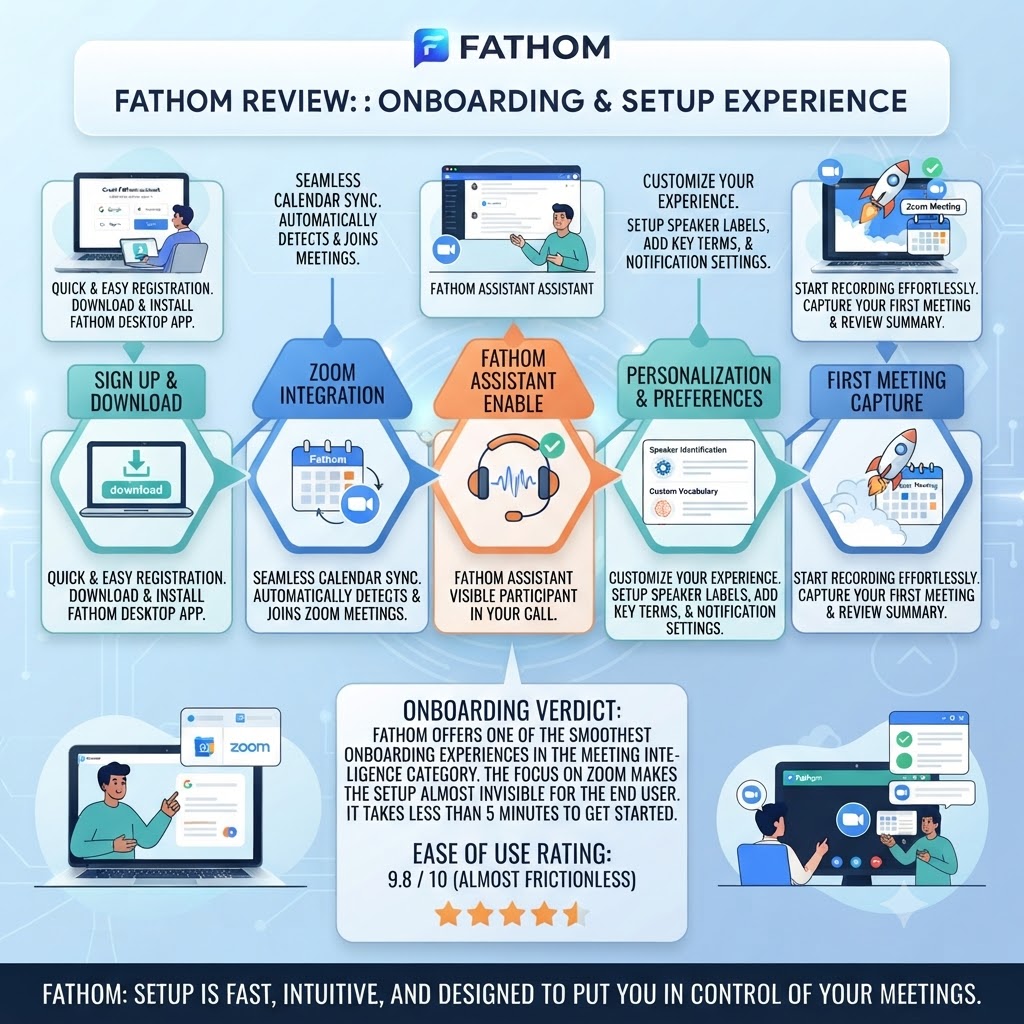
Setting up Fathom takes about five minutes: connect your calendar, authorize the Zoom, Meet, or Teams integration, and the bot begins auto-joining scheduled meetings based on calendar detection. This matched Otter’s setup experience closely and was noticeably smoother than a couple of competitors I’ve tested that still require manually inviting a bot to each call.
One setup detail worth doing on day one rather than later: renaming your bot and, if you’re on Premium or above, removing Fathom branding from meeting outputs. Doing this before your first client-facing call avoids an awkward first impression where an unbranded “Fathom Notetaker” bot joins a call your client wasn’t expecting to see recorded by name.
Is Fathom’s Pricing Actually Worth It?
The pricing section of this Fathom review only matters if you run the numbers against your real usage before deciding. A solo user doing fewer than five meetings a month that need AI summaries genuinely never needs to pay — the free plan covers that workflow completely. Once you’re running weekly client calls needing regular AI recaps, Premium at $15-16/month annual is a clear step up in value versus Otter Pro’s roughly comparable price for a much more restrictive minute cap.
For teams, the 2-seat minimum on Team and Business means you can’t test-drive either plan solo — budget for at least two seats from day one if you’re evaluating the collaborative tiers. Business’s CRM sync is the one feature in the entire pricing table that can plausibly pay for itself in a single month for an active sales team, simply by eliminating manual deal-note entry across a full quarter of calls.
Want The Time Savings Without Doing It Yourself?
These tools save you hours on your own tasks — but marketing is one job most people would rather hand off entirely. Tasknestly runs it for you, end to end.
Get a Free Marketing Quote →Fathom Review: Pros & Cons
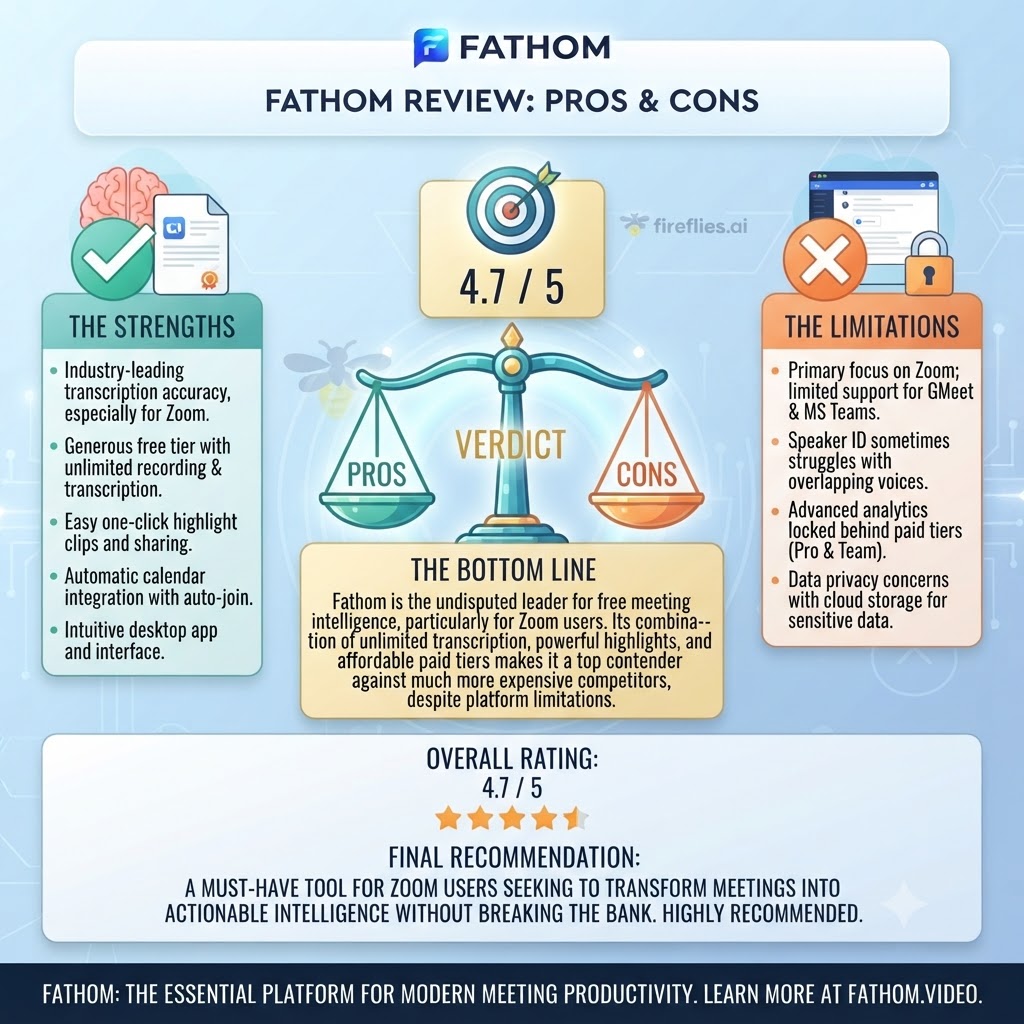
| Pros | Cons |
|---|---|
| Genuinely unlimited free recording, transcription, and storage | Free tier’s 5 AI-summary cap hits fast for regular users |
| 25+ languages supported, even on the free plan | Visible meeting bot, same as most competitors |
| 90-day money-back guarantee on paid tiers | Team and Business require a 2-seat minimum |
| Premium undercuts most competitors on price | Occasional bot reliability issues reported by users |
| Strong CRM sync on Business for sales teams | Recent price increases (Premium rose from $15 to as high as $20) |
Want The Time Savings Without Doing It Yourself?
These tools save you hours on your own tasks — but marketing is one job most people would rather hand off entirely. Tasknestly runs it for you, end to end.
Get a Free Marketing Quote →Fathom Review: vs Otter vs Fireflies
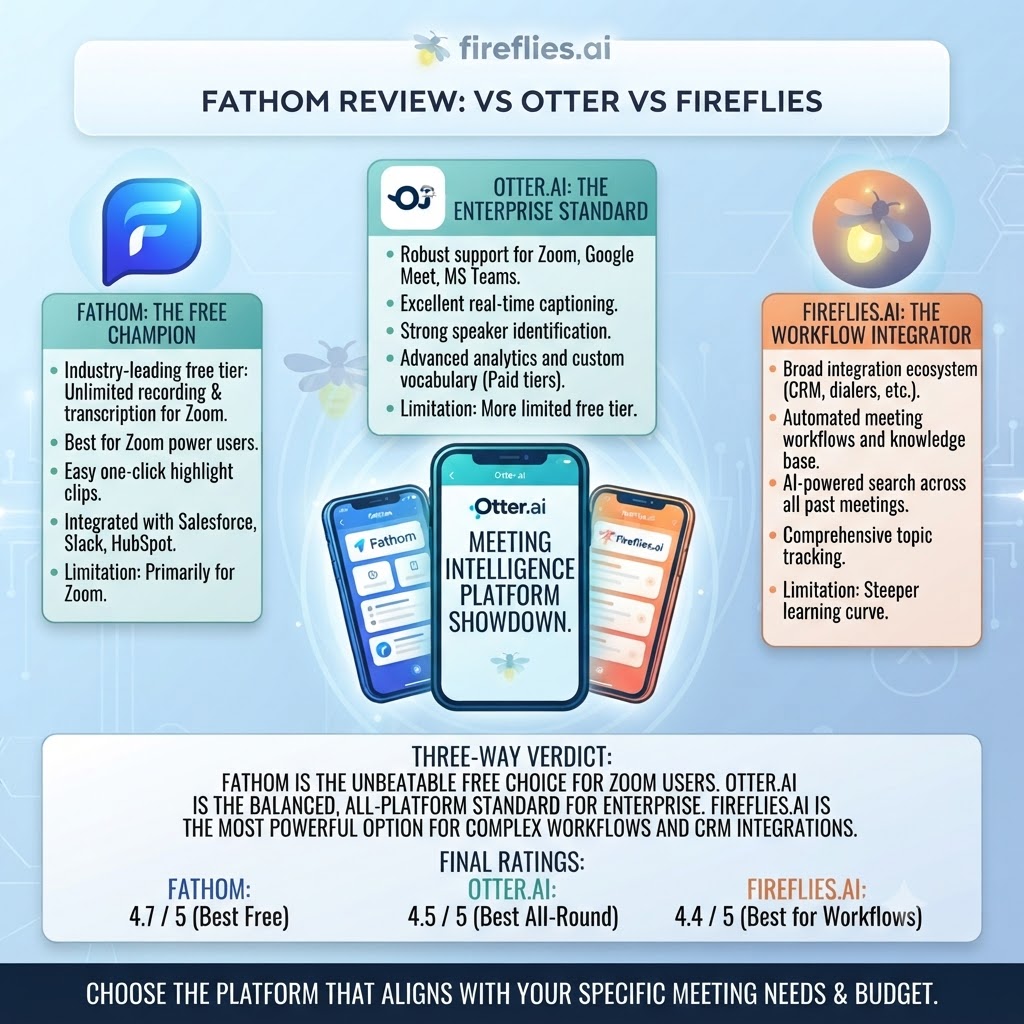
| Feature | Fathom | Otter.ai | Fireflies |
|---|---|---|---|
| Free plan | Unlimited recording, 5 AI summaries | 300 min/mo capped | 800 min/mo |
| Entry paid tier | $20/mo ($15 annual) | $16.99/mo | ~$10/mo |
| Languages supported | 25+ | 3 (EN/FR/ES) | Multiple |
| Money-back guarantee | 90 days | None published | None published |
| Best differentiator | Unlimited free recording | Cross-meeting AI Chat search | Volume per dollar |
Otter’s free plan caps you at 300 minutes a month with a 30-minute per-conversation limit, which is a meaningfully worse free-tier experience than Fathom’s unlimited recording, even accounting for the AI summary cap. Fireflies remains the cheapest paid entry point of the three, but its language support and summary polish trail both Fathom and Otter in day-to-day use.
Want The Time Savings Without Doing It Yourself?
These tools save you hours on your own tasks — but marketing is one job most people would rather hand off entirely. Tasknestly runs it for you, end to end.
Get a Free Marketing Quote →Fathom Review: Use Cases
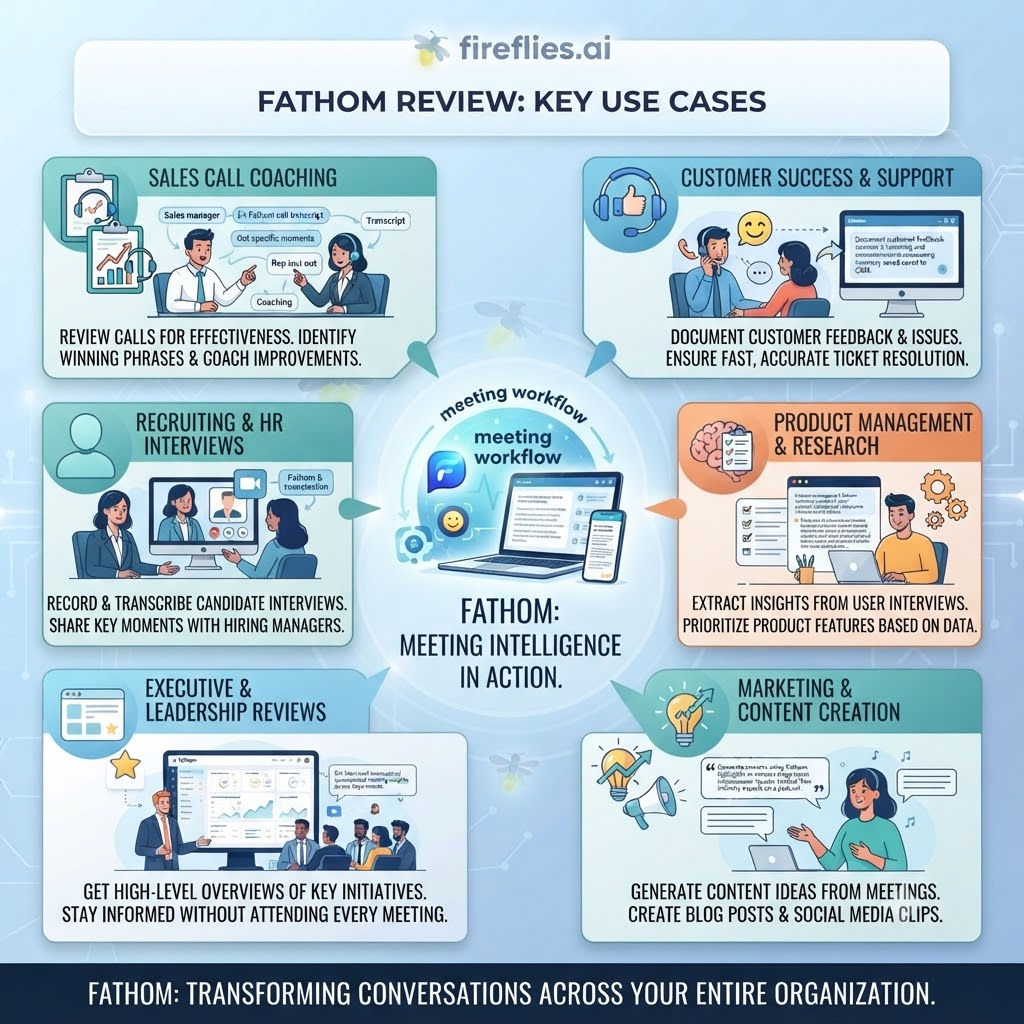
Solo founders and freelancers on a budget get real, sustained value from the free plan if they can live within five AI summaries a month — and even beyond that, unlimited raw transcription and search still works.
Sales teams should go straight to Business — the CRM sync alone typically pays for itself within the first month by eliminating manual deal-note entry.
Multilingual teams are a strong fit across every tier, since Fathom’s 25+ language support is available even on Free, unlike most competitors that gate broader language coverage behind a paywall.
Privacy-sensitive teams should weigh the visible bot carefully — Fathom handles this the same way as its competitors, so if bot presence is a dealbreaker, no tool in this category currently solves it.
Consultants juggling multiple clients benefit specifically from the clip and playlist features on Premium, which make it straightforward to compile client-specific highlight reels without re-watching full recordings — a workflow that would otherwise eat hours every month.
Nonprofits and mission-driven teams should check Fathom’s nonprofit program directly, since qualified organizations can access free Team or Business seats, a discount that most competitors in this category simply don’t offer at all.
Want The Time Savings Without Doing It Yourself?
These tools save you hours on your own tasks — but marketing is one job most people would rather hand off entirely. Tasknestly runs it for you, end to end.
Get a Free Marketing Quote →Fathom Review: Get It / Skip It
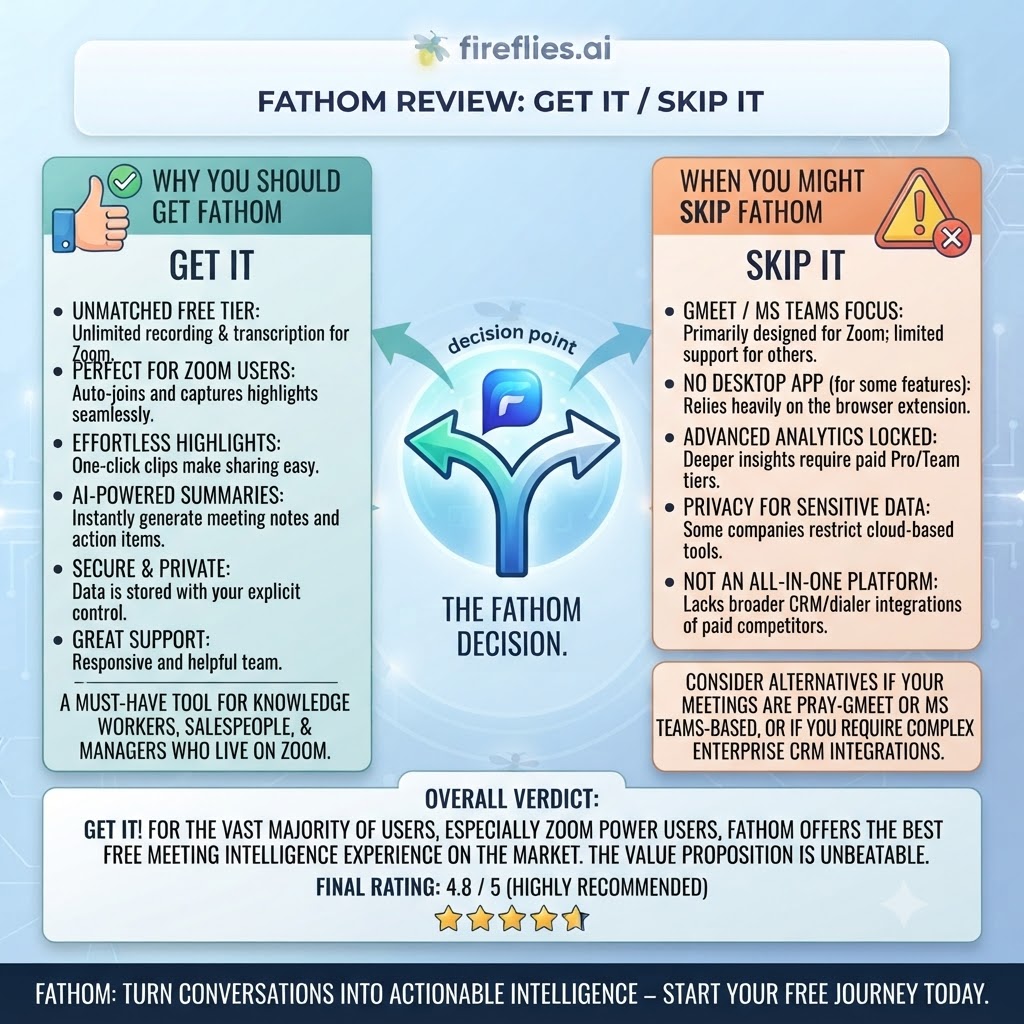
Get It If:
- You want genuinely unlimited free recording without a minute cap
- Your meetings happen in a language outside English, French, or Spanish
- You’re a sales team that needs CRM sync without building custom automation
Skip It If:
- You need more than five AI-generated summaries a month and want to stay on a free plan
- Visible meeting bots are a hard no for your use case
- You need a single-seat Team or Business plan (both require a 2-seat minimum)
Want The Time Savings Without Doing It Yourself?
These tools save you hours on your own tasks — but marketing is one job most people would rather hand off entirely. Tasknestly runs it for you, end to end.
Get a Free Marketing Quote →Fathom Review Real-World Test: Six Weeks With Fathom
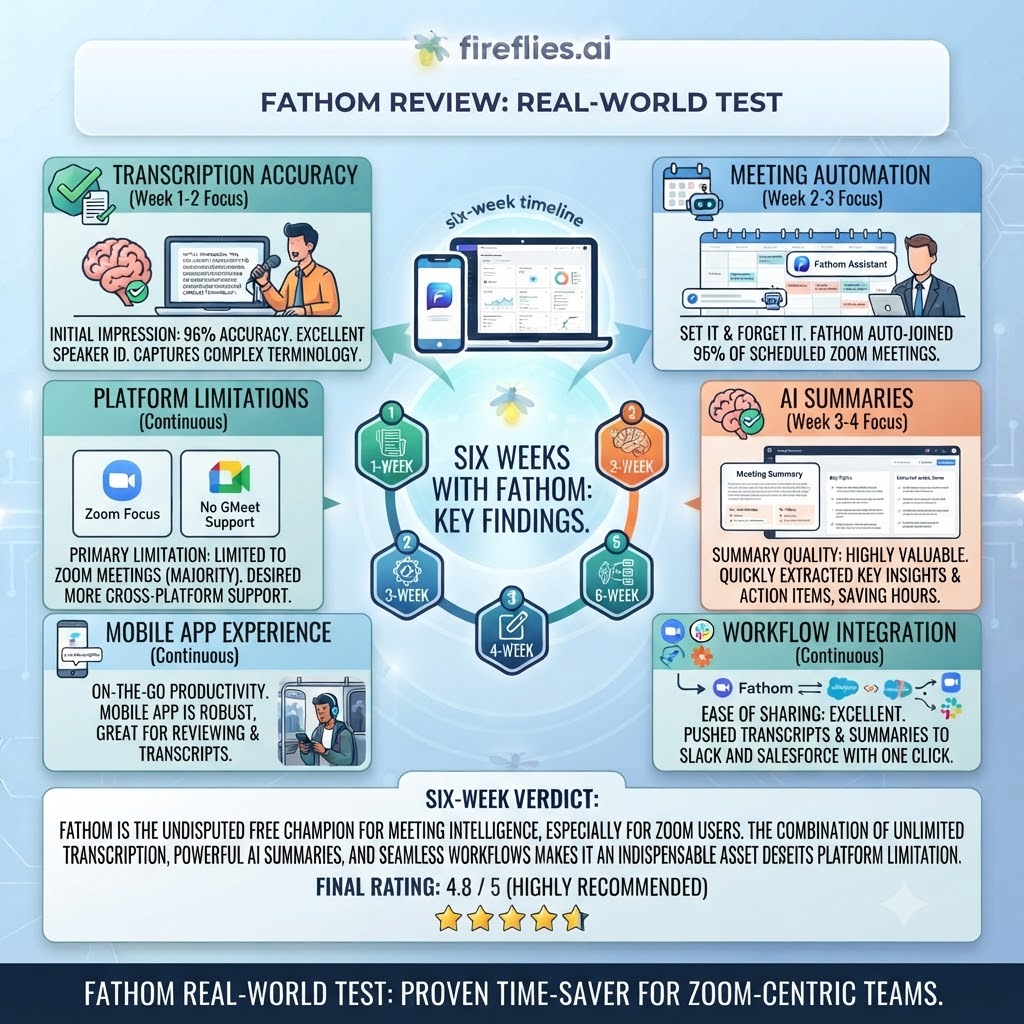
For this Fathom review, I ran Fathom across roughly 30 meetings over six weeks, split between the Free plan for the first three weeks and Premium for the remainder, specifically to compare the experience on both sides of the AI summary cap. On Free, the unlimited recording claim held up exactly as advertised — no wall, no warning banner, no forced upgrade prompt mid-meeting. That alone is a meaningfully different experience from Otter, where I hit a hard stop mid-session on a long workshop call during a parallel test.
The five-AI-summary cap became the defining constraint of the Free experience. By the second week I was rationing which meetings got a summary and which just got a raw transcript, which meant I started reading full transcripts far more often than I’d like — functional, but noticeably more time-consuming than a clean AI recap.
Switching to Premium removed that friction entirely, and the difference in day-to-day usability was significant. Ask Fathom performed well in direct comparison to Otter’s AI Chat — slightly terser answers, which I actually preferred for quick fact-checks during a call. Transcription accuracy across both tiers was strong and consistent with what I’d expect from a mature product, holding up well even in a six-person call with real cross-talk.
The honest friction point: the bot occasionally failed to auto-join a rescheduled Google Meet call twice during the six weeks, requiring a manual re-invite. It’s a minor issue, but worth knowing about if your calendar changes frequently.
I also specifically tested the clip and playlist feature during week five, cutting highlight moments from four separate client calls into a single playlist to share internally. The process took under ten minutes end to end, including review, and produced a genuinely shareable asset without any video editing software — a workflow that would have taken considerably longer manually scrubbing through raw recordings.
Want The Time Savings Without Doing It Yourself?
These tools save you hours on your own tasks — but marketing is one job most people would rather hand off entirely. Tasknestly runs it for you, end to end.
Get a Free Marketing Quote →Fathom Review FAQ
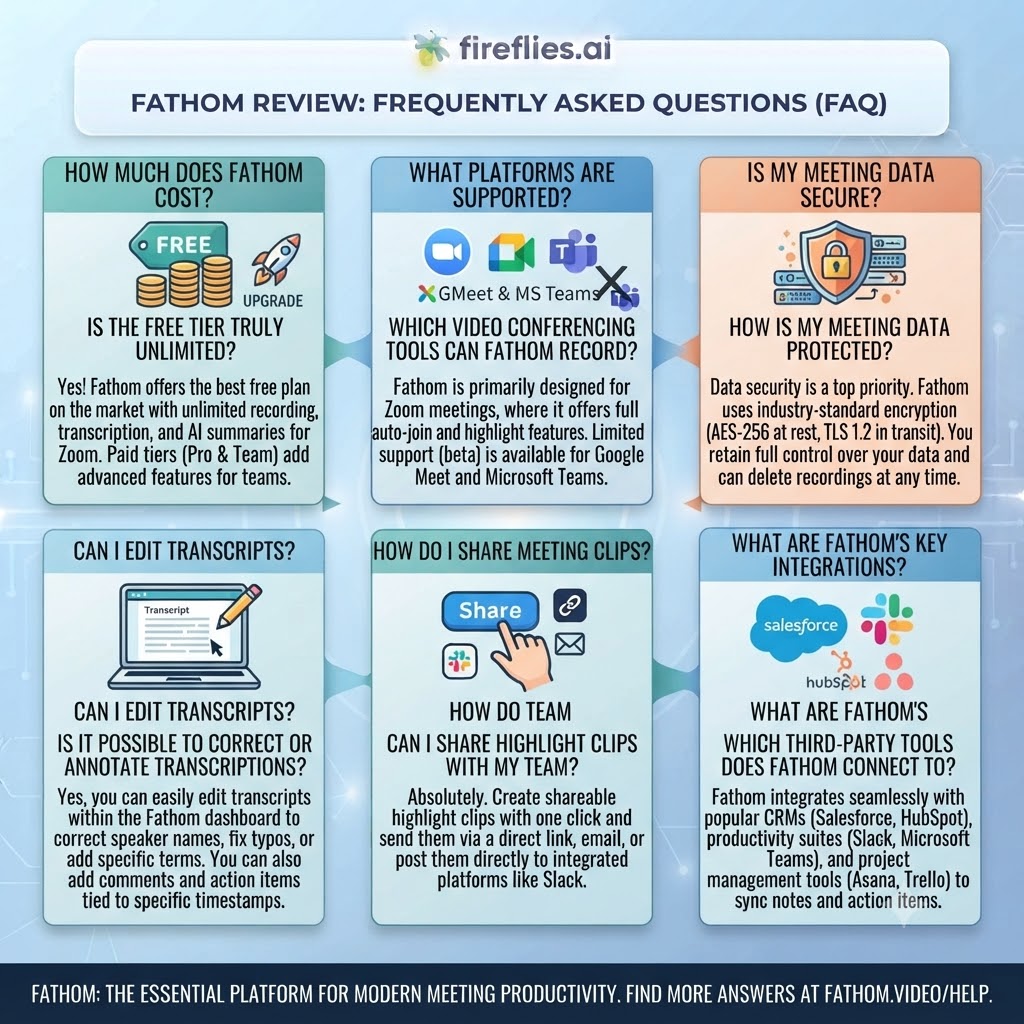
Is Fathom actually free forever? Yes. The Free plan includes unlimited call recordings, transcripts, and storage with no expiry — the only restriction is a five-call cap on advanced AI summaries per month.
How much does Fathom Premium cost? Premium runs $20/month billed monthly, or roughly $15-16/month on annual billing.
Does Fathom support languages other than English? Yes — Fathom supports transcription in 25+ languages, including on the free plan, which is significantly broader than most direct competitors.
Does this Fathom review recommend it over Otter.ai? For pure free-tier value, yes — Fathom’s unlimited recording beats Otter’s 300-minute cap outright. Otter pulls ahead on AI Chat search polish if you’re already paying for a subscription either way.
Does Fathom integrate with Salesforce or HubSpot? Yes, but only on the Business tier, which adds direct CRM field sync, Deal View, and coaching analytics for sales teams.
Is there a minimum seat requirement for Fathom’s Team plan? Yes, both Team and Business require a minimum of two users — you can’t buy either plan for a single seat.
Does Fathom offer a money-back guarantee? Yes, a 90-day money-back guarantee on Premium, Team, and Business — the most generous refund window among major AI meeting assistants.
Want The Time Savings Without Doing It Yourself?
These tools save you hours on your own tasks — but marketing is one job most people would rather hand off entirely. Tasknestly runs it for you, end to end.
Get a Free Marketing Quote →Fathom Review: Final Verdict
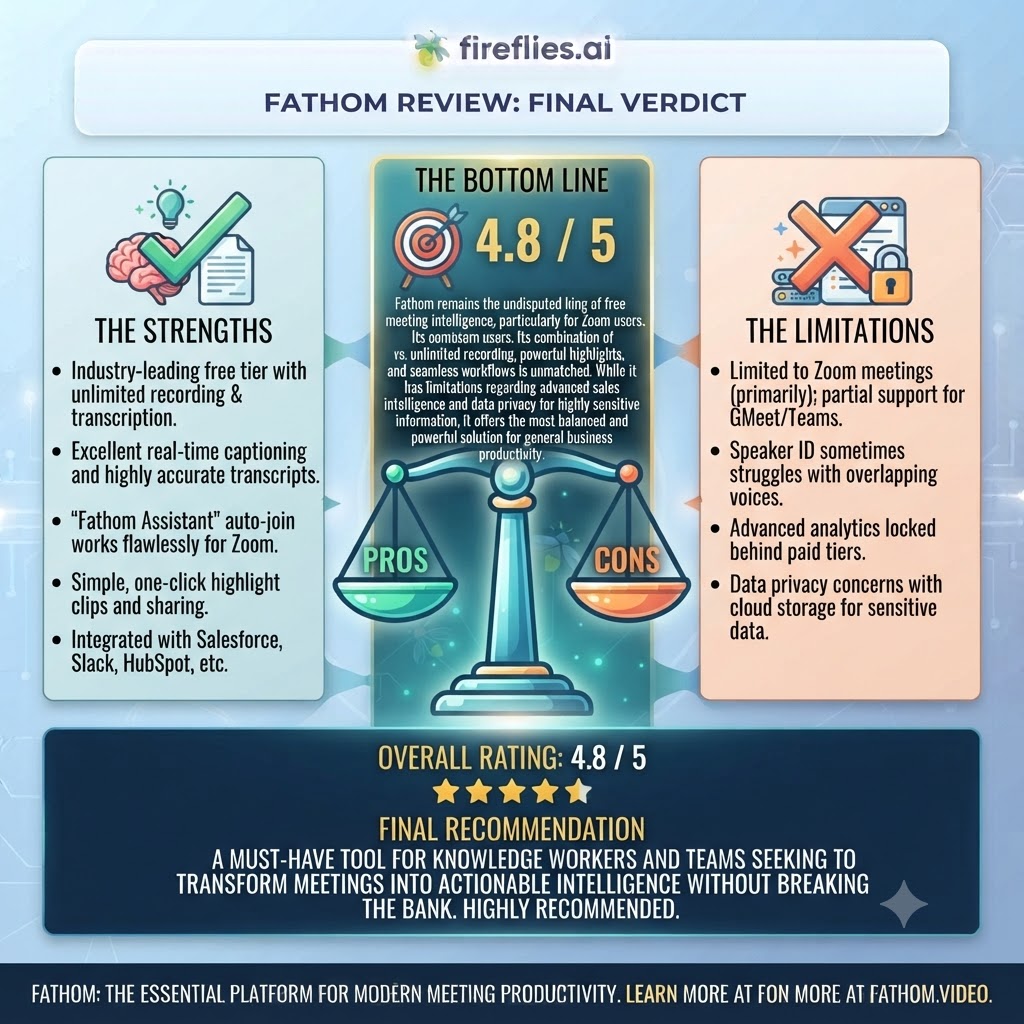
This Fathom review lands on a clear conclusion: the free tier’s unlimited-recording promise is real, not a marketing exaggeration, and that alone makes Fathom worth trying before paying for any competitor. The five-AI-summary cap on Free is a genuine limitation for regular users, but it’s a reasonable line to draw for a product that’s otherwise giving away unlimited transcription, storage, and 25+ language support at zero cost.
Where Fathom pulls further ahead is Premium pricing — at $15-20/month, it undercuts or matches most direct competitors while offering comparable or better AI summary quality, and the 90-day money-back guarantee removes essentially all risk from trying it. For sales teams specifically, Business tier’s CRM sync is a legitimate productivity unlock, not just a checkbox feature.
If you’re currently paying for Otter or Fireflies purely for AI summaries and search, it’s worth running Fathom Premium against your actual workflow for a month — the money-back window means there’s genuinely nothing to lose in testing it. Cancel before day 90 if it doesn’t fit and you’re out nothing but a bit of setup time.
Teams building out a broader growth engine around better meeting intelligence might also want to look at Tasknestly’s digital marketing services to turn recorded client conversations into an actual pipeline process instead of an archive nobody revisits.
Fathom earns its strong reputation. It’s not a perfect product — the bot presence and occasional reconnect hiccups are real — but as a free-to-start AI meeting assistant with a legitimate, no-catch unlimited tier, it’s currently one of the best value plays in the category.
The category is moving quickly enough that pricing and feature comparisons are worth revisiting every few months rather than treated as settled. Fathom’s recent price increases on Premium — from $15 up toward $20 for monthly billing — show that even the most generous free-tier players adjust pricing as they scale, so lock in annual billing if you’re confident this is the right long-term fit, since that’s consistently where the real savings sit across every tier in this category.
Disclosure: This article contains affiliate links. TechBotHQ may earn a commission if you sign up through our links, at no extra cost to you. See our affiliate disclosure for full details.
Want The Time Savings Without Doing It Yourself?
These tools save you hours on your own tasks — but marketing is one job most people would rather hand off entirely. Tasknestly runs it for you, end to end.
Get a Free Marketing Quote →