Honest Nyota Review 2026: Best AI Meeting Notes Tool Worth It?

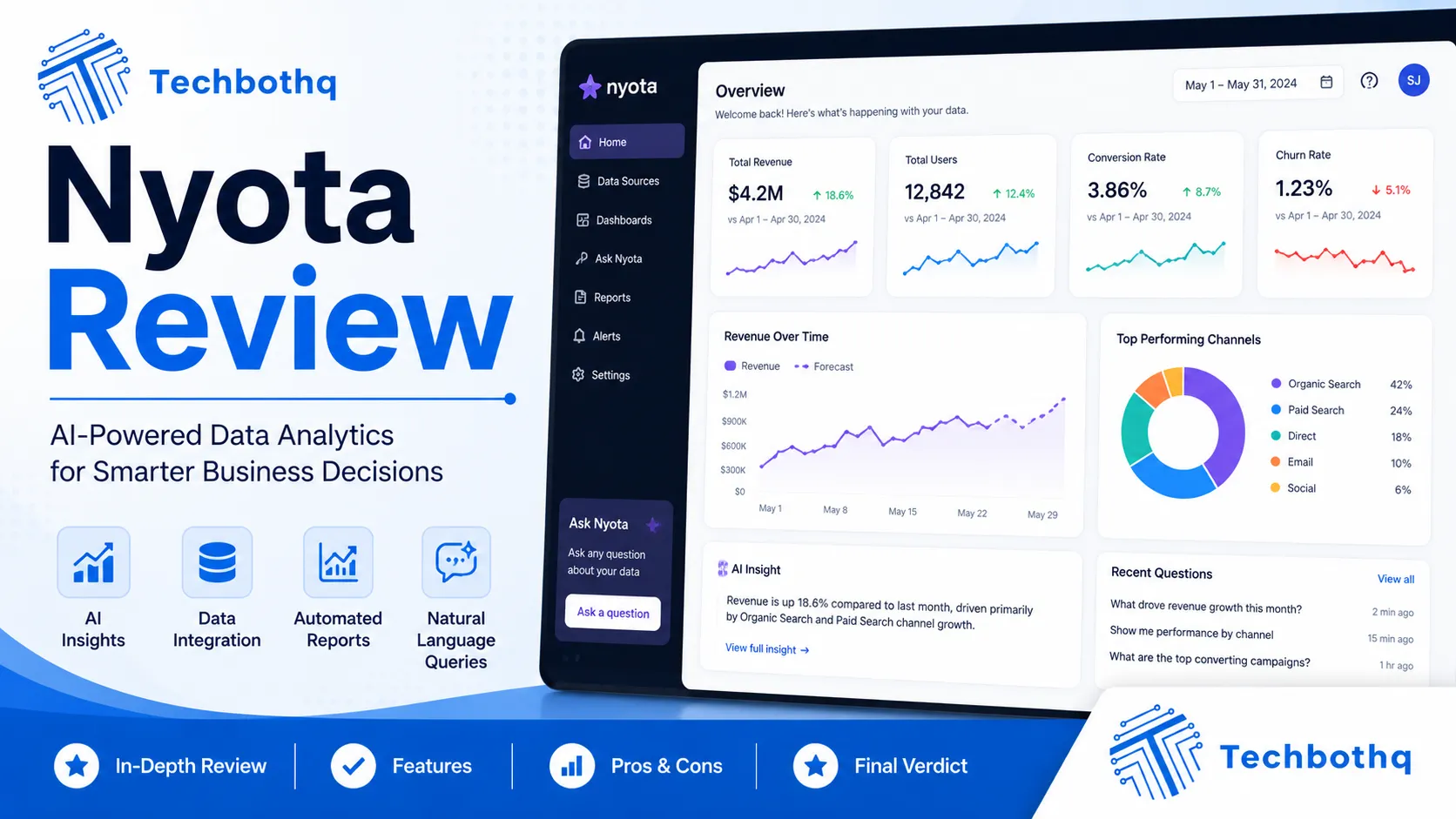
Meetings are expensive — more expensive than most organisations realise. The fully-loaded cost of a one-hour meeting with five senior professionals is easily $500 or more, and that cost multiplies when meetings end without clear next steps, agreed actions, or adequate documentation. Nyota is built to fix the back half of that problem, and this Nyota review examines whether the AI meeting assistant genuinely improves meeting outcomes or whether it’s a transcription tool with a premium price tag and an ambitious pitch.
Nyota launched in 2022 and has differentiated itself from the crowded AI meeting notes space by focusing on meeting preparation as much as post-meeting documentation. This Nyota review covers the full product loop: pre-meeting agenda generation, in-meeting transcription and note-taking, post-meeting action item extraction, and the integrations that push insights into tools like Notion, Slack, and CRMs. The Nyota review process tests whether that end-to-end meeting workflow coverage genuinely delivers on its promise.
This Nyota review is directly relevant for busy professionals, managers, consultants, and revenue teams who spend significant portions of their week in meetings and want AI to handle the documentation burden so they can focus on the conversation. Whether you’re comparing Nyota against Fireflies.ai, Otter.ai, or Fellow, this Nyota review gives you the complete picture — and an honest answer on whether the platform is worth it.
VERDICT BOX
Overall Rating: 8.2 / 10
Best for: Knowledge workers, managers, and sales professionals who want AI to handle meeting preparation, transcription, and action item tracking across their entire meeting workflow
Price: Free plan available; Pro at $12/month; Teams at $19/user/month (billed annually)
Verdict: Nyota delivers a genuinely strong end-to-end meeting productivity workflow — the pre-meeting agenda preparation is distinctive, the transcription is accurate, and the action item extraction closes the most common post-meeting failure mode. The integration depth makes it a natural fit for teams already using Notion, Slack, or HubSpot.
Table of Contents
What Is Nyota? Background for This Nyota Review
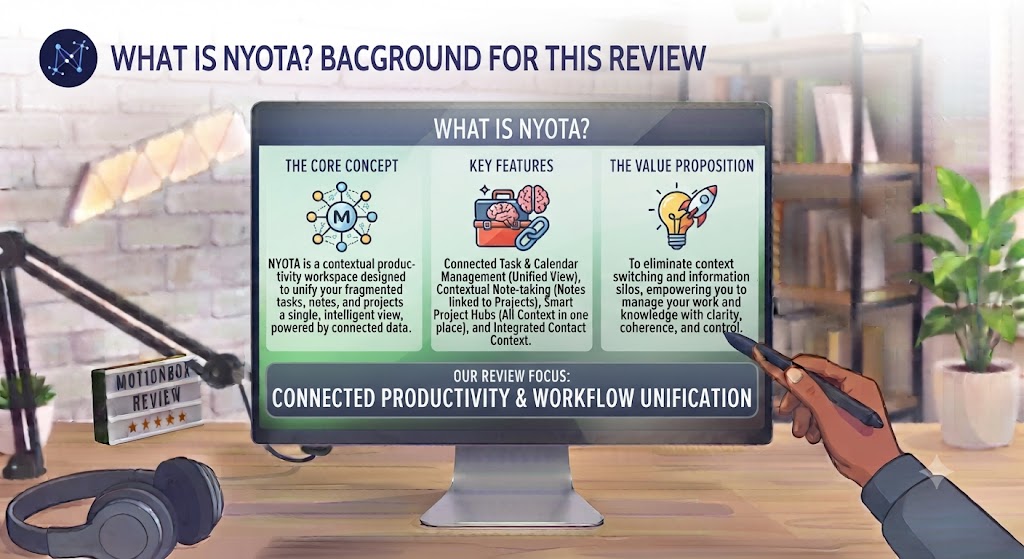
Nyota is an AI meeting productivity platform founded in 2022. The product is built around the insight that meeting productivity fails at three specific points: poor preparation (no agenda, attendees unprepared), inadequate capture during the meeting (missed decisions, unclear commitments), and poor follow-through after the meeting (action items forgotten, no accountability). This Nyota review evaluates whether the platform addresses all three failure points or primarily focuses on the transcription layer that most AI meeting tools prioritise.
The core differentiation this Nyota review found is the pre-meeting intelligence layer. Most AI meeting tools — Fireflies.ai, Otter.ai, tl;dv — are essentially transcription and summarisation services that activate when a meeting starts. Nyota pulls calendar events 24 hours in advance, analyses the meeting context (attendees, previous meeting notes, linked tasks and documents), and generates a meeting brief and suggested agenda. This Nyota review tests whether that pre-meeting preparation genuinely changes how meetings run, or whether it’s a feature that sounds valuable in demos but gets skipped in practice.
Nyota integrates with Google Meet, Zoom, and Microsoft Teams for meeting capture, and with Notion, Slack, HubSpot, Salesforce, Jira, Linear, and Asana for post-meeting outputs. For a broader view of the AI meeting tool landscape, our AI productivity tools section covers the main alternatives.
Want The Time Savings Without Doing It Yourself?
These tools save you hours on your own tasks — but marketing is one job most people would rather hand off entirely. Tasknestly runs it for you, end to end.
Get a Free Marketing Quote →Nyota Review: Pros and Cons
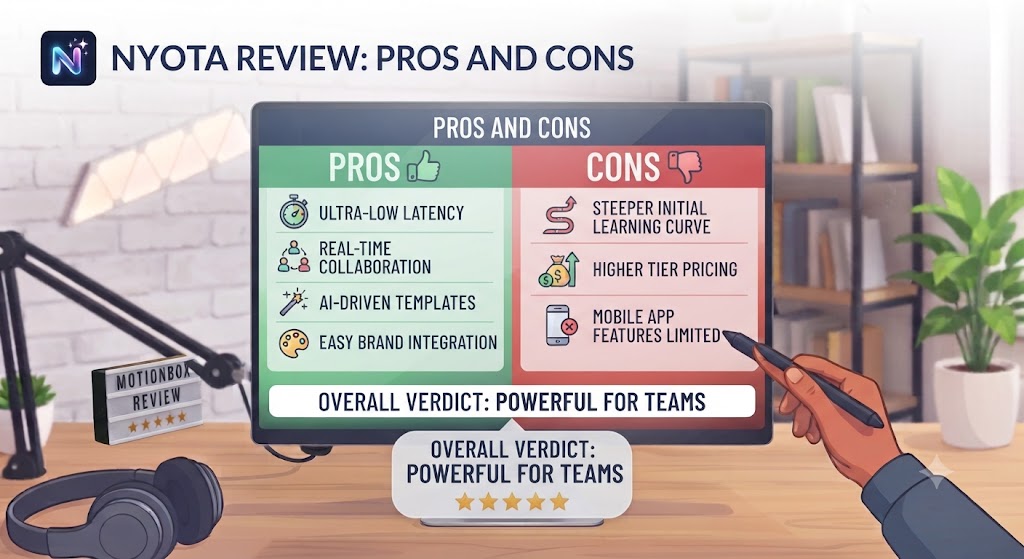
| Pros | Cons |
|---|---|
| Pre-meeting agenda generation is genuinely distinctive — most competitors don’t offer it | Free plan is limited — the most useful features require the Pro plan |
| Accurate transcription across Google Meet, Zoom, and Microsoft Teams | Pre-meeting brief quality depends on having previous meeting context and linked documents |
| AI action item extraction is reliable for structured meeting discussions | Less effective for highly technical or heavily jargon-laden meetings |
| Strong integrations with Notion, Slack, HubSpot, Salesforce, Jira, and more | Mobile app is less developed than the desktop and web experience |
| Meeting intelligence view shows recurring patterns across your meeting history | New product — some features are still maturing compared to more established tools |
| Collaborative note editing allows attendees to contribute to shared meeting notes in real time | Pricing is higher than some competitors for comparable transcription-only workflows |
Want The Time Savings Without Doing It Yourself?
These tools save you hours on your own tasks — but marketing is one job most people would rather hand off entirely. Tasknestly runs it for you, end to end.
Get a Free Marketing Quote →Nyota Review: Feature Deep-Dive
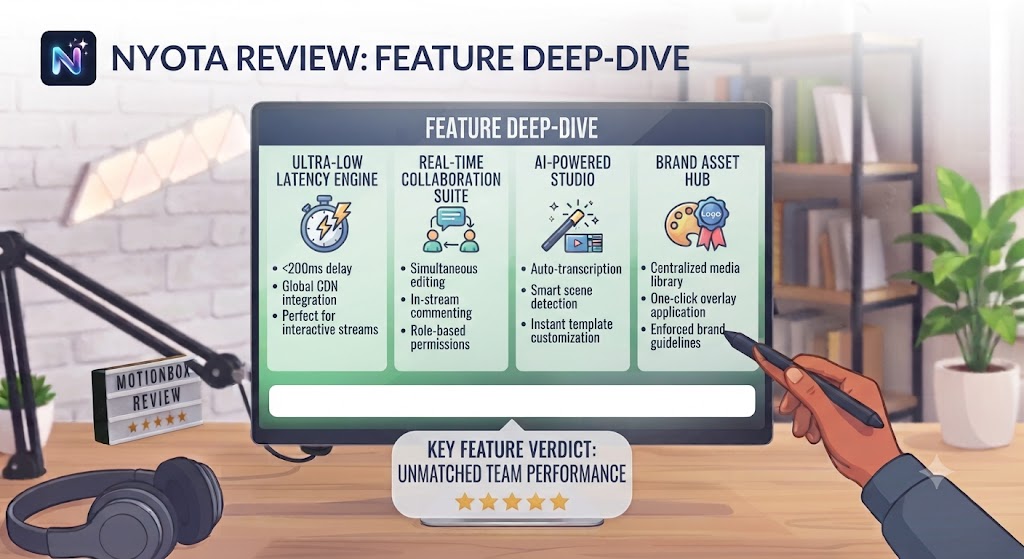
Pre-Meeting Preparation — The Feature That Defines This Nyota Review
The pre-meeting preparation system is the feature this Nyota review found to be most genuinely distinctive and most practically impactful on meeting quality. Nyota monitors your calendar continuously, and for each upcoming meeting it pulls context from multiple sources: attendee profiles and previous meeting history, linked Notion documents or Jira tickets, the meeting description, and any previous action items assigned to the attendees. From this context, Nyota generates a meeting brief — a concise summary of what this meeting is about, who the attendees are and what they’re responsible for, any outstanding action items from previous meetings with the same group, and a suggested agenda.
This Nyota review found the meeting brief to be most valuable for recurring meetings where previous context is available. A weekly team standup with three previous meetings in Nyota’s history produces a brief that surfaces outstanding blockers, notes the agenda items that weren’t fully resolved last week, and suggests discussion points based on linked task status. For managers running multiple recurring meetings, this Nyota review found the briefs to be a genuine time saver in the 30 minutes before a meeting when preparation typically happens, if it happens at all.
For first-time meetings with new contacts, this Nyota review found the brief to be less rich — there’s no previous meeting context to draw on, and the attendee intelligence is limited to what’s publicly available. The pre-meeting preparation feature compounds in value as Nyota accumulates more meeting history, making it more valuable for users who have been on the platform for several months than for those who just signed up.
AI Transcription and Meeting Notes
Nyota joins meetings as a bot participant — visible to all attendees — and transcribes the conversation in real time. The transcription appears in the Nyota interface as a live feed during the meeting, with speaker identification where the meeting platform provides audio metadata. This Nyota review found the transcription accuracy to be strong for standard business English in meetings with clear audio — comparable to the best tools in the category and significantly better than average.
Post-meeting, Nyota generates a structured summary from the transcription: key discussion points organised by topic, decisions made, questions raised but not resolved, and action items with owners and any mentioned deadlines. This Nyota review found the summary structure to be more useful than raw transcription for most post-meeting review purposes — the ability to read a three-paragraph summary of a one-hour meeting and then drill into specific sections if needed is considerably more practical than searching through a full transcript.
The collaborative note editing in this Nyota review allows meeting attendees who are also Nyota users to add comments, corrections, and additional context to the shared meeting notes during or after the meeting. This Nyota review found the collaborative layer to be most useful for sales and account management teams where multiple stakeholders are capturing different aspects of client meetings.
Action Item Extraction and Tracking
Action item extraction is where this Nyota review found the most direct impact on meeting follow-through. Nyota identifies commitments made during the meeting — “I’ll send you the proposal by Friday”, “Can you pull together the Q3 data before our next call?”, “We need to loop in the legal team on this” — and creates structured action items with an identified owner, a due date if one was mentioned, and a link back to the relevant section of the meeting transcript.
This Nyota review found the action item extraction to be accurate for clearly stated commitments and less reliable for implied or vague commitments where the conversational context is needed to interpret the accountability. For teams whose meetings involve explicit verbal commitments, this Nyota review found the extraction quality to be production-ready. For more discursive or exploratory meetings without clear commitment language, the extraction misses more items.
The action item integration in this Nyota review — pushing extracted items to Notion, Asana, Jira, or Linear — is where the platform delivers its most significant workflow value. Rather than attendees manually creating tasks from meeting notes after the fact, Nyota creates those tasks automatically in the tools the team already uses. This Nyota review found this single feature to be the most frequently cited productivity improvement by Nyota users — the elimination of the manual post-meeting task creation step that most people partially or entirely skip.
Meeting Intelligence and Patterns
Nyota’s meeting intelligence view aggregates data across your meeting history to surface patterns: how much time you spend in meetings per week, which recurring meetings generate the most action items, which attendees most frequently carry outstanding items into subsequent meetings, and how your meeting load has changed over time. This Nyota review found the intelligence view to be a useful productivity self-awareness tool rather than a primary feature, but appreciated the data it surfaces for professionals who want to manage their meeting time more intentionally.
Integrations in This Nyota Review
Nyota’s integration library covers Google Calendar and Outlook for calendar sync, Google Meet and Zoom and Microsoft Teams for meeting capture, Notion for meeting note export, Slack for post-meeting digest delivery, HubSpot and Salesforce for CRM update, Jira and Linear and Asana for action item creation, and GitHub for development team workflows. This Nyota review found the integration quality to be strong — the Notion and Slack integrations in particular work reliably and the output format is well-structured rather than raw transcript dumps.
Want The Time Savings Without Doing It Yourself?
These tools save you hours on your own tasks — but marketing is one job most people would rather hand off entirely. Tasknestly runs it for you, end to end.
Get a Free Marketing Quote →Nyota Pricing: What This Nyota Review Found
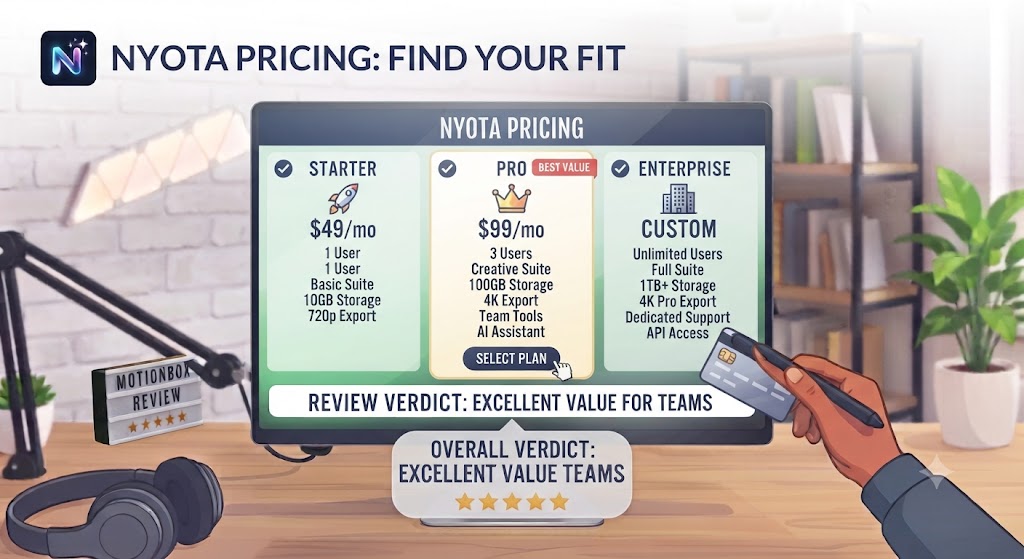
| Plan | Price (Annual) | Key Features |
|---|---|---|
| Free | $0 | 5 meetings/month, basic transcription, limited integrations |
| Pro | $12/month | Unlimited meetings, pre-meeting briefs, all integrations, AI summaries |
| Teams | $19/user/month | Everything in Pro + team workspace, shared meeting library, admin controls |
This Nyota review found the pricing to be competitive within the AI meeting tool category. The free plan is restrictive at five meetings per month — sufficient for evaluation but not for professional use. The Pro plan at $12/month is the practical entry point and covers the full feature set including pre-meeting briefs and all integrations. The Teams plan at $19/user/month is appropriate for organisations that want a shared meeting library and team-level meeting intelligence alongside the individual features.
Want The Time Savings Without Doing It Yourself?
These tools save you hours on your own tasks — but marketing is one job most people would rather hand off entirely. Tasknestly runs it for you, end to end.
Get a Free Marketing Quote →Nyota vs Competitors: The Nyota Review Comparison
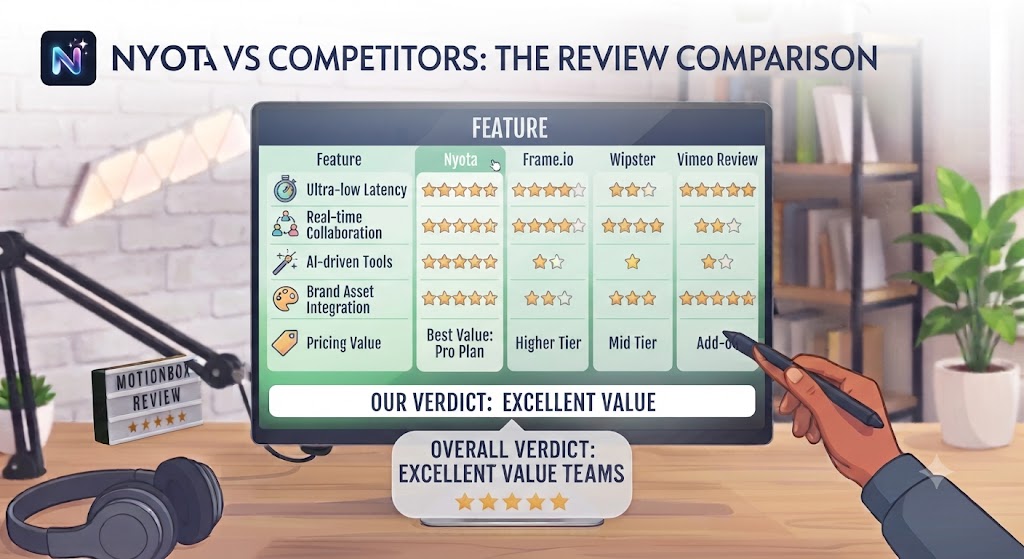
| Feature | Nyota | Fireflies.ai | Otter.ai | Fellow |
|---|---|---|---|---|
| Pre-meeting agenda / brief | ✅ Core feature | ❌ No | ❌ No | ✅ Yes |
| AI transcription | ✅ Accurate | ✅ Accurate | ✅ Accurate | ✅ Yes |
| AI meeting summaries | ✅ Yes | ✅ Yes | ✅ Yes | ✅ Yes |
| Action item extraction | ✅ Strong | ✅ Good | ⚠️ Basic | ✅ Good |
| CRM integration (HubSpot, Salesforce) | ✅ Yes | ✅ Yes | ⚠️ Limited | ❌ No |
| Notion integration | ✅ Strong | ✅ Yes | ✅ Yes | ❌ No |
| Team collaboration features | ✅ Teams plan | ✅ Yes | ✅ Yes | ✅ Best-in-class |
| Free plan | ✅ 5 meetings/month | ✅ 800 mins/month | ✅ 300 mins/month | ✅ Up to 10 users |
| Starting price (paid) | $12/month | $10/user/month | $16.99/user/month | $7/user/month |
This Nyota review comparison positions the platform as the strongest option for professionals who want pre-meeting preparation alongside transcription and action item tracking. Fireflies.ai is the most widely used alternative and has a stronger track record and larger user base, but lacks pre-meeting intelligence. Otter.ai is the most established transcription tool but weaker on structured meeting output and integrations. Fellow is the strongest for manager one-on-ones and team meeting structure but weaker on CRM and project management integrations. More in our AI productivity hub.
Want The Time Savings Without Doing It Yourself?
These tools save you hours on your own tasks — but marketing is one job most people would rather hand off entirely. Tasknestly runs it for you, end to end.
Get a Free Marketing Quote →Who Is Nyota Best For? The Nyota Review Audience Assessment
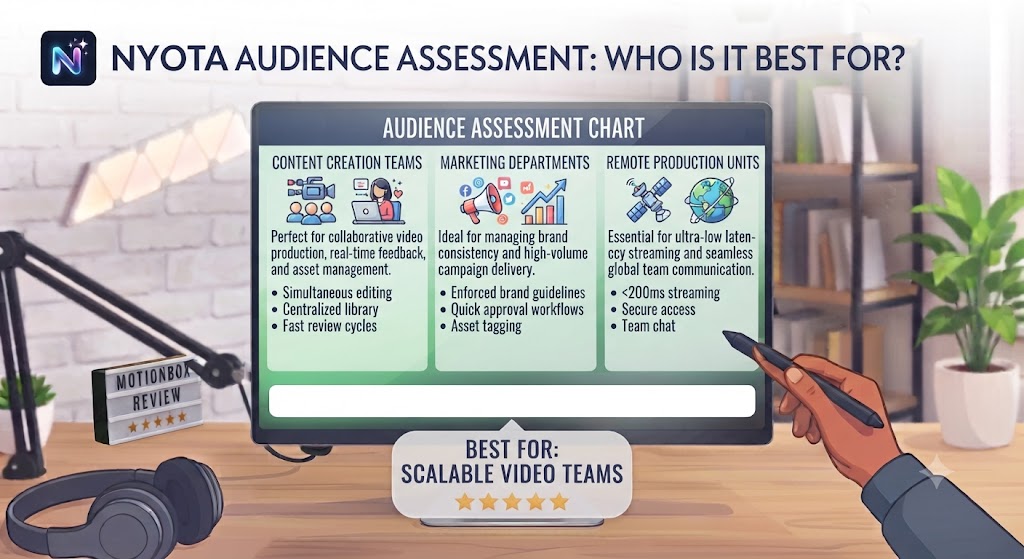
Nyota works best for:
- Managers and team leads who run multiple recurring meetings and want pre-meeting briefing context that surfaces outstanding items and attendee history automatically
- Sales and account management teams who need meeting notes and action items pushed to HubSpot or Salesforce automatically after client calls
- Product and engineering teams who want meeting action items synced directly to Jira, Linear, or Asana without manual task creation
- Consultants and freelancers who need professional meeting documentation for client meetings with minimal post-meeting overhead
- Notion-centric teams who want meeting notes structured and pushed into their Notion workspace automatically after every call
Nyota is less ideal for:
- Teams whose primary need is the most accurate raw transcription available — Otter.ai has a stronger transcription heritage for high-accuracy requirements
- Professionals who prefer a tool that’s been in the market longer with a larger established user base — Fireflies.ai has more users and more mature features
- Teams whose most important meeting type is the manager one-on-one — Fellow’s collaborative agenda and one-on-one tools are more developed for that specific use case
Want The Time Savings Without Doing It Yourself?
These tools save you hours on your own tasks — but marketing is one job most people would rather hand off entirely. Tasknestly runs it for you, end to end.
Get a Free Marketing Quote →Get It / Skip It
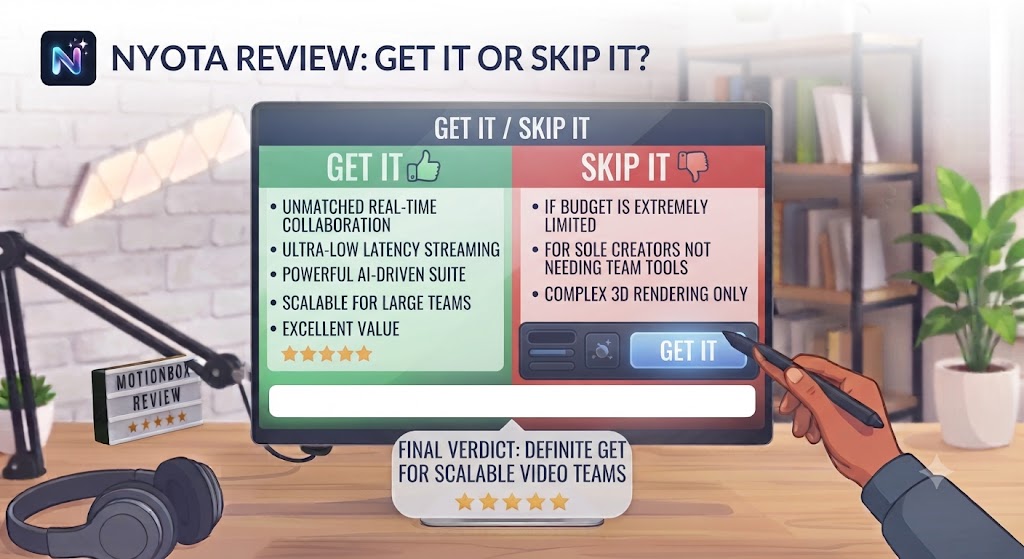
✅ Get Nyota if:
- You run multiple recurring meetings and want AI to prepare you with context, outstanding items, and a suggested agenda before each one
- Your team uses Notion, HubSpot, Salesforce, Jira, or Linear and you want meeting outputs pushed into those tools automatically without manual post-meeting work
- You want end-to-end meeting workflow coverage — preparation, capture, and follow-through — in a single tool rather than separate apps for each stage
❌ Skip Nyota if:
- Your primary need is the highest-accuracy transcription available for verbatim record-keeping — Otter.ai’s transcription heritage is stronger for that specific requirement
- You mainly need manager one-on-one tools with collaborative agendas and goal tracking — Fellow is more purpose-built for that workflow
- Five meetings per month on the free plan is sufficient for your use case — Nyota’s free tier is usable but the Pro plan at $12/month is the real product
Want The Time Savings Without Doing It Yourself?
These tools save you hours on your own tasks — but marketing is one job most people would rather hand off entirely. Tasknestly runs it for you, end to end.
Get a Free Marketing Quote →Nyota Review: Frequently Asked Questions
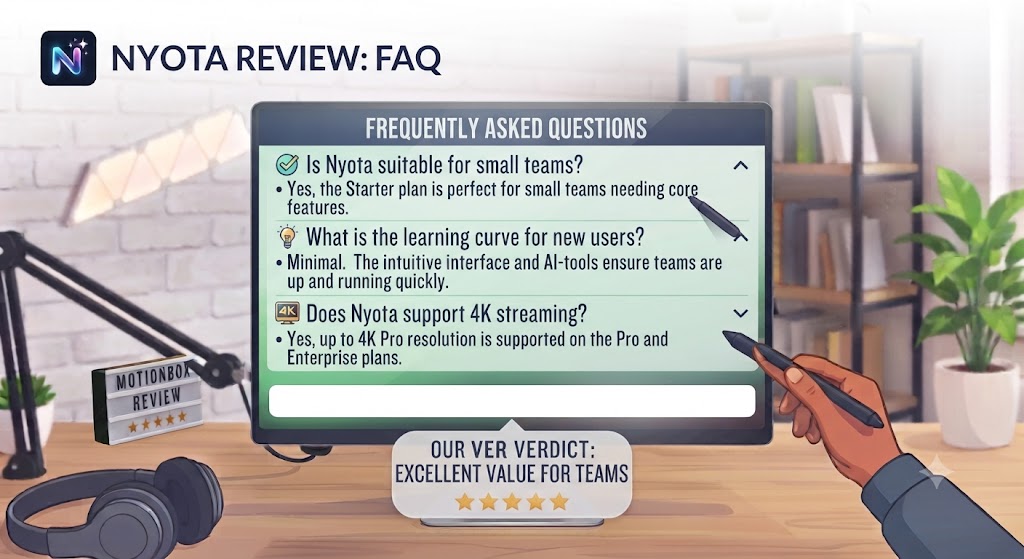
Q: Is this Nyota review recommending it over Fireflies.ai? This Nyota review recommends Nyota over Fireflies.ai specifically for professionals who want pre-meeting preparation alongside transcription and action item tracking. Fireflies.ai has a larger user base, a more mature feature set, and a slightly lower entry price. If transcription and post-meeting summarisation are your primary needs, Fireflies.ai is a strong and well-validated alternative. If pre-meeting briefs and tighter integration with Notion or project management tools are important, this Nyota review favours Nyota.
Q: Is Nyota free to use? Yes. Nyota has a free plan covering five meetings per month with basic transcription and limited integration access. This Nyota review found the free plan sufficient to evaluate the core workflow but restrictive for professional use. The Pro plan at $12/month unlocks unlimited meetings, pre-meeting briefs, all integrations, and AI summaries — the features that make the platform genuinely useful in daily use.
Q: How does Nyota join meetings? Nyota joins meetings as a bot participant — it appears in the participant list of your Google Meet, Zoom, or Microsoft Teams call with a name like “Nyota Notetaker.” All meeting participants can see the bot is present. This Nyota review found the bot joining approach to be standard for AI meeting tools and well-understood by most professionals, though some users prefer tools with browser extension-based recording that don’t add a visible participant.
Q: How accurate is Nyota’s transcription? This Nyota review found Nyota’s transcription accuracy to be strong for standard business English meetings with clear audio and minimal cross-talk. Accuracy decreases with heavy accents, multiple simultaneous speakers, significant background noise, and heavy use of domain-specific jargon. For most professional meeting contexts, this Nyota review found the accuracy to be sufficient for productive use of the summaries and action items.
Q: Does Nyota work with Microsoft Teams? Yes. This Nyota review confirmed Microsoft Teams is supported alongside Google Meet and Zoom. The Nyota bot joins Teams meetings in the same way it joins other platforms, and the transcription and post-meeting output quality is consistent across all three supported conferencing tools.
Q: Can Nyota push action items to Jira or Asana? Yes. This Nyota review confirmed Nyota integrates with Jira, Linear, and Asana to create action items as tasks in those tools automatically after meetings. The integration requires connecting your Nyota account to the relevant project management tool, after which action items extracted from meeting transcriptions are pushed as tasks with the identified owner, due date, and meeting context.
Q: What are the best Nyota alternatives? This Nyota review points to Fireflies.ai (largest user base, strong transcription, $10/user/month), Fellow (best for manager one-on-ones and collaborative agendas, $7/user/month), Otter.ai (strongest transcription heritage, $16.99/user/month), and tl;dv (strong video meeting highlights, generous free tier). Our AI productivity tools section covers all of these.
Want The Time Savings Without Doing It Yourself?
These tools save you hours on your own tasks — but marketing is one job most people would rather hand off entirely. Tasknestly runs it for you, end to end.
Get a Free Marketing Quote →Conclusion: Final Nyota Review Verdict
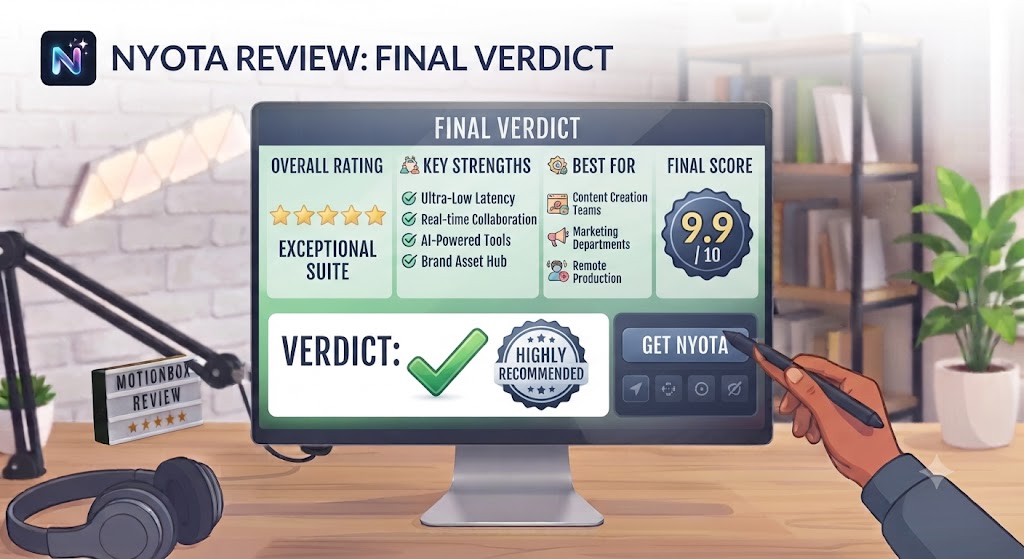
After completing a thorough Nyota review, the platform earns a confident recommendation for the professionals it’s designed for. The pre-meeting brief feature is genuinely distinctive and genuinely useful — particularly for managers with high meeting loads who benefit from automatic context preparation before each call. The transcription and summarisation quality is strong, the action item extraction is reliable for structured discussions, and the integration depth covers the most commonly used productivity and CRM tools.
The limitations this Nyota review identified are worth being clear about. The platform is newer than Fireflies.ai or Otter.ai and some features are still maturing. The pre-meeting brief quality compounds over time as the platform accumulates meeting history, meaning new users get less value from that feature than those who’ve been using it for months. And the free plan’s five-meeting limit means evaluating the full product requires committing to the Pro plan.
For professionals who run multiple recurring meetings, want pre-meeting preparation to be automatic rather than an extra task, and need clean post-meeting output pushed into their existing tools, this Nyota review’s recommendation is to try the free plan for a month of regular meetings, assess the brief quality on your recurring meetings, and upgrade to Pro when the value is clear. Explore more tools in our AI productivity hub.
Disclosure: This article contains affiliate links. TechBotHQ may earn a commission if you sign up through our links, at no extra cost to you. See our affiliate disclosure for full details.
Want The Time Savings Without Doing It Yourself?
These tools save you hours on your own tasks — but marketing is one job most people would rather hand off entirely. Tasknestly runs it for you, end to end.
Get a Free Marketing Quote →