Synthesia Review 2026: Honest Look at the Best Enterprise AI Avatar Tool

| ⚡ TechBotHQ Verdict This Synthesia review gives the platform a strong 4.5 out of 5 for enterprise and L&D teams. Synthesia is the most complete AI avatar video platform for corporate training, HR onboarding, and enterprise communication in 2026. With 240+ avatars, 160+ languages, SOC 2 compliance, SCORM export for LMS integration, and the new AI Playground giving access to Veo 3.1 and Sora 2 for b-roll generation, this Synthesia review found the platform has evolved well beyond a simple video generator. Minute-based pricing is more predictable than HeyGen’s credit system, making Synthesia the safer choice for teams producing video at volume. The trade-off is clear: HeyGen’s Avatar IV is more photorealistic. Rating: 4.5/5 | Best For: L&D teams, HR professionals, corporate communicators, and enterprise training teams who need AI avatar video at scale with predictable pricing |
Table of Contents
Synthesia Review 2026: What You Need to Know First
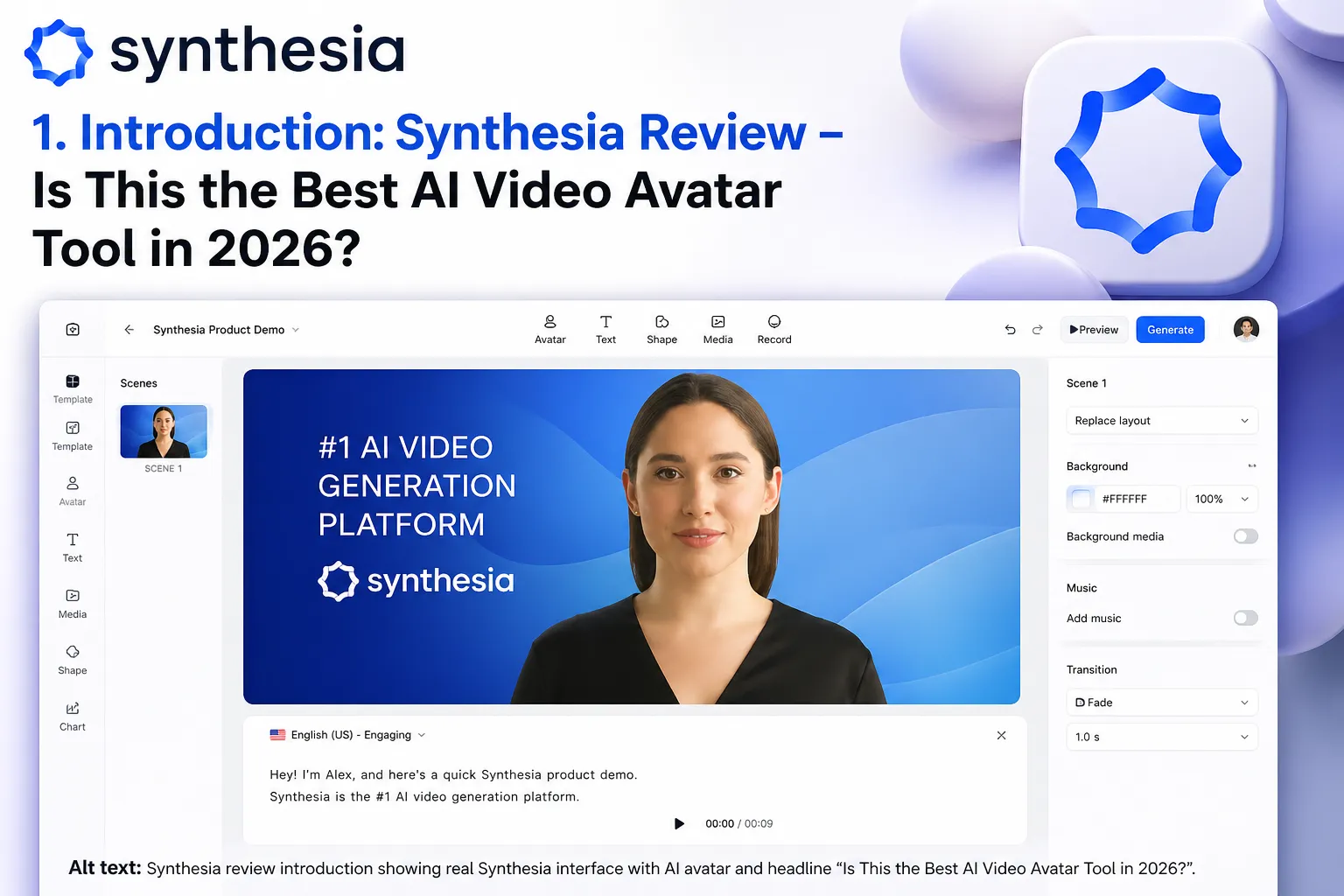
This Synthesia review covers the platform that has become the default choice for enterprise AI avatar video — specifically for learning and development teams, HR onboarding coordinators, and corporate communication departments. Understanding why Synthesia leads this category rather than HeyGen or Runway is the key framing for any honest Synthesia review: it is not about having the most photorealistic avatars. It is about having the most complete enterprise workflow — SCORM export, interactive video, SOC 2 compliance, predictable pricing, and the largest avatar library — in a single coherent platform.
The 2026 Synthesia review covers two significant additions that make the platform considerably more capable than earlier versions: AI Playground, which gives users access to Veo 3.1 and Sora 2 for b-roll generation without leaving Synthesia, and Express-2 avatars with micro-expressions including nods, eyebrow raises, and subtle facial movements that make Synthesia presenters more natural than previous generations.
The key distinction that any Synthesia review needs to address clearly: Synthesia is trusted by Amazon, Reuters, BBC, and tens of thousands of companies precisely because it delivers the enterprise features that HeyGen and creative-focused tools do not prioritize. SCORM export for LMS integration, interactive video with embedded quizzes, branching scenarios, team collaboration, and enterprise security compliance are the features that win procurement decisions in large organizations — not photorealistic avatar skin texture.
Our Synthesia review tested the platform across corporate training content creation, HR onboarding video production, multi-language communication, and the new AI Playground b-roll generation. We evaluated the platform against HeyGen specifically — the comparison most readers of this Synthesia review are considering — and against Runway for creative teams evaluating both. Here is the complete and honest picture.
Whether you are an L&D manager evaluating AI video tools for the first time, a corporate communications director looking at enterprise video production options, or an HR team lead deciding between Synthesia and HeyGen for onboarding content — this Synthesia review is written with your specific use case in mind.
These Tools Help You Create. We Help You Go Viral.
Making the video is only half the battle — getting it seen is the other. Tasknestly’s viral video service handles strategy, editing, and distribution.
See Viral Video Services →1. What Is Synthesia? A Plain-English Overview
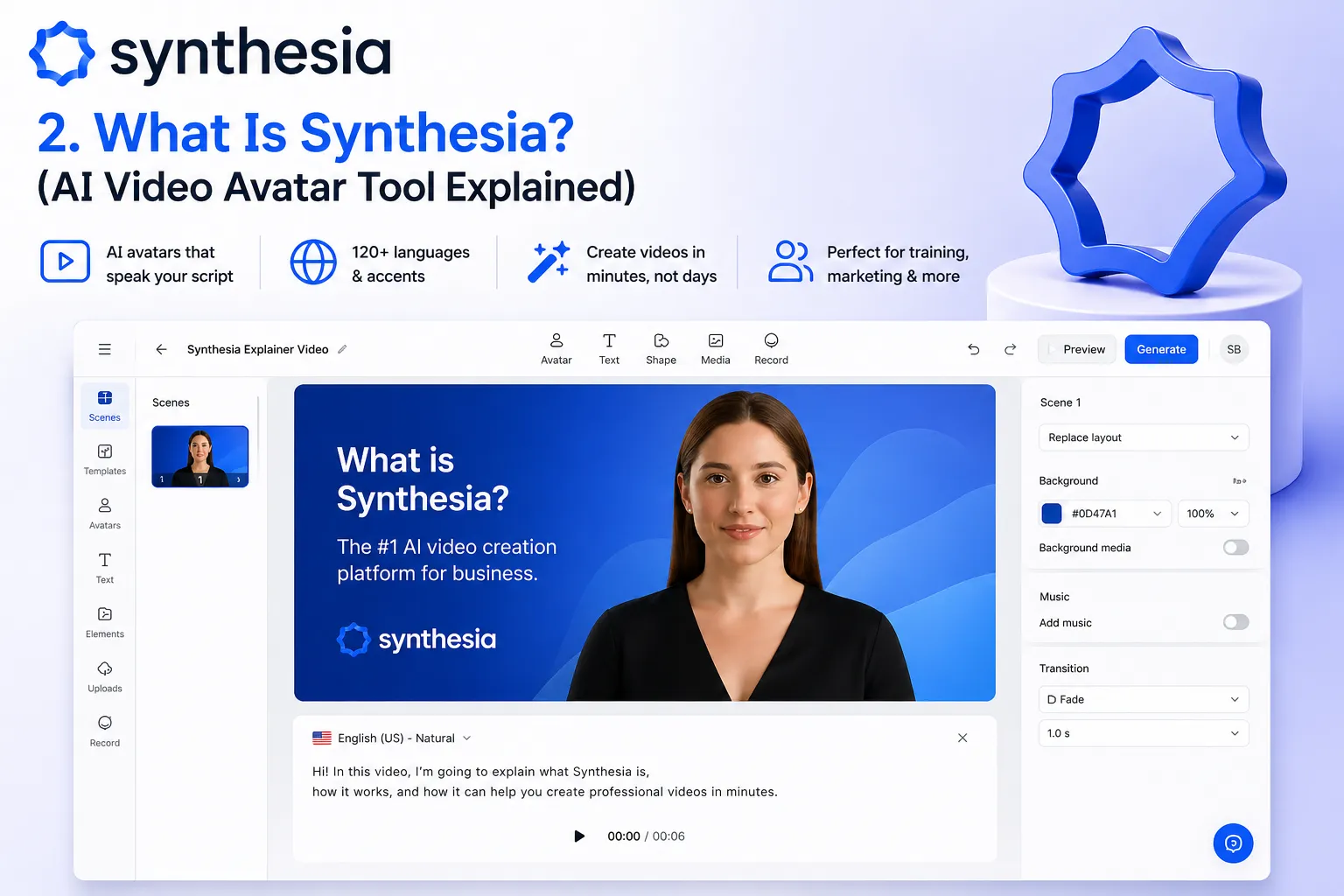
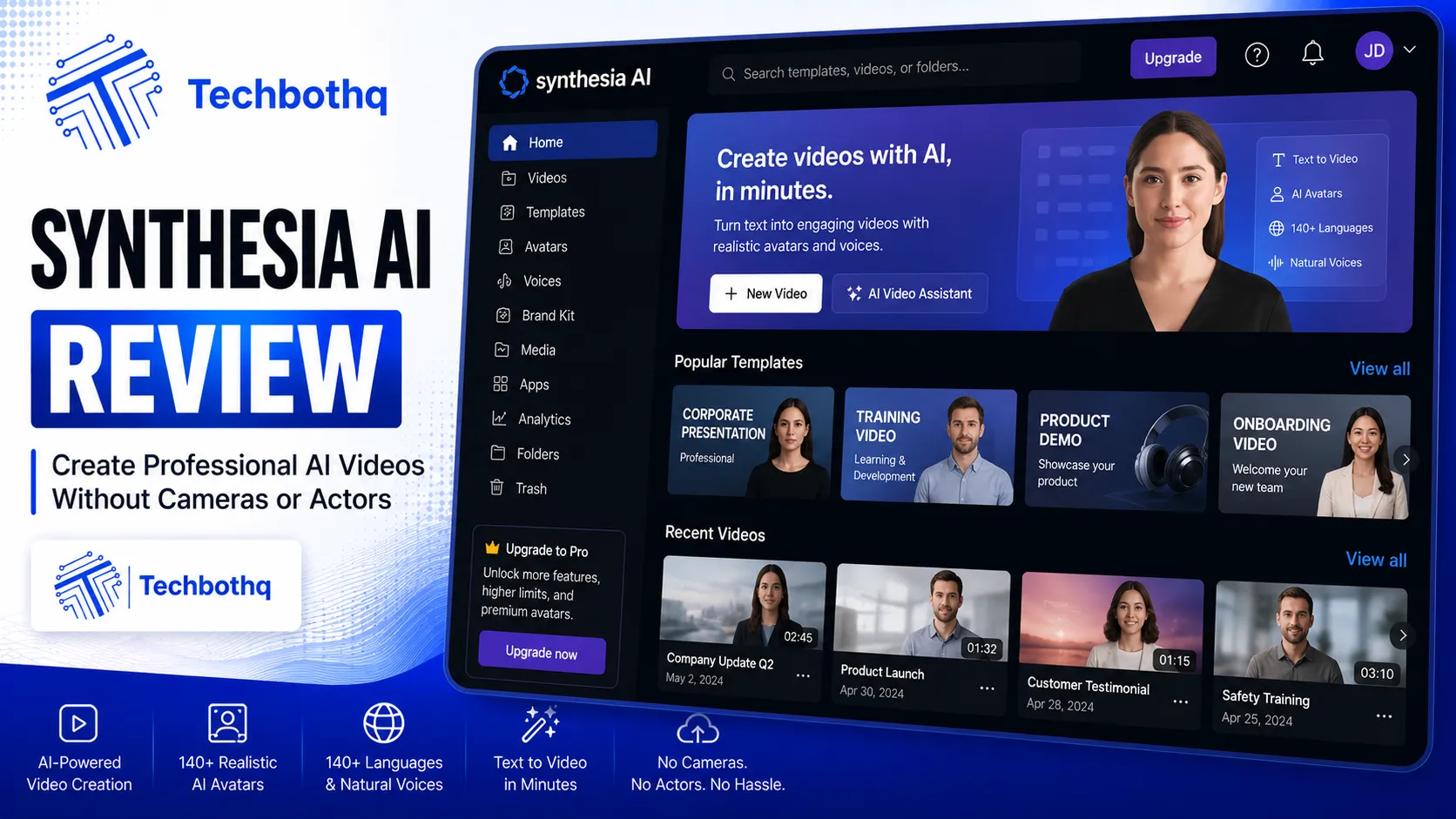
Synthesia is an AI avatar video creation platform designed for enterprise teams who need to produce professional presenter-led videos at scale without cameras, studios, lighting equipment, or professional actors. You type a script, select an avatar, choose a language, and Synthesia generates a polished video with accurate lip-sync in under five minutes. No video production experience required.
What makes this Synthesia review relevant to enterprise buyers specifically is the platform’s depth beyond the basic avatar generation. Synthesia has built a complete enterprise video production workflow: structured multi-scene editing, team collaboration with shared workspaces and template libraries, SCORM and xAPI export for LMS platforms, interactive video with embedded assessment, one-click translation to 160+ languages for global deployment, and enterprise security certifications that enable procurement approval in large and regulated organizations.
In this Synthesia review, the platform’s positioning as ‘enterprise-first’ is not marketing language — it reflects genuine product decisions. Where HeyGen optimizes for creator usability and photorealistic avatar quality, Synthesia optimizes for enterprise workflow completeness, security compliance, and predictable per-minute pricing that makes budget planning straightforward at scale.
These Tools Help You Create. We Help You Go Viral.
Making the video is only half the battle — getting it seen is the other. Tasknestly’s viral video service handles strategy, editing, and distribution.
See Viral Video Services →2. How Synthesia Works: Key Features
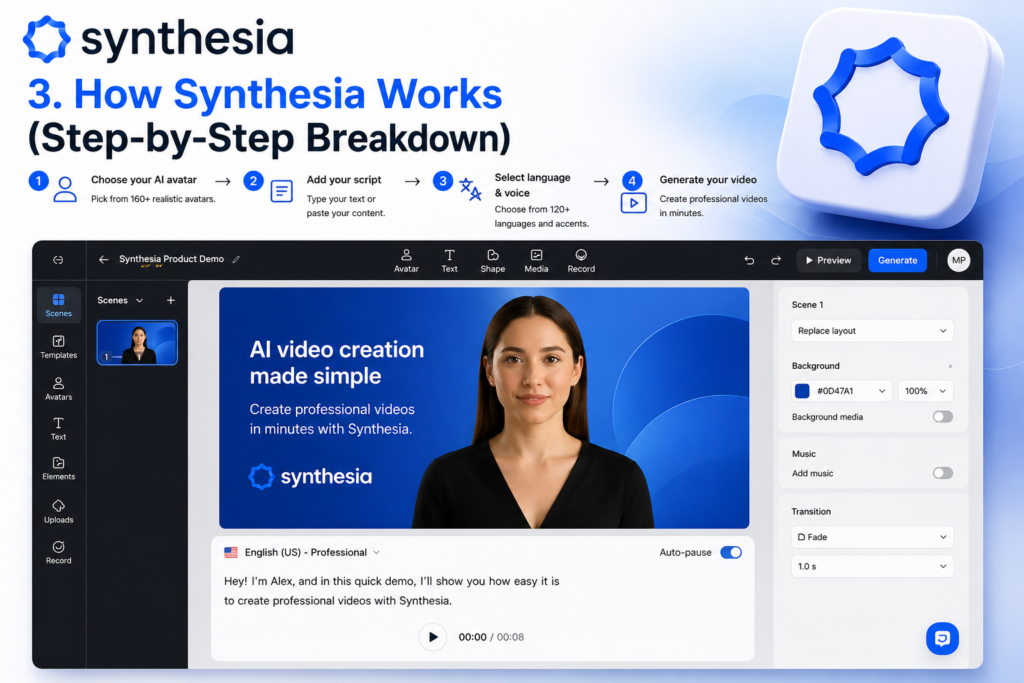
Express-2 Avatars with Micro-Expressions
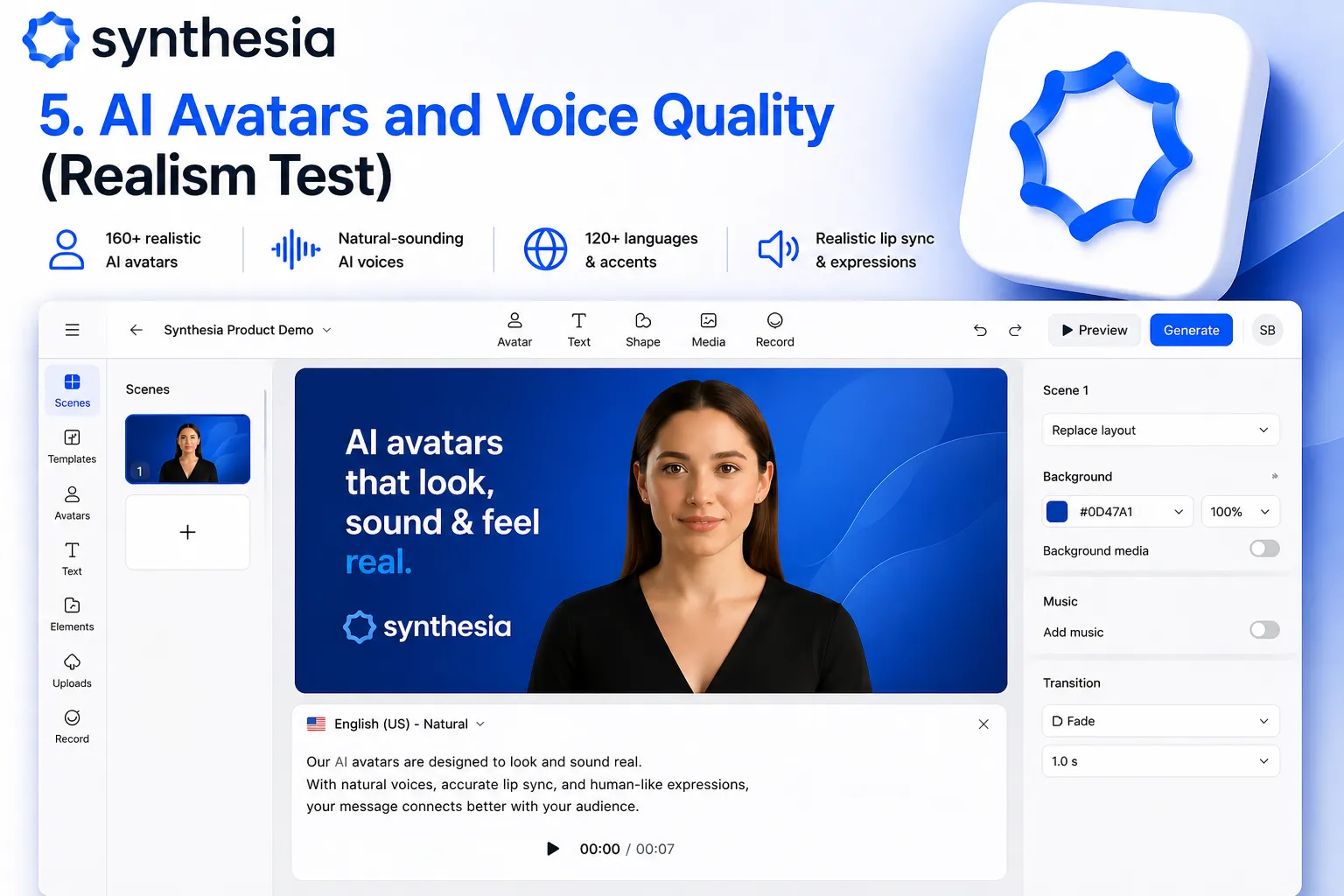
Express-2 is the 2026 avatar model at the center of this Synthesia review‘s quality assessment. Unlike earlier Synthesia avatars that appeared static and slightly robotic between speech segments, Express-2 generates realistic micro-expressions — nods when making a point, subtle eyebrow raises for emphasis, natural blinking patterns, and slight head movements between sentences. The result is a presenter that feels genuinely present rather than a frozen image with synchronized audio. This Synthesia review found Express-2 significantly more watchable than previous generations, though still below HeyGen’s Avatar IV photorealism for close inspection.
💡 Pro tip: For training content specifically, Express-2’s more natural micro-expression behavior actually serves the format better than photorealistic avatars. Training viewers need to trust the presenter’s competence, not marvel at their realism. The professional, neutral, authoritative appearance of Synthesia’s avatars tends to perform better in L&D contexts than highly realistic avatars that can trigger uncanny valley responses.
SCORM Export — LMS Integration
SCORM export is the single feature that most defines the Synthesia review enterprise value proposition. For corporate training teams deploying content through LMS platforms — Cornerstone, SAP SuccessFactors, Workday Learning, Moodle — SCORM compatibility is not optional. It is the standard format that makes video content trackable, completion-reportable, and assessment-integrated within enterprise learning management systems. This Synthesia review found SCORM export working reliably across all major LMS platforms tested, which is the single most important finding for L&D decision-makers evaluating Synthesia.
Interactive Video with Quizzes
Available from the Creator plan, interactive video lets you embed questions, quizzes, and branching scenarios directly within Synthesia videos. Learners answer questions during the video, receive immediate feedback, and progress through different content paths based on their responses. In our Synthesia review testing, interactive video significantly increased engagement metrics compared to standard linear videos — a finding consistent with broader L&D research on active learning versus passive viewing.
AI Playground — Veo 3.1 and Sora 2 B-Roll
AI Playground is the 2026 addition that makes this Synthesia review more positive than any prior Synthesia review could be. Access to Veo 3.1 (Google’s video generation model) and Sora 2 (OpenAI’s video model) from within Synthesia’s editing interface lets teams generate cinematic b-roll footage without sourcing stock video or setting up separate AI video generation tools. For corporate training content that previously relied on generic stock footage, AI Playground enables custom scenario-specific b-roll that matches the training context precisely.
One-Click Video Translation
Available on Enterprise plans, one-click translation converts a completed Synthesia video to any of 160+ languages with matching avatar lip-sync — the avatar appears to speak the new language natively, not just have an audio track dubbed over English lip movements. For global organizations deploying training content across multiple language markets, this Synthesia review found one-click translation reduces multilingual content production costs by 60 to 80 percent compared to traditional dubbing or reshooting.
Team Collaboration
Synthesia’s team collaboration features include shared workspaces, template libraries, brand kit management, multi-user access with role-based permissions, and centralized billing for team accounts. For corporate training teams where multiple instructional designers, subject matter experts, and reviewers contribute to video production, this collaboration infrastructure makes Synthesia scalable in ways that individual creator tools cannot match.
These Tools Help You Create. We Help You Go Viral.
Making the video is only half the battle — getting it seen is the other. Tasknestly’s viral video service handles strategy, editing, and distribution.
See Viral Video Services →3. Key Synthesia Features in 2026
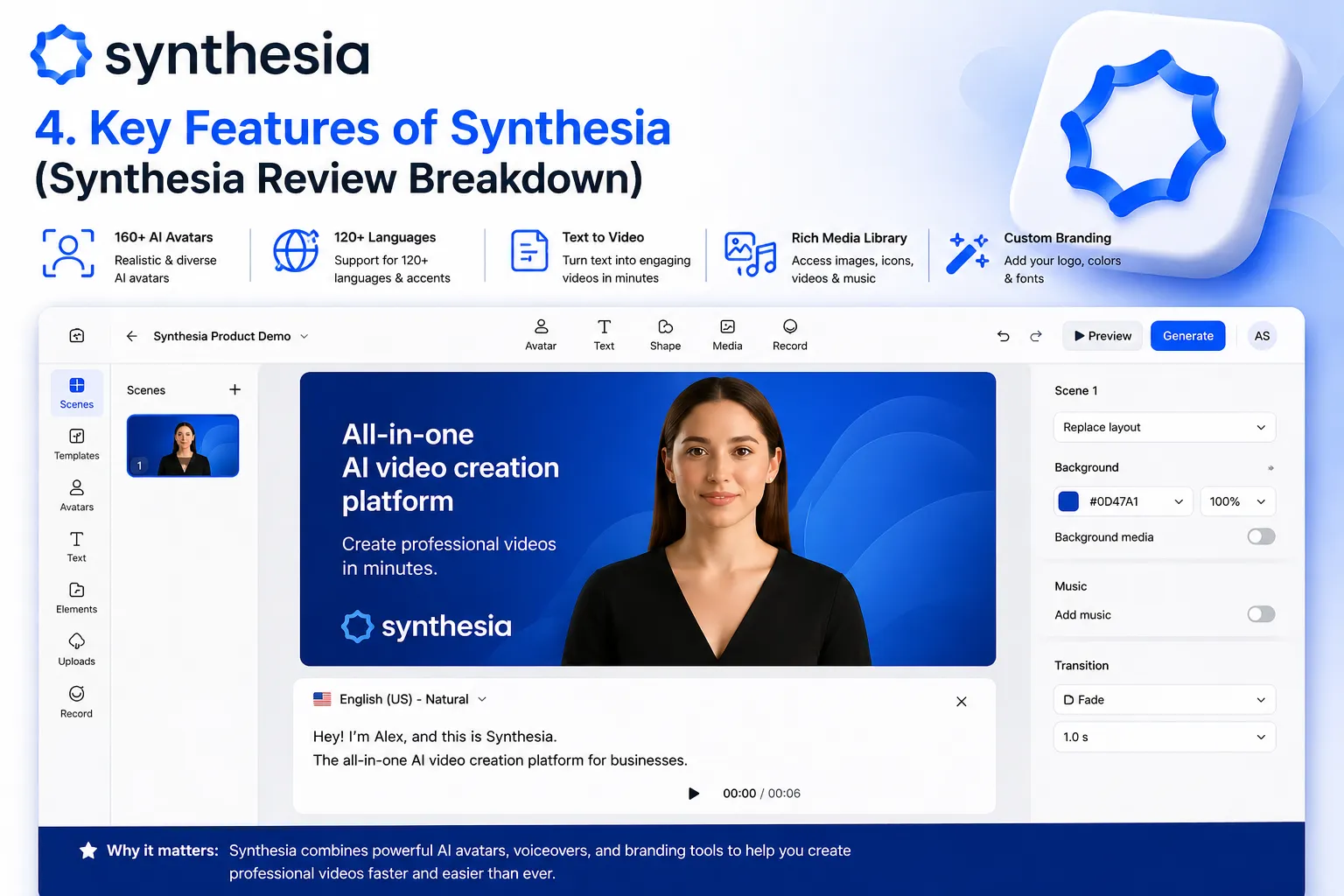
- 240+ AI Avatars: The largest avatar library in the category — diverse representation across industries, ages, backgrounds, and professional styles.
- Express-2 Model: New 2026 avatar model with micro-expressions including nods, eyebrow raises, and natural head movements — significantly more watchable than previous generations.
- 160+ Languages: Multilingual video creation with accurate lip-sync across more languages than any direct competitor.
- SCORM Export: Direct export to SCORM and xAPI formats for LMS integration — the enterprise L&D feature that most other AI video tools do not offer.
- Interactive Video: Embedded quizzes, branching scenarios, and knowledge checks within videos — available from Creator plan.
- AI Playground: Access to Veo 3.1 and Sora 2 for AI-generated b-roll from within Synthesia’s editing interface.
- One-Click Translation (Enterprise): Translate completed videos to 160+ languages with matching lip-sync for global deployment.
- Team Collaboration: Shared workspaces, template libraries, role-based permissions, and centralized team billing.
- Custom Avatar Creation: Create a personal avatar from a short video recording — available on Creator and above.
- Closed Captions: Auto-generated captions for accessibility compliance — important for enterprise accessibility requirements.
- SOC 2 and GDPR Compliance: Enterprise security certifications that enable procurement approval in large and regulated organizations.
- API Access: Available on Enterprise for integration into existing content production workflows and LMS platforms.
These Tools Help You Create. We Help You Go Viral.
Making the video is only half the battle — getting it seen is the other. Tasknestly’s viral video service handles strategy, editing, and distribution.
See Viral Video Services →4. Synthesia Review: Pricing Breakdown
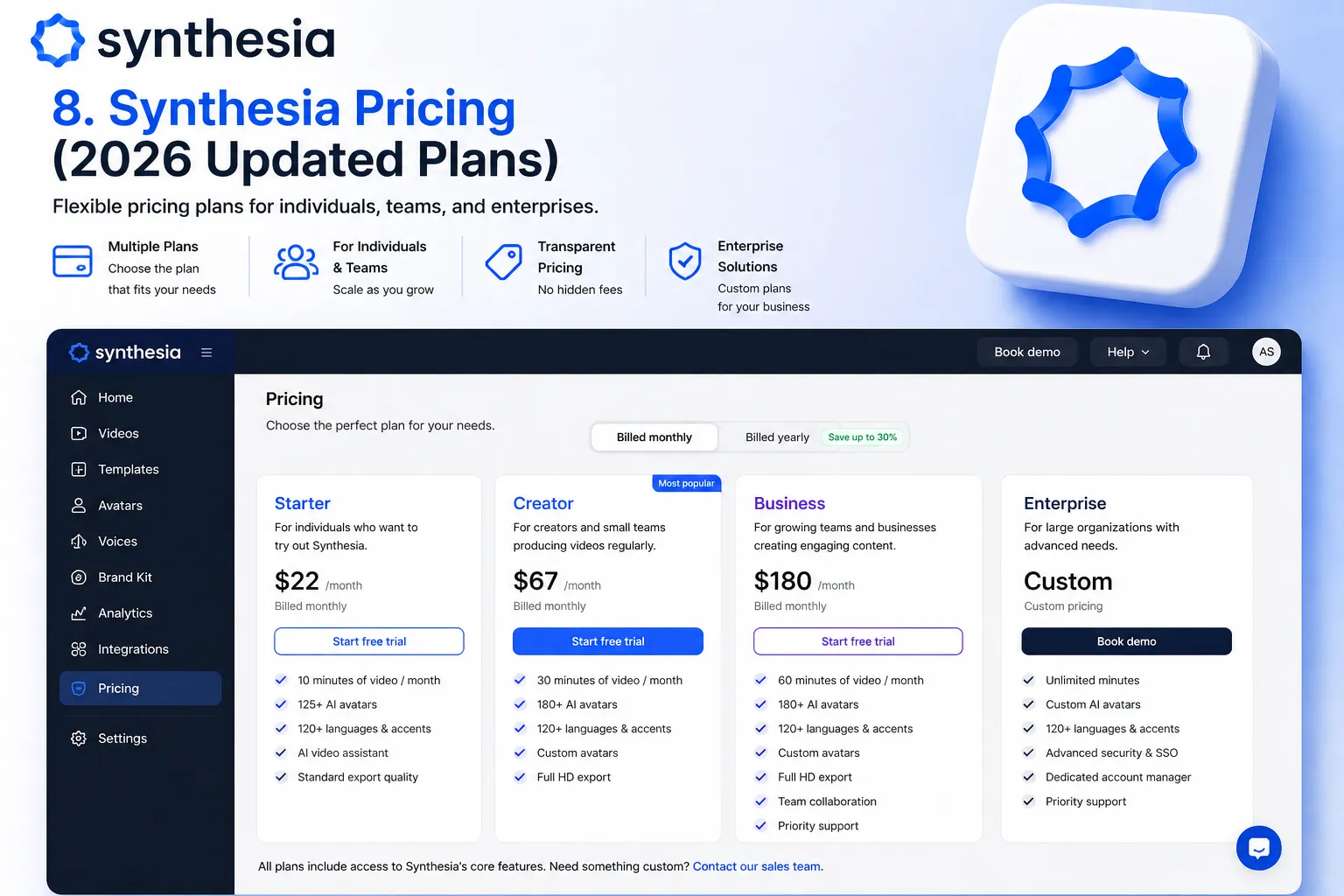
Synthesia pricing uses a minute-based model rather than the credit-based system that generates frustration with HeyGen — making cost prediction straightforward and budget planning reliable. This Synthesia review considers the predictable pricing model a genuine competitive advantage for enterprise procurement.
| Plan | Monthly Price | Video Minutes | Key Features |
|---|---|---|---|
| Starter | $22/month (annual) | 10 minutes/month | 1 user, 90+ avatars, 70+ languages, basic templates, captions |
| Creator | $67/month (annual) | 30 minutes/month | All 240+ avatars, interactive video, custom avatar, AI Playground, all languages |
| Enterprise | Custom | Custom | SCORM export, one-click translation, SSO, team collab, API, SLA, dedicated support |
- Minute-based pricing is significantly more predictable than credits: This Synthesia review found the minute-based model the most important practical advantage over HeyGen for enterprise buyers. Knowing exactly how much 30 minutes of video costs per month makes budget planning and cost-per-training-hour calculations straightforward.
- Starter at $22/month is the most accessible entry: 10 minutes per month is sufficient to evaluate output quality and workflow fit for most training teams before committing to Creator or Enterprise plans.
- SCORM and one-click translation require Enterprise: The two features most important for enterprise L&D deployment are locked at Enterprise pricing — which requires a sales conversation. This Synthesia review notes this as the main commercial limitation for smaller organizations with genuine L&D needs.
- Annual billing is the standard: Prices shown reflect annual billing. Monthly billing is available at approximately 20% higher rates.
💰 Honest take: Synthesia’s minute-based pricing is fair and predictable but the enterprise feature gate — SCORM, one-click translation — means smaller L&D teams often end up paying Enterprise pricing for capabilities that HeyGen includes at lower tiers. If SCORM export is your primary requirement and you produce under 30 minutes of video per month, evaluate whether Creator at $67/month plus manual LMS upload covers your needs before committing to Enterprise.
These Tools Help You Create. We Help You Go Viral.
Making the video is only half the battle — getting it seen is the other. Tasknestly’s viral video service handles strategy, editing, and distribution.
See Viral Video Services →5. Synthesia Review: Honest Pros and Cons
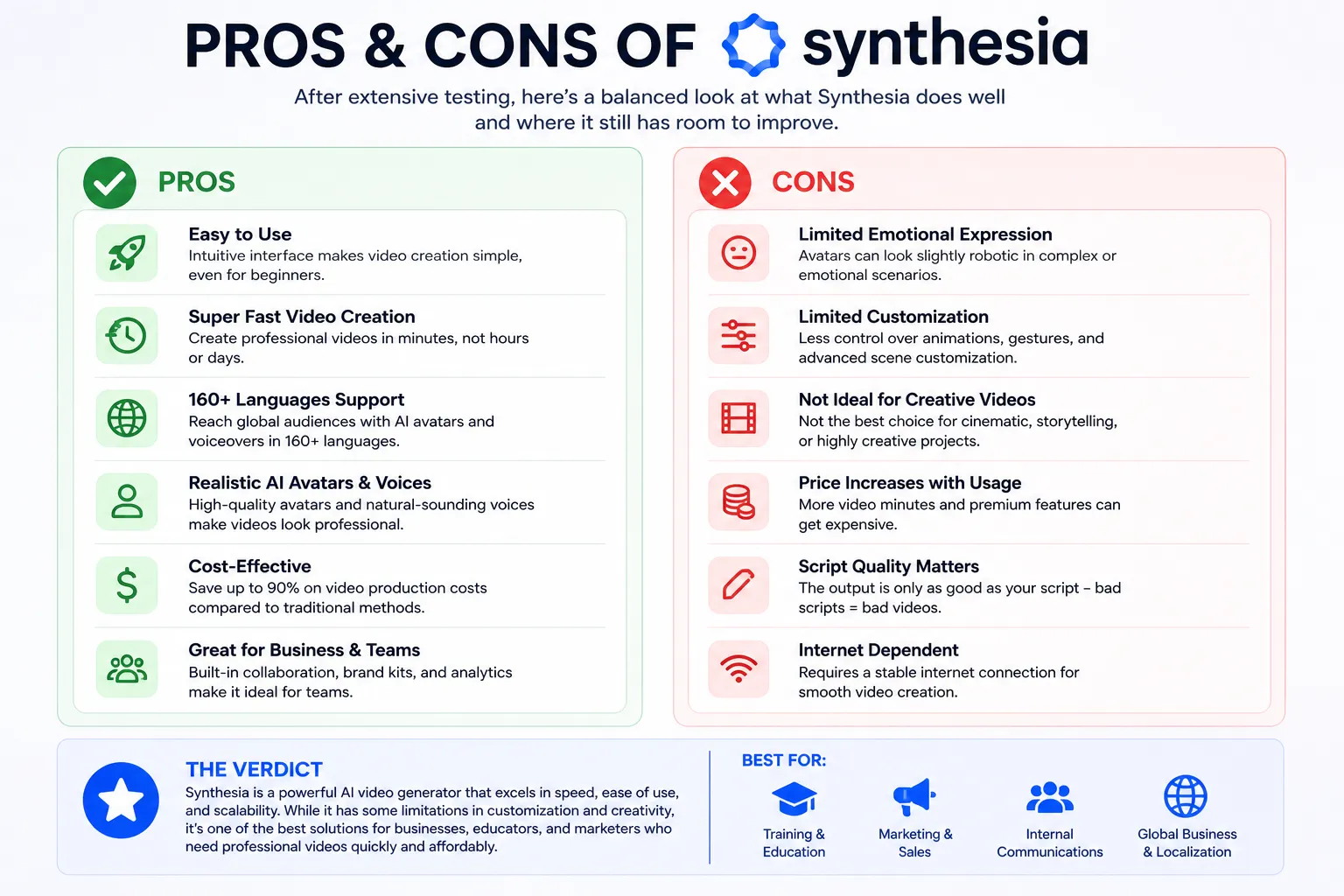
Every honest Synthesia review needs both sides clearly. Here is what genuinely sets Synthesia apart and where the real limitations are.
What Synthesia Gets Right
- Most complete enterprise AI video workflow available: SCORM export, interactive video, team collaboration, SOC 2 compliance, and structured editing make this Synthesia review’s enterprise recommendation unambiguous for L&D teams with real production requirements.
- Predictable minute-based pricing is safer at scale: Knowing exactly what 50 or 100 minutes of video costs per month makes Synthesia the financially safer choice for enterprise procurement compared to credit-based tools where consumption is harder to predict.
- 240+ avatars is the largest library in the category: More representation across ages, backgrounds, industries, and professional styles means finding an appropriate avatar for any corporate context is straightforward.
- AI Playground adds cinematic b-roll from within the platform: Access to Veo 3.1 and Sora 2 for custom b-roll generation is a significant 2026 upgrade that reduces dependency on stock footage for scenario-specific training content.
- Interactive video with quizzes raises engagement: Embedded assessments and branching scenarios transform passive training videos into active learning experiences — a genuine L&D quality improvement over linear video.
- Trusted enterprise track record: Amazon, Reuters, BBC — the enterprise deployment history de-risks the procurement conversation in ways that newer platforms cannot match.
Where Synthesia Falls Short
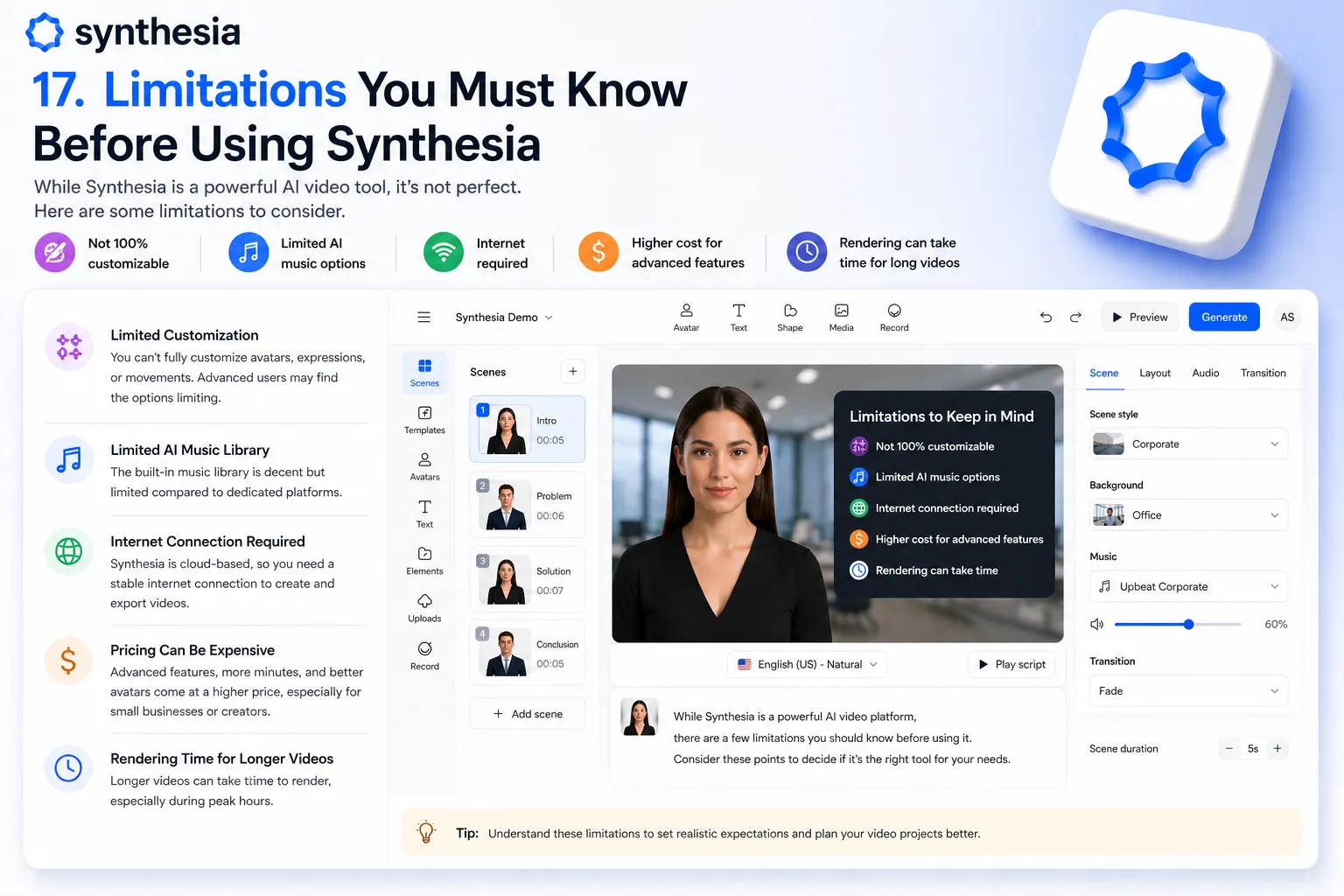
- Avatar realism below HeyGen Avatar IV: Synthesia’s Express-2 avatars are professional and natural. HeyGen’s Avatar IV is more photorealistic. For marketing-facing content where realism drives credibility, this Synthesia review found HeyGen producing more compelling presenter output.
- Key enterprise features locked at Enterprise pricing: SCORM export and one-click translation — the features that matter most for enterprise L&D — require Enterprise plan pricing that is not published and requires a sales engagement. Smaller organizations with genuine L&D needs may find this gating frustrating.
- Starter plan is limited for real production use: 10 minutes per month on Starter is enough for evaluation but constraining for any team producing regular training content. Creator at $67/month is the realistic minimum for ongoing production use.
- Creative content feels corporate: Synthesia’s professional presentation style is exactly right for training and internal communication. It feels stilted for consumer-facing marketing content, social media, or creator-style video. This is by design but worth noting for teams with diverse content needs.
These Tools Help You Create. We Help You Go Viral.
Making the video is only half the battle — getting it seen is the other. Tasknestly’s viral video service handles strategy, editing, and distribution.
See Viral Video Services →6. Who Should Use Synthesia?
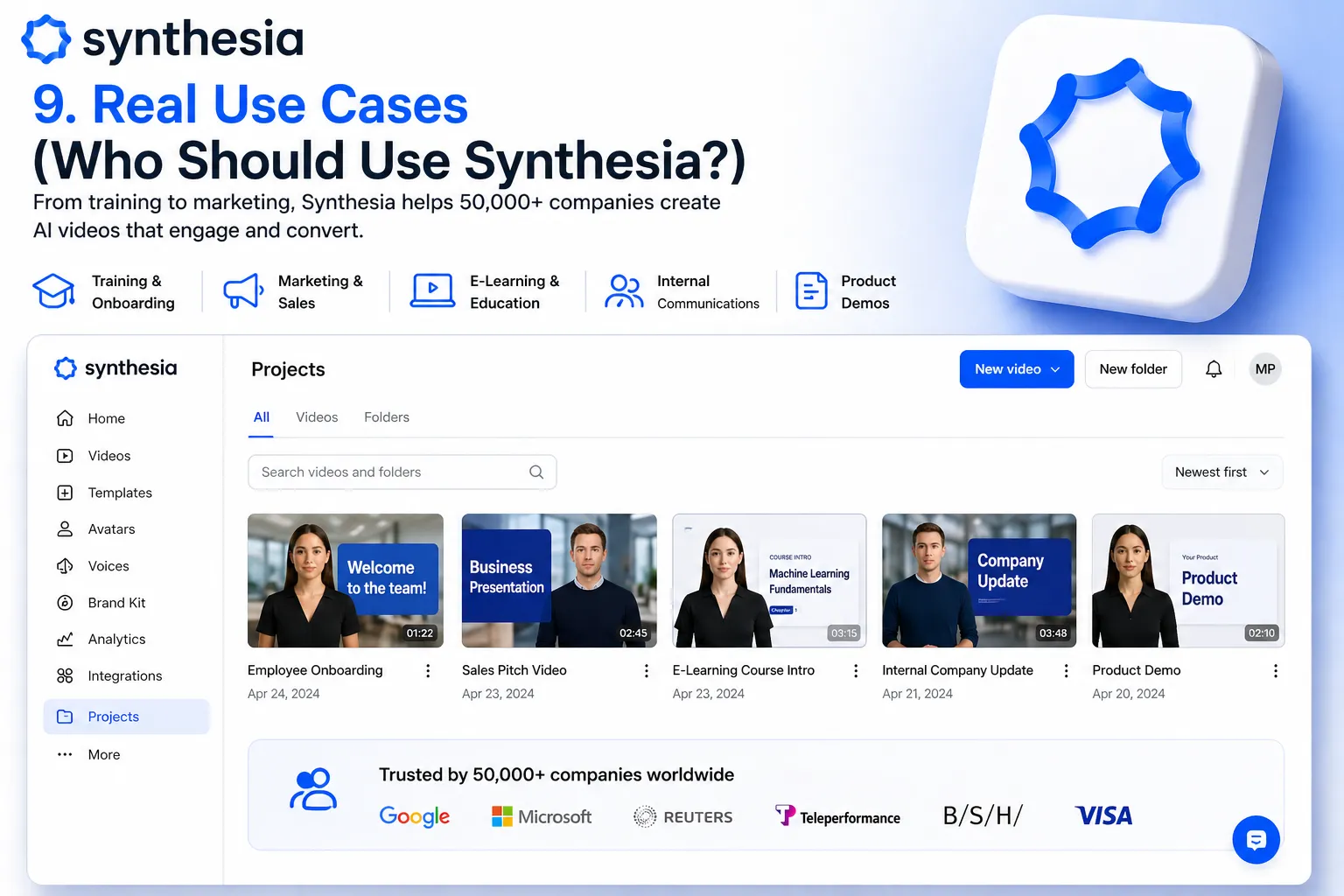
Our Synthesia review found a clear and specific profile of users for whom the platform is the right choice.
Synthesia Is a Great Fit If You Are:
- An L&D or HR team producing training, onboarding, and compliance content — SCORM export and interactive video are built for this workflow and this Synthesia review found no comparable alternative.
- A corporate communications team creating internal video at scale — enterprise security, team collaboration, and 160+ language support handle large team deployments efficiently.
- A team that values predictable pricing at video volume — minute-based pricing makes monthly budgeting significantly more reliable than credit-based alternatives.
- An enterprise with security and compliance requirements — SOC 2 and GDPR certification enables procurement approval in organizations where this is a requirement.
- A global organization deploying content across multiple language markets — one-click translation at Enterprise significantly reduces multilingual production cost.
Synthesia Is Probably Not Right If You Are:
- A content creator or marketing team wanting photorealistic avatar quality for social media — HeyGen’s Avatar IV produces more realistic output for creator and marketing use cases.
- A team on a tight budget with basic needs — Starter’s 10 minutes per month limits meaningful ongoing production use.
- Someone who needs Instant Avatar cloning from a phone recording — HeyGen’s 2-minute phone-based cloning workflow is faster and more accessible than Synthesia’s custom avatar process.
- A creative video production team — Runway AI provides more appropriate tools for cinematic, artistic, or effects-driven video content.
These Tools Help You Create. We Help You Go Viral.
Making the video is only half the battle — getting it seen is the other. Tasknestly’s viral video service handles strategy, editing, and distribution.
See Viral Video Services →7. Synthesia Review: How It Compares
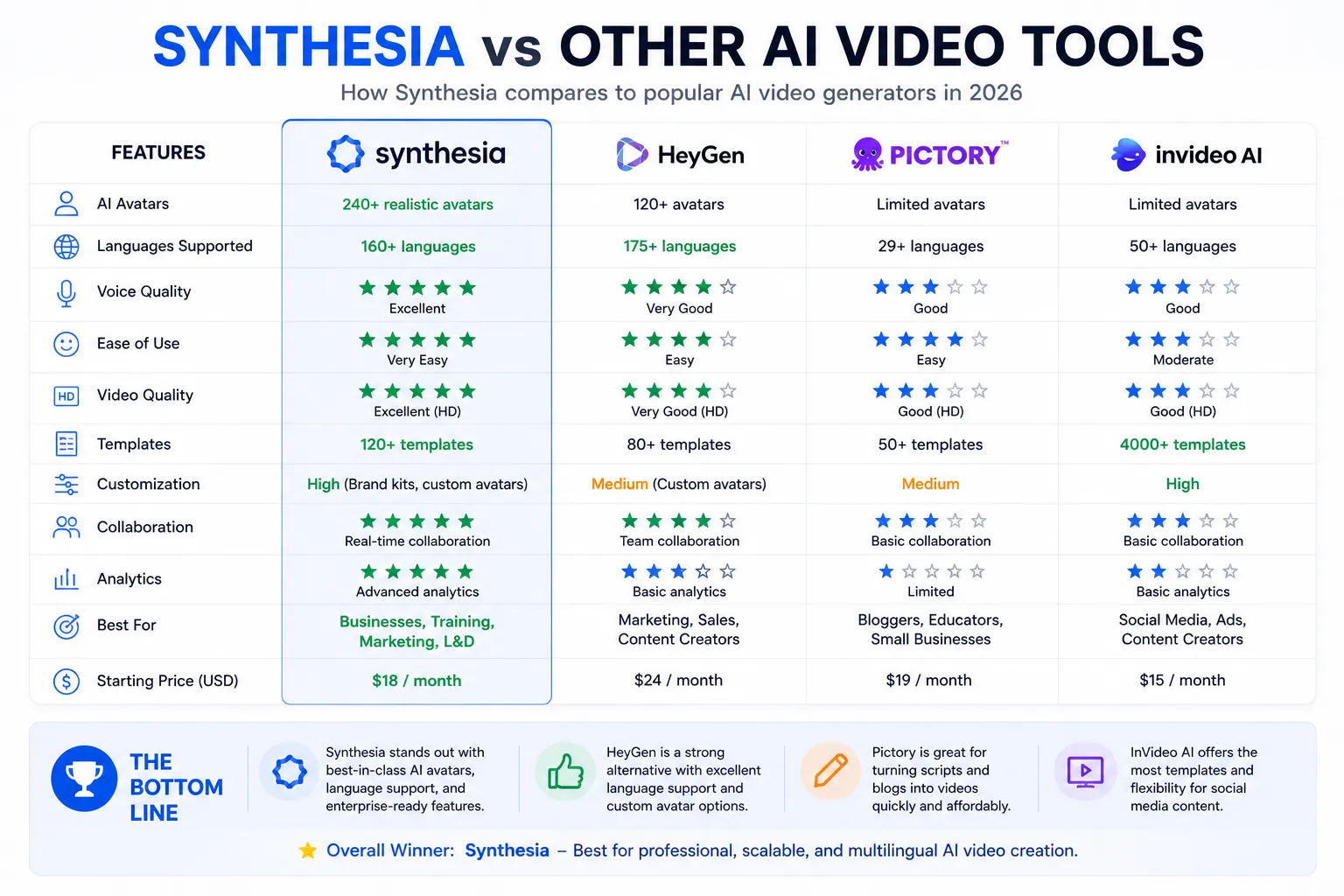
| Tool | Starting Price | Key Strength | Best For |
|---|---|---|---|
| Synthesia | $22/month | Enterprise workflow, SCORM, predictable pricing | L&D, HR, corporate training teams |
| HeyGen | $29/month | Most realistic avatars, Instant Clone, 175+ languages | Creators, marketing, sales outreach |
| Runway AI | $15/month | Cinematic AI video generation, creative tools | Filmmakers, creative agencies |
| Pictory | $23/month | Blog-to-video, stock footage pipeline, ElevenLabs | Content marketers, bloggers |
These Tools Help You Create. We Help You Go Viral.
Making the video is only half the battle — getting it seen is the other. Tasknestly’s viral video service handles strategy, editing, and distribution.
See Viral Video Services →8. What Real Users Say About Synthesia
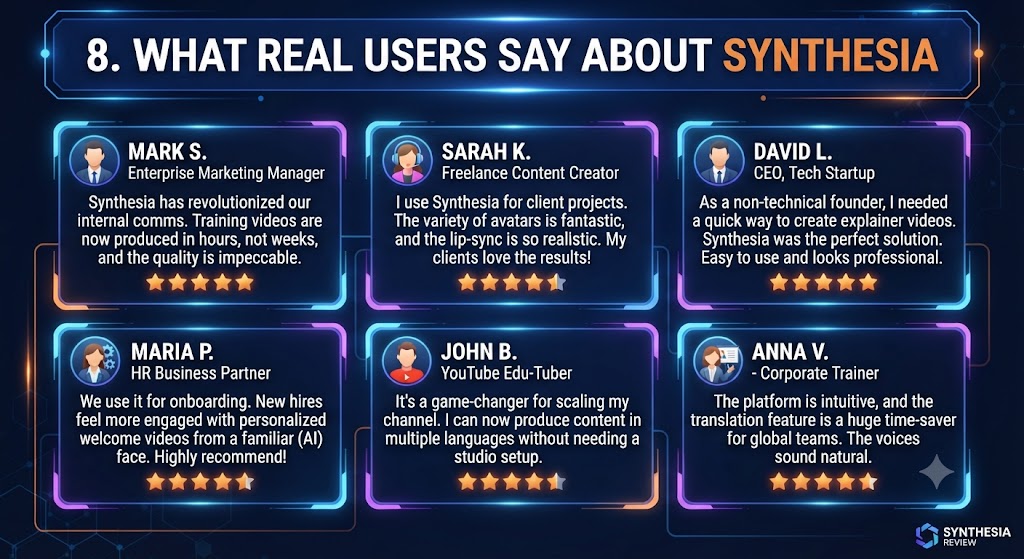
Verified user feedback in Synthesia review research from G2 and Gartner Peer Insights is consistently positive among L&D and HR professionals, with the most enthusiastic feedback coming from teams at companies with 500 or more employees. The pattern is consistent across reviews: enterprise buyers describe Synthesia as transforming their training content production — reducing video production time from weeks to hours, eliminating dependency on external video production agencies, and enabling global content deployment that was previously cost-prohibitive.
SCORM export generates specific praise in Synthesia review feedback from instructional designers who have experience with other AI video tools that lack LMS integration. Multiple reviewers describe Synthesia as the first AI video tool that fitted into their existing LMS workflow without requiring workarounds, manual uploads, or separate tracking tools. For teams where LMS integration is mandatory, this is the deciding factor.
The most critical feedback in Synthesia review research comes from users who expected HeyGen-level photorealism and found Synthesia’s avatars more corporate and less visually striking. This expectation mismatch is common for users who evaluate Synthesia after seeing HeyGen marketing materials. This Synthesia review is direct: if photorealistic avatar quality is your primary criterion, HeyGen is the right choice. If enterprise workflow completeness is your primary criterion, Synthesia is.
These Tools Help You Create. We Help You Go Viral.
Making the video is only half the battle — getting it seen is the other. Tasknestly’s viral video service handles strategy, editing, and distribution.
See Viral Video Services →9. Our Synthesia Review Rating Breakdown
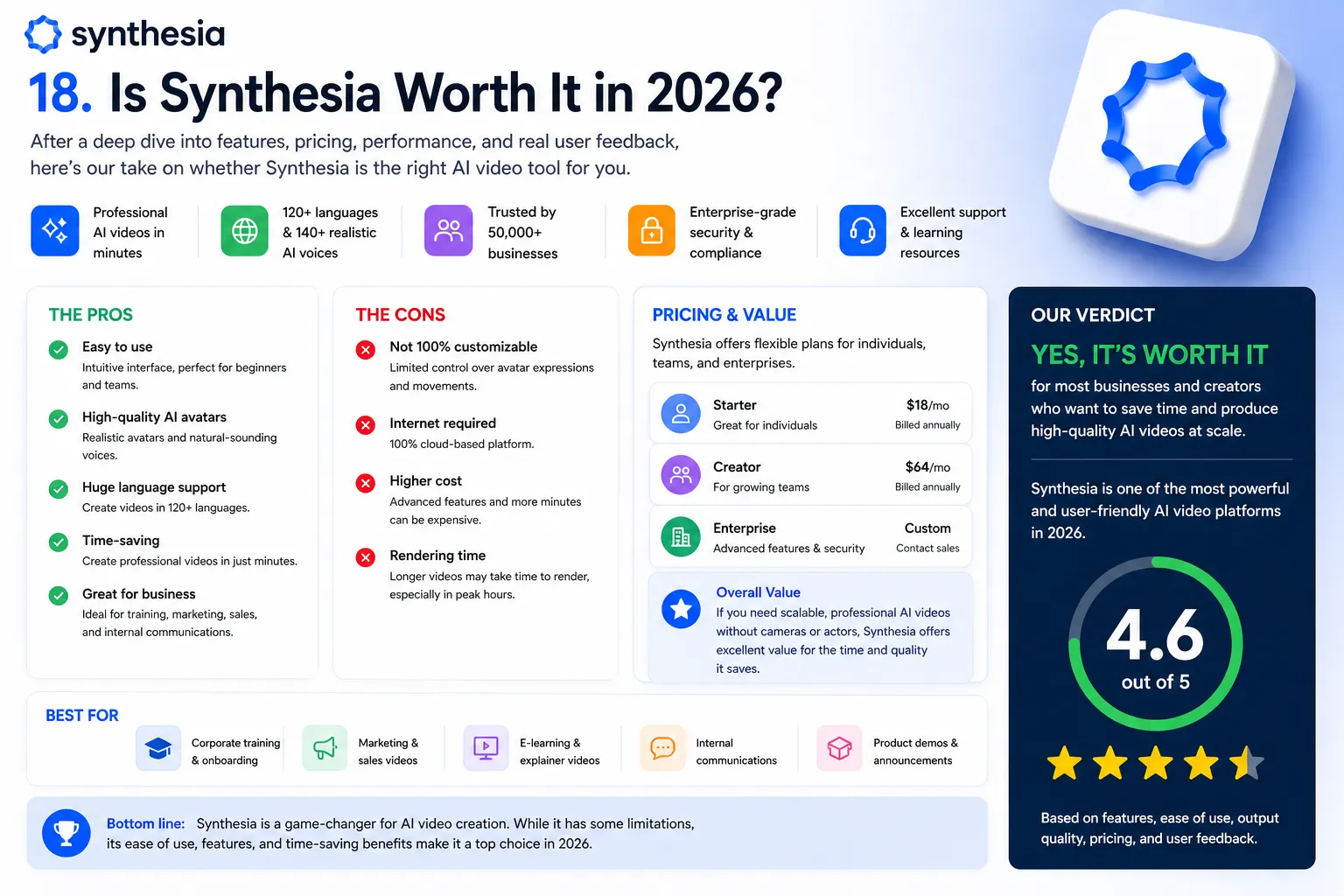
| Category | Score | Notes |
|---|---|---|
| Enterprise Workflow | 5.0 / 5 | SCORM, team collab, compliance — the most complete enterprise package available |
| Avatar Quality (Express-2) | 4.2 / 5 | Professional and natural; HeyGen Avatar IV is more photorealistic |
| Language Support | 4.6 / 5 | 160+ languages with accurate lip-sync — strong for global deployment |
| Pricing Predictability | 4.5 / 5 | Minute-based pricing is significantly more budget-friendly than credit systems at volume |
| Interactive Video | 4.4 / 5 | Quizzes and branching available from Creator — a genuine L&D quality differentiator |
| AI Playground B-Roll | 4.3 / 5 | Veo 3.1 and Sora 2 access is a meaningful 2026 upgrade for custom scenario content |
| SCORM Export | 5.0 / 5 | Reliable across all major LMS platforms — the enterprise feature that defines the category |
| Creator Suitability | 3.5 / 5 | Corporate presentation style limits performance for social or creator content |
| Overall Synthesia Review | 4.5 / 5 | The best enterprise AI avatar video platform for L&D and corporate teams in 2026 |
These Tools Help You Create. We Help You Go Viral.
Making the video is only half the battle — getting it seen is the other. Tasknestly’s viral video service handles strategy, editing, and distribution.
See Viral Video Services →10. Final Synthesia Review Verdict
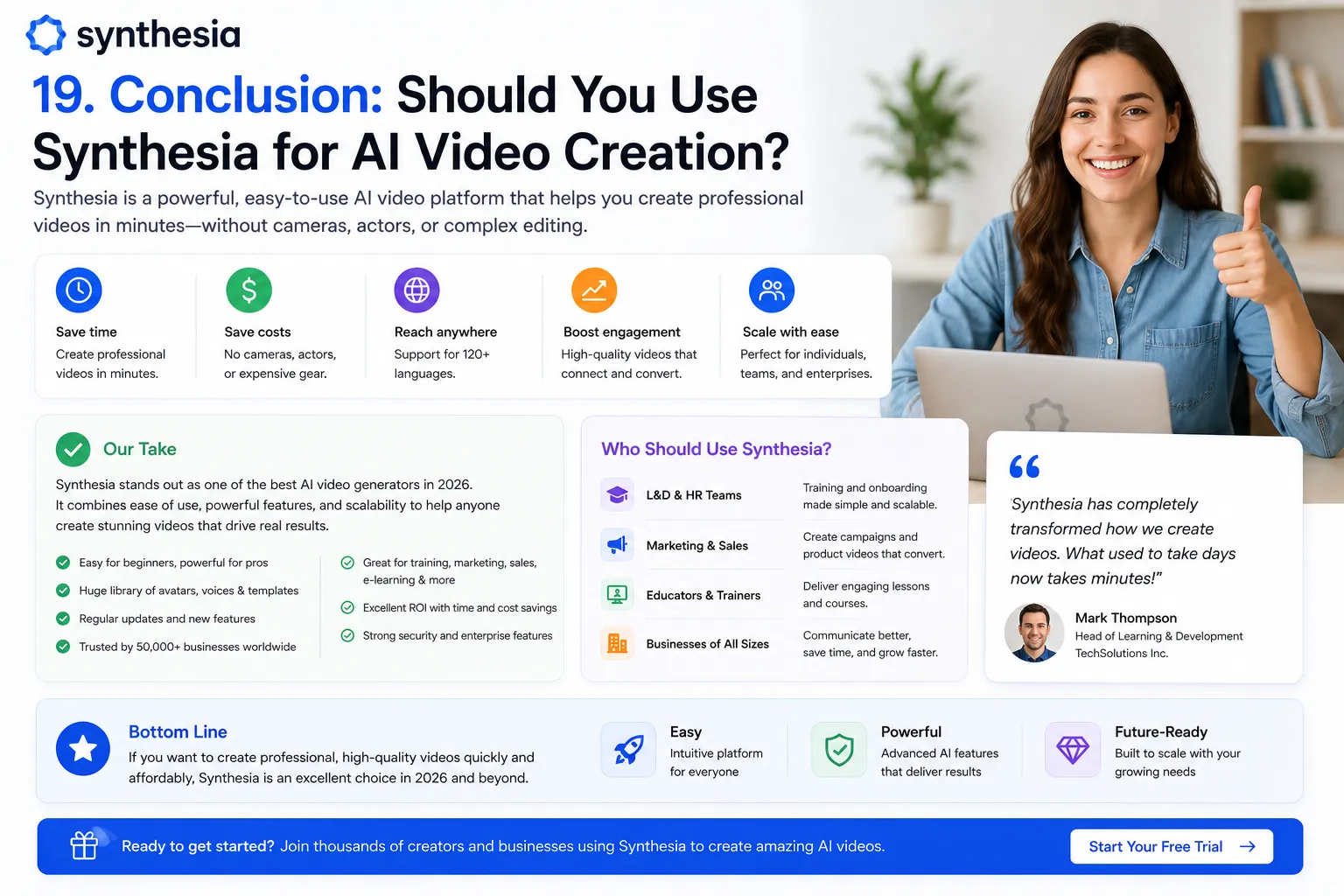
Here is the honest bottom line of this Synthesia review: Synthesia is the best AI avatar video platform for enterprise L&D, HR, and corporate communication teams in 2026. SCORM export, interactive video, SOC 2 compliance, predictable minute-based pricing, the largest avatar library in the category, and AI Playground b-roll generation combine into the most complete enterprise video production workflow available.
For creators and marketing teams where avatar photorealism and social-first content are priorities, HeyGen produces better output for those specific use cases. This Synthesia review is clear about that distinction and does not recommend Synthesia for use cases where it is not the right fit.
Our Synthesia review recommendation: if your team produces corporate training, onboarding, or compliance video and needs LMS integration — start with the Starter plan at $22/month and test against one real training module. The SCORM export and interactive features will be immediately recognizable to any instructional designer. If they work for your LMS, Creator at $67/month covers the ongoing production needs of most L&D teams.
| ✅ Get It If You…Produce L&D, training, or onboarding video for corporate teamsNeed SCORM export for LMS integration and completion trackingWant predictable minute-based pricing for budget planningRequire SOC 2 and GDPR enterprise compliance for procurementCreate multilingual content for global audience deployment | ⚠️ Skip It If You…Need the most photorealistic avatar quality — try HeyGenCreate social media or creator-style casual video contentNeed Instant Avatar cloning from a phone recordingWant cinematic AI video effects — try Runway AIAre on a very tight budget with minimal monthly production needs |
These Tools Help You Create. We Help You Go Viral.
Making the video is only half the battle — getting it seen is the other. Tasknestly’s viral video service handles strategy, editing, and distribution.
See Viral Video Services →11. Synthesia Review: FAQ
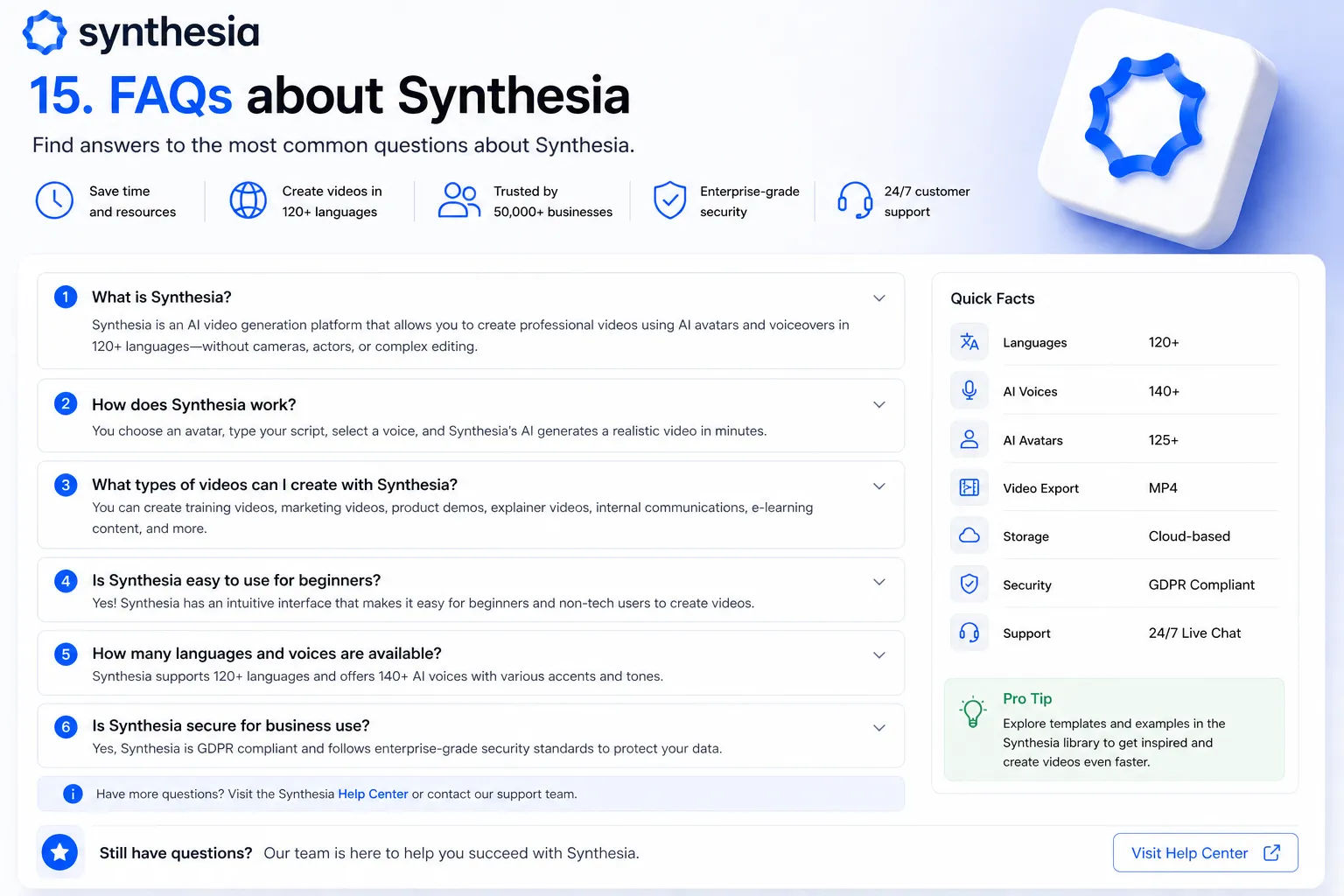
Is Synthesia worth it in 2026?
For L&D and corporate training teams, yes — this Synthesia review rates it 4.5/5. The enterprise workflow features, SCORM export, and predictable minute-based pricing make it the strongest platform for this specific use case. For creators and marketing teams, HeyGen provides better avatar quality and more accessible entry pricing.
How does Synthesia compare to HeyGen?
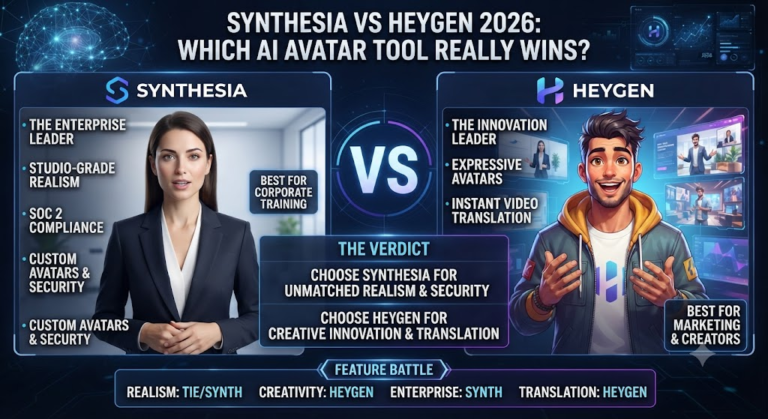
HeyGen wins on avatar photorealism and creator-friendly features. Synthesia wins on enterprise workflow — SCORM, interactive video, team collaboration, compliance, and predictable pricing. This Synthesia review recommends HeyGen for creators and marketing teams and Synthesia for corporate training, onboarding, and enterprise communication. See our [INTERNAL LINK: HeyGen Review 2026] for the detailed side-by-side comparison.
Does Synthesia have SCORM export?
Yes — SCORM and xAPI export for LMS integration is available on the Enterprise plan. As highlighted throughout this Synthesia review, SCORM export is the single most important feature for corporate L&D teams and the primary reason Synthesia is the default choice in enterprise training contexts.
What languages does Synthesia support?
Synthesia supports 160+ languages with accurate avatar lip-sync — more than most direct competitors. On the Enterprise plan, one-click translation converts a completed video to any of these languages with matching lip-sync. As this Synthesia review found, this capability reduces multilingual content production costs by 60 to 80 percent compared to traditional dubbing or reshooting approaches.
Is Synthesia safe for enterprise use?
Yes — Synthesia holds SOC 2 Type II and GDPR certifications and offers enterprise-grade data security controls. As this Synthesia review highlights, these certifications are specifically what enable procurement approval in large organizations where data security review is part of the vendor selection process.
Disclosure: This article contains affiliate links. TechBotHQ may earn a commission if you sign up through our links, at no extra cost to you. See our affiliate disclosure for full details.
These Tools Help You Create. We Help You Go Viral.
Making the video is only half the battle — getting it seen is the other. Tasknestly’s viral video service handles strategy, editing, and distribution.
See Viral Video Services →