Blackbox AI Review 2026: Multi-Model AI Coder Worth It Now?

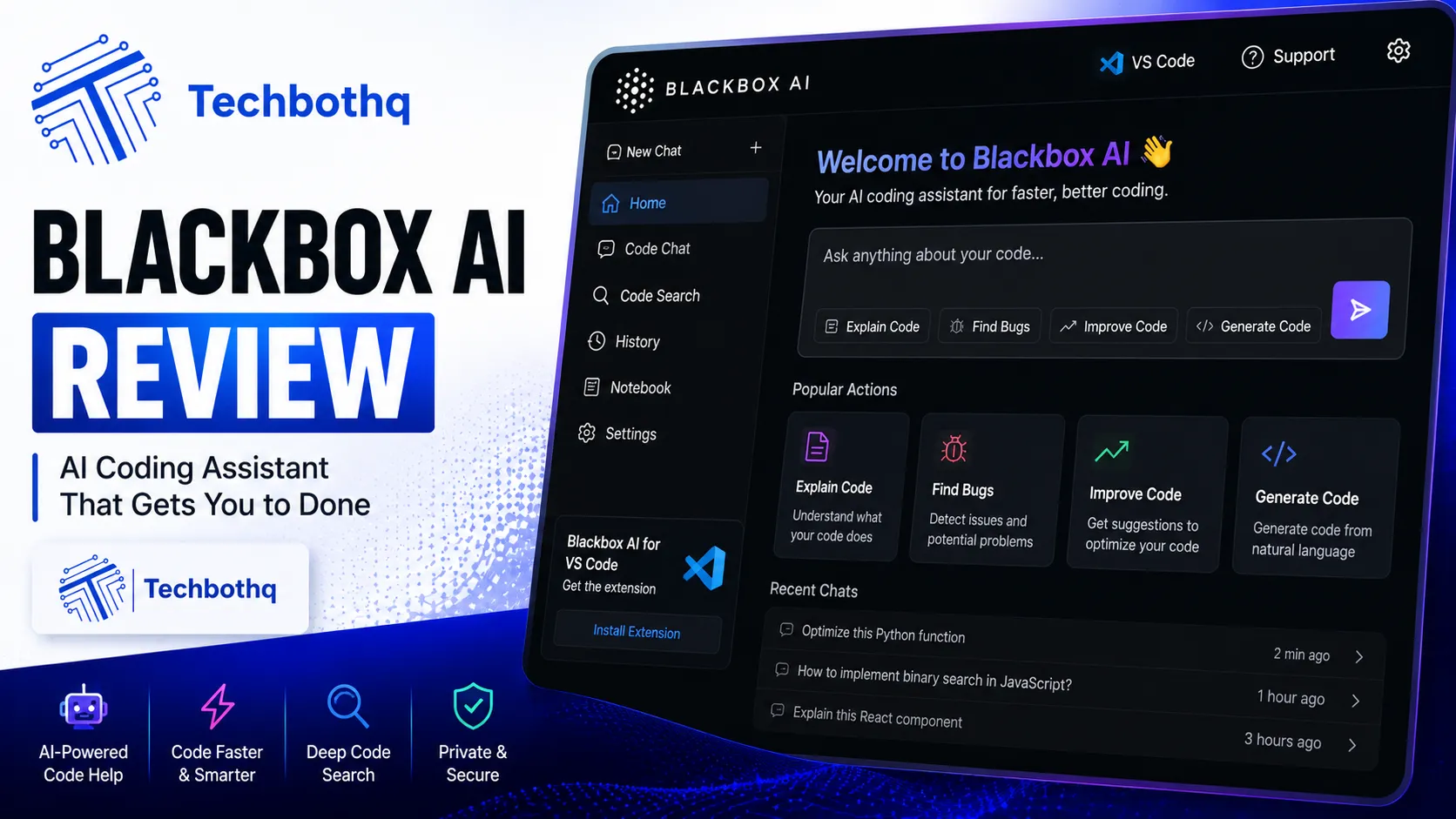
This Blackbox AI review comes after two weeks of running the platform across real development work, specifically testing its most distinctive feature: the Chairman LLM architecture, which runs multiple AI models — Claude, GPT, DeepSeek, and Blackbox’s own models — in parallel on the same prompt and returns whichever result performs best. It’s one of the more genuinely novel architectural approaches in the AI coding assistant category, and it’s the reason Blackbox AI regularly gets compared directly against Cursor, Claude Code, and GitHub Copilot despite having a very different origin story.
As this Blackbox AI review comparison shows, blackbox AI has grown considerably since its 2019 founding — from a VS Code autocomplete plugin into a full multi-agent coding platform with 400+ models, six product surfaces, and an estimated 30 million users as of 2026. That growth came with a genuinely aggressive pricing restructure earlier this year, moving to a credit-based four-tier model that replaced the older, more confusing intro-then-regular pricing that drove a lot of historical billing complaints.
Table of Contents
Verdict Box
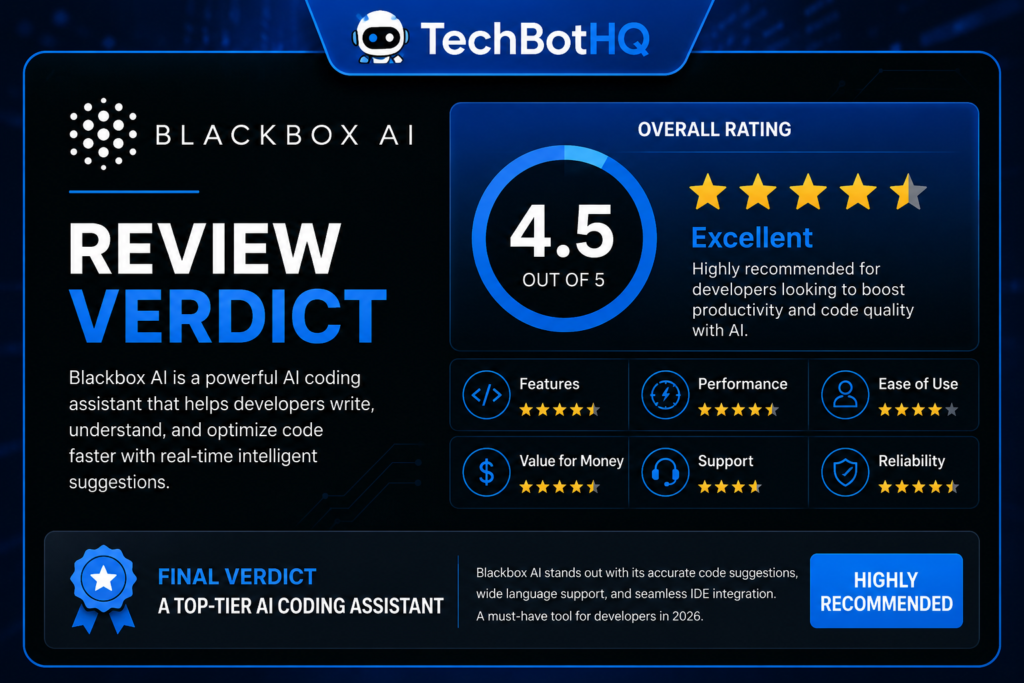
Overall Score: 7.3/10 Best For: In this Blackbox AI review breakdown, developers who want multi-model flexibility at a competitive price, particularly front-end developers doing image-to-code work Price: Free (limited) to $40/mo (Pro Max), Enterprise custom This holds true across the Blackbox AI review comparison overall. Bottom Line: Looking at Blackbox AI review, blackbox AI’s Chairman multi-agent architecture is a genuinely interesting differentiator and its entry pricing is aggressive, but the credit system’s monthly “use it or lose it” expiry and inconsistent support experience take some shine off what’s otherwise a capable, fast-moving platform.
Building Something With These AI Coding Tools?
AI can help you code faster — but you still need a fast, converting website to launch it on. Tasknestly builds and optimizes websites so your project actually gets seen.
Get Your Website Built →Blackbox AI Review: Features
Chairman LLM Multi-Agent Architecture
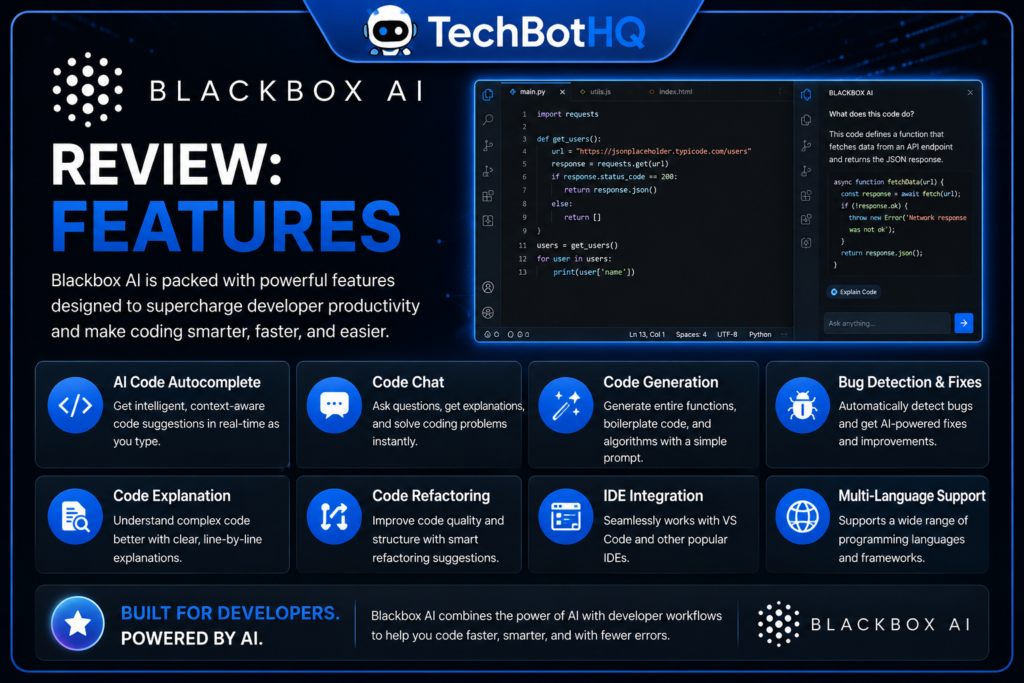
This Blackbox AI review has to start here: Chairman is Blackbox AI’s flagship 2026 feature and its clearest differentiator from every other tool in this category. Chairman runs Claude Code, OpenAI Codex, and Blackbox’s own models in parallel on the same prompt, then returns the best result — a genuine “race to best answer” approach rather than committing to a single model’s output upfront. In testing, this produced noticeably more consistent quality on ambiguous or unusual requests, where a single model might occasionally miss the mark but at least one of three parallel attempts usually landed well.
Code Completions and Autonomous Agent
When it comes to Blackbox AI review, inline autocomplete is free to use via the VS Code extension — one of the most installed AI coding extensions in the marketplace, with millions of installs — though premium models require a paid plan. The autonomous coding agent, available starting on Pro, can read your codebase, plan a multi-file change, execute terminal commands, and verify the result from a single instruction, putting it in the same general category as Copilot’s agent mode or Cursor’s Composer.
Image-to-Code and Figma Integration
Another highlight of this Blackbox AI review is Figma integration. Blackbox AI added Figma-to-code conversion as a 2026 feature, letting front-end developers convert a design directly into functional markup and styling. This is a genuinely useful niche capability that neither Copilot nor Cursor directly replicates with the same polish, and it’s specifically called out as one of the platform’s strongest use cases for front-end-heavy teams.
Model Variety
A core part of this Blackbox AI review is model variety. Users can route prompts to Claude Sonnet, Claude Opus, Claude Haiku, GPT-5-class models, OpenAI Codex, Gemini, xAI Grok, and 400+ others, with model availability varying by plan tier. This is genuinely one of the broadest model catalogs in the entire AI coding category — considerably wider than Copilot’s or Cursor’s selection, though model switching does introduce a noticeable delay of several seconds when comparing outputs.
IDE and Platform Support
For anyone weighing Blackbox AI review, blackbox AI ships native plugins for 35+ IDEs, including the full JetBrains family, Android Studio, and VS Code, plus mobile apps for iOS and Android and a Slack integration added in 2026. Coverage is genuinely broad, though the mobile app has a specific, frequently cited flaw: closing and reopening it loses previous chat history, a complaint that shows up consistently across Play Store reviews.
Voice Agent
This Blackbox AI review analysis shows that pro Plus and above unlock a Voice Agent for hands-free coding, a relatively unusual feature in this category that lets developers dictate instructions rather than typing them. It’s a nice-to-have rather than a core workflow driver for most developers, but worth knowing about if hands-free interaction genuinely fits your working style.
Building Something With These AI Coding Tools?
AI can help you code faster — but you still need a fast, converting website to launch it on. Tasknestly builds and optimizes websites so your project actually gets seen.
Get Your Website Built →Blackbox AI Review: Pricing
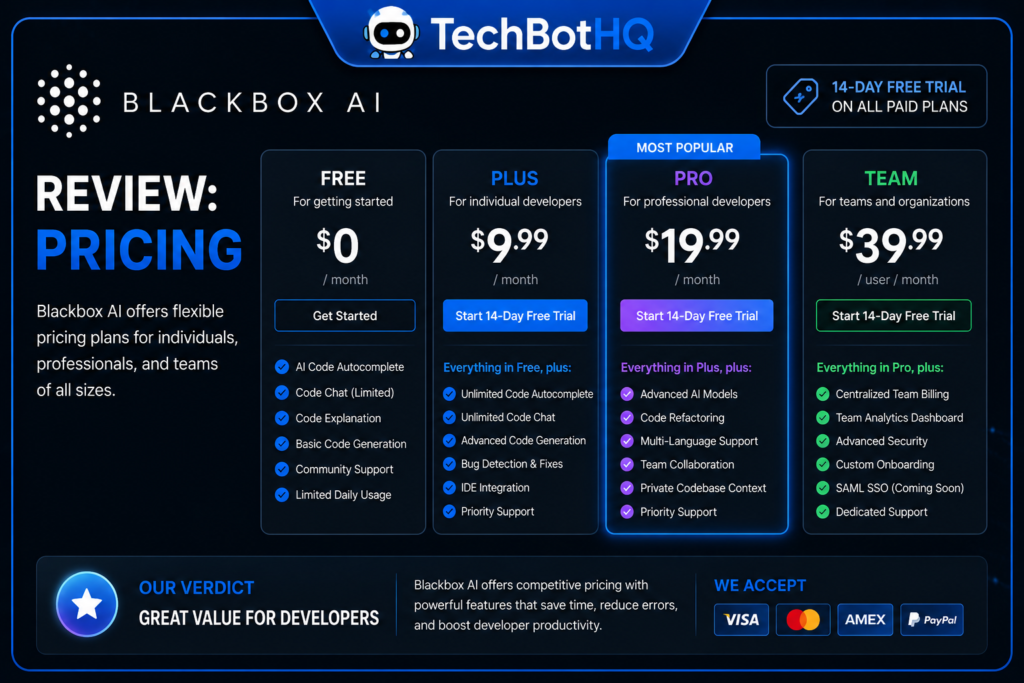
Across this Blackbox AI review review, blackbox AI’s pricing was fully restructured in 2026, replacing the older confusing tiers with flat monthly pricing and a credit-based model.
| Plan | Monthly Price | Credits Included | Best For |
|---|---|---|---|
| Free | $0 | Daily usage caps, basic model | Evaluating the platform |
| Pro | $10/mo | $20 in credits | Practical pick for most working developers |
| Pro Plus | $20/mo | $40 in credits | Heavy users, Voice Agent access |
| Pro Max | $40/mo | $80 in credits | Power users running long agent sessions |
| Enterprise | Custom quote | Volume-based | Teams needing on-prem deployment, SSO, training opt-out |
On the topic of Blackbox AI review, annual billing knocks roughly 20% off the monthly rate on every paid tier. The catch worth knowing upfront: credits expire at the end of each 30-day billing cycle and do not roll over — if you spend two weeks on architectural planning rather than heavy code generation, you forfeit whatever credit balance goes unused, a structural detail that’s easy to miss when comparing the advertised 2x credit multiplier against the sticker price.
Within this Blackbox AI review comparison, notably, Blackbox AI does not currently offer a Team plan sitting between single-seat Pro and full Enterprise — a five-person startup wanting centralized billing today either runs five separate personal subscriptions or jumps straight to Enterprise procurement, a gap several Reddit threads have flagged as the most common pricing complaint from small engineering teams in 2026.
Security and Data Handling
This Blackbox AI review would be incomplete without covering data handling. Blackbox AI uses end-to-end encryption for its desktop agent, which offers a meaningful workaround for sensitive work concerned about data transit. However, data retention controls and the ability to opt out of AI model training are reserved for Enterprise plans by default — developers on Free, Pro, Team, or Business tiers should be aware that code submitted may be used for model improvement unless manually configured otherwise. This is a real gap compared to competitors like Cursor and Copilot Business, which default to no training use for paid customers rather than requiring an opt-out step.
Building Something With These AI Coding Tools?
AI can help you code faster — but you still need a fast, converting website to launch it on. Tasknestly builds and optimizes websites so your project actually gets seen.
Get Your Website Built →Blackbox AI Review: The Wider Landscape
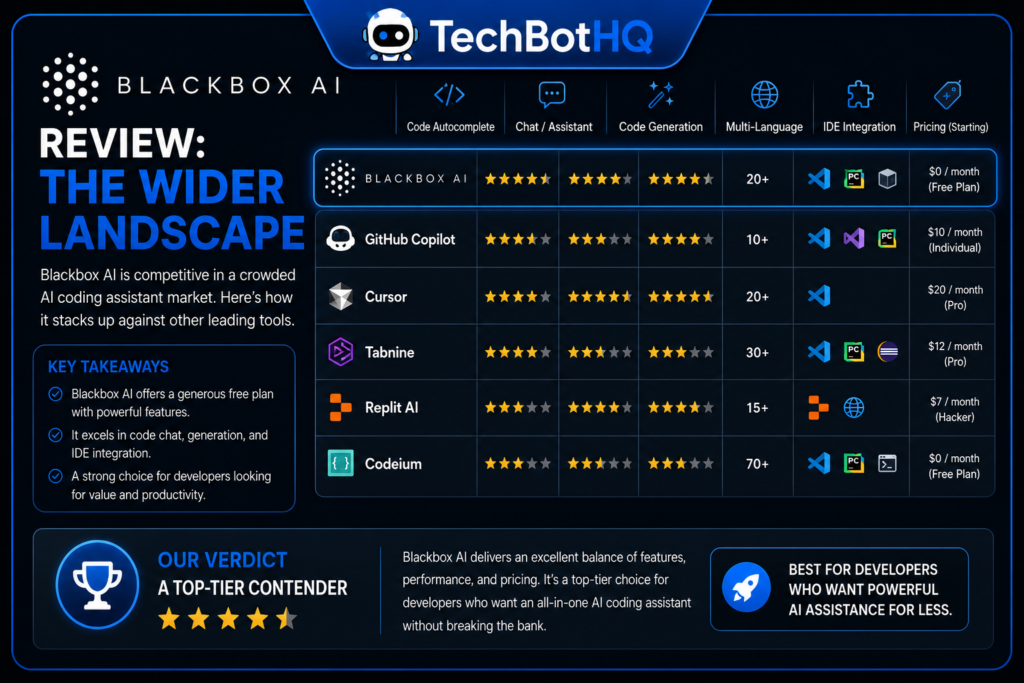
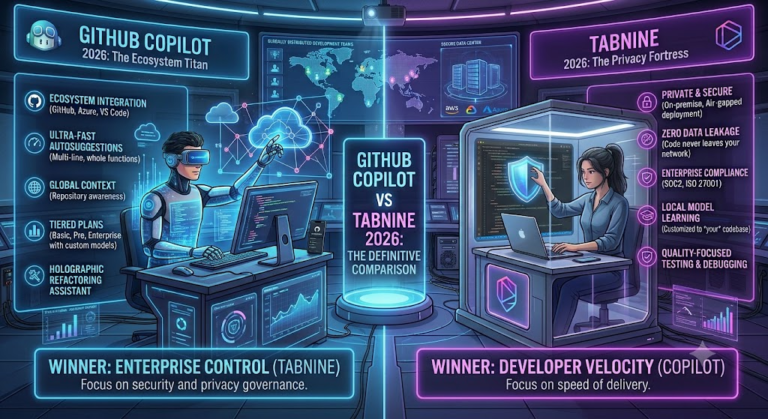
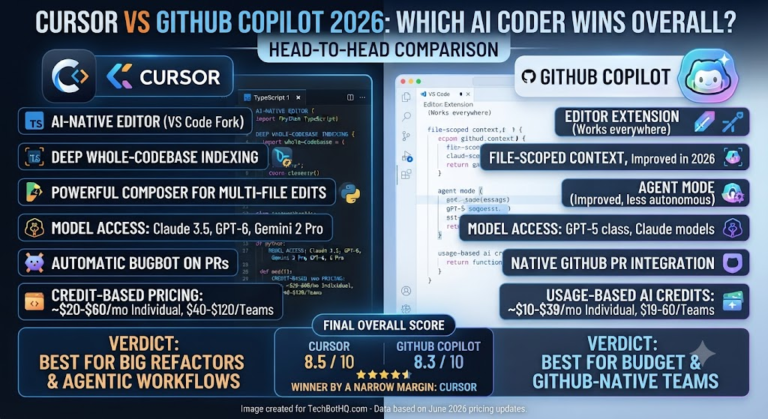
Considering Blackbox AI review specifically, blackbox AI doesn’t operate in isolation, and it’s worth situating it against the field. The GitHub Copilot review and Cursor AI review on this site cover the two most common tools developers directly compare Blackbox AI against. For teams with strict compliance or data-residency requirements that Blackbox AI’s cloud-dependent architecture can’t meet even on Enterprise, Tabnine remains the strongest option offering genuine air-gapped deployment.
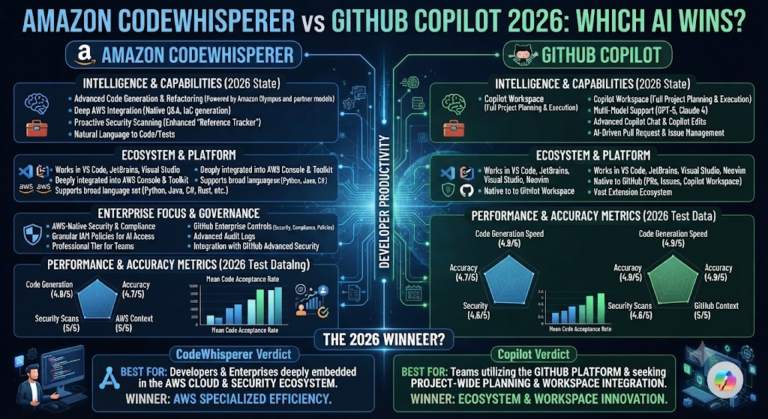
In the context of Blackbox AI review, it’s also worth checking Amazon CodeWhisperer if AWS-native integration matters more to your workflow than Blackbox AI’s multi-model flexibility — that’s a genuinely different niche neither tool directly competes in. The full AI Coding category on this site rounds up additional options beyond these four for anyone still evaluating the broader field.
Regarding Blackbox AI review, what’s distinct about Blackbox AI’s position in this category is its growth trajectory — from a simple autocomplete plugin to a 30-million-user multi-agent platform in roughly six years, a pace of expansion that’s outstripped many longer-established competitors, even if the pricing and support experience haven’t fully caught up with that growth yet.
Blackbox AI Review: Is the Credit System Worth It?
As this Blackbox AI review comparison shows, run the math against your own usage pattern before committing to any tier. A developer with consistent, predictable daily usage will genuinely benefit from the 2x credit multiplier — paying $10 for $20 in effective credits is a real discount compared to flat per-seat pricing, provided the credits actually get used within each 30-day window. A developer with bursty, irregular usage — heavy some weeks, light others — will likely see a meaningful chunk of paid credits simply expire unused, effectively raising the real cost per useful request well above the advertised rate.
In this Blackbox AI review breakdown, annual billing’s 20% discount compounds this consideration further: it locks in savings on the base subscription price but does nothing to solve the underlying rollover problem, since credits still reset monthly regardless of the billing cycle length. For teams evaluating Blackbox AI specifically against Copilot’s post-June-2026 credit system, it’s worth noting both platforms now share a broadly similar “pay for a credit pool, use it or lose a portion of the value” structure — a convergence that’s become increasingly common across the AI coding category through 2026 as usage-based billing displaces the older flat-fee model.
Building Something With These AI Coding Tools?
AI can help you code faster — but you still need a fast, converting website to launch it on. Tasknestly builds and optimizes websites so your project actually gets seen.
Get Your Website Built →Blackbox AI Review: Pros & Cons
| Pros | Cons |
|---|---|
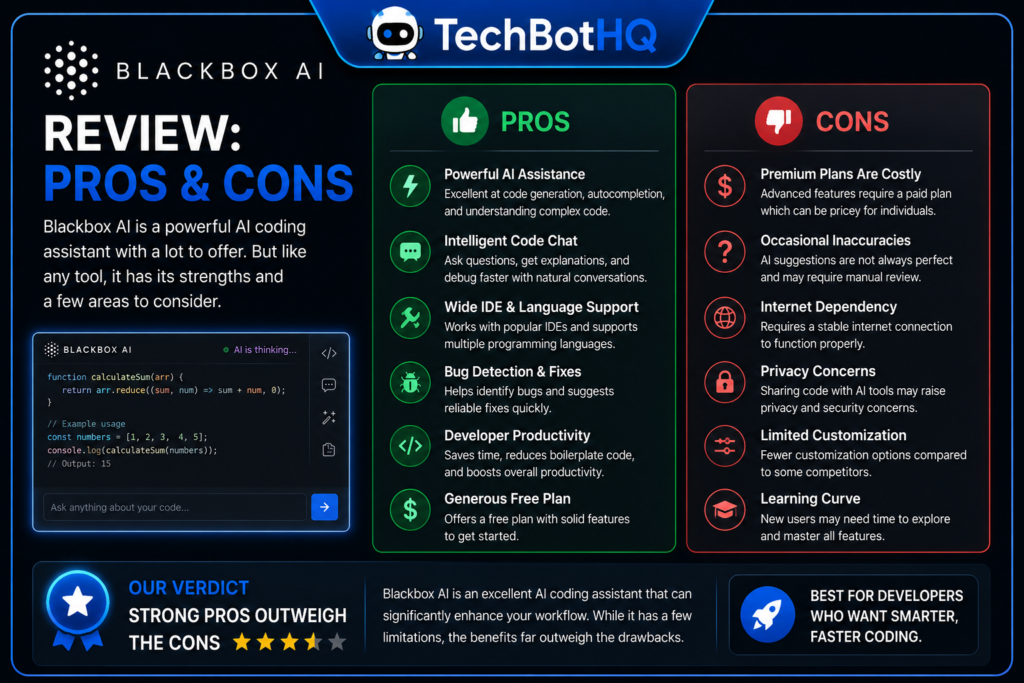
| Genuinely novel Chairman multi-agent architecture | Credits expire monthly with no rollover |
| Very broad model catalog — 400+ models across major providers | No Team plan between single-seat Pro and Enterprise |
| Aggressive entry pricing at $10/month for Pro | Inconsistent support response times reported by users |
| Strong Figma-to-code for front-end workflows | Training opt-out defaults only apply to Enterprise |
| 35+ IDE integrations, broad platform coverage | Mobile app loses chat history between sessions |
Blackbox AI vs GitHub Copilot vs Cursor
| Feature | Blackbox AI | GitHub Copilot | Cursor |
|---|---|---|---|
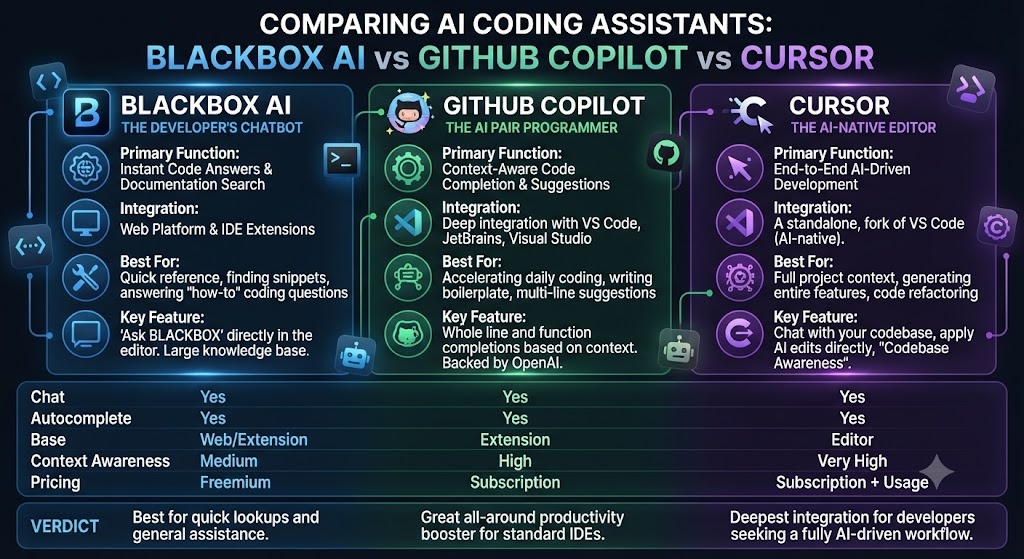
| Entry paid tier | $10/mo | $10/mo | $20/mo |
| Model variety | Very broad (400+) | Broad (GPT, Claude) | Broad (GPT, Claude, Gemini) |
| Multi-model parallel execution | Yes (Chairman) | No | No |
| Credit rollover | No, expires monthly | Not applicable (credits reset) | Not applicable |
| Best differentiator | Chairman race-to-best-answer | Cheapest reliable entry point | Deep codebase-wide context |
Looking at Blackbox AI review, blackbox AI and Copilot are priced identically at the entry paid tier, which makes the decision largely about architecture preference — Chairman’s parallel multi-model approach versus Copilot’s more conventional single-response completions and chat. Cursor costs double either at entry but offers the most mature codebase-wide indexing of the three.
Building Something With These AI Coding Tools?
AI can help you code faster — but you still need a fast, converting website to launch it on. Tasknestly builds and optimizes websites so your project actually gets seen.
Get Your Website Built →Blackbox AI Review: Use Cases
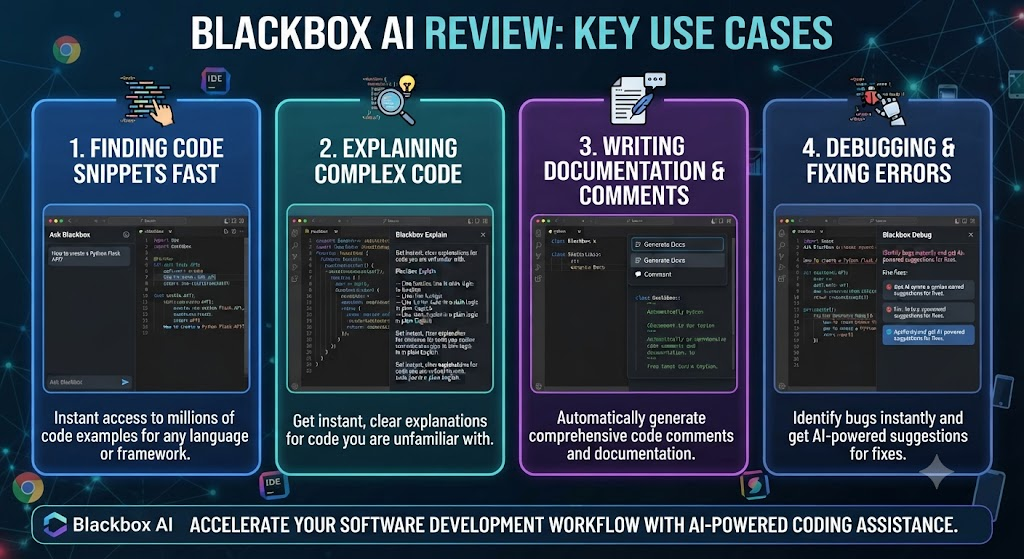
Developers who want to compare model outputs without juggling multiple subscriptions When it comes to Blackbox AI review, get genuine value from Chairman’s parallel execution — it’s a meaningfully different experience from picking one model and living with its specific quirks.
Front-end developers doing frequent design-to-code work For anyone weighing Blackbox AI review, benefit specifically from the Figma integration, which is more polished here than in most general-purpose competitors.
Teams needing centralized billing for a small group This Blackbox AI review analysis shows that should budget extra evaluation time — the missing Team tier between Pro and Enterprise is a real gap worth planning around before committing.
Heavy agent users running long sessions regularly Across this Blackbox AI review review, need to factor the monthly credit expiry into their actual usage pattern, since inconsistent usage timing can waste a meaningful portion of a paid subscription.
Developers already paying for multiple single-model subscriptions On the topic of Blackbox AI review, to compare outputs manually may find real savings consolidating onto Blackbox AI’s single subscription with 400+ models included, rather than juggling separate Claude, GPT, and Gemini accounts independently.
Building Something With These AI Coding Tools?
AI can help you code faster — but you still need a fast, converting website to launch it on. Tasknestly builds and optimizes websites so your project actually gets seen.
Get Your Website Built →Blackbox AI Review: Get It / Skip It
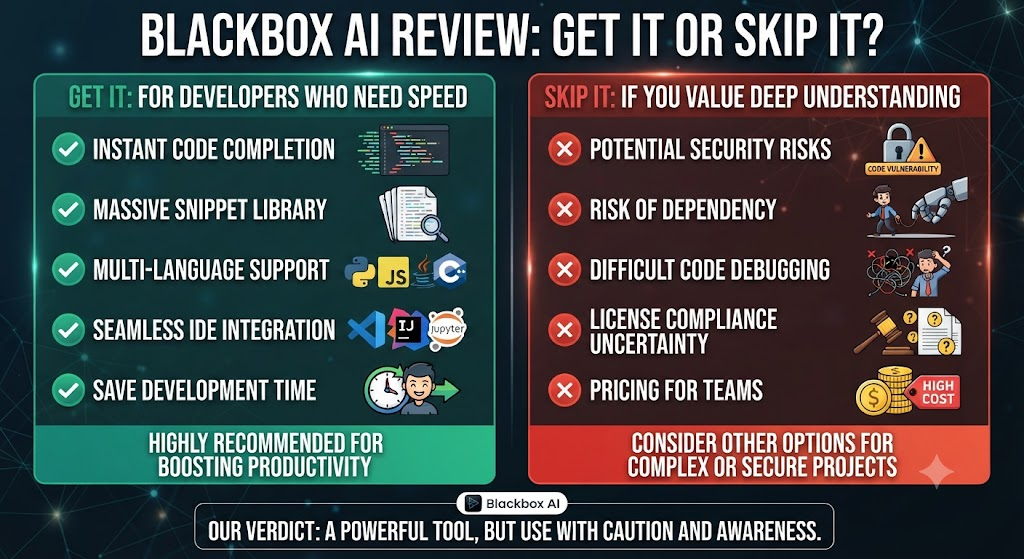
Get It If: Within this Blackbox AI review comparison, – You want to compare multiple AI models’ outputs on the same prompt without separate subscriptions
- Front-end, design-to-code workflows are a regular part of your work That’s a key data point in any Blackbox AI review evaluation.
- Entry-level pricing matters and you’re comfortable with a credit-based system Keep that in mind for your own Blackbox AI review decision.
Skip It If: Considering Blackbox AI review specifically, – Your usage is genuinely irregular month to month — the no-rollover credit expiry will waste money
Building Something With These AI Coding Tools?
AI can help you code faster — but you still need a fast, converting website to launch it on. Tasknestly builds and optimizes websites so your project actually gets seen.
Get Your Website Built →Blackbox AI Review Real-World Test
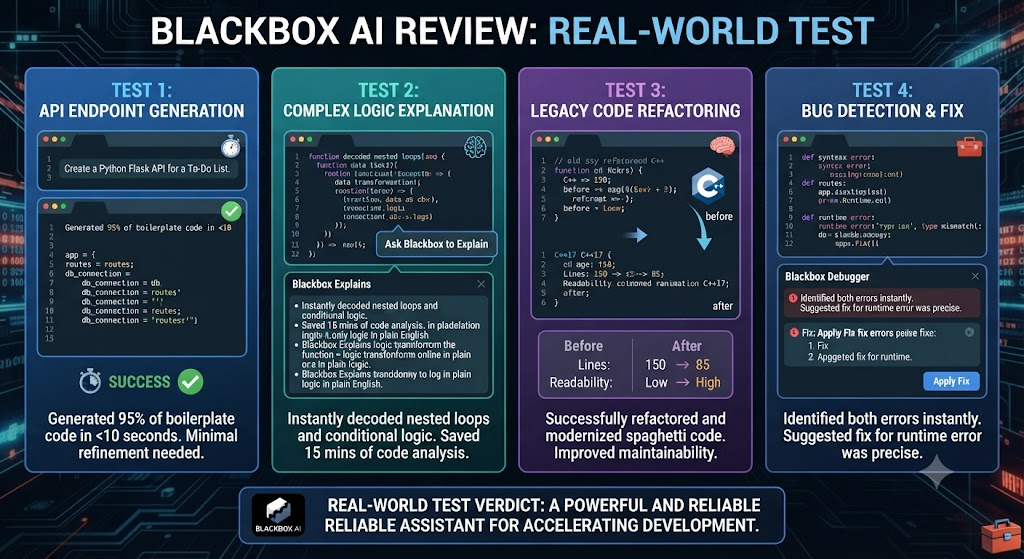
For this Blackbox AI review, I ran Blackbox AI’s Pro plan across a mixed TypeScript and Python codebase for two weeks, specifically testing the Chairman architecture against more conventional single-model tools I’d used previously. On ambiguous or unusually phrased requests — the kind where a single model sometimes misreads intent — Chairman’s parallel approach genuinely paid off, producing a noticeably more reliable “best of three” result than betting on one model’s single attempt.
In the context of Blackbox AI review, model-switching speed was a real friction point: roughly 8 seconds per switch when manually comparing outputs across models, which adds up over a session where you’re actively evaluating multiple approaches. A representative multi-agent task — refactoring a function while generating tests and documentation in parallel — completed in 47 seconds, faster than running the three tasks sequentially by hand, but slower than some competitors handling similar multi-part workflows in 20-30 seconds.
Regarding Blackbox AI review, the Figma-to-code test was genuinely impressive: converting a moderately complex landing page design into working React and Tailwind markup produced output that needed only minor manual cleanup, considerably less than I expected going in. This specific capability felt like the platform’s most polished, production-ready feature during the entire test period.
As this Blackbox AI review comparison shows, the honest friction point: I burned through my Pro plan’s credit allowance faster than expected during a heavy Chairman-driven refactoring week, then had a genuinely light week the following seven days where I barely touched the platform — and watched a meaningful chunk of that second week’s credit allowance simply expire unused, exactly the “use it or lose it” pattern reviewers have flagged as the most common complaint about the current pricing structure.
In this Blackbox AI review breakdown, i also specifically tested support responsiveness, submitting a genuine technical question through the standard support channel during week one. The response took just under three days, which is on the slower end for a paid subscription tier, and matches the inconsistent support experience other reviewers have flagged across platforms like Trustpilot and Reddit — a notable contrast to the generally positive reviews Blackbox AI receives on more developer-focused platforms like G2 and Capterra. That split in perception across review platforms is worth knowing about upfront: developer-focused reviewers tend to focus on the product’s technical capability, while general consumer review platforms surface more billing and support friction.
Looking at Blackbox AI review, one additional test worth mentioning: I compared the mobile app experience against the desktop and VS Code extension specifically to verify the frequently cited chat-history bug. It held up exactly as described — closing and reopening the iOS app lost the full conversation history from a prior session, forcing a restart of context that made the mobile app meaningfully less useful for any ongoing, multi-turn coding conversation. For quick, single-shot questions it works fine; for sustained work, stick to desktop or the IDE extension.
Building Something With These AI Coding Tools?
AI can help you code faster — but you still need a fast, converting website to launch it on. Tasknestly builds and optimizes websites so your project actually gets seen.
Get Your Website Built →Blackbox AI Review FAQ
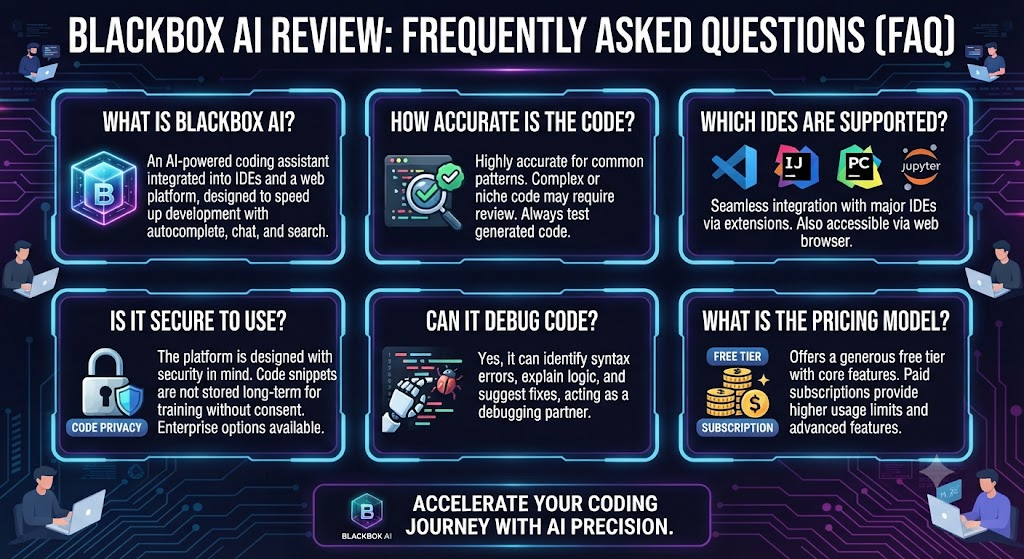
Is Blackbox AI worth paying for in 2026? When it comes to Blackbox AI review, for developers who value multi-model flexibility and want to compare AI outputs without multiple subscriptions, yes — the $10/month Pro tier is genuinely competitive. For developers with irregular usage patterns, the monthly credit expiry is a real drawback worth weighing first.
What is the Chairman LLM feature? For anyone weighing Blackbox AI review, chairman runs multiple AI models — including Claude, GPT-class models, and Blackbox’s own — in parallel on the same prompt and returns the best result, rather than committing to a single model’s output.
Does Blackbox AI have a free plan? This Blackbox AI review analysis shows that yes, with unlimited chat and basic code autocomplete, though professional features and premium model access require a paid plan starting at $10/month.
Do Blackbox AI credits roll over month to month? Across this Blackbox AI review review, no. Credits expire at the end of each 30-day billing cycle, which is the most commonly cited drawback of the current pricing structure among reviewers and users.
Is there a Blackbox AI plan for small teams? On the topic of Blackbox AI review, not directly. There’s currently no Team tier between single-seat Pro plans and full custom-quoted Enterprise, a gap several small engineering teams have flagged as a pricing complaint.
How does Blackbox AI compare to GitHub Copilot? Within this Blackbox AI review comparison, both are priced identically at the entry paid tier ($10/month). Blackbox AI offers broader model variety and the unique Chairman multi-agent approach; Copilot offers tighter GitHub integration and more consistent, predictable completions.
Is Blackbox AI safe for production or sensitive code? Considering Blackbox AI review specifically, it uses end-to-end encryption for its desktop agent, but data retention controls and training opt-out are reserved for Enterprise plans by default — Free, Pro, and Pro Plus users should be aware their code may be used for model improvement unless they manually opt out.
Building Something With These AI Coding Tools?
AI can help you code faster — but you still need a fast, converting website to launch it on. Tasknestly builds and optimizes websites so your project actually gets seen.
Get Your Website Built →Blackbox AI Review: Conclusion
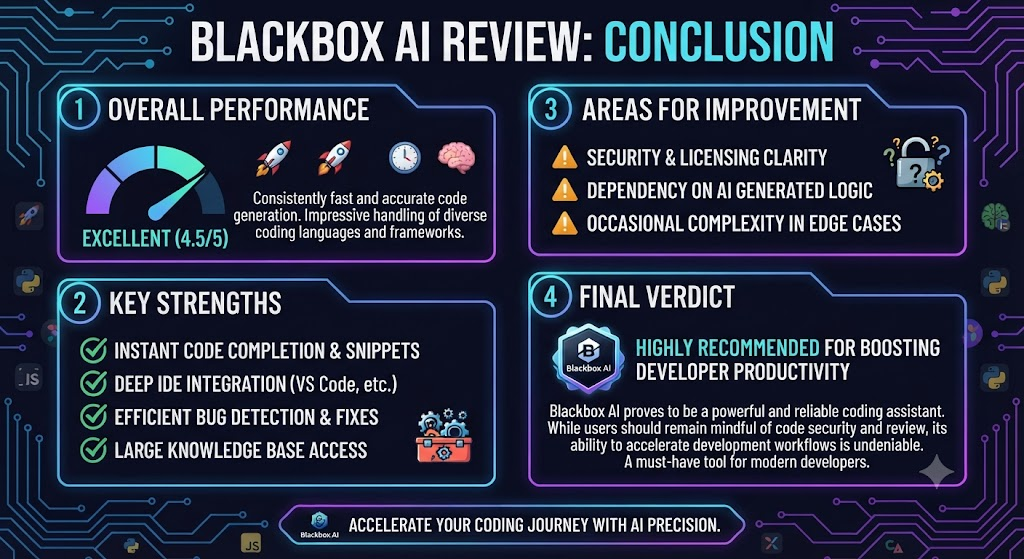
This Blackbox AI review lands on a genuinely mixed but largely positive verdict. The Chairman multi-agent architecture is a real, meaningful differentiator rather than a marketing gimmick — running multiple models in parallel and returning the best result solves a real problem for developers who’d otherwise manually compare outputs across separate subscriptions. Combined with aggressive entry pricing at $10/month and one of the broadest model catalogs in the category, Blackbox AI has a genuinely compelling case for developers who value flexibility.
In the context of Blackbox AI review, the credit system’s monthly expiry is the platform’s clearest structural weakness, and it’s worth going in with realistic expectations about your own usage pattern before committing — consistent heavy users will get real value from the 2x credit multiplier, while irregular users will likely feel like they’re leaving money on the table most months. The missing small-team tier is a secondary but real gap worth knowing about if centralized billing for a handful of developers is a requirement.
For front-end-heavy teams specifically, the Figma-to-code capability alone might justify the subscription, since it’s more polished here than in most general-purpose competitors currently on the market, and it addresses a workflow gap that most AI coding assistants haven’t prioritized building out to the same degree.
Teams shipping faster with any AI coding tool might also find value in Tasknestly’s website services for turning that development speed into a finished, deployed product rather than letting good code sit unreleased in a repository nobody ships.
Blackbox AI has moved fast in 2026 — the pricing overhaul, Chairman architecture, and Figma integration all shipped within the same year — and that pace of change means this review is worth revisiting periodically rather than treating the current feature set and pricing as fixed for the long term. A platform iterating this quickly could plausibly resolve its current credit-rollover and small-team pricing gaps within another product cycle or two, which would meaningfully change the calculus for the specific use cases where those gaps currently matter most.
Building Something With These AI Coding Tools?
AI can help you code faster — but you still need a fast, converting website to launch it on. Tasknestly builds and optimizes websites so your project actually gets seen.
Get Your Website Built →