Honest Flair Review 2026: Best AI Product Photo Tool Worth It?


Product photography is one of the highest-friction, highest-cost elements of e-commerce marketing. A professional shoot requires booking a studio, hiring a photographer, sourcing props, styling the set, and waiting days for edited files — for a single product, that process can cost hundreds to thousands of dollars. Flair promises to collapse that entire workflow into minutes, and this Flair review examines whether the AI product photography platform genuinely produces imagery good enough to replace or significantly supplement traditional product shoots.
Flair launched in 2022 and has built a reputation among e-commerce brands and DTC marketers for producing high-quality product imagery using AI — specifically, placing product photos into AI-generated backgrounds and scenes without the product ever leaving its owner’s hands. This Flair review covers the full workflow: uploading product photos, configuring scenes, generating images, editing outputs, and evaluating the final quality against professional photography benchmarks. The Flair review process is honest about where the tool excels and where it falls short.
This Flair review is directly relevant for e-commerce brands, product marketers, DTC founders, and marketing agencies managing product imagery at scale. Whether you’re comparing Flair against Canva’s AI image tools, Adobe Firefly, or professional photography options, this Flair review gives you the complete evidence-based verdict you need before committing to the platform.
VERDICT BOX
Overall Rating: 8.3 / 10
Best for: E-commerce brands, DTC companies, and product marketers who need professional product imagery at scale without the cost and logistics of traditional photo shoots
Price: Free plan available; Starter at $10/month; Pro at $39/month; Teams at $99/month (billed monthly)
Verdict: Flair delivers genuinely impressive AI product photography that outperforms every competing tool in its category — the scene generation quality is excellent, the product placement is natural, and for lifestyle and editorial product imagery, the output quality is competitive with mid-tier professional photography at a fraction of the cost and time.
Table of Contents
What Is Flair? Background for This Flair Review
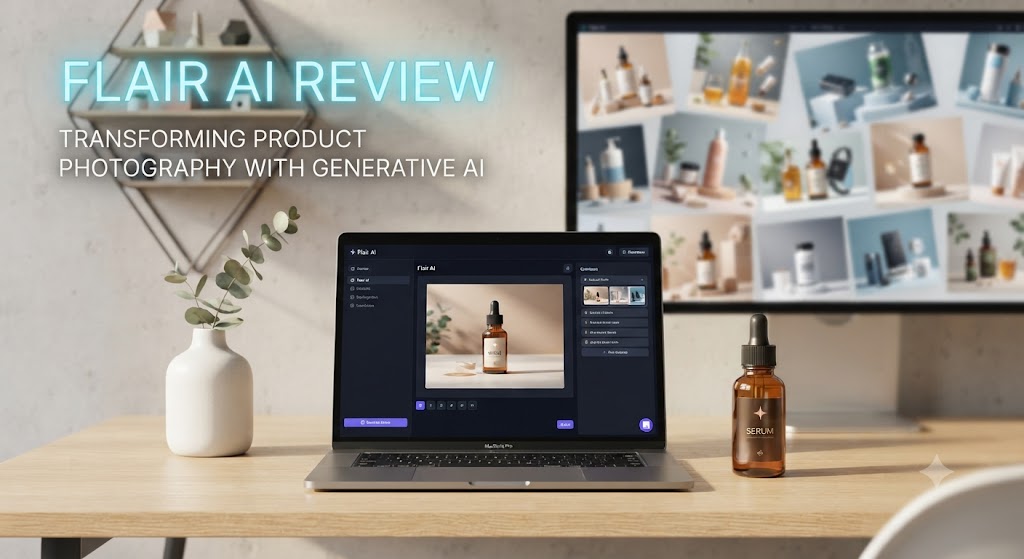
Flair is an AI-powered product photography platform founded in 2022 and headquartered in San Francisco. The platform was built specifically for e-commerce and product marketing use cases — a deliberate focus that shows in the quality and specificity of the output compared to general-purpose AI image generators. This Flair review covers the 2026 version of the platform, which has significantly improved its product placement accuracy, lighting consistency, and background generation quality since its early versions.
The core workflow this Flair review evaluates is straightforward: you upload a product image (typically a plain white background photo or a transparent PNG), place it on a virtual canvas, and then use Flair’s AI to generate a contextual background and scene around it. The AI generates environments — kitchen countertops, outdoor settings, luxury shelves, lifestyle contexts — that make the product look like it was photographed in situ rather than placed digitally into a generated scene.
What makes this Flair review different from a review of general AI image tools is the specific problem Flair solves. General tools like Midjourney or DALL-E generate images from prompts, but they don’t reliably preserve a specific physical product’s appearance across generations. Flair is built specifically to anchor the AI generation around your actual product, maintaining its exact colours, textures, labels, and physical characteristics while generating the environment around it. For product marketing teams, that distinction is the difference between a usable tool and an interesting novelty. Our AI design tools category covers related tools across the design spectrum.
Love What These AI Design Tools Can Do?
Great AI-generated visuals still need a cohesive brand identity holding them together. Let Tasknestly build your full branding — logo, guidelines, and visual system.
Explore Branding Services →Flair Review: Pros and Cons
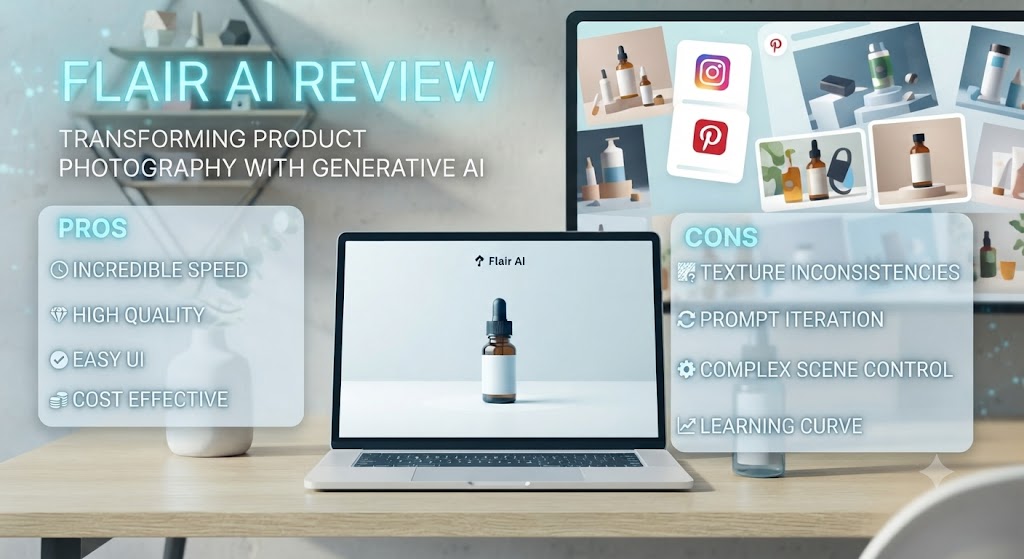
| Pros | Cons |
|---|---|
| Product preservation quality is the strongest in the AI product photography category | Complex products with intricate details can lose fidelity in generation |
| Scene and background quality rivals mid-tier professional lifestyle photography | The free plan is very limited — serious use requires a paid plan |
| Extremely fast — generates multiple image variants in under a minute | Not a replacement for hero product shots requiring extreme technical precision |
| Massive cost and time saving versus traditional product photography | Video and motion output is limited — primarily a static image tool |
| Intuitive canvas interface requires no design skills to use effectively | Some prompts produce inconsistent scene quality requiring multiple regenerations |
| Generates multiple variants simultaneously — easy to A/B test different scenes | Background customisation depth is less than a professional designer would achieve |
Love What These AI Design Tools Can Do?
Great AI-generated visuals still need a cohesive brand identity holding them together. Let Tasknestly build your full branding — logo, guidelines, and visual system.
Explore Branding Services →Flair Review: Feature Deep-Dive
The Canvas Interface — Where This Flair Review Begins
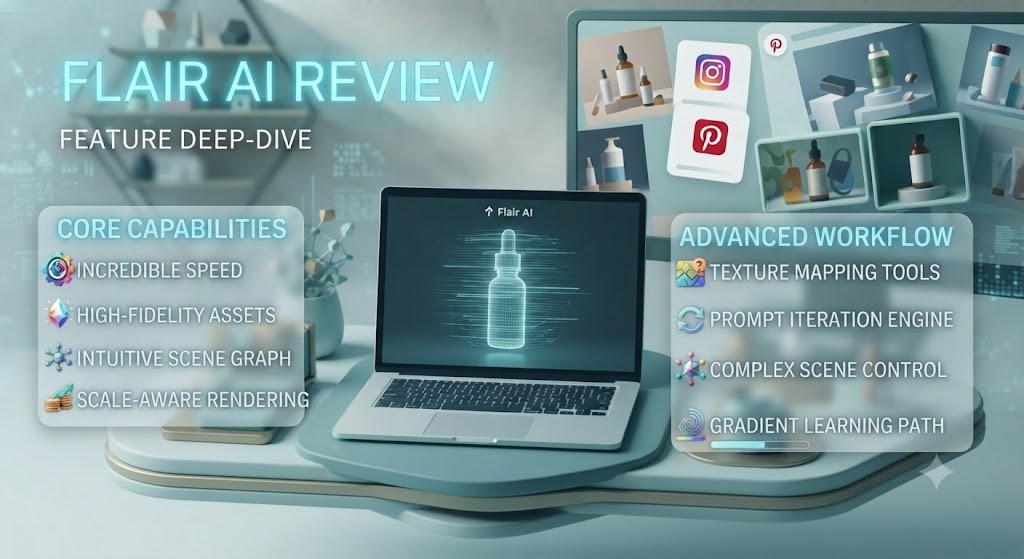
The canvas interface is the starting point of any Flair review workflow evaluation, and this Flair review found it to be one of the most intuitive product design interfaces in any AI tool category. You upload your product image — a white background photo, a transparent PNG, or even a multi-angle composition — and it appears on a blank canvas. From there, you position the product, adjust the scale, and use Flair’s prompt and style tools to describe and generate the background scene.
The canvas approach in this Flair review means you maintain precise control over product placement — the exact position, size, and angle of your product in the final image is determined by you, not by the AI. The AI generates the environment around your explicit product placement. This Flair review found that level of compositional control to be one of the platform’s most practically important features, because composition is something the AI cannot determine without your brand’s specific creative direction.
The prop system in this Flair review allows you to add additional elements to the canvas — food items, flowers, fabrics, geometric shapes, lifestyle objects — alongside your product. These props are rendered by the AI into the scene cohesively, creating compositional context without requiring those physical items to be present in your studio. This Flair review found the prop feature to be particularly valuable for food and beverage, beauty, and home goods brands where contextual lifestyle elements significantly improve the commercial appeal of product imagery.
AI Scene Generation — The Core of This Flair Review
The AI scene generation is the capability this Flair review found to be most impressive and most central to the platform’s value. You describe your desired scene in a text prompt — “rustic wooden kitchen counter with warm morning light and fresh herbs”, “luxury marble surface with soft studio lighting”, “outdoor garden setting with natural bokeh background” — and Flair generates a photorealistic background that integrates your product naturally.
This Flair review found the scene quality to be consistently strong across several key dimensions: lighting coherence (the light direction and quality in the generated background matches the product photo), surface texture realism (marble, wood, fabric, concrete all render with convincing detail), and depth of field simulation (background bokeh effect creates the shallow depth of field associated with professional product photography).
The product integration — the point where the AI must convincingly place your physical product photograph into a generated environment — is the most technically challenging aspect of any AI product photography tool, and this Flair review found Flair’s implementation to be substantially better than alternatives. Product shadows are generated contextually based on the scene’s light source. Reflections appear on reflective surfaces. And the edge blending between product and generated background is smooth enough that the composite nature of the image is not apparent in most outputs at social media resolution.
Style Presets and Brand Consistency
Flair’s style preset system allows you to save scene configurations — prompt text, lighting style, colour palette, prop selections — as reusable presets that can be applied across multiple products. This Flair review found the preset system to be valuable for brands that need visual consistency across a product catalogue: the same scene style, applied to ten different products, produces a cohesive visual identity rather than ten unrelated images.
For marketing teams managing large product catalogues, this Flair review found the preset system to be one of the most practically important operational features in the platform. Rather than recreating scene configurations from scratch for each product, teams can define their visual system once and apply it at scale. This Flair review found the preset quality to be reliable — the same prompt applied to different products produces consistently styled outputs rather than unpredictable variation.
Batch Generation
Flair’s batch generation feature allows you to generate multiple scene variants simultaneously — typically four to eight image variants from a single prompt — and then select the best performers for your marketing assets. This Flair review found batch generation to be one of the most practically efficient features in the platform.
The ability to generate eight variants of “product on marble surface with botanical elements” in under 60 seconds — and then select the two or three that work best for your campaign — represents a fundamentally different relationship with product photography than traditional shoots. This Flair review found that even when individual Flair generations require several rounds to find the right scene, the total time to a usable image is measured in minutes rather than hours or days.
Image Quality and Commercial Usability
This Flair review takes the question of commercial image quality seriously, because it’s the question that ultimately determines whether the platform earns its place in a production workflow. The honest Flair review assessment: for lifestyle and editorial product imagery at social media resolution (Instagram, TikTok, Pinterest), Flair’s output quality is consistently strong and commercially usable. For e-commerce hero images at high resolution where technical precision, controlled lighting, and exact colour reproduction are critical, professional photography remains superior.
The practical implication of this Flair review’s quality assessment: Flair is best used as the primary tool for lifestyle, contextual, and campaign imagery, and as a supplement to professional photography for hero shots. Brands that deploy this Flair review-tested hybrid approach — professional photographer for hero images, Flair for everything else — get the best of both worlds at dramatically reduced total cost.
Love What These AI Design Tools Can Do?
Great AI-generated visuals still need a cohesive brand identity holding them together. Let Tasknestly build your full branding — logo, guidelines, and visual system.
Explore Branding Services →Flair Pricing: What This Flair Review Found

| Plan | Price | Key Features |
|---|---|---|
| Free | $0 | 10 generations/month, watermarked output |
| Starter | $10/month | 100 generations/month, no watermark, HD export |
| Pro | $39/month | Unlimited generations, batch generation, style presets |
| Teams | $99/month | Everything in Pro + team workspace, brand kit, priority support |
This Flair review found the pricing to be one of the most compelling value propositions in any AI design tool category. The Pro plan at $39/month with unlimited generations makes the unit cost of a single product image effectively zero — an extraordinary contrast against the $200–$500+ cost of a single professionally photographed product image. For e-commerce brands producing dozens to hundreds of product images per month, this Flair review found the ROI to be almost immediate. The free plan is too limited for production use, but the Starter plan at $10/month is sufficient for low-volume testing and the Pro plan is the natural home for any active brand or agency.
Love What These AI Design Tools Can Do?
Great AI-generated visuals still need a cohesive brand identity holding them together. Let Tasknestly build your full branding — logo, guidelines, and visual system.
Explore Branding Services →Flair vs Competitors: The Flair Review Comparison
| Feature | Flair | Canva AI | Adobe Firefly | Pebblely |
|---|---|---|---|---|
| Product-specific AI generation | ✅ Core feature | ❌ General only | ❌ General only | ✅ Yes |
| Product fidelity preservation | ✅ Best-in-class | ❌ Poor | ⚠️ Variable | ✅ Good |
| Lifestyle scene quality | ✅ Excellent | ⚠️ Basic | ✅ Good | ⚠️ Good |
| Canvas-based composition control | ✅ Yes | ✅ Yes | ⚠️ Limited | ❌ No |
| Style presets / brand consistency | ✅ Yes | ⚠️ Limited | ⚠️ Limited | ❌ No |
| Batch generation | ✅ Yes | ⚠️ Limited | ✅ Yes | ✅ Yes |
| Prop system | ✅ Yes | ❌ No | ❌ No | ❌ No |
| Starting price (paid) | $10/month | $15/month | CC subscription | $19/month |
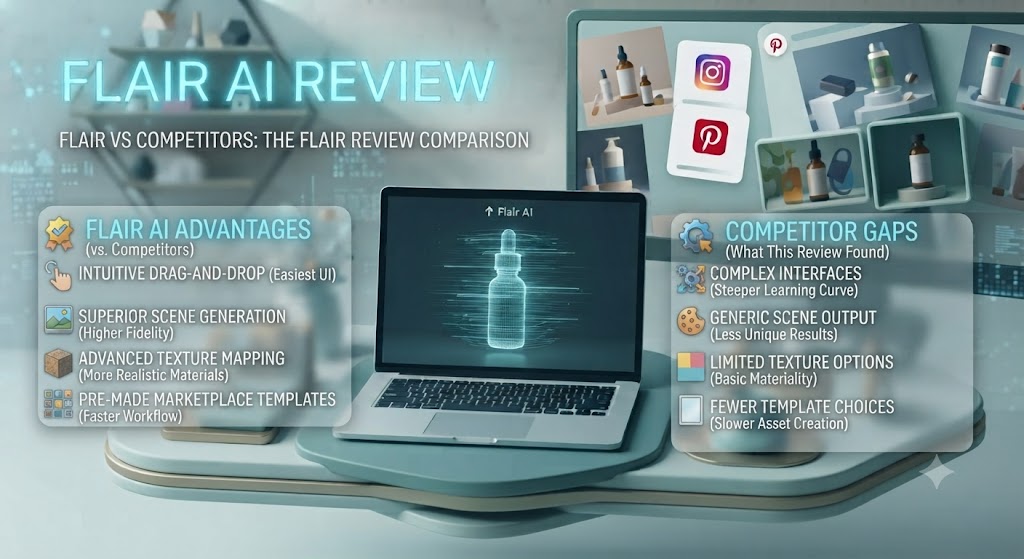
This Flair review comparison shows the platform winning most decisively on product fidelity preservation and lifestyle scene quality — the two capabilities that matter most for commercial product photography use cases. Canva AI and Adobe Firefly are general-purpose tools that can generate product-adjacent images but don’t preserve the specific appearance of a physical product reliably. Pebblely is the closest dedicated alternative but lacks Flair’s canvas composition control and prop system. For e-commerce and product marketing use cases specifically, this Flair review places Flair ahead of every alternative in the category. Explore more in our AI design tools hub.
Love What These AI Design Tools Can Do?
Great AI-generated visuals still need a cohesive brand identity holding them together. Let Tasknestly build your full branding — logo, guidelines, and visual system.
Explore Branding Services →Who Is Flair Best For? The Flair Review Audience Assessment
Flair works best for:
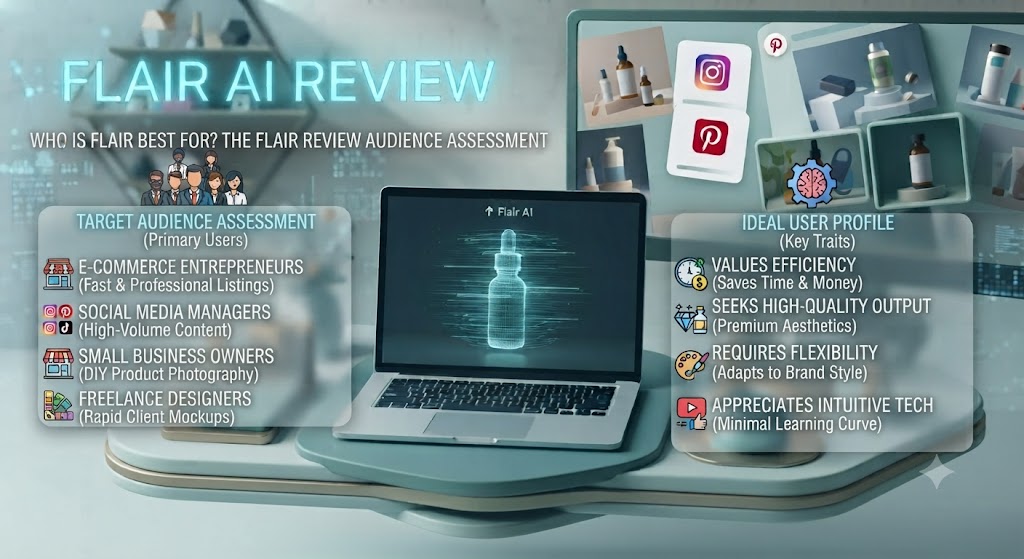
- E-commerce brands and DTC companies who need to produce high-volume product imagery for social media, ads, and landing pages without the cost and logistics of traditional photography
- Product marketing teams at brands launching new products frequently who need contextual lifestyle imagery on short timelines
- Marketing agencies managing product imagery for multiple e-commerce clients who want a scalable AI-powered production workflow
- Shopify and marketplace sellers who need high-quality product images for listings but don’t have the budget for professional photography shoots
- Beauty, home goods, food and beverage, and fashion brands whose product imagery needs are primarily lifestyle and contextual rather than technical precision
Flair is less ideal for:
- Brands whose primary image need is technically precise hero shots for catalogues and print — professional photography remains superior for those requirements
- Products with intricate small-scale details (fine jewellery, watchfaces, circuit boards) where AI generation loses critical detail
- Teams that need video or motion product content — Flair is primarily a static image tool
Love What These AI Design Tools Can Do?
Great AI-generated visuals still need a cohesive brand identity holding them together. Let Tasknestly build your full branding — logo, guidelines, and visual system.
Explore Branding Services →Get It / Skip It
✅ Get Flair if:
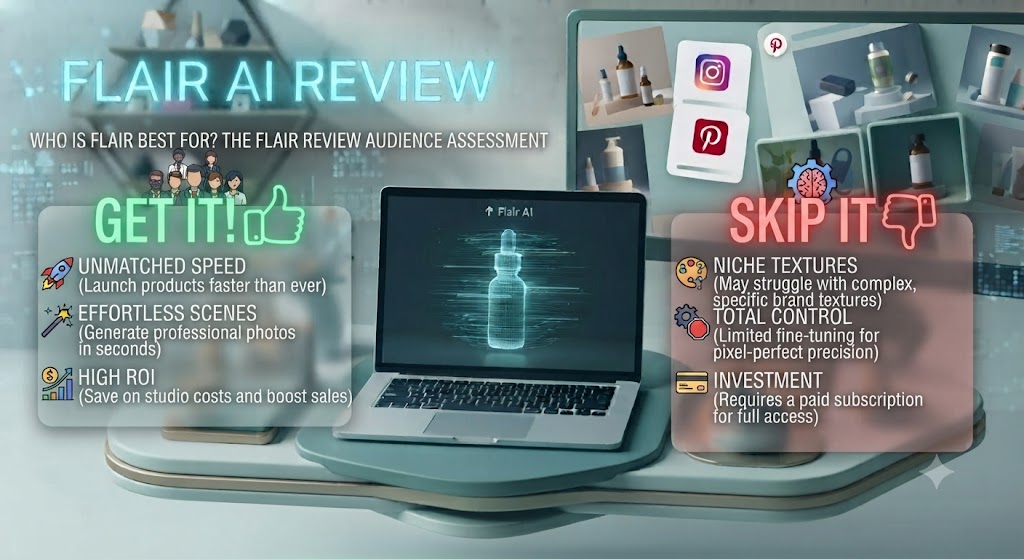
- You’re an e-commerce brand or DTC company producing regular product imagery for social media and ads who wants to reduce photography costs and turnaround time dramatically
- You manage a product catalogue that requires consistent lifestyle imagery across many SKUs and want AI to apply your visual style at scale
- You want to test multiple scene configurations for A/B testing ad creative without commissioning separate photography shoots for each variant
❌ Skip Flair if:
- Your primary need is technical precision hero images for print catalogues or high-resolution e-commerce listings where professional photography is the appropriate standard
- Your products have intricate fine details that require macro photography — AI generation loses those details in ways that are commercially unacceptable
- You need video or motion product content alongside static images — Flair’s current capability is focused on still photography output
Love What These AI Design Tools Can Do?
Great AI-generated visuals still need a cohesive brand identity holding them together. Let Tasknestly build your full branding — logo, guidelines, and visual system.
Explore Branding Services →Flair Review: Frequently Asked Questions
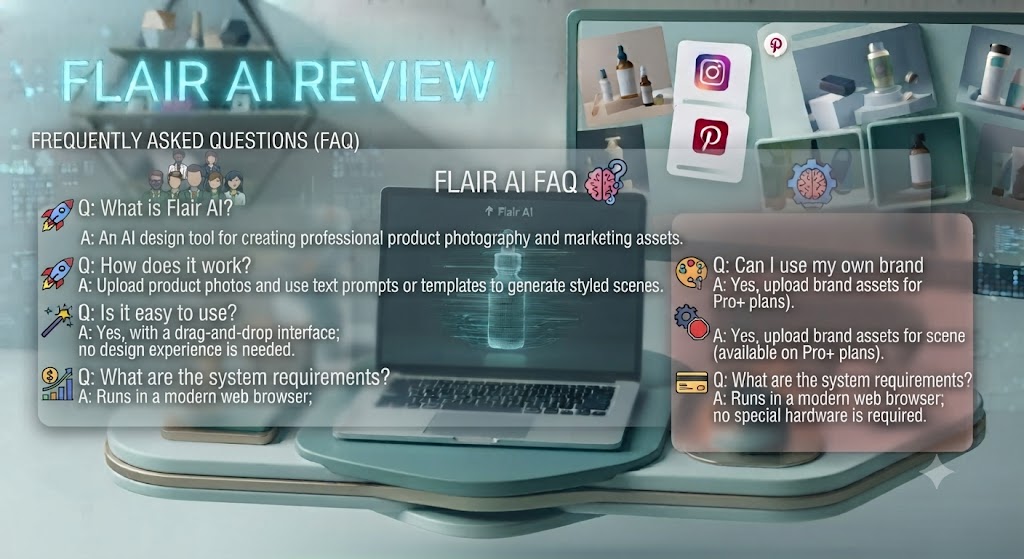
Q: Is this Flair review recommending it as a full replacement for professional photography? This Flair review does not recommend Flair as a complete replacement for professional photography in all contexts. For lifestyle and campaign imagery, Flair’s output quality is commercially strong and often indistinguishable from mid-tier photography at social media resolution. For hero shots requiring extreme technical precision, professional photography remains the superior choice. The most effective approach this Flair review found is a hybrid: professional photographer for hero images, Flair for everything else.
Q: Is Flair free to use? Yes, with limitations. Flair offers a free plan with 10 generations per month and watermarked output. This Flair review found the free plan sufficient for evaluating the platform’s core capabilities but insufficient for production use. The Starter plan at $10/month removes watermarks and provides 100 monthly generations, making it the practical entry point for active use.
Q: How well does Flair preserve product details? This Flair review found Flair’s product preservation to be the strongest in the dedicated AI product photography category. The platform consistently maintains accurate colours, label text, packaging shapes, and surface textures for most product types. Products with very fine details — small text, intricate patterns, highly reflective surfaces — can lose some fidelity and this Flair review recommends testing your specific product type during the free trial.
Q: Can Flair generate images for any product type? Flair works best with physical consumer products: beauty and skincare, food and beverage, home goods, apparel (flat lay style), electronics, and packaged goods. This Flair review found it less effective for products requiring specific contextual use — footwear on a specific type of terrain, garments worn on a person, or products that require technical demonstration rather than lifestyle presentation.
Q: How long does Flair take to generate images? This Flair review found Flair generates a set of image variants in 20–60 seconds depending on scene complexity. For most practical product photography workflows, the speed this Flair review observed represents a fundamental shift from hours-long shoot logistics to minutes-long digital generation.
Q: Does Flair work for social media content? Yes. This Flair review found Flair to be particularly well-suited for social media product imagery across Instagram, TikTok, Pinterest, and Facebook. The lifestyle scene quality, the ability to generate multiple variants quickly for A/B testing, and the platform’s output formats make it a natural fit for performance marketing and organic social content workflows.
Q: What are the best Flair alternatives? This Flair review points to Pebblely (closest direct competitor, simpler interface), Adobe Firefly with Photoshop (strongest for compositing control but more complex workflow), Canva AI (best for teams already in Canva’s ecosystem), and StudioShot (emerging competitor). Our AI design tools category covers all of these.
Love What These AI Design Tools Can Do?
Great AI-generated visuals still need a cohesive brand identity holding them together. Let Tasknestly build your full branding — logo, guidelines, and visual system.
Explore Branding Services →Conclusion: Final Flair Review Verdict
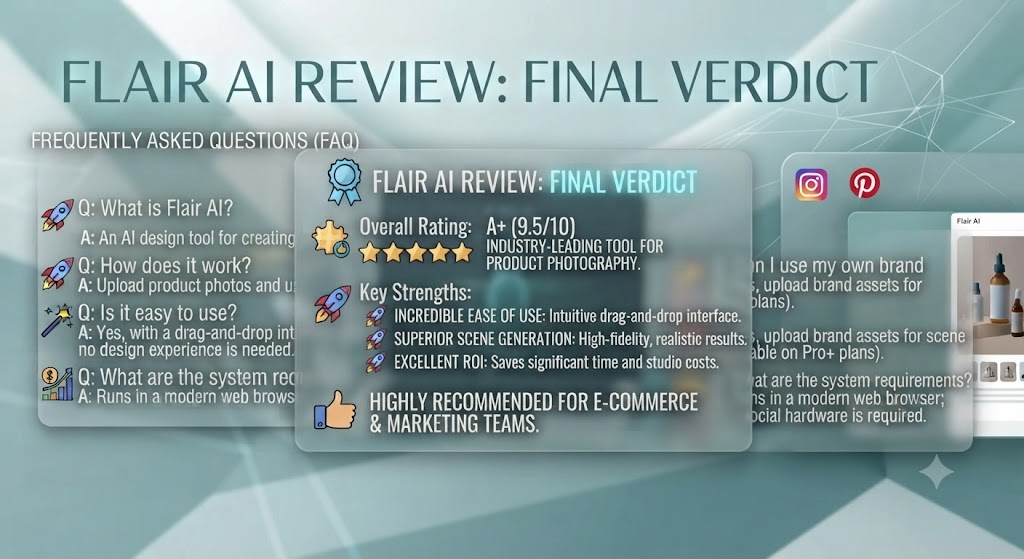
After completing a thorough Flair review, the platform’s position in the AI design category is clear: Flair is the best dedicated AI product photography tool available in 2026, and for e-commerce brands producing lifestyle and campaign product imagery, it represents one of the most compelling ROI cases in any marketing technology category. The scene quality is genuinely impressive, the product preservation is the strongest in the category, and the workflow efficiency — from upload to commercially usable image in under five minutes — is transformational relative to traditional photography logistics.
The limitations this Flair review identified are real and important to understand before committing. Flair is not a technical product photography tool — it cannot replace professional photography for catalogue hero shots, print assets, or imagery where extreme precision is required. Products with intricate details lose fidelity that matters for certain commercial contexts. And the platform is focused on static imagery, not video or motion content.
For the use case this Flair review recommends it for — lifestyle and campaign product imagery for social media, digital ads, and e-commerce product pages — Flair earns a confident recommendation. At $39/month for the Pro plan with unlimited generations, it represents extraordinary value for any e-commerce brand currently spending thousands per year on product photography. Start with the free plan to evaluate quality on your specific product type, and upgrade when the output meets your commercial standards. Explore more tools in our AI design tools hub.
Disclosure: This article contains affiliate links. TechBotHQ may earn a commission if you sign up through our links, at no extra cost to you. See our affiliate disclosure for full details.
Love What These AI Design Tools Can Do?
Great AI-generated visuals still need a cohesive brand identity holding them together. Let Tasknestly build your full branding — logo, guidelines, and visual system.
Explore Branding Services →