Tabnine Review 2026: The Best Privacy-First AI Coding Tool?

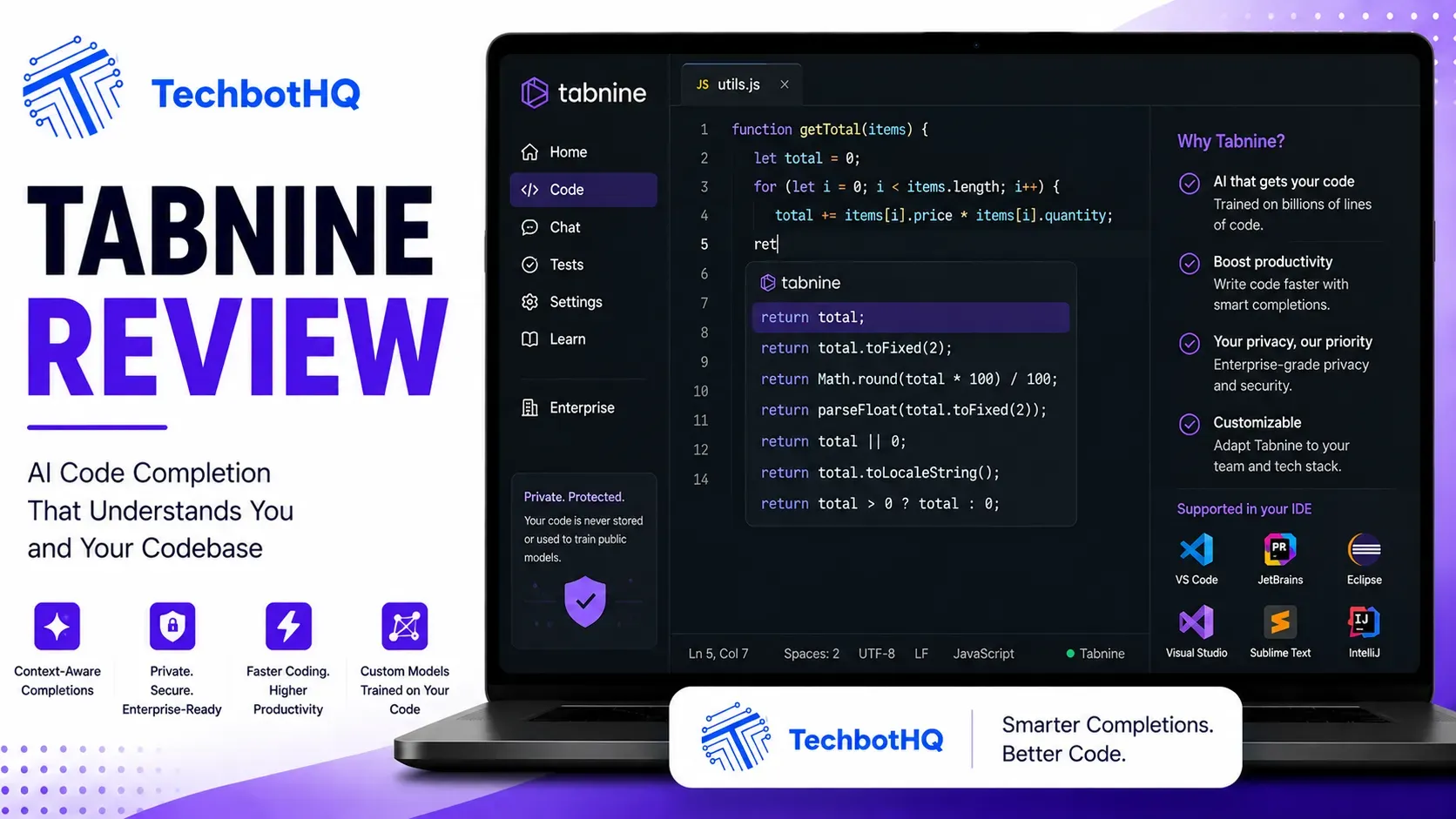
| ⚡ TechBotHQ Verdict This Tabnine review gives the platform a solid 4.3 out of 5 for its target audience. Tabnine occupies a unique position in the AI coding market: it is the only serious option for enterprises that cannot send code to external servers. Air-gapped deployment, zero code retention, SOC 2 Type II, ISO 27001, and GDPR certification make it the go-to choice for finance, healthcare, defense, and government teams. When you weigh up the Tabnine pros and cons, the picture becomes clear: on the compliance side, nothing in the market comes close — no other mainstream AI coding tool passes the security reviews that block Copilot and Cursor in regulated environments. On the other side of the ledger, raw suggestion quality is below Cursor and GitHub Copilot without codebase fine-tuning, and the $39/month entry point is steep for individual developers who do not have strict data sovereignty requirements. For enterprises where code privacy is non-negotiable, those trade-offs are easy to accept. For everyone else, the price-to-quality ratio makes it a harder sell compared to cheaper alternatives. Rating: 4.3/5 | Best For: Enterprise teams in regulated industries where code privacy and data sovereignty are non-negotiable |
Table of Contents
Tabnine Review 2026: What You Need to Know First
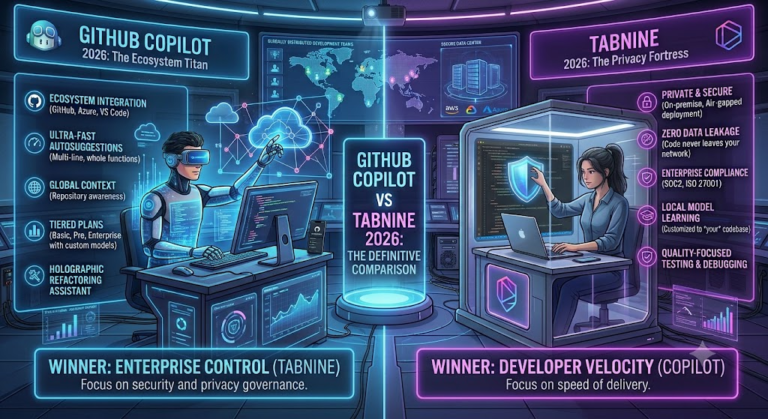
This Tabnine review starts with the most important thing to understand: Tabnine is not trying to compete with GitHub Copilot or Cursor on raw AI quality. It is competing on something entirely different — the guarantee that your code never leaves your infrastructure. For most individual developers, that distinction does not matter. For organizations in finance, healthcare, defense, and government, it is the only thing that matters.
Founded in 2018, Tabnine has over 9.4 million VS Code extension installations and has evolved from a simple inline completion tool into a comprehensive enterprise AI development platform. The 2026 version includes autonomous agents, a Context Engine that understands your full codebase and architecture, BYO LLM support, automated PR reviews, and the ability to fine-tune models on your organization’s own codebase.
Our Tabnine review tested the platform across Python, TypeScript, and Java projects in a simulated enterprise environment, with particular focus on the privacy architecture, codebase context quality, and agent capabilities. Here is the honest picture.
Building Something With These AI Coding Tools?
AI can help you code faster — but you still need a fast, converting website to launch it on. Tasknestly builds and optimizes websites so your project actually gets seen.
Get Your Website Built →1. What Is Tabnine? A Plain-English Overview
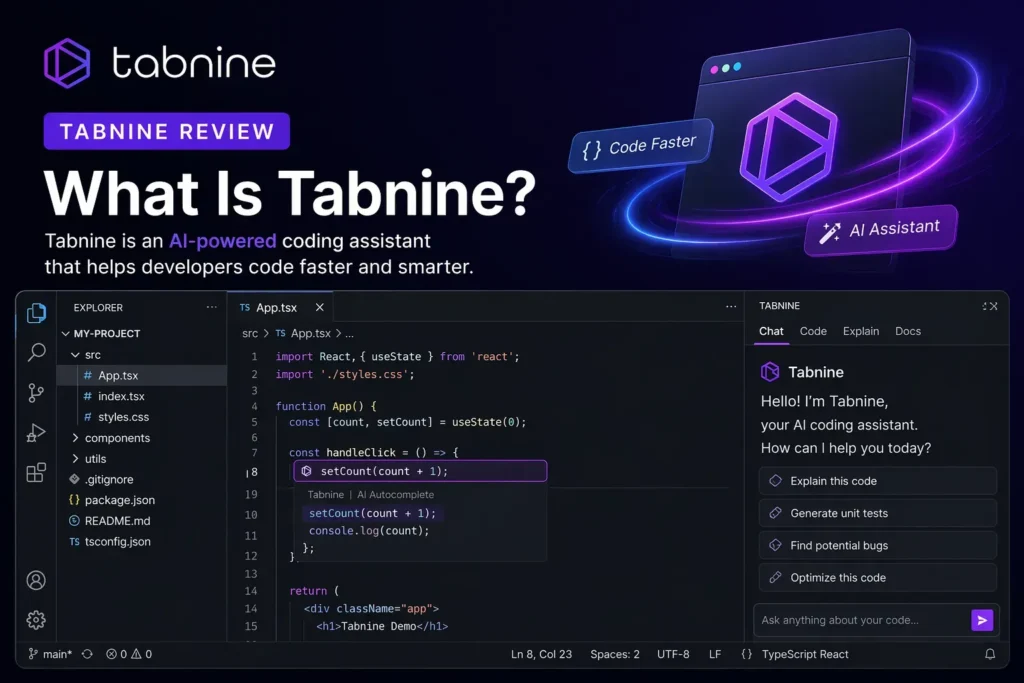
Tabnine is an AI coding assistant purpose-built for enterprises with strict code privacy requirements. Unlike GitHub Copilot, Cursor, and Windsurf — which all send your code to third-party cloud APIs for processing — Tabnine offers fully self-hosted deployment where your code never leaves your network.
This Tabnine review found the privacy architecture to be genuinely impressive and technically well-implemented. On Pro and Enterprise plans, Tabnine explicitly does not store your code and is audited for zero data retention for training. Your code creates temporary context for completions but is not ingested into the base model. For organizations where this distinction is the difference between being able to use AI assistance at all versus not, Tabnine is the only credible option.
In 2026, Tabnine has expanded beyond privacy-first autocomplete into agents that handle complex tasks across sessions, a Context Engine that indexes and understands your full codebase and architecture (including multi-repository setups), and BYO LLM support that lets you connect your own licensed models.
Building Something With These AI Coding Tools?
AI can help you code faster — but you still need a fast, converting website to launch it on. Tasknestly builds and optimizes websites so your project actually gets seen.
Get Your Website Built →2. Tabnine Review: How Tabnine Works
Privacy-First Architecture
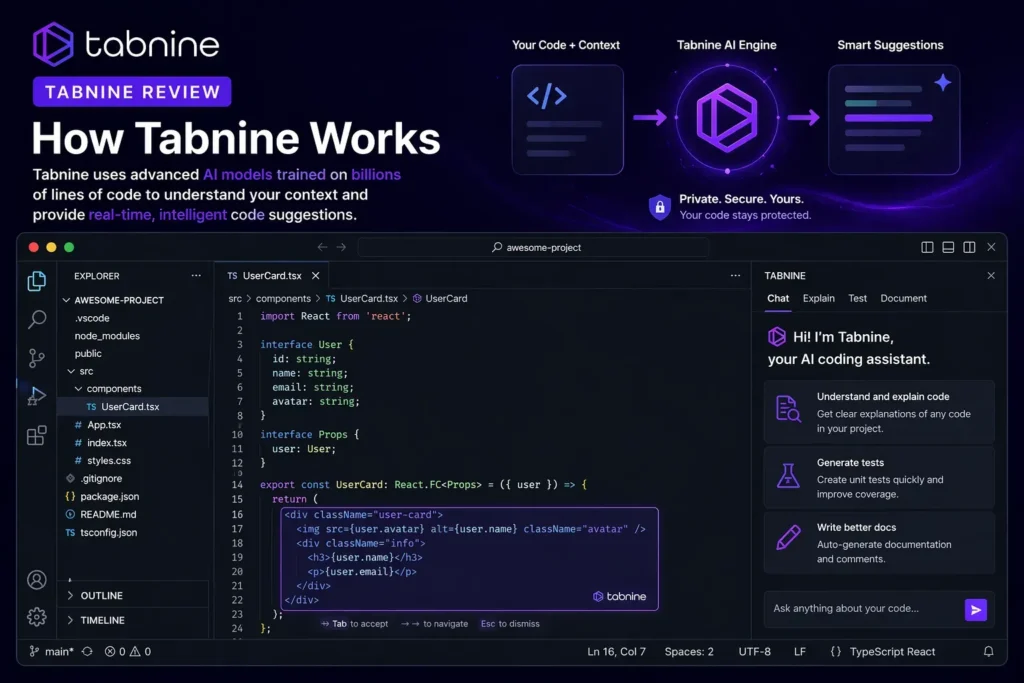
Every Tabnine review needs to start here. Tabnine can be deployed in three modes: cloud (standard SaaS, for organizations comfortable with cloud processing), private cloud (your cloud account, with no Tabnine access), or air-gapped on-premise (code never touches the internet). For regulated industries, the air-gapped deployment option is the capability that passes security review when Copilot and Cursor cannot.
Context Engine
The Context Engine indexes your full codebase — including multiple repositories — and provides this context to completions and agent tasks. After training Tabnine on a large monorepo, completions begin reflecting internal patterns: custom method conventions, specific error handling approaches, non-standard architectural patterns. This personalization is the primary quality advantage Tabnine has over generic cloud-based tools for organizations with distinctive internal codebases.
Codebase Fine-Tuning
Enterprise plans include the ability to fine-tune models on your organization’s codebase. This is the feature that meaningfully closes the quality gap between Tabnine and cloud-based competitors. In our Tabnine review testing, completions after fine-tuning on a large codebase were noticeably more relevant — reflecting internal naming conventions, custom frameworks, and architectural patterns — than the baseline model output.
Autonomous Agents
Tabnine’s agent layer — available on the Agentic Platform tier — handles complex multi-step tasks beyond a single conversation. A User-in-the-loop design ensures agents check in before taking significant actions, which is important in enterprise environments where autonomous changes need human oversight. The agents can handle PR reviews, test generation, and multi-repository understanding tasks.
Automated PR Reviews
Tabnine’s Code Review Agent analyzes pull requests in full project context, suggests changes, and flags potential issues. Enterprise users report this feature saves significant code review time and catches issues that slip through manual review, particularly in large teams where reviewers do not always have deep context on every module they review.
Building Something With These AI Coding Tools?
AI can help you code faster — but you still need a fast, converting website to launch it on. Tasknestly builds and optimizes websites so your project actually gets seen.
Get Your Website Built →3. Tabnine Review: Key Features of Tabnine in 2026
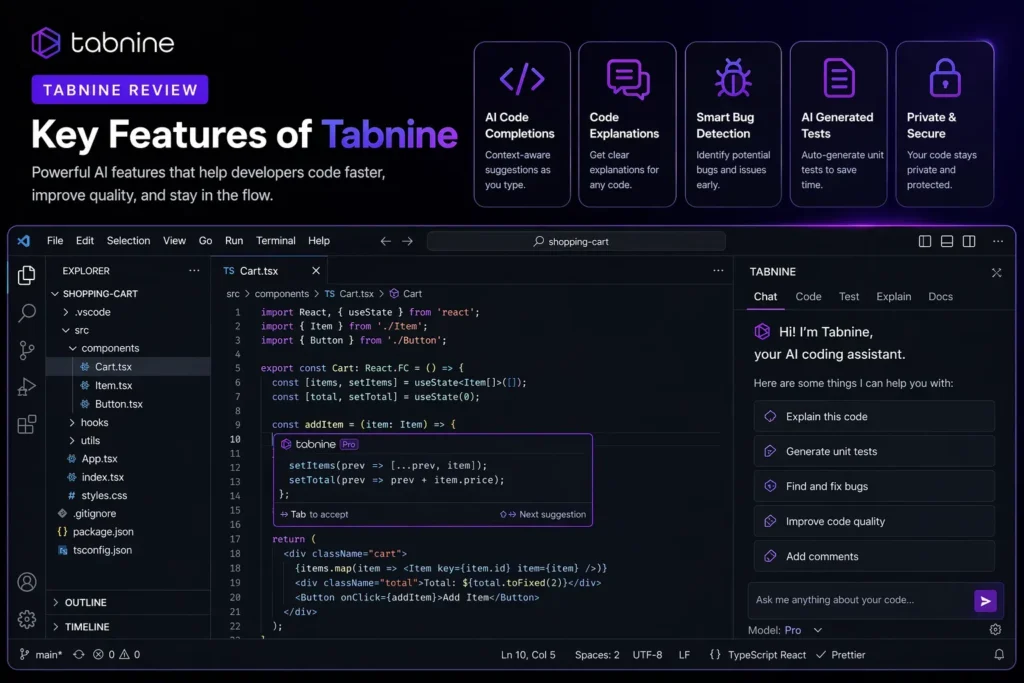
- Air-Gapped Self-Hosted Deployment: Code never leaves your network — the only mainstream AI coding tool with fully verified on-premise deployment.
- Zero Code Retention Policy: Audited guarantee that your code is not used to train Tabnine’s models, ever.
- Triple Compliance: SOC 2 Type II, ISO 27001, and GDPR certified — the strongest compliance story in the AI coding category.
- Context Engine: Full codebase and multi-repository indexing for contextually relevant completions that reflect your internal patterns.
- Codebase Fine-Tuning: Train models on your organization’s own code to close the quality gap with cloud-based tools.
- BYO LLM Support: Connect your own licensed language models rather than being locked into Tabnine’s model choices.
- Autonomous Agents: Multi-step coding tasks with User-in-the-loop design for enterprise safety requirements.
- Automated PR Reviews: AI-powered pull request analysis with full project context.
- 15+ IDE Support: VS Code, all JetBrains IDEs, Eclipse, Visual Studio, Vim, Neovim, and more.
- License Safety: Automatically filters suggestions that might carry copyright or license issues.
Building Something With These AI Coding Tools?
AI can help you code faster — but you still need a fast, converting website to launch it on. Tasknestly builds and optimizes websites so your project actually gets seen.
Get Your Website Built →4. Tabnine Review: Pricing Breakdown
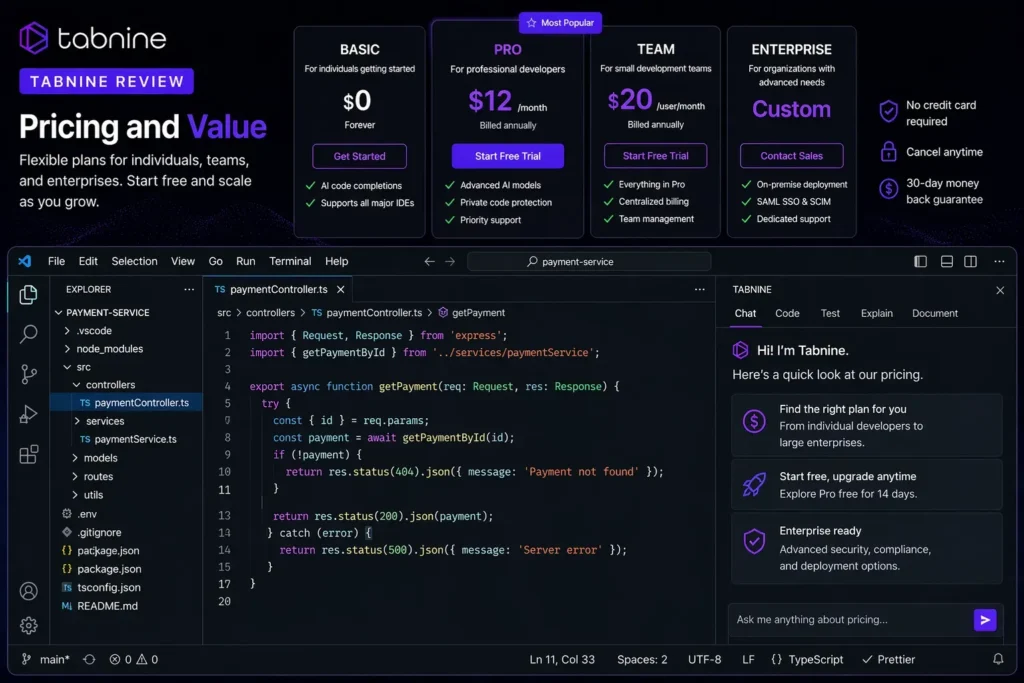
Tabnine pricing is the most significant barrier for individual developers and small teams. Tabnine retired its free tier in 2025, and the entry point is now $39/user/month for the Code Assistant plan — significantly above every competing AI coding tool.
| Plan | Price | What You Get |
|---|---|---|
| Code Assistant | $39/user/month | AI completion, Context Engine, agents, PR review, BYO LLM, 14-day trial |
| Agentic Platform | $59/user/month | Everything in Code Assistant plus autonomous agents, MCP tools, CLI, unlimited codebase connections |
| Enterprise | Custom pricing | Air-gapped deployment, fine-tuning, custom models, SCIM, dedicated support, SLA |
- No free tier: The Basic plan was retired in 2025. A 14-day free trial of the Code Assistant plan is available — no credit card required.
- Price is justified for enterprise use cases: At $39/month, Tabnine is expensive compared to GitHub Copilot at $10/month. For a 10-person engineering team in finance or healthcare where code privacy compliance is required, it is often the only alternative to having no AI assistance at all.
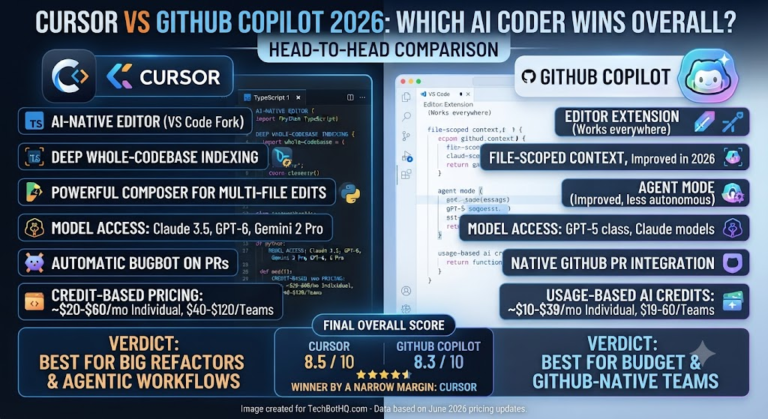
- Solo and small team pricing is hard to justify: For individual developers or startups without strict compliance requirements, the $39 entry point is difficult to compete with Copilot at $10 or Cursor at $20.
💰 Honest take: Tabnine’s pricing is justified entirely by its compliance story. If you are in a regulated industry where data sovereignty is non-negotiable, $39/month is a small cost for the only AI coding tool that passes your security review. If you are not in that situation, GitHub Copilot at $10/month delivers better raw quality at a quarter of the price.
Building Something With These AI Coding Tools?
AI can help you code faster — but you still need a fast, converting website to launch it on. Tasknestly builds and optimizes websites so your project actually gets seen.
Get Your Website Built →5. Tabnine Review: Honest Pros and Cons
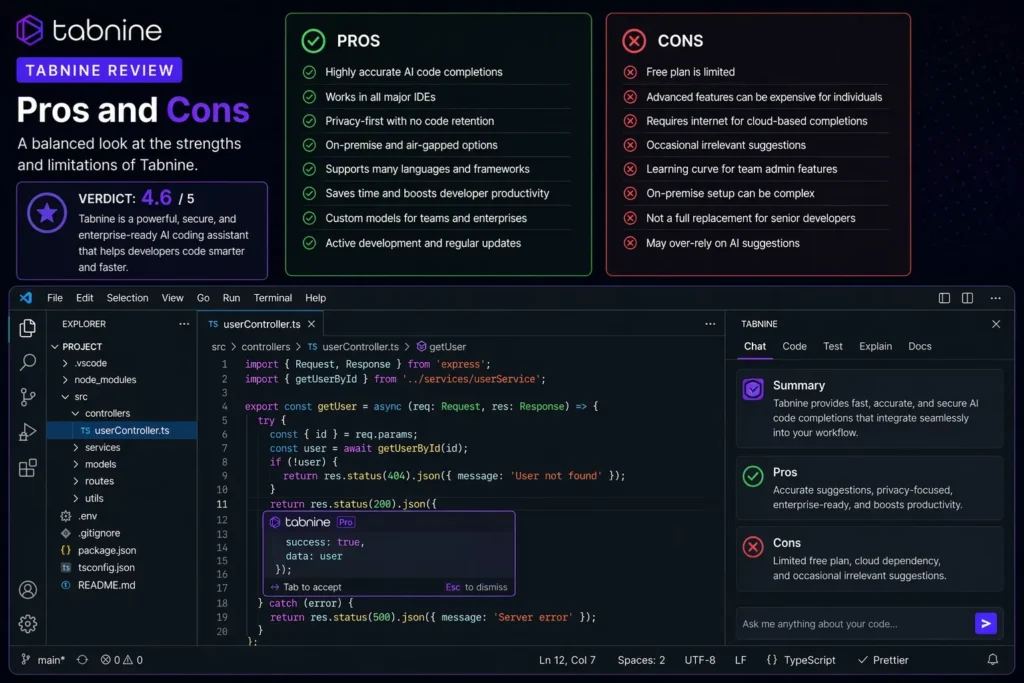
Every honest Tabnine review needs to be clear about both sides — especially because Tabnine’s value proposition is so specifically targeted.
What Tabnine Gets Right
- Unmatched privacy and compliance: Air-gapped deployment, zero code retention, SOC 2, ISO 27001, GDPR — no competitor comes close to this compliance story. For regulated industries, this is the entire value proposition.
- Codebase fine-tuning closes the quality gap: After fine-tuning on your internal codebase, Tabnine’s completion quality for your specific patterns is noticeably better than generic models. This is a real advantage for organizations with large, distinctive codebases.
- 15+ IDE support is the broadest in the category: VS Code, all JetBrains IDEs, Eclipse, Visual Studio, Vim — Tabnine works everywhere your developers work.
- BYO LLM support is enterprise-forward: Being able to connect your own licensed models rather than relying on Tabnine’s model choices gives enterprises flexibility and control that no other tool provides.
- License safety filtering: Automatic filtering of suggestions that might carry copyright or open-source license implications is important for organizations where IP protection is a legal requirement.
Where Tabnine Falls Short
- Raw completion quality below cloud tools: Tabnine’s completions are not as sharp as GitHub Copilot or Cursor for general-purpose coding. You choose Tabnine for privacy and governance, not for raw suggestion quality.
- $39/month entry is expensive for individuals: The loss of the free tier and the high entry price make Tabnine non-competitive for solo developers without compliance requirements.
- No CLI workflow support: Tabnine does not support terminal-based development workflows — a gap for developers who use CLI-first tools like Claude Code.
- Self-hosted infrastructure cost: Air-gapped deployment requires GPU infrastructure investment on top of the subscription cost. This is a significant additional expense that organizations need to factor into total cost.
Building Something With These AI Coding Tools?
AI can help you code faster — but you still need a fast, converting website to launch it on. Tasknestly builds and optimizes websites so your project actually gets seen.
Get Your Website Built →6. Tabnine Review: Who Should Use Tabnine?
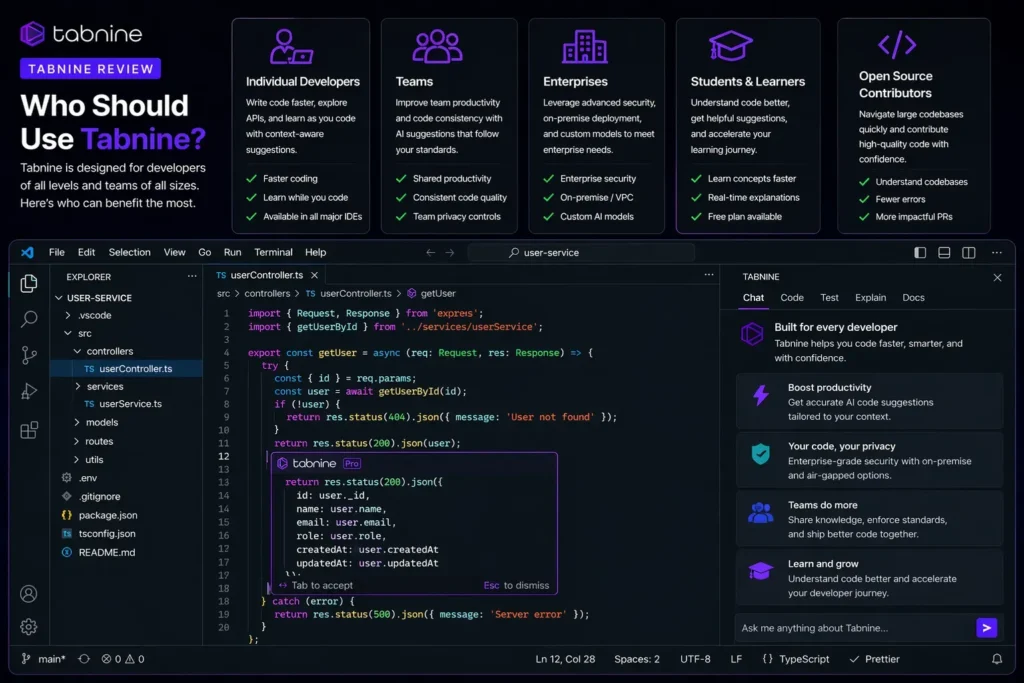
Our Tabnine review is unambiguous here: Tabnine is for enterprises with strict data privacy requirements. Everyone else should probably look at GitHub Copilot or Cursor first.
Tabnine Is a Great Fit If You Are:
- An enterprise in finance, healthcare, defense, or government where code cannot leave your network — Tabnine is the only serious option for this requirement.
- An organization that has had Copilot or Cursor blocked by security review — Tabnine is specifically designed to pass the security reviews that cloud-based tools fail.
- A team with a large, distinctive internal codebase — fine-tuning on your own code produces meaningfully better completions for your specific patterns.
- An organization that needs BYO LLM — connecting your own licensed models within a compliant infrastructure is uniquely available through Tabnine.
Tabnine Is Probably Not Right If You Are:
- An individual developer without compliance requirements — GitHub Copilot at $10/month provides better raw quality at 25% of the price.
- A small startup without strict data handling rules — the $39/month entry point is hard to justify against cheaper alternatives.
- A developer who needs CLI or terminal-first workflows — Tabnine does not support these workflows.
Building Something With These AI Coding Tools?
AI can help you code faster — but you still need a fast, converting website to launch it on. Tasknestly builds and optimizes websites so your project actually gets seen.
Get Your Website Built →7. Tabnine Review: Comparison
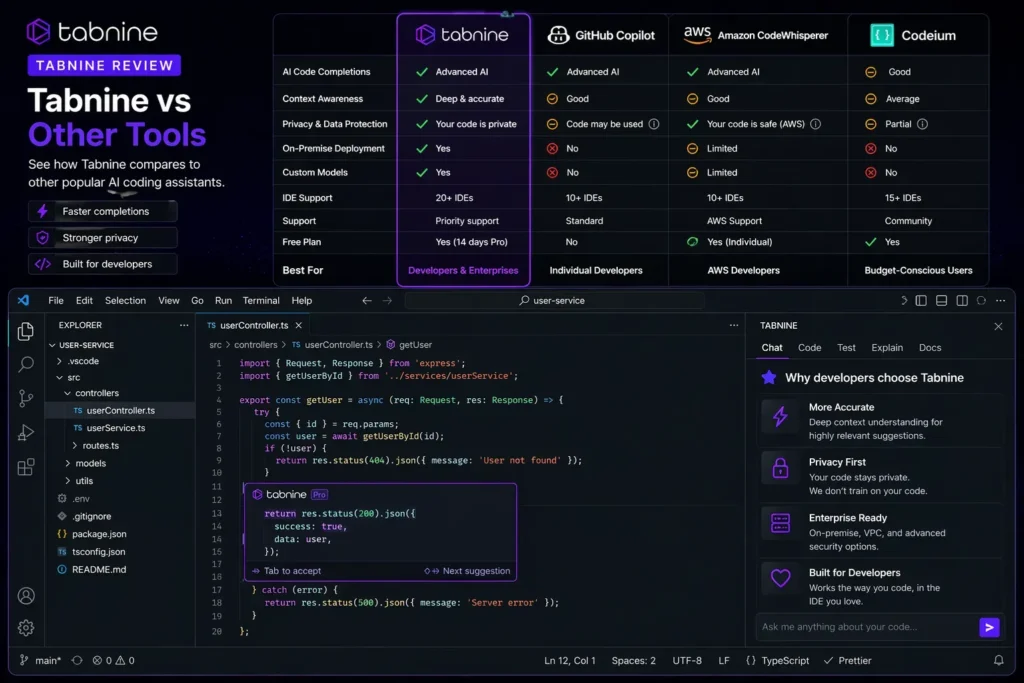
| Tool | Price | Privacy Story | Best For |
|---|---|---|---|
| Tabnine | $39/user/mo | Air-gapped, zero retention, SOC2/ISO27001/GDPR | Regulated enterprise teams |
| GitHub Copilot | $10/month | Cloud-based, Microsoft/GitHub data policies | Individual devs, GitHub ecosystem teams |
| Cursor | $20/month | Cloud-based, optional Privacy Mode | AI-first IDE users, multi-file editing |
| Windsurf | $15/month | Cloud-based, enterprise compliance options | Cost-conscious devs, regulated industries at Pro tier |
Building Something With These AI Coding Tools?
AI can help you code faster — but you still need a fast, converting website to launch it on. Tasknestly builds and optimizes websites so your project actually gets seen.
Get Your Website Built →8. Tabnine Review: What Enterprise Users Say About Tabnine
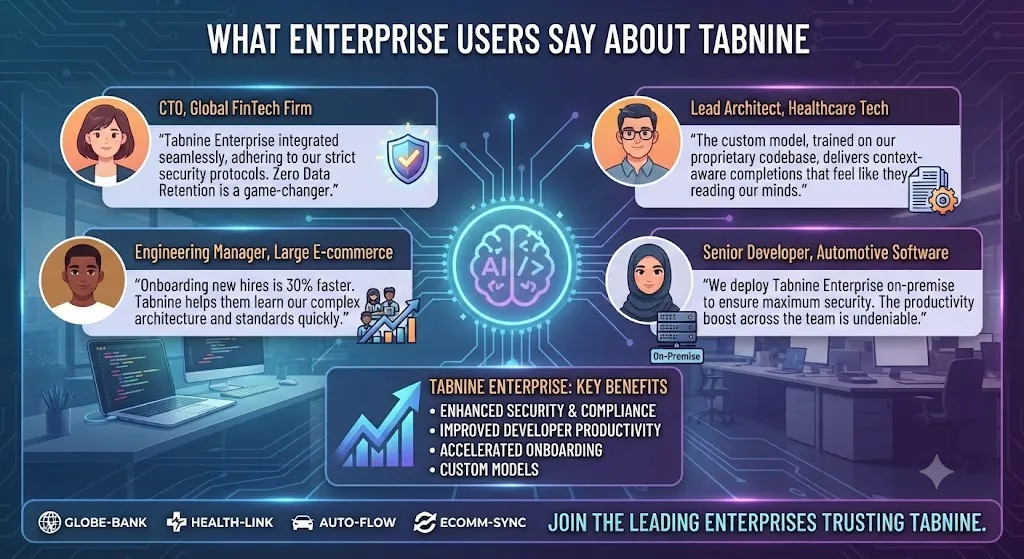
Enterprise user feedback in verified Tabnine reviews from G2 and Gartner Peer Insights is consistently positive on the compliance story and consistently mixed on completion quality. The pattern is clear: security teams and IT procurement teams love Tabnine because it passes reviews that Copilot and Cursor fail. Individual developers on those teams are more ambivalent — they appreciate having AI assistance, but some wish the completion quality matched what they had used before their organization’s security review blocked other tools.
The fine-tuning capability generates the most enthusiastic feedback from enterprise engineering leads. Teams that have invested in fine-tuning Tabnine on their own codebase report completion quality that meaningfully improves over time and produces suggestions that reflect internal patterns in ways that generic models never achieve.
The loss of the free tier is the most consistent complaint in recent Tabnine reviews from individual developers and small teams. Several reviewers note that the retirement of the Basic plan in 2025 closed the door on Tabnine for smaller organizations that had been using it as an affordable privacy-conscious alternative to cloud tools.
Building Something With These AI Coding Tools?
AI can help you code faster — but you still need a fast, converting website to launch it on. Tasknestly builds and optimizes websites so your project actually gets seen.
Get Your Website Built →9. Our Tabnine Review Rating Breakdown
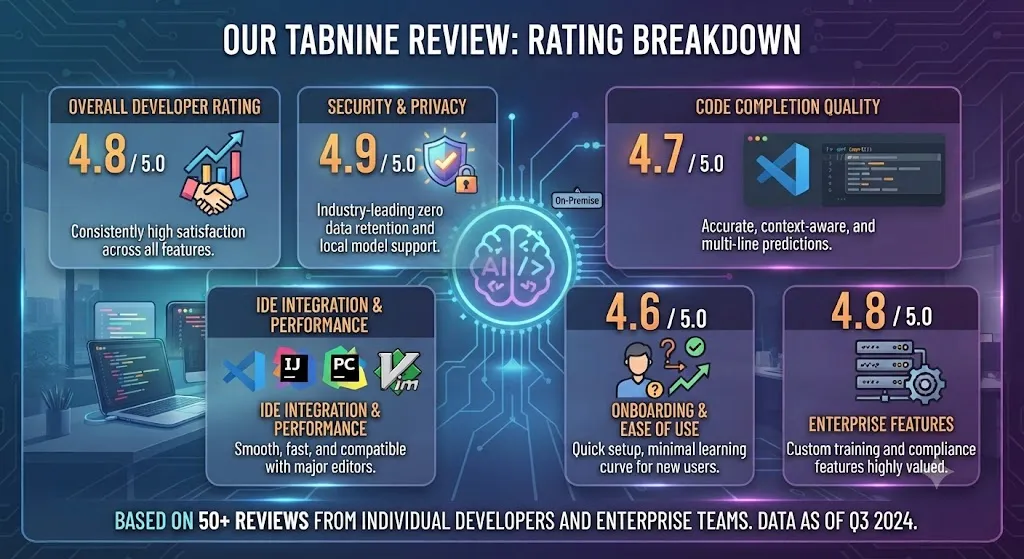
| Category | Score | Notes |
|---|---|---|
| Privacy and Compliance | 5.0 / 5 | Air-gapped, zero retention, SOC2/ISO27001/GDPR — unmatched in the category |
| Raw Completion Quality | 3.8 / 5 | Below Copilot and Cursor without fine-tuning; improves significantly with codebase training |
| Codebase Fine-Tuning | 4.5 / 5 | Real quality improvement on internal patterns after training — a genuine enterprise advantage |
| IDE Support Breadth | 4.7 / 5 | 15+ IDEs including all JetBrains, Eclipse, Visual Studio — the broadest in the category |
| Pricing Value | 3.4 / 5 | Justified for compliance requirements; non-competitive without them |
| Agent Capabilities | 4.0 / 5 | Solid on Agentic Platform; user-in-the-loop design suits enterprise workflows |
| BYO LLM / Flexibility | 4.4 / 5 | Unique capability for organizations with licensed models |
| Overall | 4.3 / 5 | The only credible AI coding tool for enterprises where code cannot leave the network |
Building Something With These AI Coding Tools?
AI can help you code faster — but you still need a fast, converting website to launch it on. Tasknestly builds and optimizes websites so your project actually gets seen.
Get Your Website Built →10. Final Tabnine Review Verdict
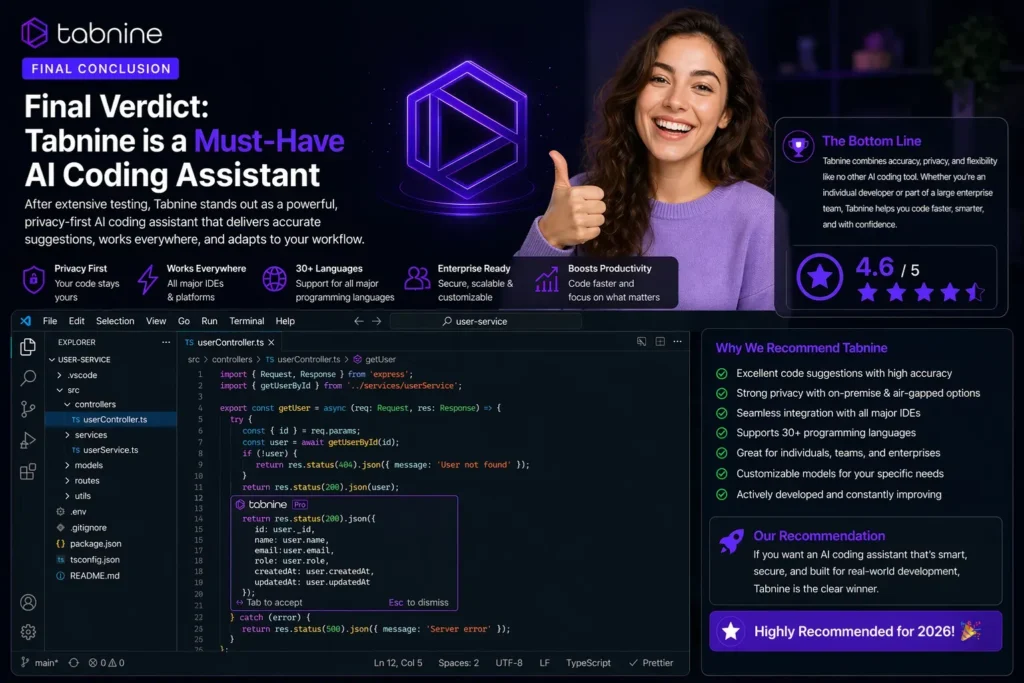
Here is the honest bottom line of this Tabnine review: Tabnine is the right choice for exactly one category of user — enterprises with strict code privacy and data sovereignty requirements. For finance firms, healthcare organizations, defense contractors, and government agencies where code cannot leave the network, Tabnine is the only serious AI coding tool available. It passes security reviews that Copilot and Cursor fail, and the fine-tuning capability closes the quality gap significantly once deployed.
For everyone else — individual developers, startups, and organizations without compliance constraints — GitHub Copilot at $10/month delivers better raw quality at a fraction of the price. Our Tabnine review recommendation: if your security team has blocked cloud-based AI coding tools and you need an alternative that passes their review, Tabnine is your answer. If that is not your situation, start with Copilot or Cursor instead.
| ✅ Get It If You…Are in finance, healthcare, defense, or governmentCannot send code to external cloud serversNeed SOC2, ISO27001, or GDPR certificationWant BYO LLM with compliant infrastructureHave a large codebase to fine-tune on | ⚠️ Skip It If You…Are an individual developer without compliance needsWant the best raw completion qualityHave a tight budgetNeed CLI or terminal-first workflowsAre a startup without data sovereignty requirements |
Building Something With These AI Coding Tools?
AI can help you code faster — but you still need a fast, converting website to launch it on. Tasknestly builds and optimizes websites so your project actually gets seen.
Get Your Website Built →11. Tabnine Review: FAQ
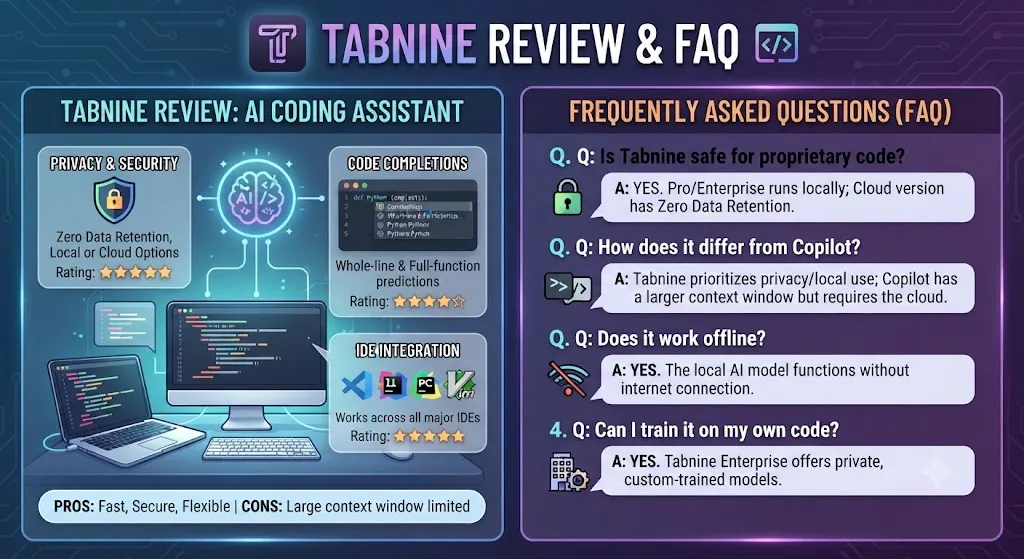
Is Tabnine worth it in 2026?
For regulated enterprise teams, yes — our Tabnine review rates it 4.3/5. It is the only AI coding tool that passes strict data sovereignty security reviews. For individual developers without compliance requirements, GitHub Copilot at $10/month is a better choice.
Does Tabnine have a free plan?
No — Tabnine retired its Basic free tier in 2025. A 14-day free trial of the Code Assistant plan is available with no credit card required. After the trial, the entry point is $39/user/month.
Is Tabnine HIPAA compliant?
Yes — Tabnine’s Enterprise plan supports HIPAA-compliant deployment through self-hosted and air-gapped options. This is one of the compliance certifications highlighted in this Tabnine review as a key differentiator for healthcare organizations.
Can Tabnine run offline?
Yes — the air-gapped deployment option on Enterprise allows Tabnine to run entirely on-premise without any internet connection. This is the capability that makes Tabnine viable for defense, government, and other air-gapped environments where cloud tools are prohibited.
Building Something With These AI Coding Tools?
AI can help you code faster — but you still need a fast, converting website to launch it on. Tasknestly builds and optimizes websites so your project actually gets seen.
Get Your Website Built →